The Best Beautiful.ai Alternatives to Create AI-Powered Presentations

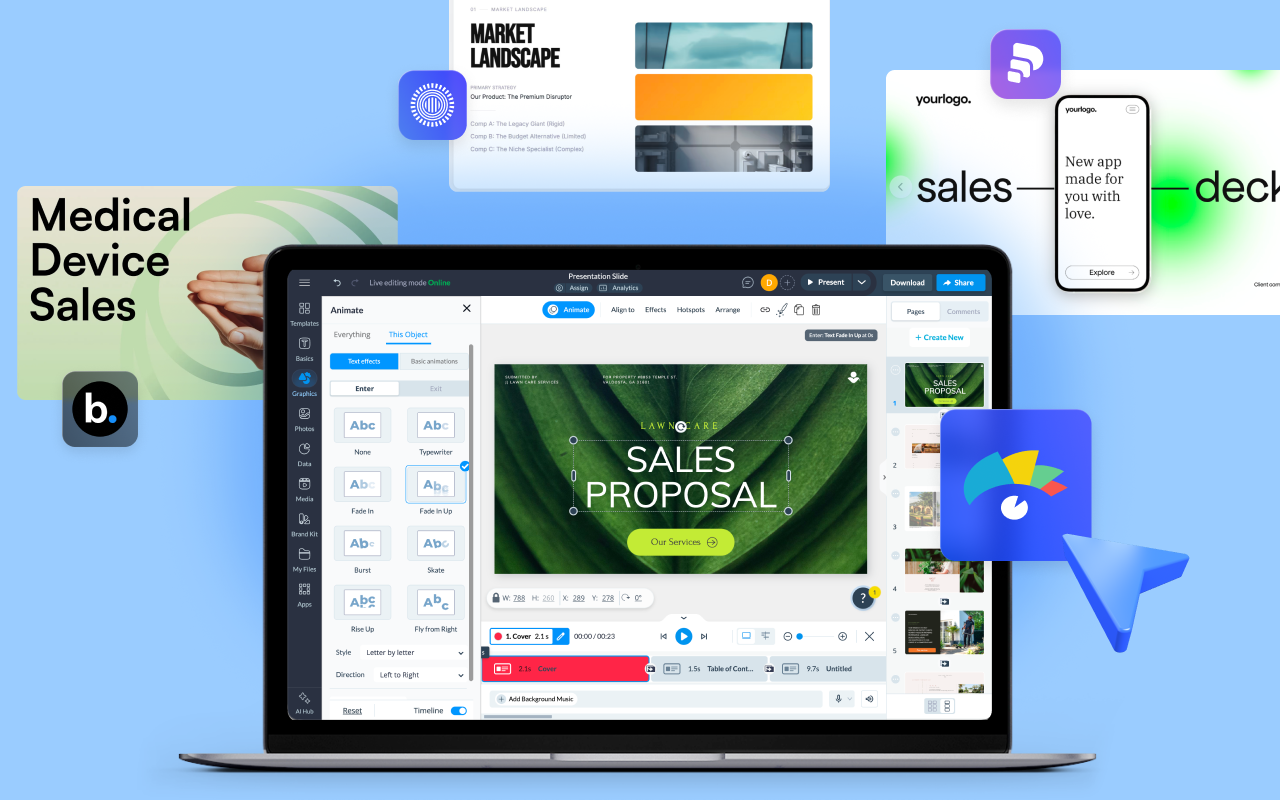
Sales teams have relied on the same kind of slide software for decades, built for static slides that flip from one to the next while the room just watches. You get one shot at that room's attention, and a flat deck loses it fast. The same applies to decks you send to prospects to watch on their own time.
To avoid losing the audience’s attention, your decks need a dose of interactivity. That's what an interactive sales presentation builder gives you.
Building something more interactive doesn’t always mean hiring a designer or learning to code. Anyone on your team can create an interactive presentation with a tool that's quick to roll out across every rep, produces something sharp without a designer, and shows you when a buyer is paying attention.
Interactive sales presentation software lets reps create clickable, media-rich decks, keep them on-brand, and share them as interactive content links that work on any device.
But which one is best for your team? Keep reading; we'll break down what to look for and how to choose.
This guide covers what interactive sales presentation software is, which features matter when choosing the right one for your reps, and the 10 best options for sales teams in 2026.
Quick Reads
An interactive sales presentation is a sales deck that uses dynamic content and interactive elements to make presentations more engaging, hold buyers' attention, and drive action.
Instead of relying on static slides, it incorporates features such as clickable hotspots, embedded videos, live demos, interactive infographics, quizzes, forms, and branching navigation.
In a live pitch, sales reps can use these elements to jump straight to the slide a prospect asks about, reveal pricing only when it's relevant, or play a demo video on the spot.
In an asynchronous setup where the buyer reviews the deck on their own time, the experience is different. They can navigate to the sections that interest them, complete a product tour, replay an embedded demo, or access supporting resources whenever they're ready.
At the highest level, these presentations become fully immersive, interactive experiences that buyers can explore as if on a microsite.
Many interactive presentation platforms also provide performance analytics after the deck goes out, showing which sections buyers viewed, how long they spent on each one, and where they dropped off.
Not sure how it all works? Here’s a video showing you how to make your slides clickable and animated, so they launch off the page:
A static deck makes every buyer sit through every slide in order, even the ones that don't apply to them. That drags out a pitch that's already competing with several other vendors doing the same thing.
Interactive decks cut that down. A rep can jump straight to the slide a prospect asks about, skip the ones that don't apply, and pull up a demo the moment a question comes up. That shortens the pitch to what the buyer actually needs, which shortens the sales cycle.
Interactive decks also hold attention better during async presentations. The average person stays focused on a single point on a screen for only about 47 seconds. A deck built with hotspots, video, and branching paths gives the buyer something to click through, keeping them engaged longer and reducing the fatigue of sitting through slide after slide.
Interactive sales presentations fall into three main types, each tied to a stage in the deal. Picking the right one depends on whether you're presenting live or letting the buyer review on their own time.
Whichever type you use, the goal is the same: give the buyer something to engage with, whether the seller is driving it live or the buyer is exploring it on their own. A product marketer sums up why that matters:
"A great interactive presentation should give someone that taste of the product, through embedded videos, guided tours, mockups, or shareable tools, so they can play around, send it to team members, and feel like they're already part of the experience." - Olha Zaplatynska, Professional product marketer.
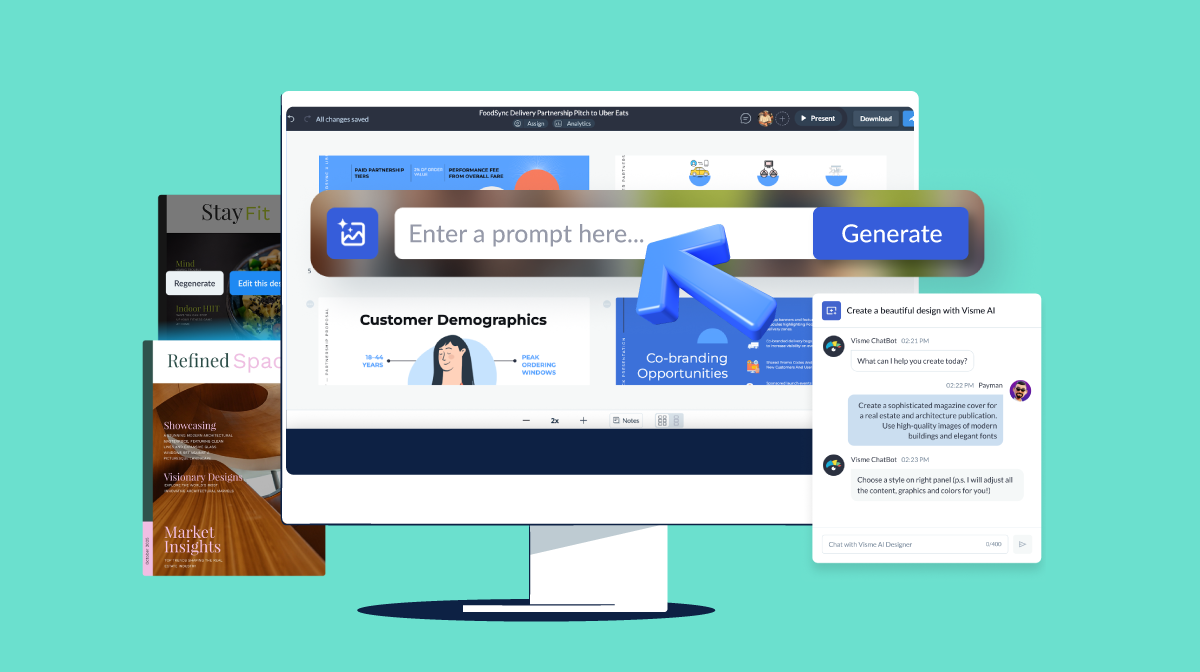
To build an interactive, sales-converting presentation, follow these five steps with Visme AI. It’ll create a structured deck in seconds, so you start from a draft instead of a blank slide. Then this same deck can be reused for other clients by simply updating the information.
This process for sales interactive presentations can work just as well for interactive training and learning content, so the tool you pick for sales can double as a rep onboarding tool.
Here's the full process in action:
Describe your offer to an AI presentation tool, or start from a template if you'd rather not build from scratch. Upload any content you already have, such as a one-pager or product sheet, so the draft draws on real information rather than just a prompt.
Refine the headlines and copy so they fit your offer exactly, and trim anything that reads long or generic. Adjust the layout, images, and design to match your brand. Personalize the details that vary by account, such as the buyer's name, company, or a deal-specific figure, directly on the slide.
Add hotspots to reveal detail on click or hover, add animated effects and motion, embedded video or audio, or branching paths that let the buyer choose what to explore. Space these out across the deck rather than stacking them too close together.
Here's an example of an interactive sales deck built in Visme, with hotspots on the product slide and an embedded demo video.
Made with Visme Presentation Maker
Send the deck as a live link for buyers to explore on their own, embed it as HTML5 in an email or landing page, or export it as a PDF if your buyer's company blocks external links. Once it's out, track which slides each buyer opened and how long they spent on each one, and use that to time your next follow-up.
Interactive sales presentation software refers to platforms that help sales teams build clickable, media-rich decks, share them digitally, and track buyer engagement. They combine design tools, interactive elements, personalization, and analytics in one place, so reps don't need separate apps to create and measure a deck.
These platforms overlap with general interactive presentation tools, but sales-focused software adds buyer analytics, CRM syncing, and async sharing built for deal workflows. We'll cover 10 of the strongest options below.
The key to choosing the right interactive sales presentation tool comes down to seven factors, and not every tool offers the same depth. Here's what to check before you commit:
The 10 tools below are the strongest examples of presentation software for sales teams, based on search presence and sales relevance.
Most are available as interactive sales presentation software free to start, and many ship with a ready interactive sales presentation template, so you're not building from a blank slide every time.
Disclaimer: The comparisons and competitor ratings presented in this article are based on features available as of June 2026. We conduct thorough research and draw on both first-hand experience and reputable sources to provide reliable insights. However, as tools and technologies evolve, we recommend readers verify details and consider additional research to ensure the information meets their specific needs.
| Tool | AI Functionality | Key Interactive Features | Pricing | Ratings |
|---|---|---|---|---|
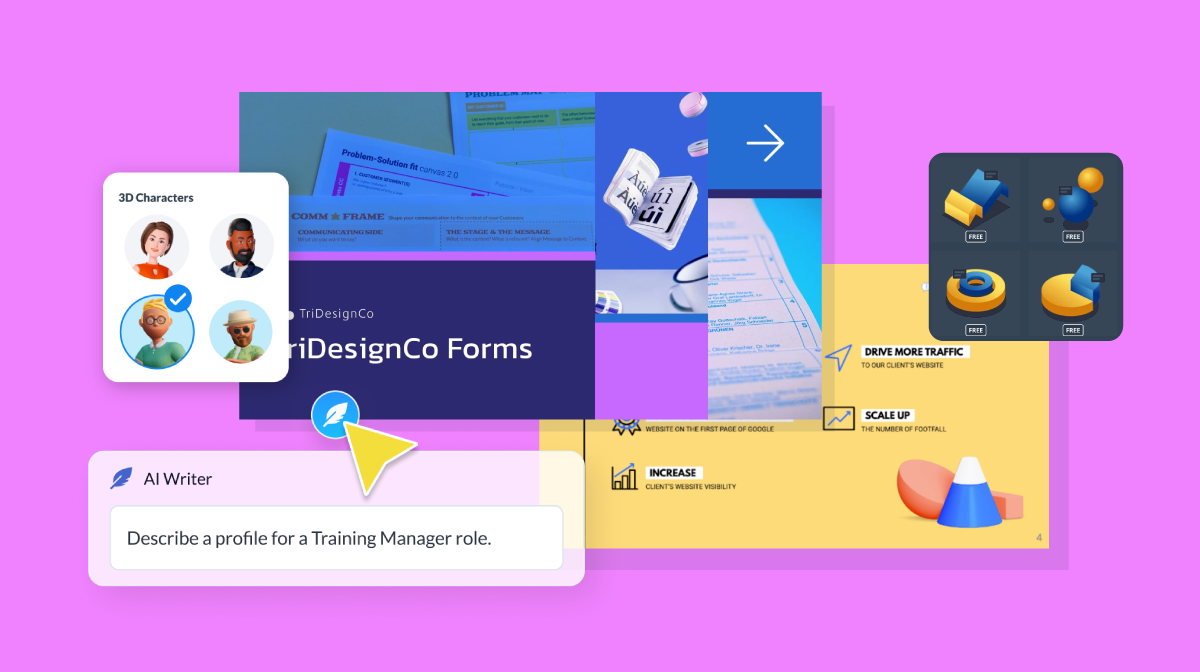
| Visme | AI Presentation Maker, AI Writer and AI image tools | Hotspots, hover effects, animations and transitions, 3D characters, icons, illustrations, special effects, embedded video and audio, polls, quizzes and branching paths | Free; paid from $12.25/user/month | |
| Storydoc | AI deck generation from a prompt | Clickable, scrollable web-based decks | Free trial; paid from $19.80/month | |
| Pitch | AI deck assistance | Live links, deal rooms buyers can navigate and comment in | Free; paid from $10/month | |
| Prezi | AI text and design help | Zooming canvas, non-linear navigation | Free; paid from $7/month | |
| Beautiful.ai | Smart Slides auto-layout, AI text and AI image generation | Clickable links and embedded video | Free trial, paid from $14.50/mo | |
| Canva | Magic Design, AI image generation and AI writing | Clickable links, animated transitions and third-party apps with interactive features | Free; paid from $18/month | |
| Mentimeter | AI slide and question builder | Live polls, quizzes, word clouds and Q&A | Free; paid from $14/month | |
| PandaSuite | Limited AI | No-code interactive apps, prototyping, analytics and branching logic | Free; paid from €24/month | |
| Genially | AI interactive builder | Hotspots, click-to-reveal and gamification widgets | Free; paid from $15/month | |
| Ingage | Limited AI | Guided, clickable talk tracks for reps | Free, paid from $90/user/mo |
|
Visme gives your sales team one unified place to build a deck, tailor it to each buyer, and control how it's presented during the pitch. AI drafts the first version from a prompt or your existing content, so your reps can get started fast on the deck design. After the pitch, or for an async sale, you can send the deck as a follow-up link so the buyer can review it on their own time.
Sales reps can add hotspots that reveal pricing or specs on click, embed a demo video that plays inline, and set up branching paths so they can jump straight to the section the buyer cares about. A rep running the deck live can skip straight to that section instead of clicking through slides the room doesn't need. The same hotspots and branching also give a buyer something to explore on their own if the deck goes out after the call.
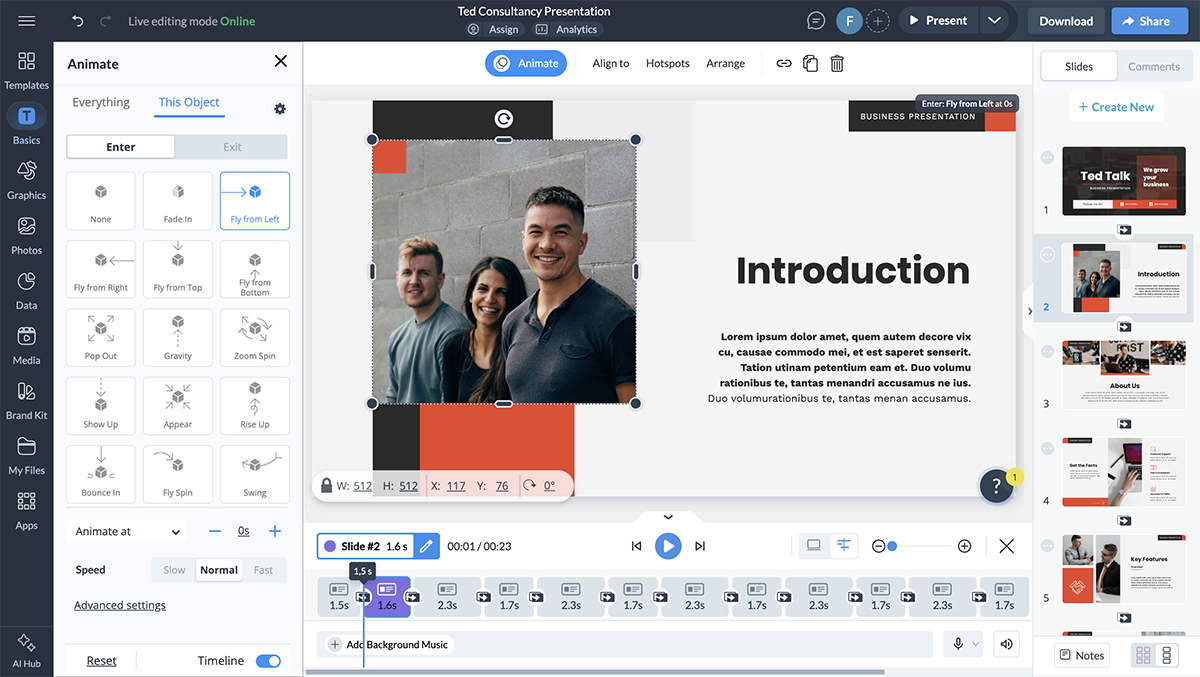
A rep pitching five prospects in the same week doesn't need five separate decks. Dynamic fields will help swap the client name, logo, and deal figures in a single master deck, reducing each new pitch to minutes of setup instead of a full rebuild.
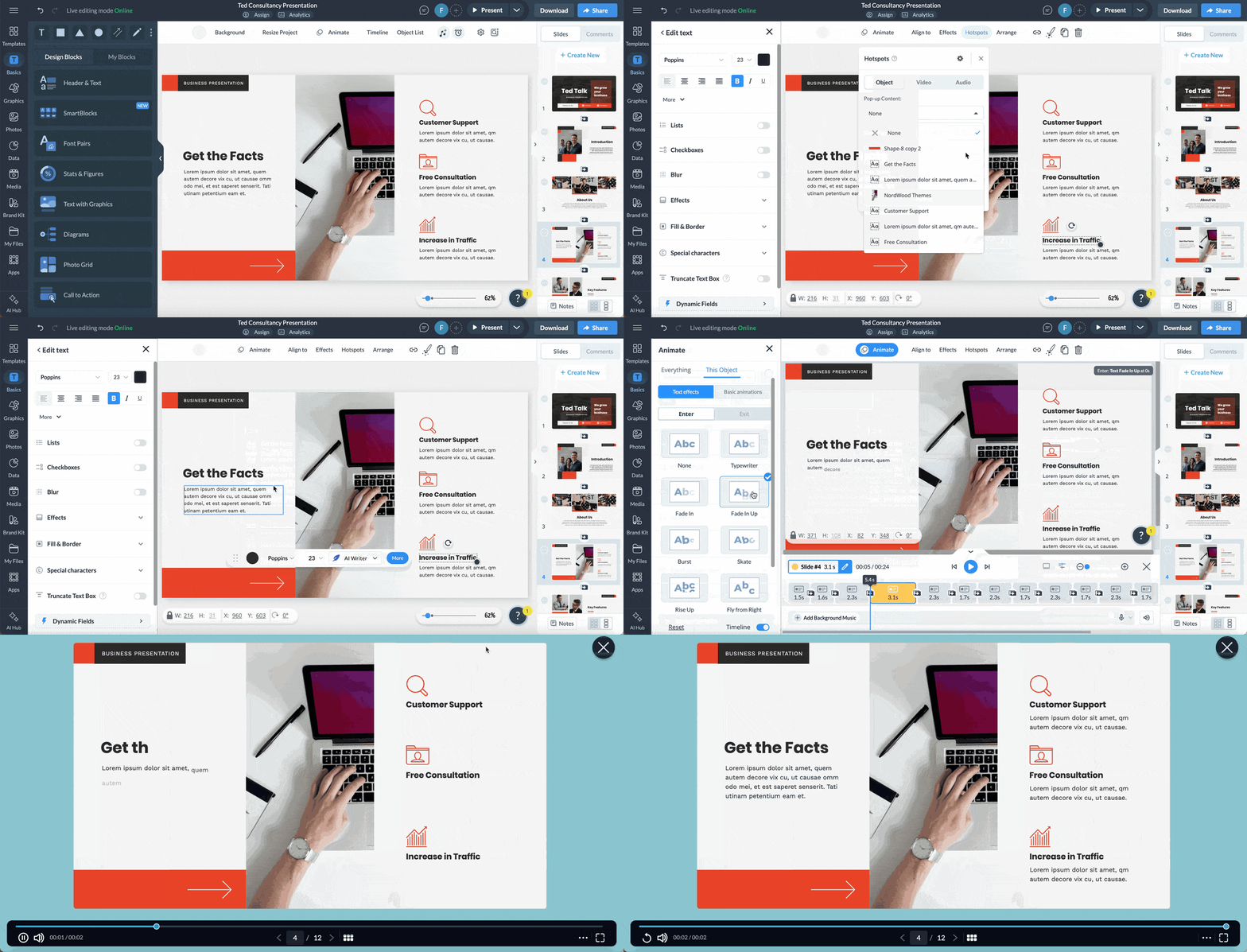
For managers, the payoff shows up in the deal itself. Reps spend less time rebuilding slides for each prospect and more time in front of buyers, and a deck built around hotspots and branching paths cuts a 45-minute walkthrough down to the few minutes a buyer actually needs.
The video below will walk you through building a multimedia sales deck in Visme, including how to add video, audio and clickable elements:
The free Basic plan gives you editor access, 500MB of storage, and a limited set of templates, but it adds a watermark and blocks downloads, so it works for testing rather than sending.
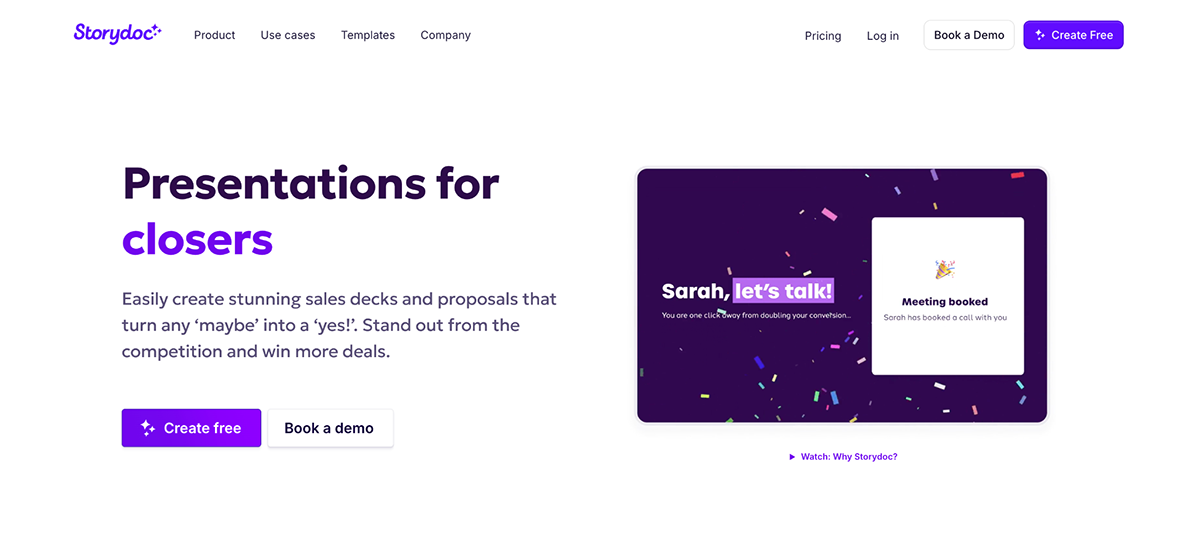
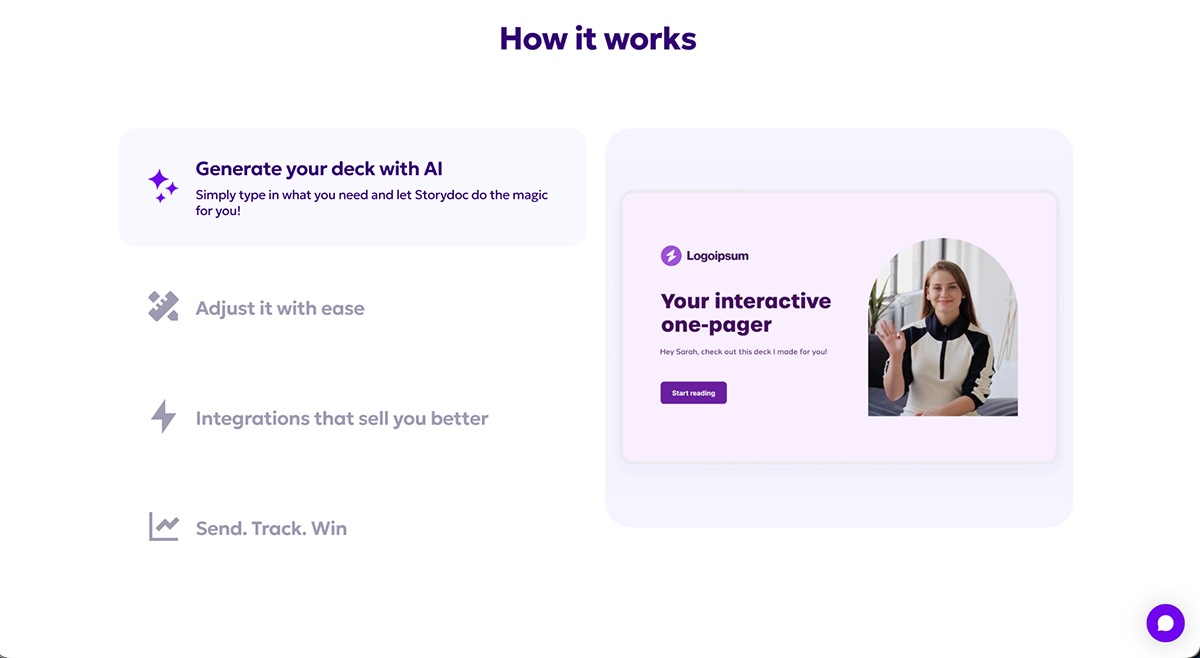
Storydoc helps sales teams turn sales content, like proposals and pitches, into a web-based deck that the buyer scrolls and clicks through like a webpage, instead of flipping through slides one at a time.
A rep can embed a demo video or a calculator directly in the deck, send it right after a discovery call, then see whether the prospect opened it, which sections they lingered on, and whether they forwarded it to a colleague, a signal that the deal now involves more than one decision-maker.
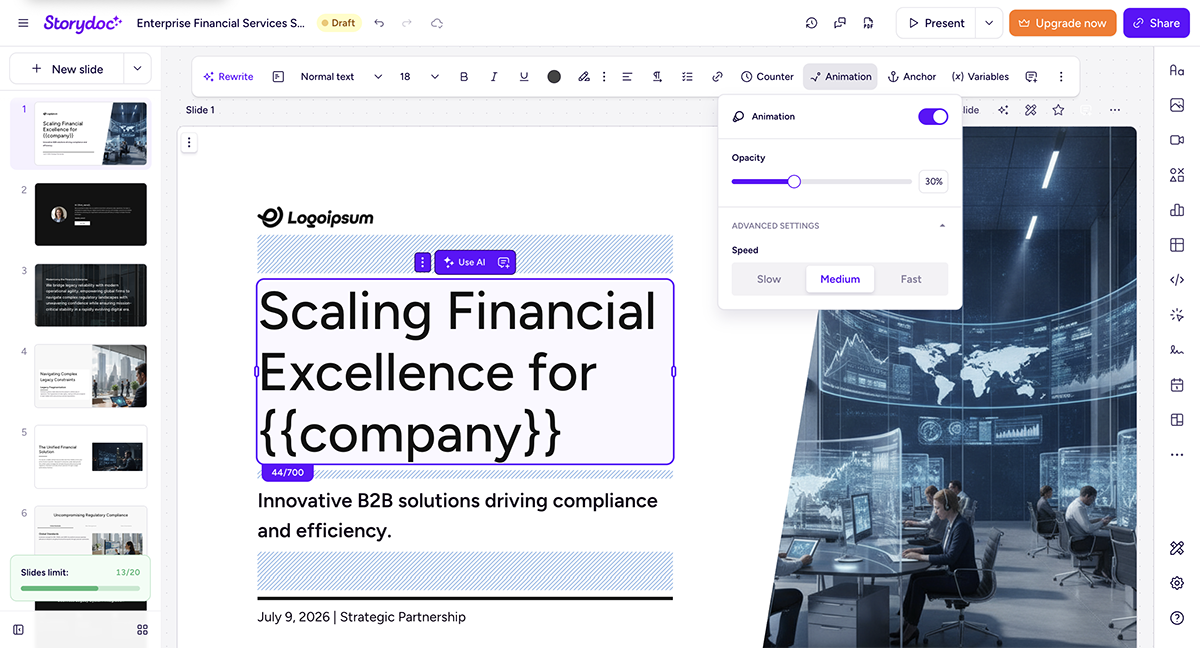
Storydoc, as a platform, leans more toward speed and a modern look over deep manual design control.
There’s no permanent free plan. A 14-day free trial lets you build and keep your decks.
Best for collaborative teams that want fast, polished decks and client deal rooms
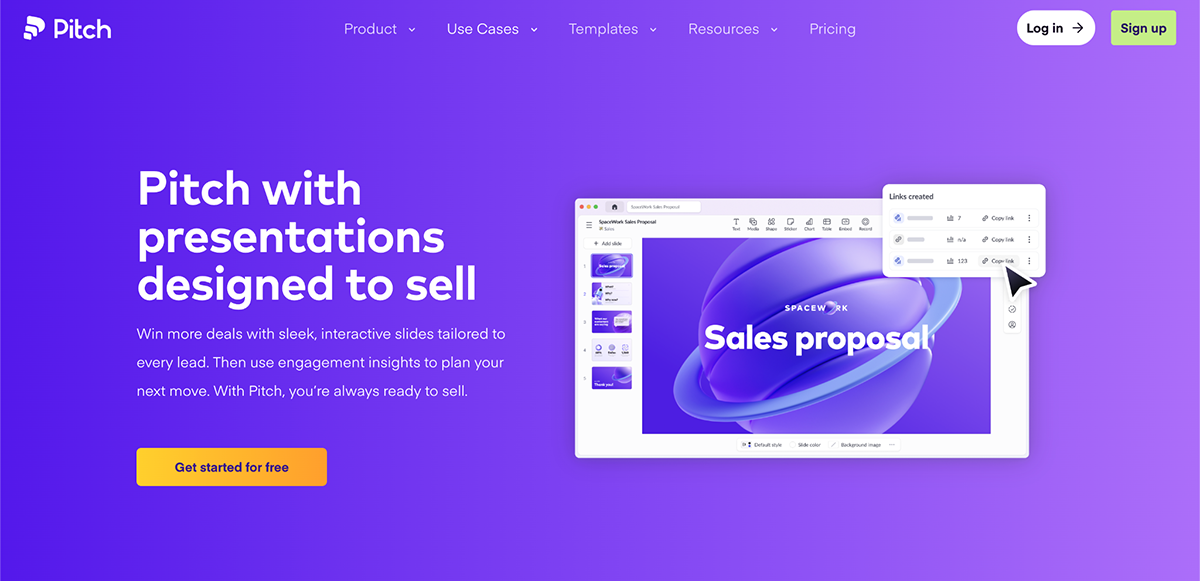
The Pitch platform helps sales teams build a deck together, then invite the prospect into a personalized deal room, a shared space where the buyer can click through the deck, leave comments on specific slides, and message the rep directly, instead of just viewing a static file.
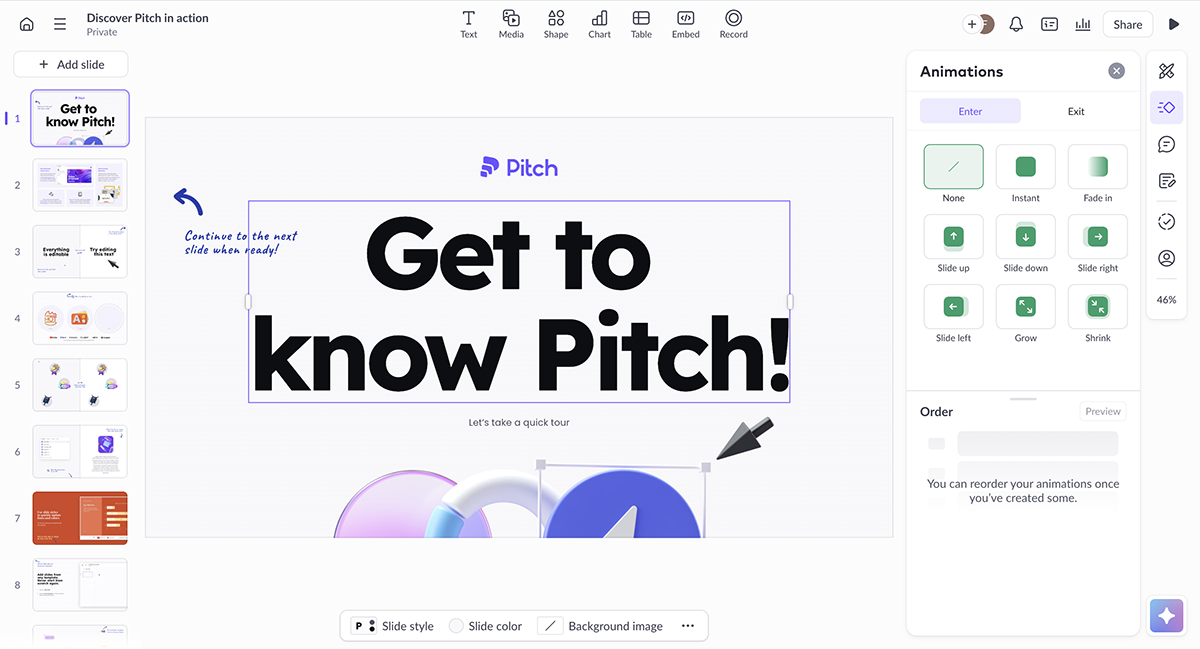
Inside that room, a rep can also drop in a pricing sheet and a scheduling link next to the deck, and see exactly which stakeholder opened which document, useful when a deal has more than one buyer to convince.
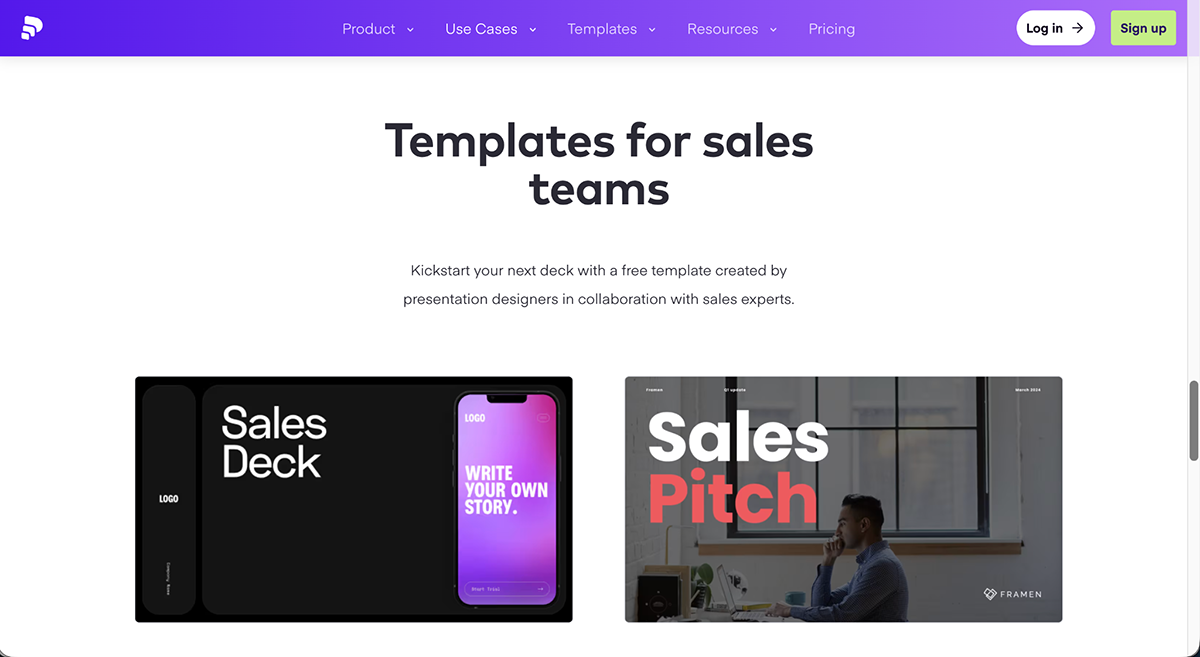
All available sales presentation templates are organized by industry and funnel stage, so your reps have access to discovery-call decks, closing-stage proposals, and more.
The free plan covers basic decks and collaboration.
Prezi differentiates itself from other platforms by moving away from linear slides and offering a zooming canvas that pans between the big picture and detail. This technique is useful when a rep is walking a buyer through a multi-step rollout or implementation plan.
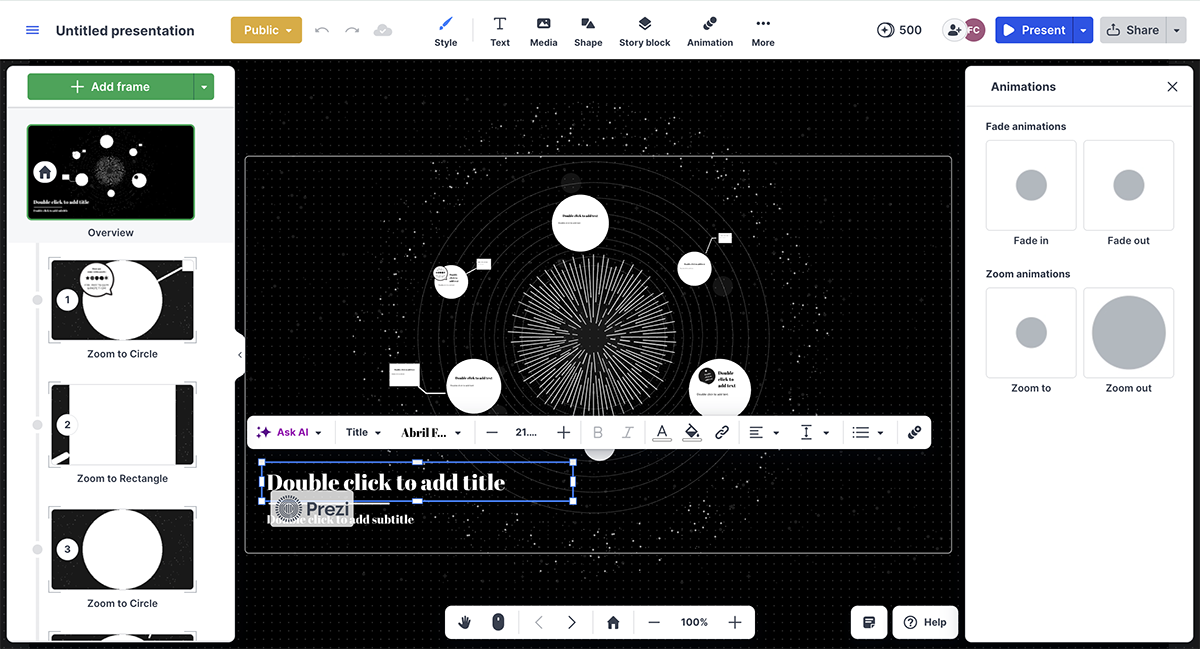
For live sales situations, Prezi Video uses the device’s camera to keep your rep on screen next to the deck during a remote pitch. This way, a prospect can see the rep's facial expressions and body language as they would in person, rather than just listening to voice-over slides.
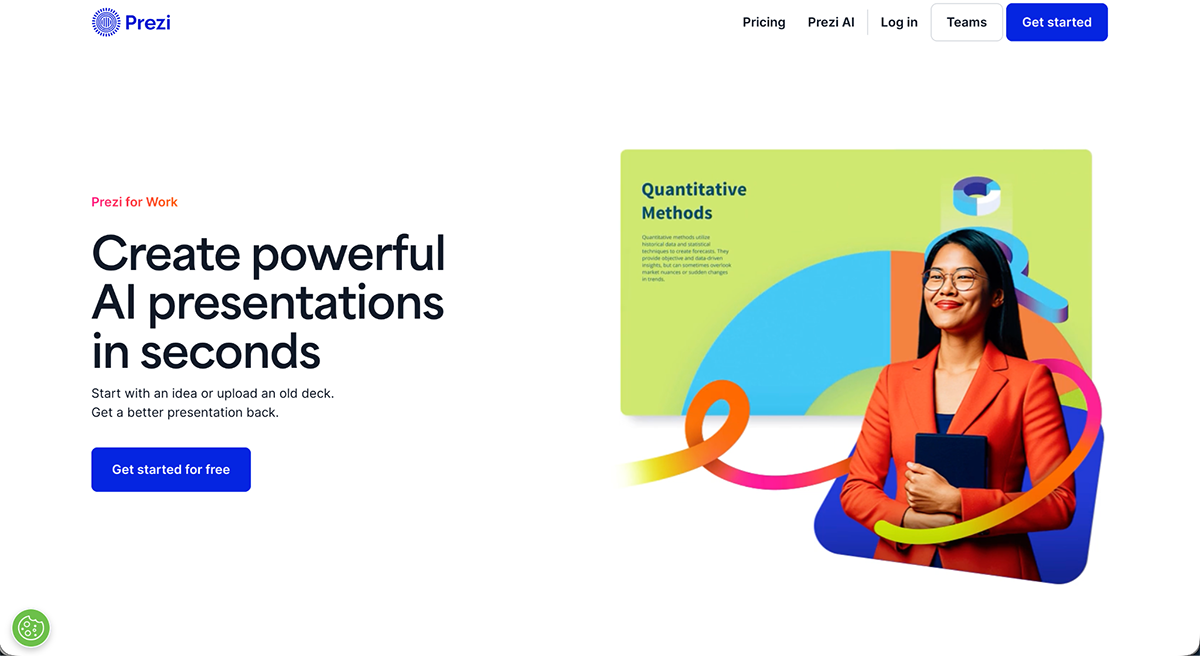
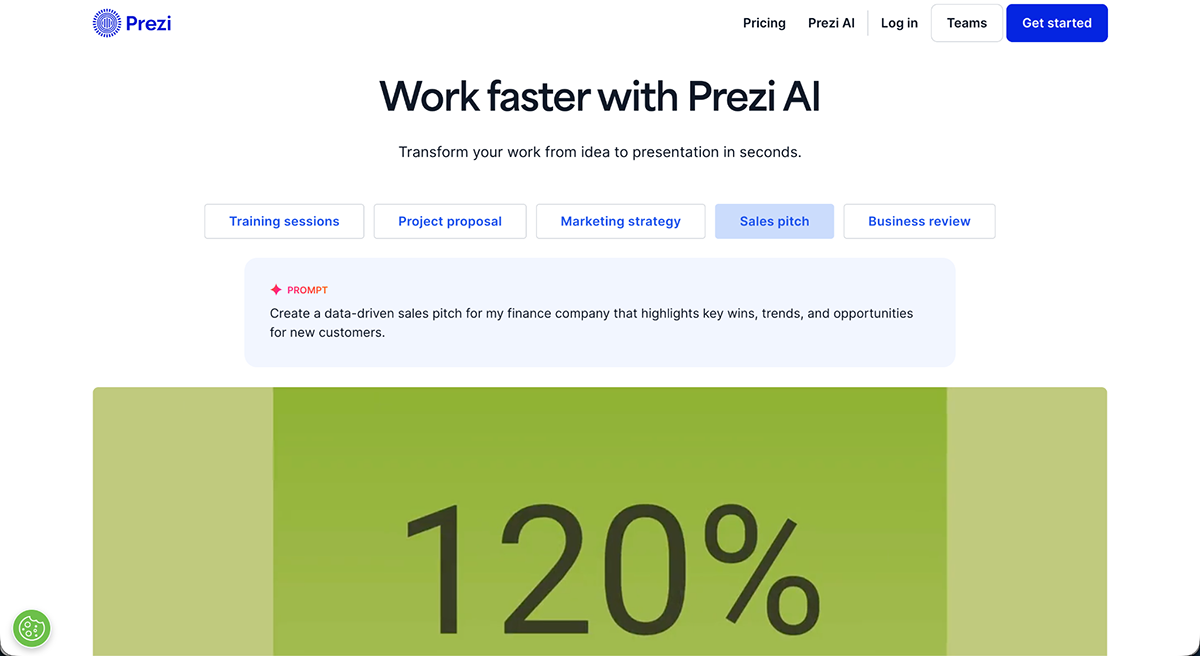
Prezi also has AI that turns a descriptive prompt like 'enterprise software pitch for a 200-person company' into a first layout draft that a rep can build on.
A free trial lets you explore the editor.
Beautiful.ai is built around Smart Slides, a feature that automatically adjusts layout, spacing, and alignment as content is added, and can be locked to brand guidelines. That way, a rep building a pitch for a last-minute meeting won't have any trouble getting a good result.
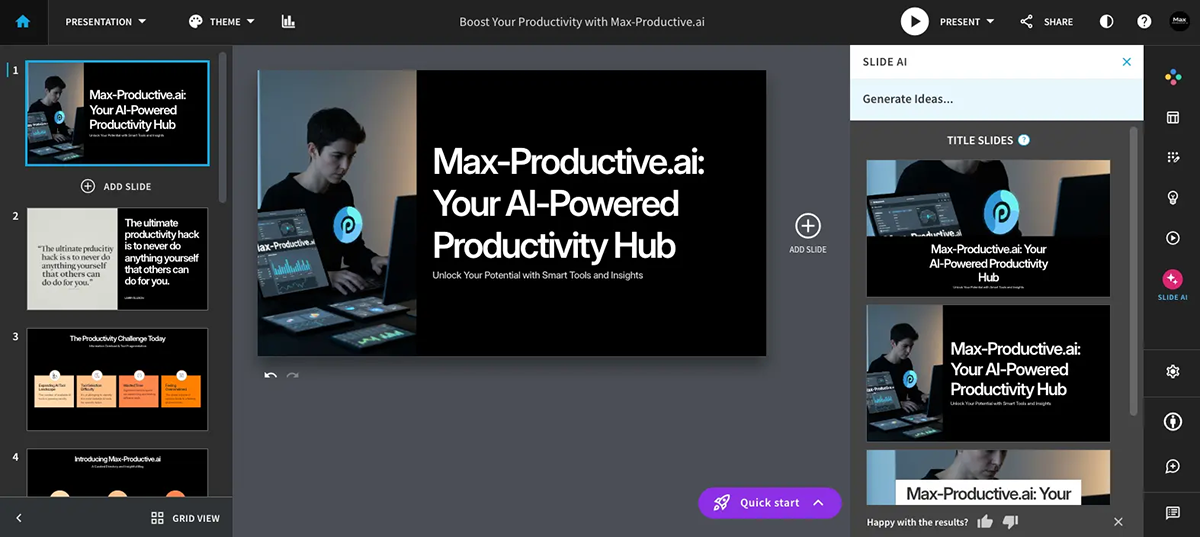
Interactivity here is limited mostly to embedded video and clickable links between slides and sections, not the hotspots or branching paths some other tools on this list offer. The Team plan includes engagement analytics, so a manager can see which reps' decks a prospect actually opened before setting up a call, but the deck itself remains closer to a polished, static presentation than an interactive one.
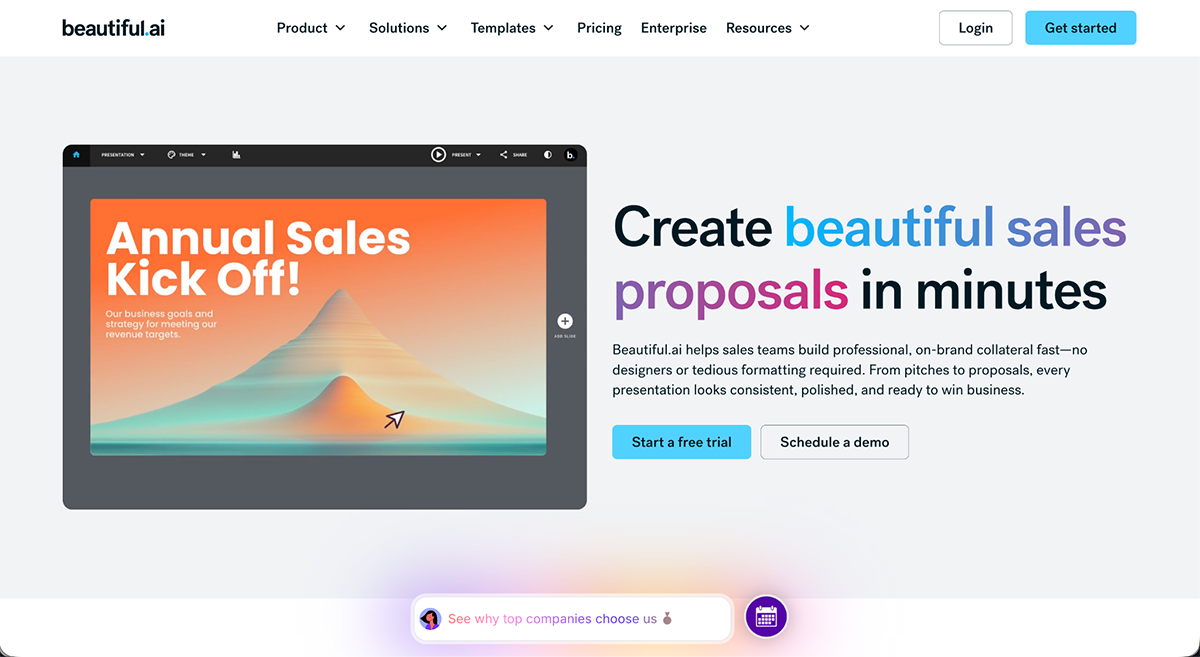
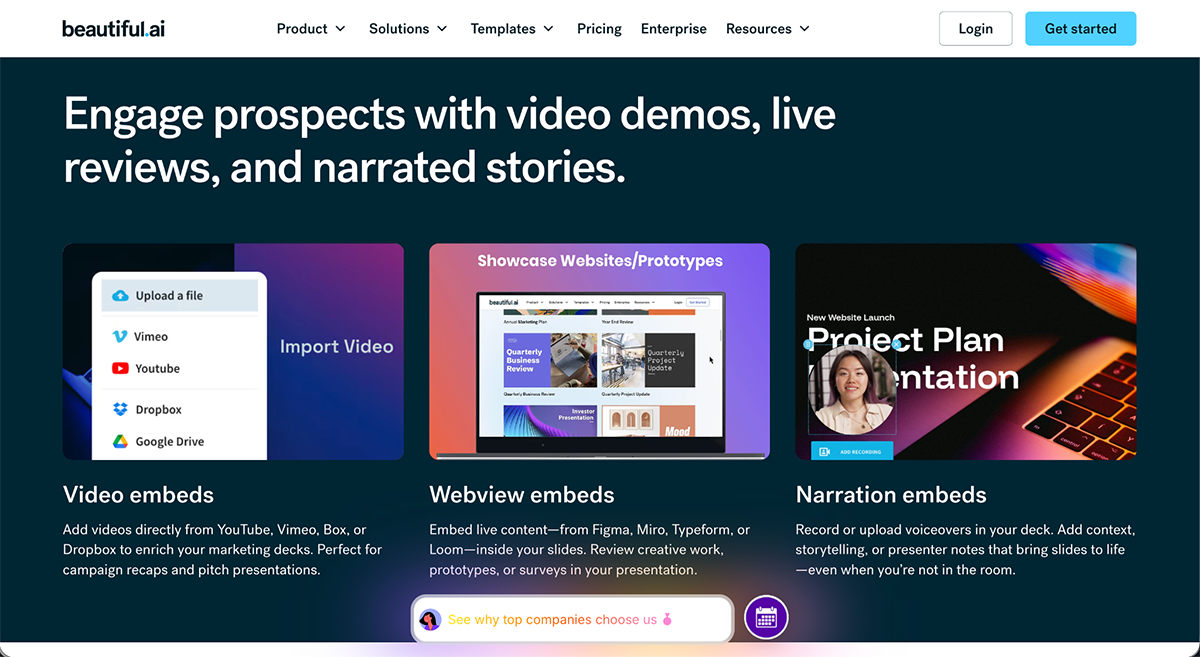
No free plan, but a free trial is available.
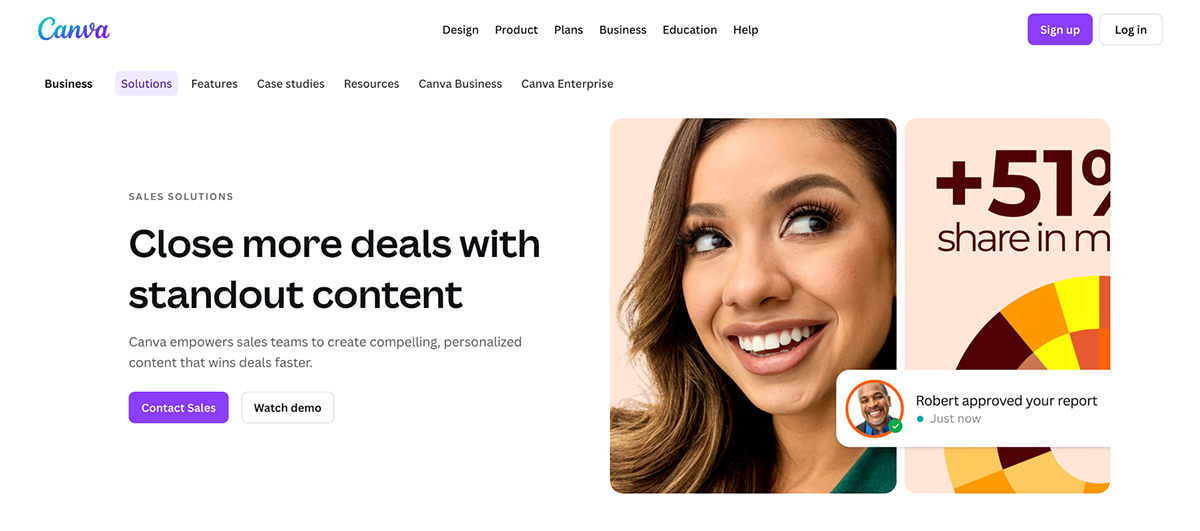
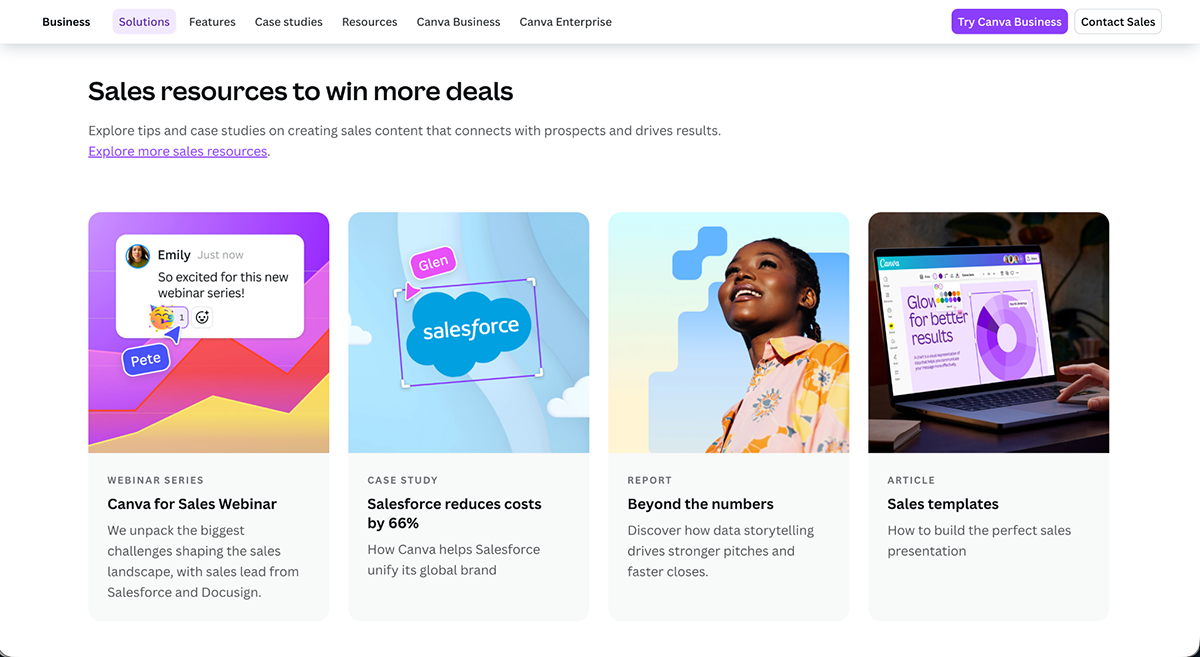
Canva is a web-based design platform that small sales teams use for more than just decks. A rep can build a pitch deck, a one-page leave-behind, and a follow-up social post for the same prospect, all with the same brand kit.
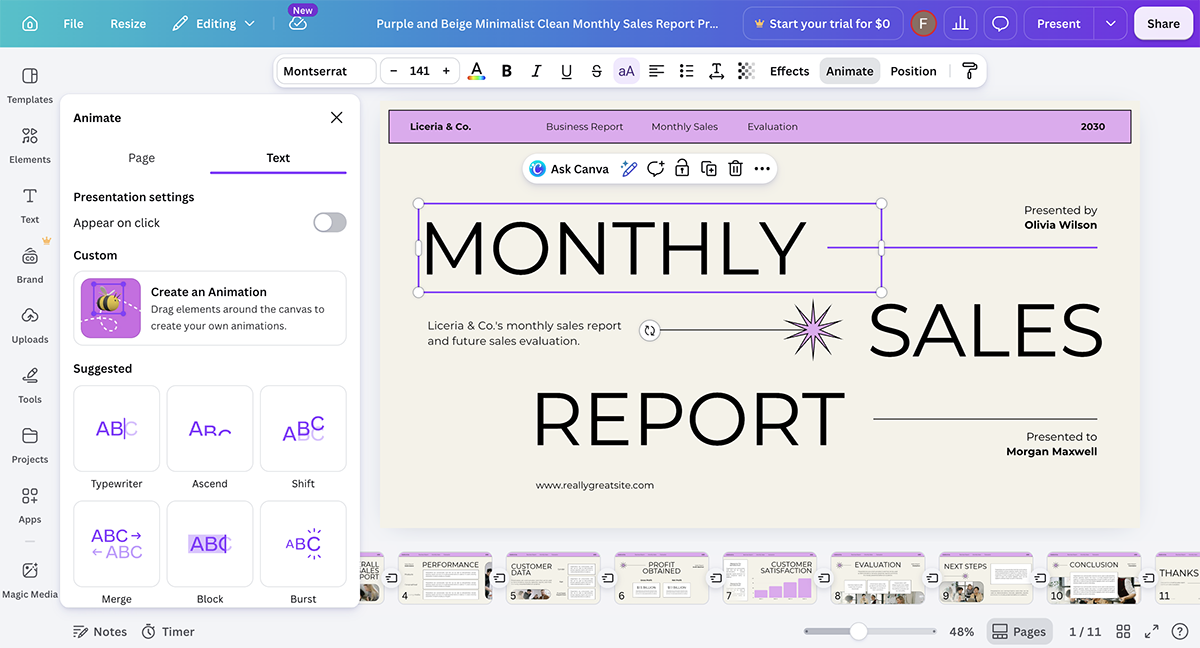
Interactivity comes mainly from clickable links between slides, animated transitions, and third-party apps in Canva's marketplace that add quizzes or forms if a rep needs them.
Canva offers a fast way to build on-brand slides without a designer, though tracking is lighter than sales-specific tools, so a rep won't get the same slide-level engagement data as Visme or Storydoc.
The free plan covers basic decks and many templates.
Mentimeter is an interactive content creation platform sales teams use to gather live input from a digital or live presentation room.
For example, a rep pitching to a buying committee can run a quick poll asking which feature matters most to them, then adjust the rest of the pitch based on the answer in real time.
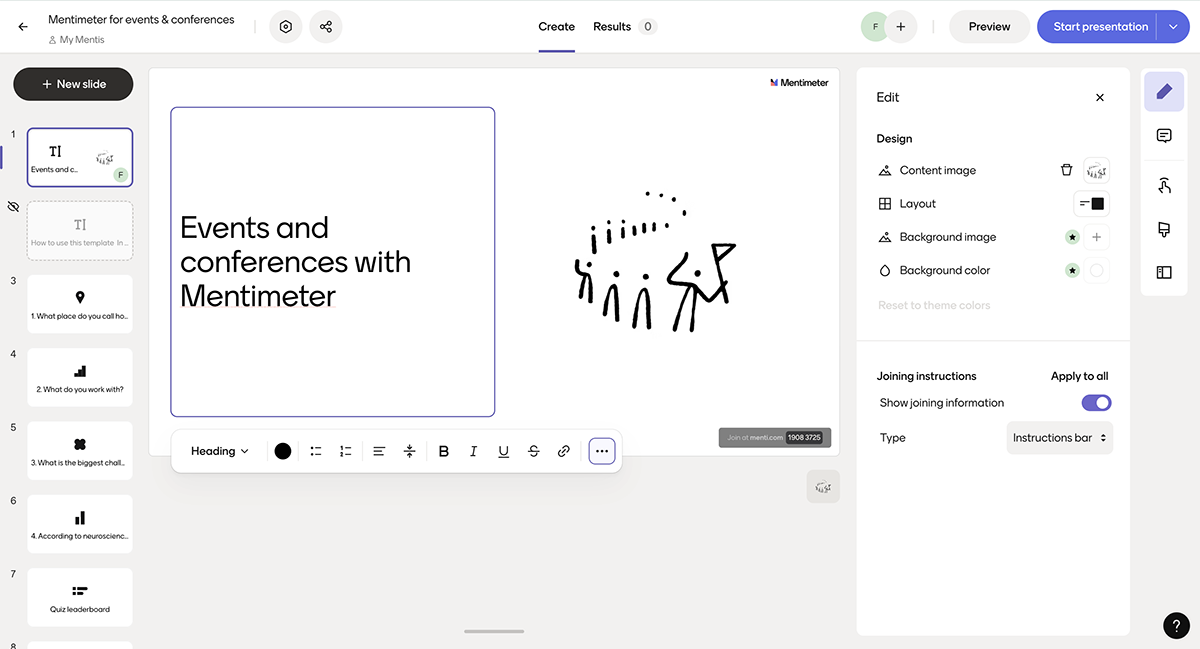
For sales, it suits group pitches and workshops where reading the room matters more than tracking a self-guided deck later.
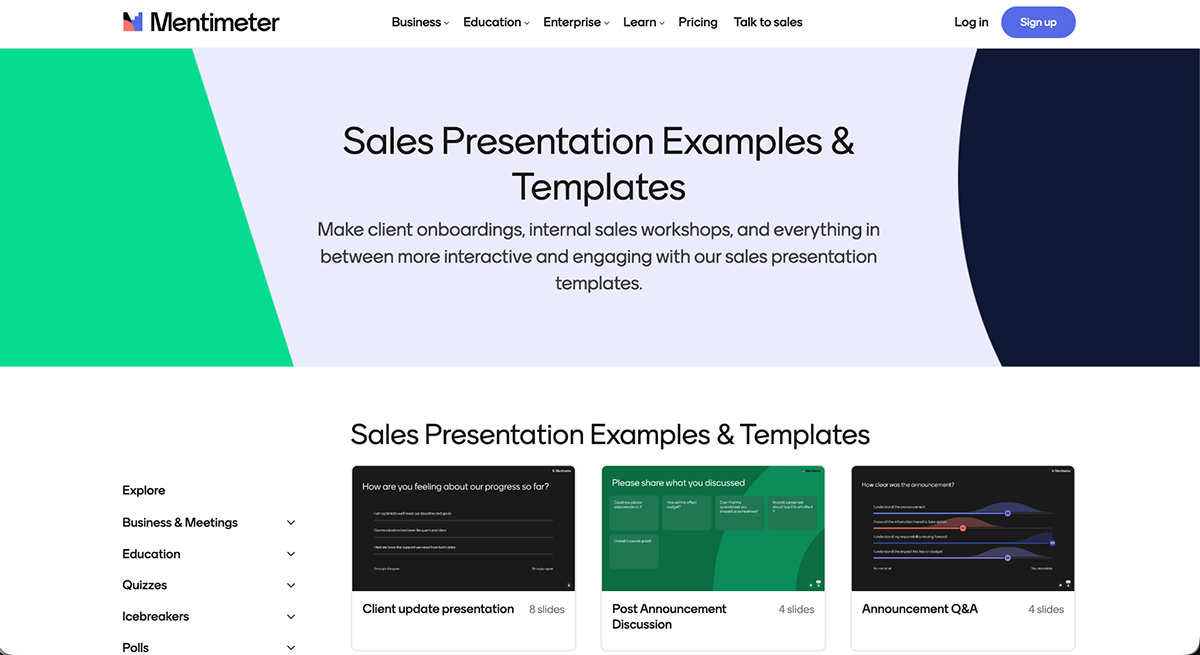
The free plan covers unlimited questions with capped interactivity.
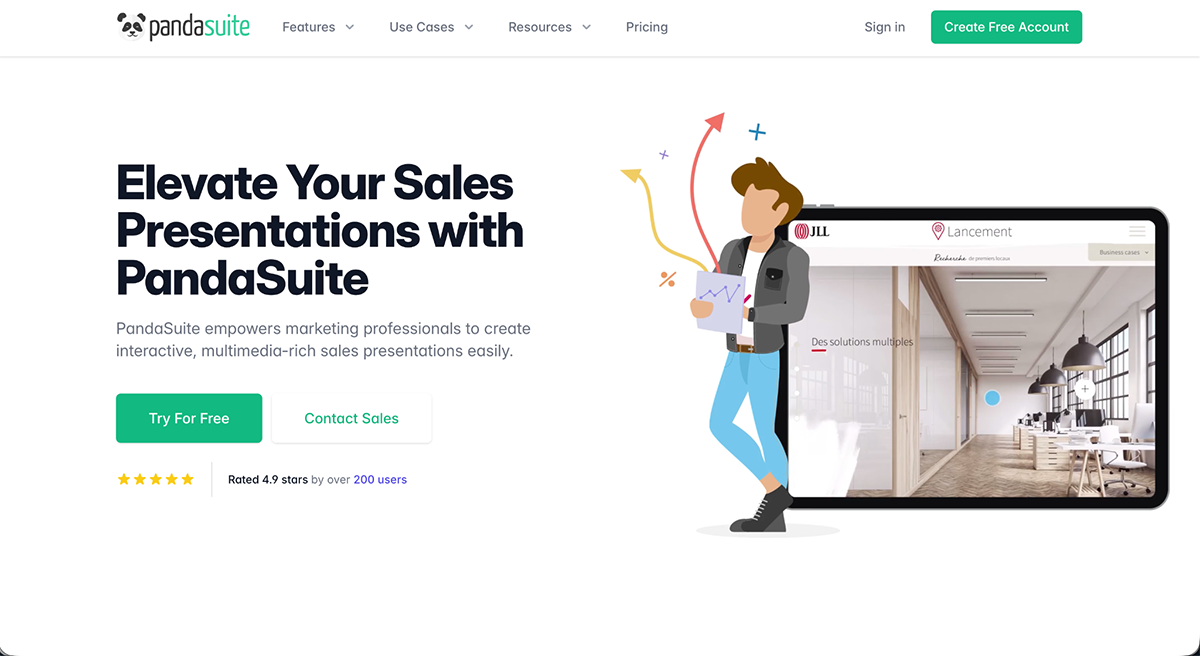
PandaSuite differs from the other tools on this list because it's not a slide-based presentation builder. It's a platform for building custom interactive apps without code. So, for example, a sales team could build a product configurator that a rep pulls up on a tablet at a trade show, letting a prospect tap through options.
That level of customization takes more setup time than a template-based tool, since AI help here is limited compared to the AI drafting in Visme or Beautiful.ai.
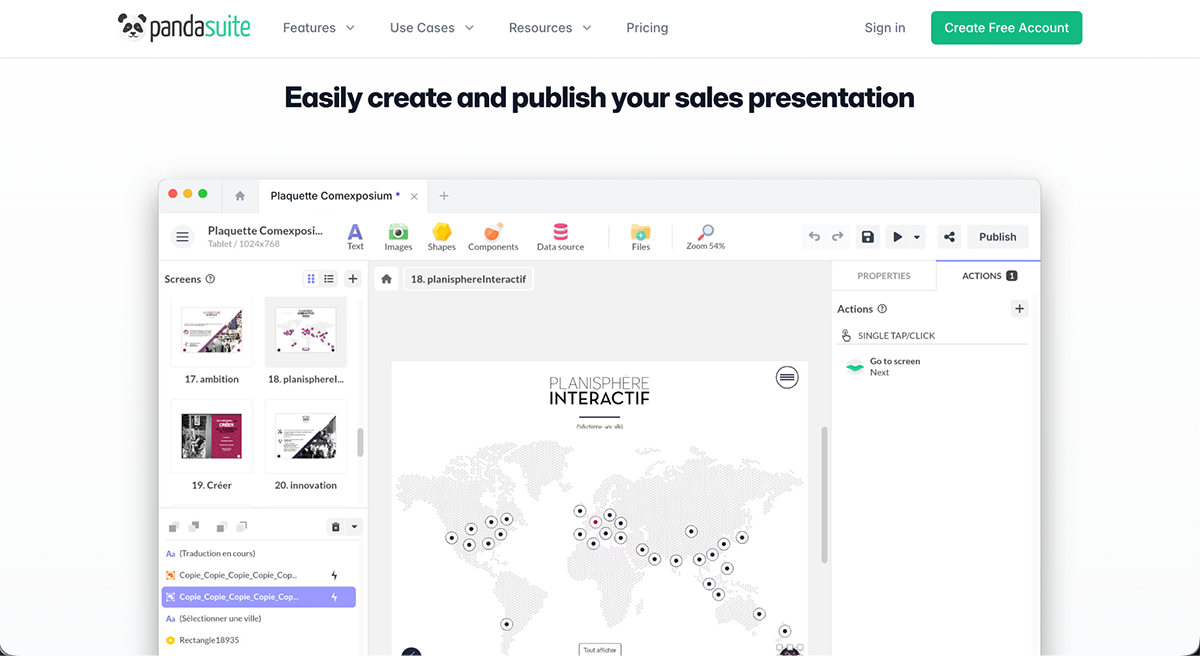
Connects to data sources and external services through its component system.
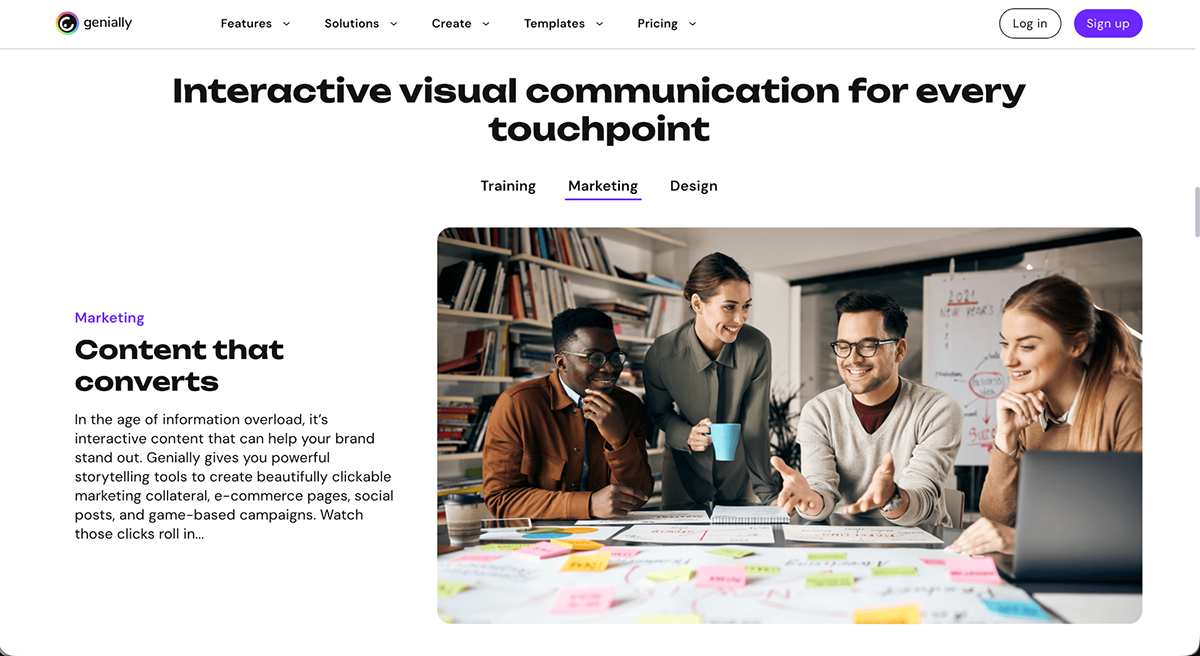
Genially helps sales teams build highly interactive, animated content, a rep selling a consumer product could send a click-to-explore catalog where the buyer taps through features and specs at their own pace, instead of scrolling a PDF.
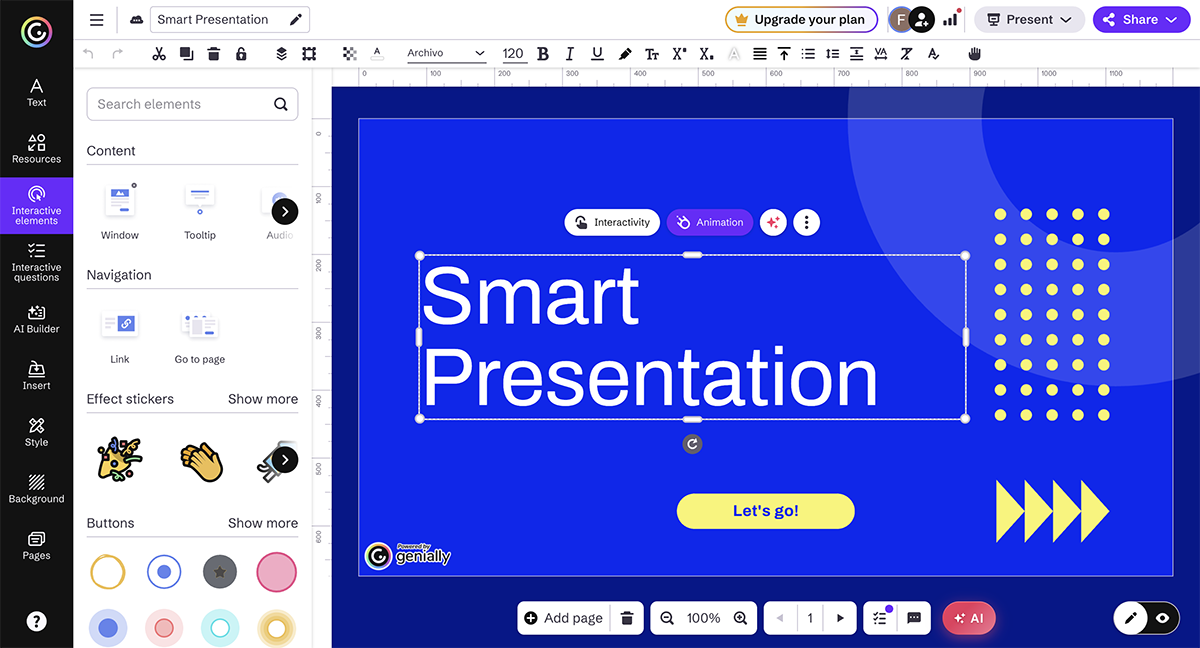
It's a strong pick for visual, self-guided decks, though it doesn't tie engagement data back to a CRM the way sales-specific tools do.
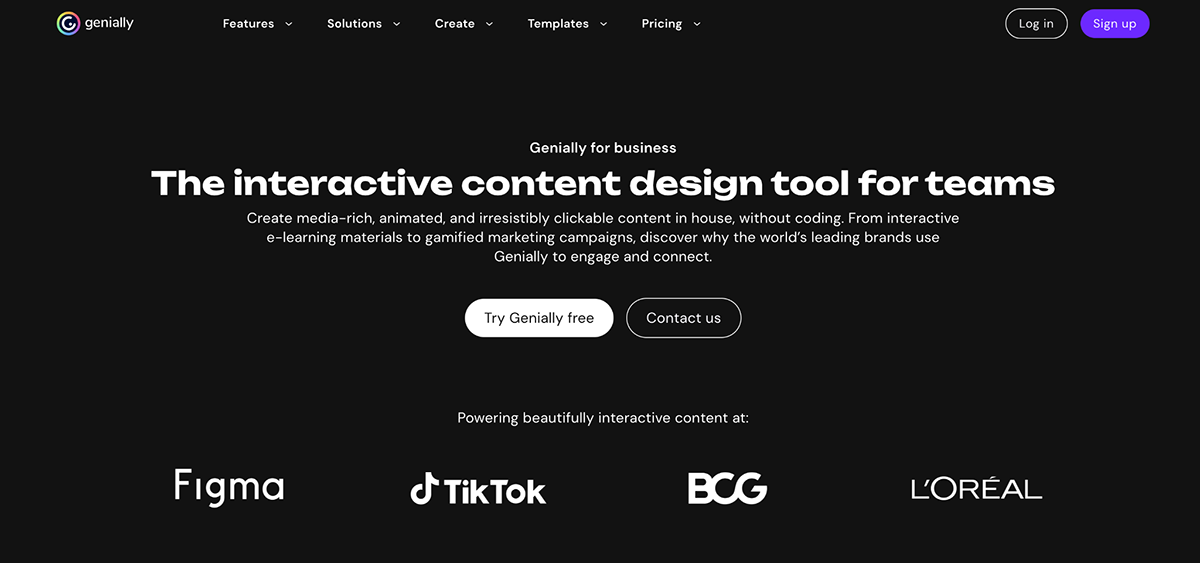
The free plan covers interactive content with a Genially badge.
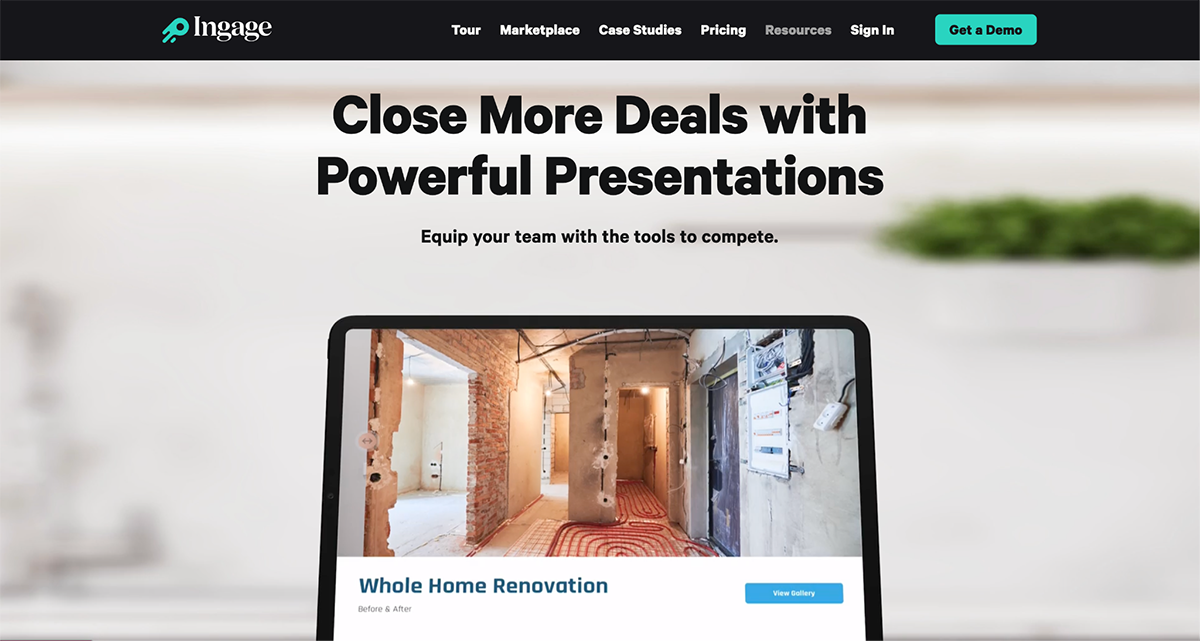
Ingage.io is built for sales teams in the construction and contracting industry. A rep selling a home renovation package can pull up an approved, on-brand presentation on a tablet during an in-home visit, tap through a guided structure that keeps them on the talk track the company set, and the manager can later see exactly which slides that rep used and for how long.
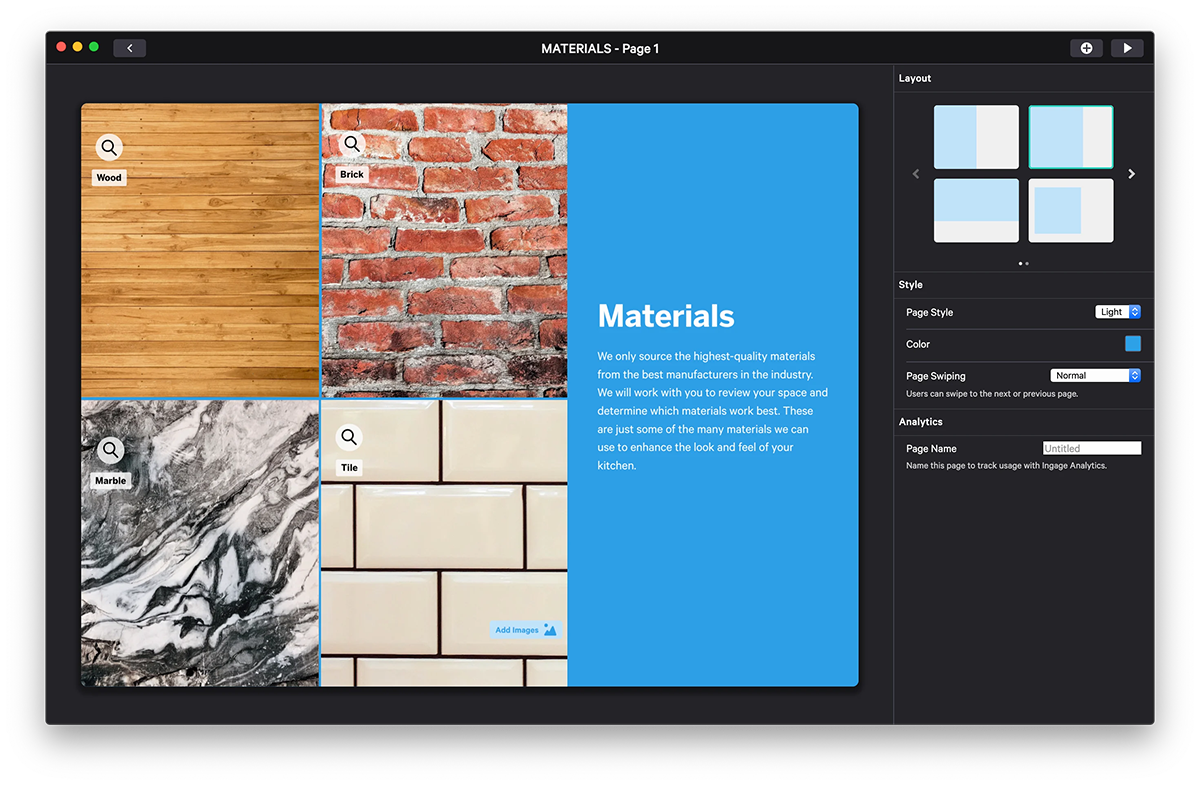
That interactivity is built for the rep driving the pitch, not the buyer exploring alone, which fits field sales where a rep is always in the room. Ingage also runs a marketplace of pre-built templates by industry, like roofing or solar, so a rep starts from a template built for their specific trade instead of a generic deck.
CRM and content integrations; contact Ingage for specifics.
It’s a platform that lets sales teams build clickable, media-rich decks, share them as a link, and track how buyers engage. It pairs design and interactive elements with analytics so reps know which slides a prospect viewed and when to follow up.
A product demo with clickable hotspots, an embedded video and a branching menu that lets the buyer jump to the section they care about. Tools like Visme, Storydoc, and Genially can help you build this kind of presentation.
The 5 P’s of sales are Product, Price, Place, Promotion, and People. They define what you sell, how it’s priced, where it’s sold, how it’s marketed, and who delivers the sale.
The 5 P’s of presenting are Plan, Prepare, Practice, Present, and Pause. They map the steps from building a talk to delivering it with control and confidence.
Add clickable hotspots, live polls, embedded video, branching menus, quizzes, and ROI calculators that let viewers choose their path. These elements pull buyers in and signal which topics matter most to them.
The best tool depends on your goal: Visme for design control plus analytics, Storydoc for AI-built decks, and Mentimeter for live audience polls. Match the tool to whether you present live or share decks for self-guided review.
This guide covered what interactive sales presentations are, why they outperform static decks, the three types tied to each stage of the deal, how to build one, and the 10 tools worth considering in 2026.
The through-line across all of it is engagement. A deck the buyer can click through holds attention longer, adapts to what they actually care about, and keeps the conversation going after the call ends. For sales leaders, that means shorter cycles, more consistent pitches across the team, and reps who spend less time rebuilding slides and more time in front of buyers.
Visme gives your team everything they need to build that kind of deck without a designer, without starting from scratch, and without switching between tools.
Sign up to build interactive sales decks that close more deals.

Design visual brand experiences for your business whether you are a seasoned designer or a total novice.
Try Visme for free