Employee Onboarding Training: A Complete Guide for HR and L&D Teams

Search for how to create employee training content, and you'll find format advice: which template to use, which software to build it in, how many slides are too many.
But none of that matters if the content underneath is thin. A well-designed deck that teaches the wrong things, or nothing specific at all, still fails the trainee.
Content is the substance underneath the format: the objective, the explanation, the example, the question that checks whether it landed.
It's the piece every guide assumes you already have, and few ever explain how to write.
This guide covers exactly that: what training content is, what needs to be included in any piece of training content, and how to write it, step by step.
Here’s a short selection of 8 easy-to-edit training materials templates you can edit, share and download with Visme. View more templates below:
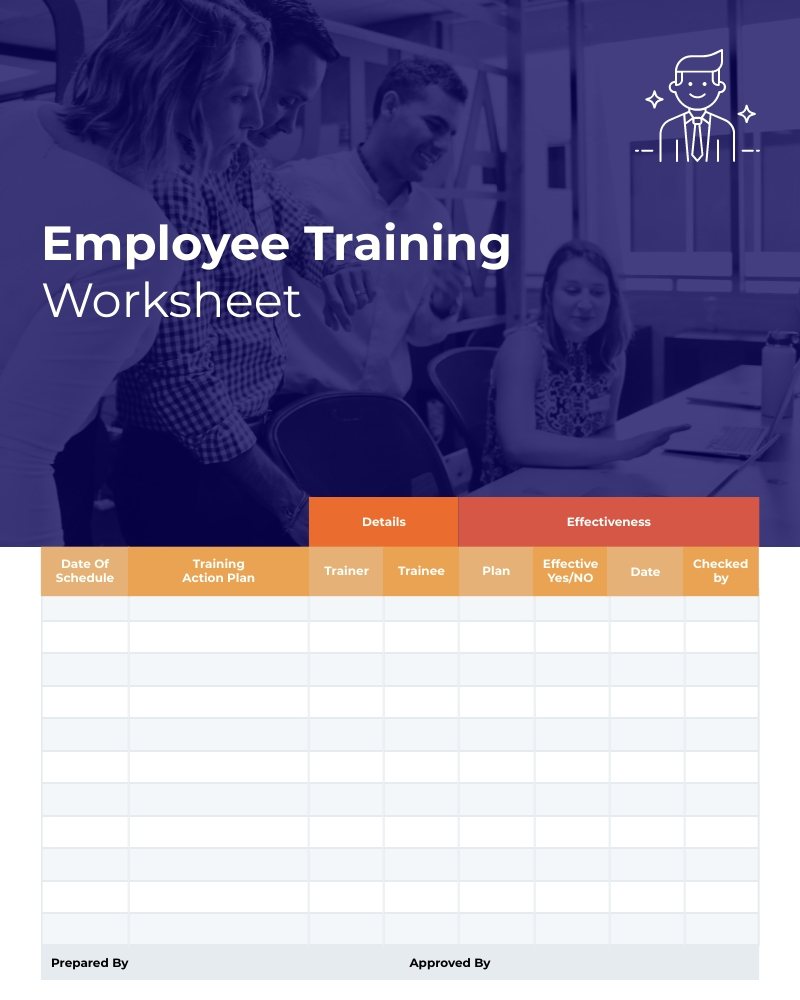

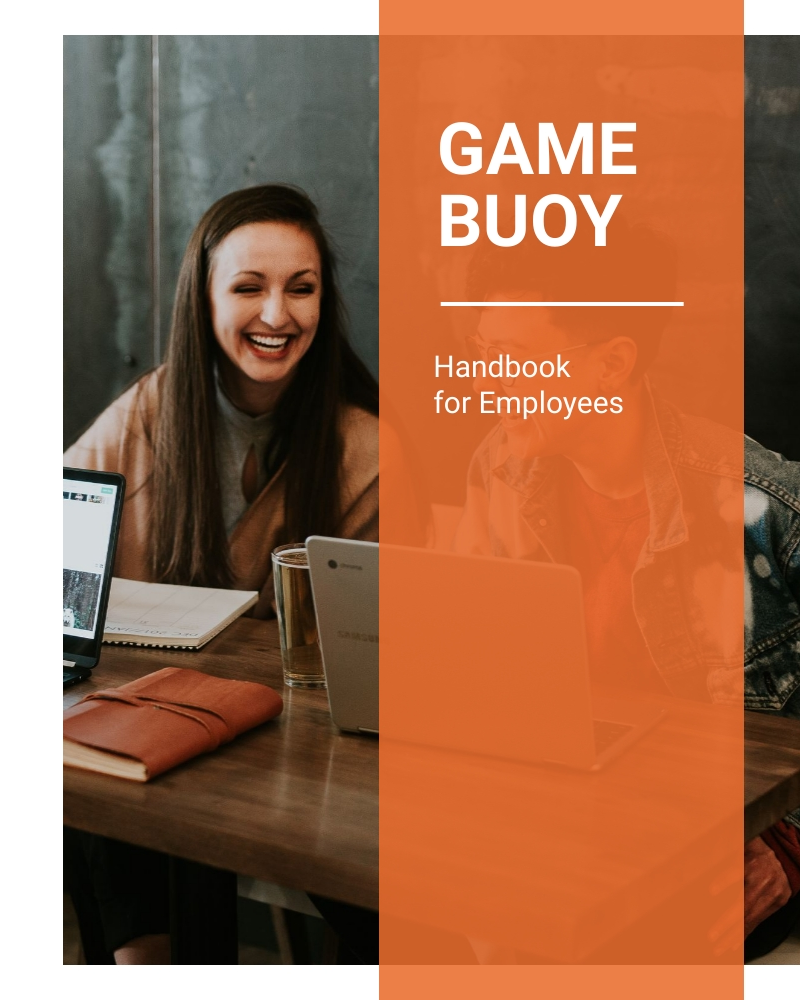


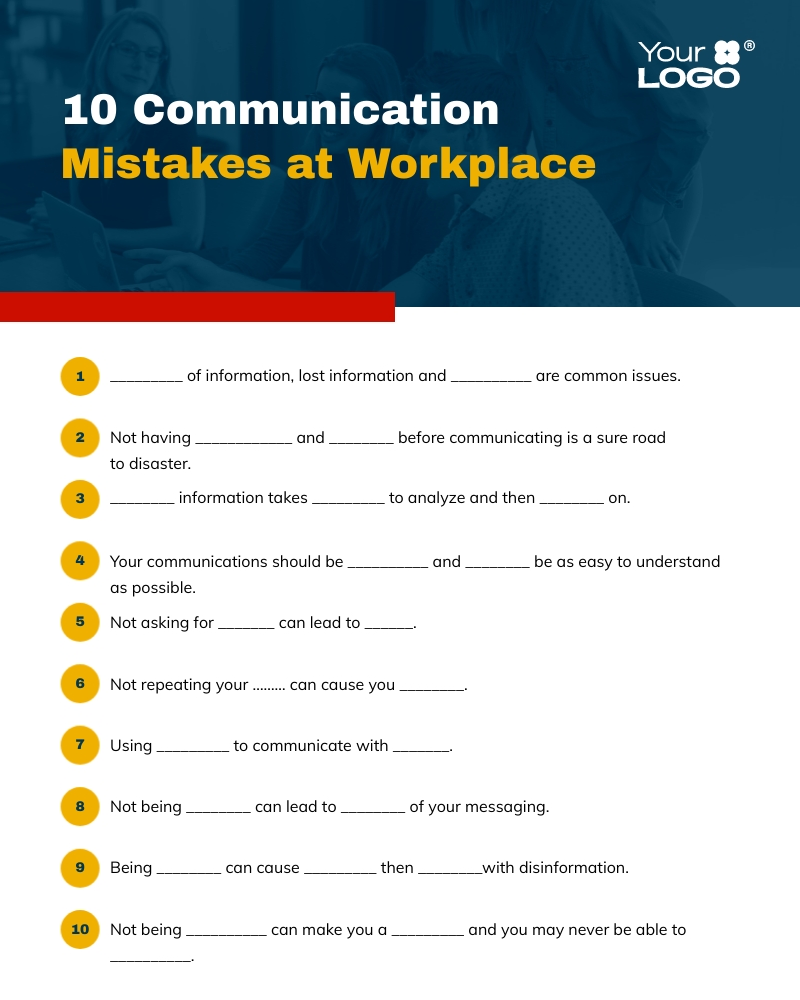
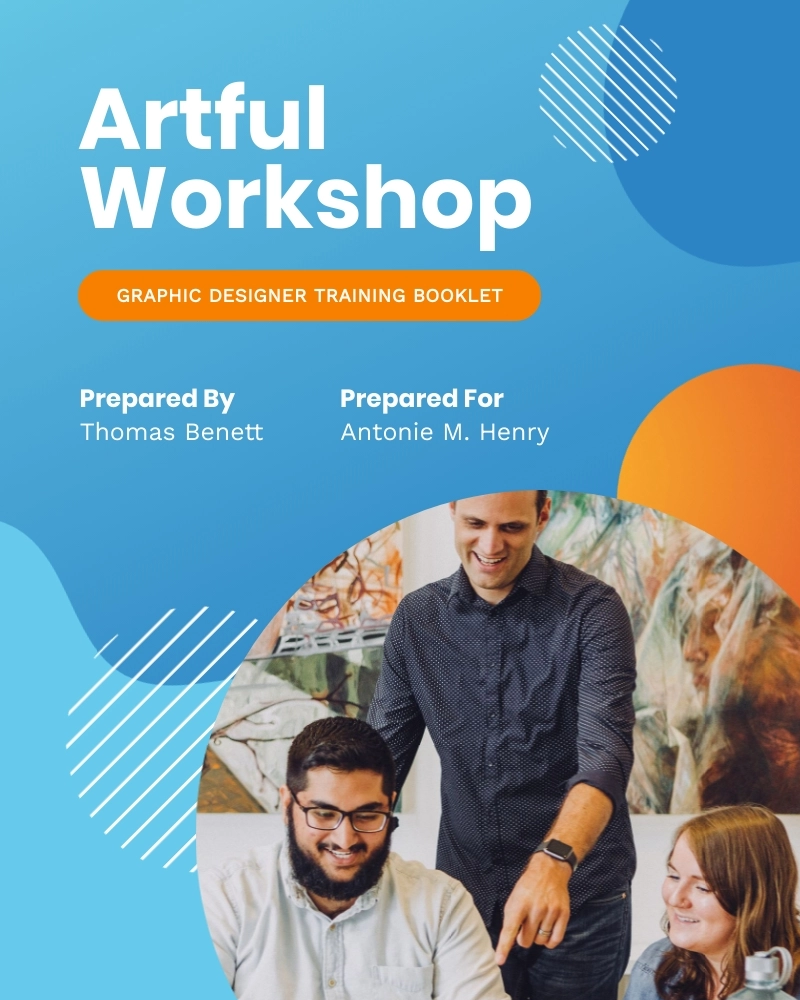

Employee training content is the substance of what a training program needs to teach. It’s the written material, the diagrams, the step-by-step instructions and the assessments that check if the trainee has absorbed the information.
When you know what you need to teach, you create the content. Then you use the content to design the materials.
Here’s an example: You need to teach new customer service reps how to process a refund.
The content explains what triggers a refund, how to verify it, how to process it and how to confirm it with the customer. It describes the flow that the rep needs to follow.
With this content, you can create different materials to deliver it. For instance:
High-quality training content can make your training programs more successful and effective. By applying these best practices, you’ll achieve the best learning outcomes. Try to build them into every part of your program.
| Principle | Why it matters | How to apply it | Supporting research |
|---|---|---|---|
| Plain language | Built on four principles: relevant, findable, understandable and usable. People grasp the content the first time and retain more. | Organize, sequence and label information. Convert dense instructions into numbered steps, then add detail and visuals. | ISO plain language standard |
| Short content | Working memory holds only a few new items, and trainees often pause a module and return later. | Deliver microlearning, short modules, job aids and refresher emails that survive interruptions. | 58% of employees multitask during training (TalentLMS). |
| Role-specific content | Generic training leaves people feeling it does not apply to their job. | Build one general foundation, then create role-specific versions from it, not a separate program per job title. | 57% of learners say training is not relevant to their role (Docebo). |
| Scenario-based content | Reciting a rule and applying it under pressure are different skills. | Start from what people need to do, not just know. Pose real situations, like a refund request 45 days out with no receipt. | Action Mapping, Cathy Moore. |
| Accessible content | Accessibility also covers situational needs, like subtitles in loud environments or language options for non-English speakers. | Cover the basics first, then match content to the real needs of your actual trainees. | 25% of US workers have faced a safety risk from a language barrier (Babbel for Business). |
| Refresher content | Without reinforcement, knowledge decays after onboarding. | Space recall with action-triggered microlearning, short polls, in-person reviews and full refreshers when workflows change. | 25% of frontline workers say training is never reinforced past onboarding (Axonify). |
Plain language avoids confusion and improves retention by setting four governing principles: content should be relevant, findable, understandable and usable. To achieve that, you need to organize, sequence and label the information.
For example, this sequence expects the trainee to memorize it before acting.
"Before you begin the shutdown sequence, make sure all secondary systems have been notified and the area has been cleared. Then proceed to close valve B after confirming valve A is fully sealed."
In plain language standards, it’s a numbered list. After the list, go into the details and include visuals.
Working memory can only hold a few new items at a time, so covering too much in one session is ineffective. Also, TalentLMS found that 58% of employees multitask during training, so you need to ensure that their full attention span is maintained.
Shorter content is more effective because it's common for a trainee not to finish a 45-minute module in one sitting. They’ll get pulled into an urgent task, pause it, come back and have to find where they were before leaving.
Short content also aligns well with microlearning, fast and punctual course modules, easy-to-follow job aids and refresher emails.
Generic content can cover a lot of ground, but for specific jobs, you’ll need role-specific content. In recent research, Docebo found that 57% of learners feel their training isn't relevant to their specific role. That’s a significant gap you don’t want your training programs to fall into.
Role-specific doesn't mean a separate program for every job title. Create a general foundation and then build role-specific versions from it.
Scenario-based content builds skills better than simple content recall after reading text. That’s because reciting a rule and applying it under pressure are different skills that need to work together. Instructional designer Cathy Moore, creator of Action Mapping, suggests you “start by asking what people need to do rather than what they need to know.”
In an in-person session, the trainer could first ask, "What is the refund policy?" and continue with, "A customer wants a refund on an item bought 45 days ago with no receipt. What do you do?"
Accessible content is not only for people with disabilities, such as those with diminished vision or limb differences. It also supports trainees with situations like subtitles on videos watched in loud environments or language options for non-English speakers.
In fact, research from Babbel for Business, found that 25% of US workers have faced a safety risk because of a language barrier.
Notably, checking off all the accessibility factors isn’t easy. So stick to the basics and then analyze the future trainees’ actual reality. Then, ensure that the training content and the program as a whole are accessible to all of them.
According to Axonify, a quarter of frontline retail, hospitality and food service workers say their training happens at onboarding and never gets reinforced. Refresher content fills that gap
It works by spacing recall over time and is delivered in several ways. For example, microlearning modules triggered by specific actions in an employee’s portal, short emails with simple polls to gauge knowledge retention over time and in-person reviews that check performance and provide tips for improvement. In some cases, you’ll need a full refresher course after a set period of time or when changes have occurred in the workflow.
Training content covers a wide range of topics and contains a lot of information. Let’s take a look at the main content types that most employee training programs are based on.
Most employee training programs are built from seven content types: onboarding, compliance, product, sales enablement, soft skills, hard skills and leadership. Each one covers different information.
| Content type | What it covers | Key content to include |
|---|---|---|
| Onboarding | What new hires need to start the job. | Values and culture, role and how it is measured, reporting lines, system access, workplace policies, benefits and payroll. |
| Compliance | Rules set by law, regulation or policy. | The rule and its source, the required behavior, what happens if you get it wrong, worked examples and how often to review it. |
| Product | What the product does and how to use it. | Each feature and the problem it solves, setup steps, pricing, annotated screenshots, troubleshooting and product limits. |
| Sales enablement | What reps need to run a deal. | The sales method, discovery questions, objection responses, competitor comparisons and pricing and discount rules. |
| Soft skills | People skills used in every role. | Feedback, difficult conversations, active listening, time management, stress management and delegation. Built from scenarios, not definitions. |
| Hard skills | Technical skills tied to a tool or task. | Equipment use, manual handling, software, troubleshooting, certifications and safety standards. Written as tested step-by-step procedures. |
| Leadership | Judgment calls and people management. | Performance conversations, when to escalate, workload calls, interviewing and incident response. Built from real situations and their outcomes. |
Onboarding content is information for new employees that explains the organization’s policies, processes and expectations, as well as what they need to know to do their job.
Some of that content includes:
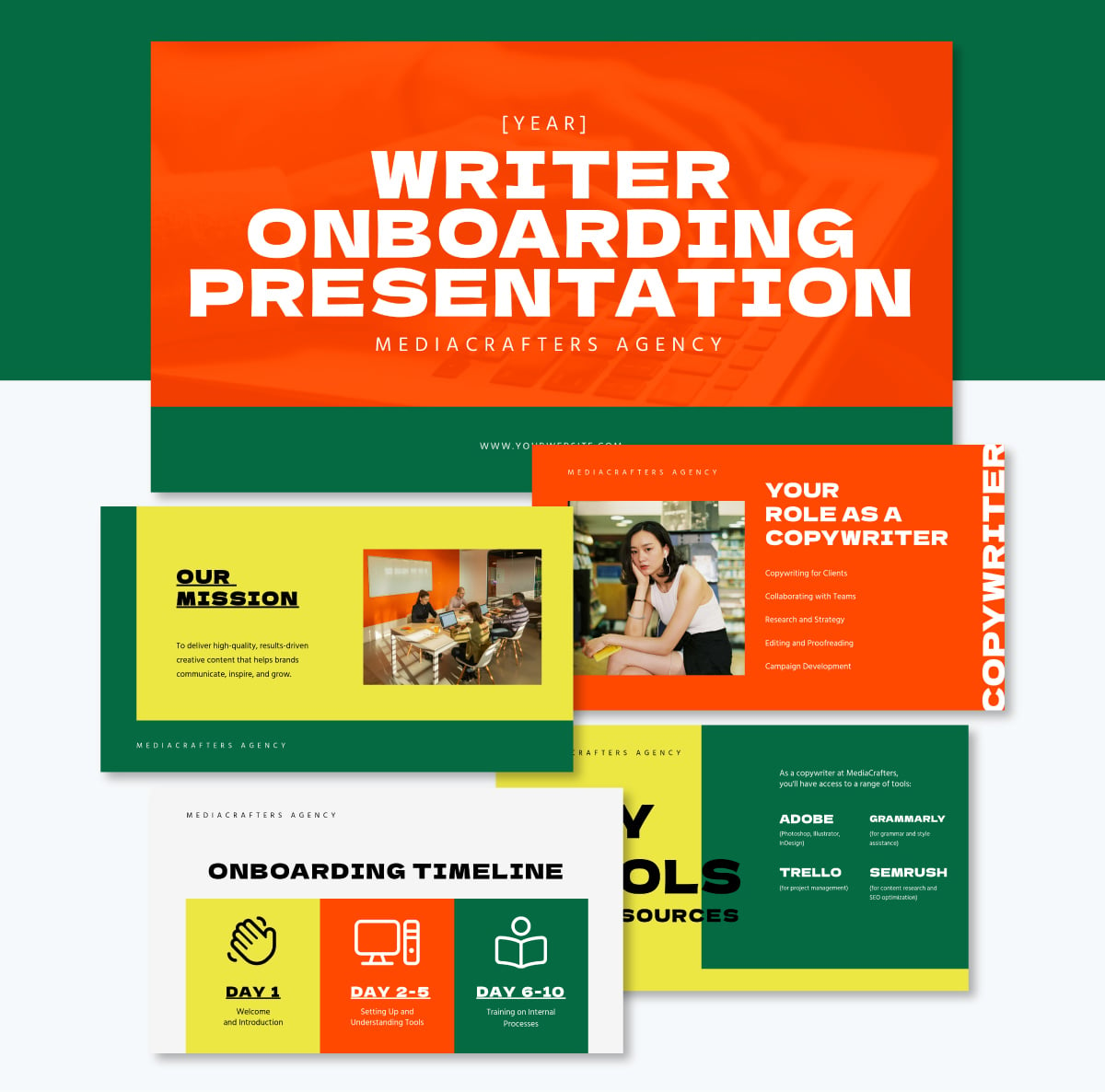
Here’s an example of how onboarding content can be turned into a presentation.
Compliance content covers requirements set by law, regulations, industry standards or organizational policies.
Common content in compliance training includes:
Common topics include workplace safety, harassment prevention, data protection under GDPR or HIPAA, anti-bribery, and sector standards like PCI DSS and OSHA.
In this case, exact wording matters more than anywhere else, so write the rule in the regulator's language and put your explanation alongside it rather than in place of it.
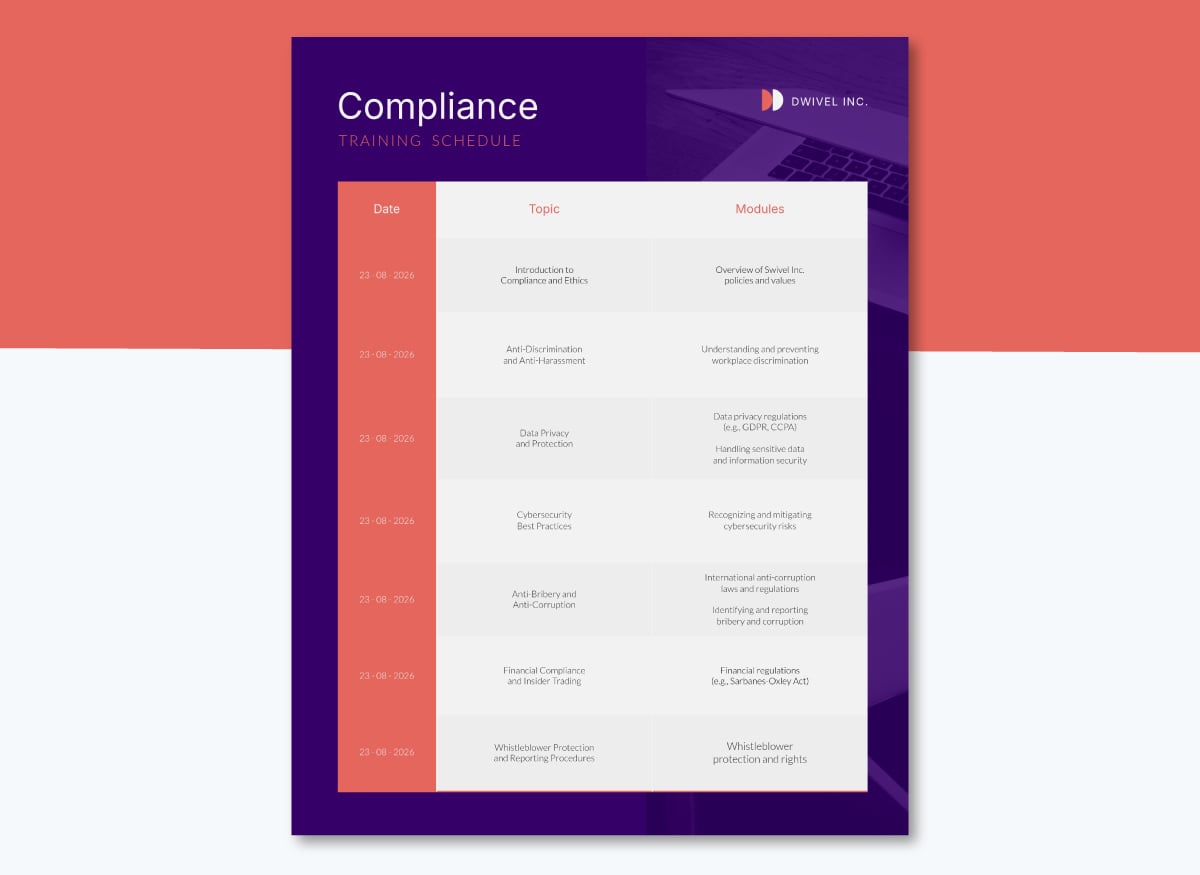
A schedule will list each requirement alongside its renewal cycle. Map yours onto the template below:
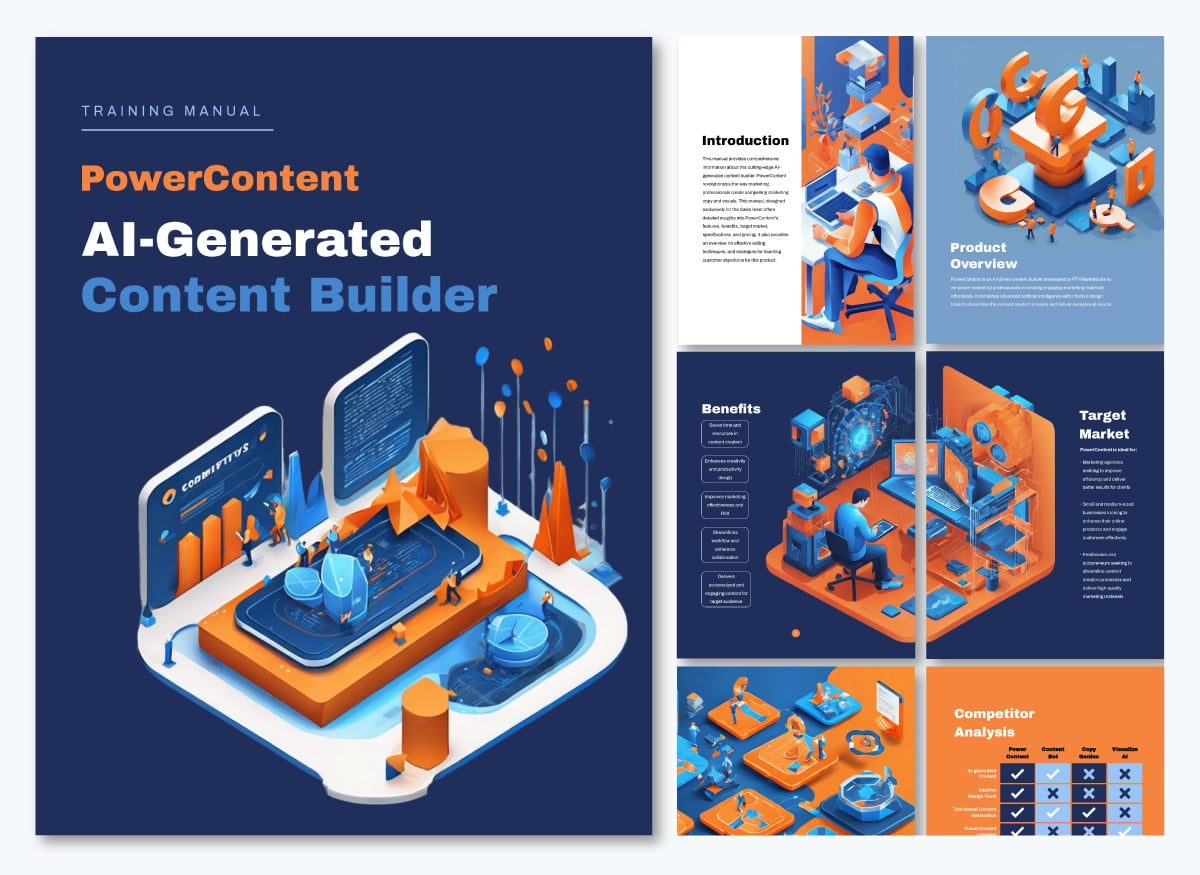
Product training content explains what the product does, how it behaves and how to use it most effectively.
This type of content includes:
This template uses product training content and formats it as a training manual. The sections cover all the important information about the product that an internal team will need to know.
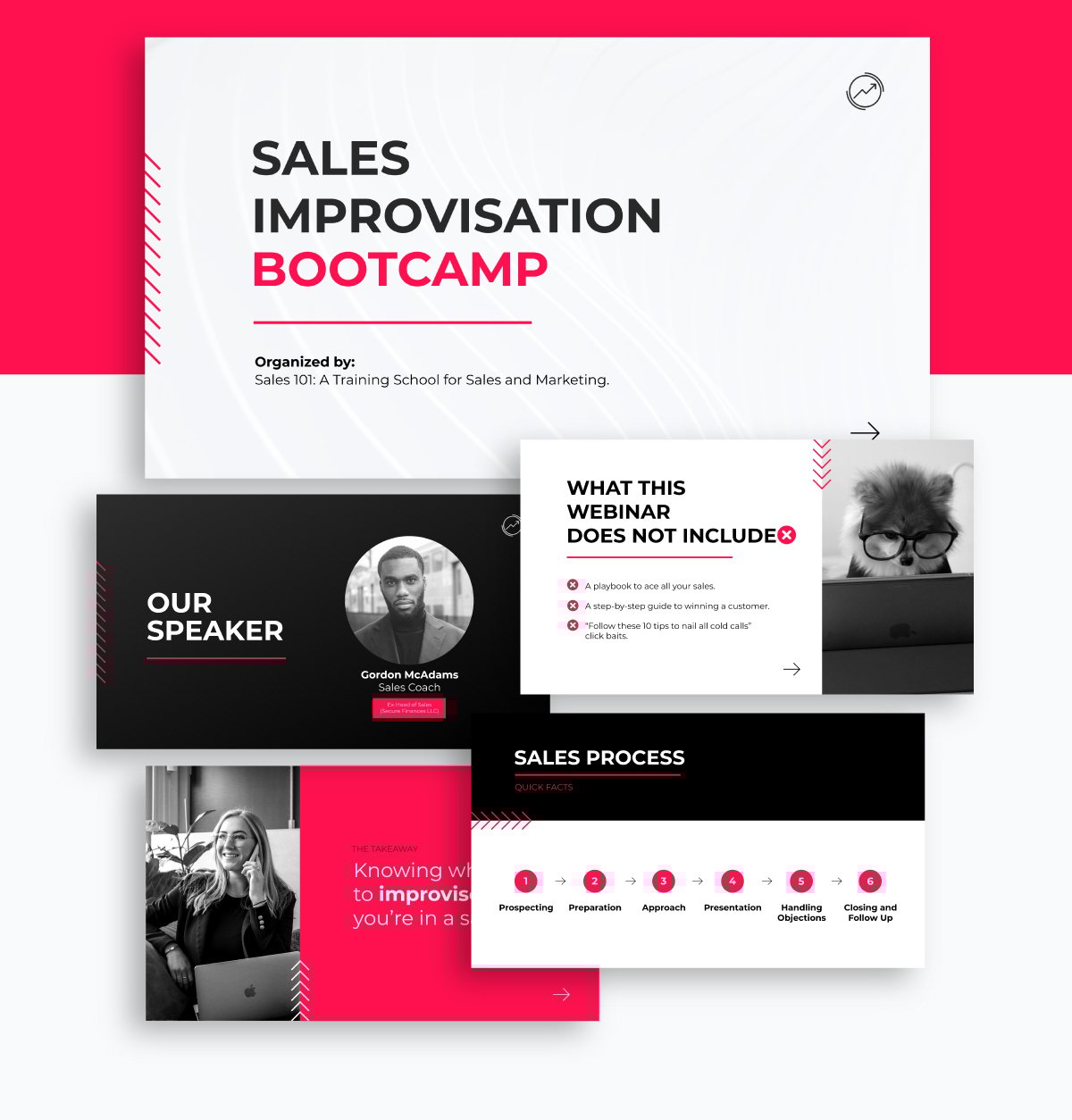
Sales enablement content is the information sales reps need to do their job effectively. It helps them understand how to run processes, use the tools and make decisions while running a deal.
For example:
If you need to train sales reps on the shift from traditional sales to more up-to date sales methods, this presentation is tailored for that purpose. Of course, you can customize the content and design to match another type of sales training.
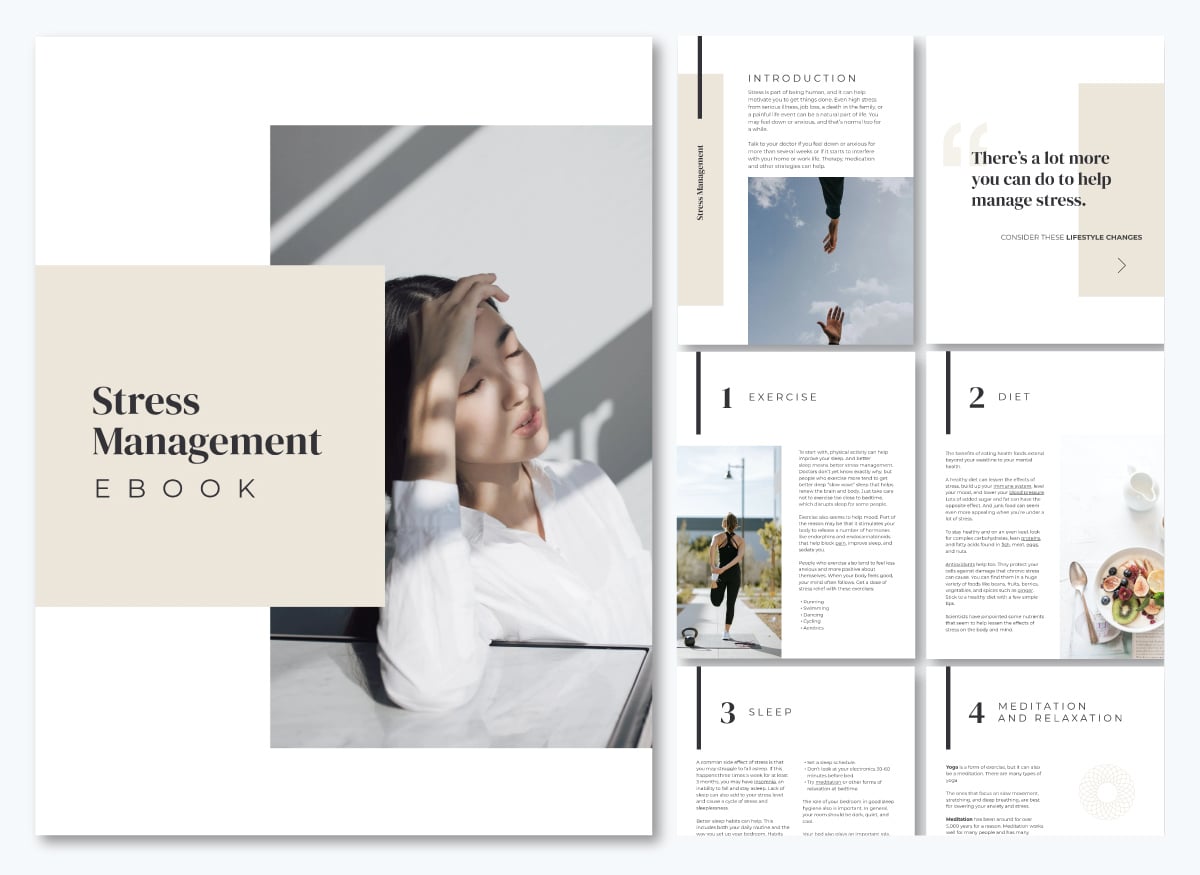
Soft skills are the interpersonal and self-management abilities people use to work with others, how they communicate, handle disagreement, manage their own time and respond under pressure. They apply across every role
Soft skills content is best built from situations rather than exact definitions, because the skill shows up in behavior. So, use examples, scenarios, dialogues and simulations.
Some of the soft skill topics you’ll need to create content for are:
An ebook will keep the scenarios and techniques in one place for employees to reference once the in-person or virtual training is finished. You could also use this e-book as pre-session content for trainees to review and prepare.
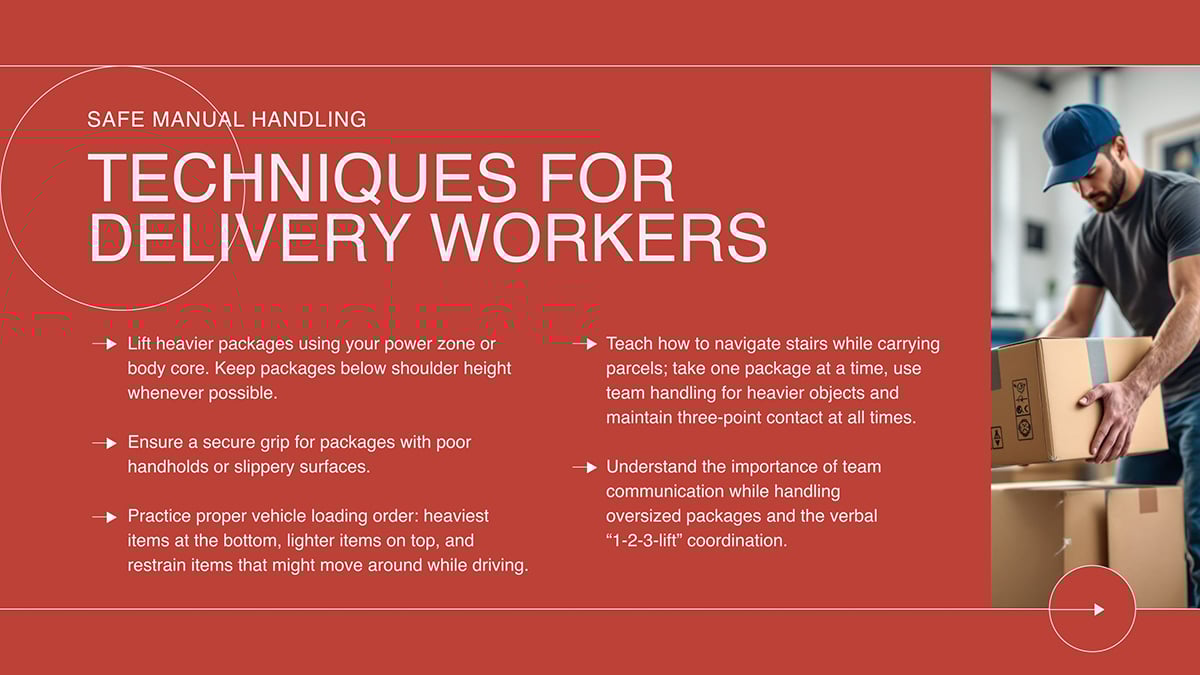
Hard skills, also called technical skills, are tied to a specific tool, system or task, and they're the easiest skill type to verify directly: someone can run the machine, follow the procedure or use the software, or they can't.
Some of the hard skill topics you'll need to create content for are:
Unlike soft skills, hard skills content benefits from exact, step-by-step instructions: the correct grip, the correct sequence, the correct setting. Write it as a procedure, not a summary, and test it the same way. Can the trainee actually perform the task? Describing it is not enough.
Manual handling is one of the most common hard-skill topics to cover, and it comes with its own formatting conventions. See our guide to manual handling training templates for ready-to-use options.
Leadership training content is meant to help employees become better leaders in their teams or departments.
It’s also the type of content that supports succession training and professional development. This content typically covers judgment calls, so it centers on criteria, precedent and some psychology.
For example, the content can cover:
When possible, use real situations your organization has faced, including the outcome and an analysis of why it worked or why it didn’t.
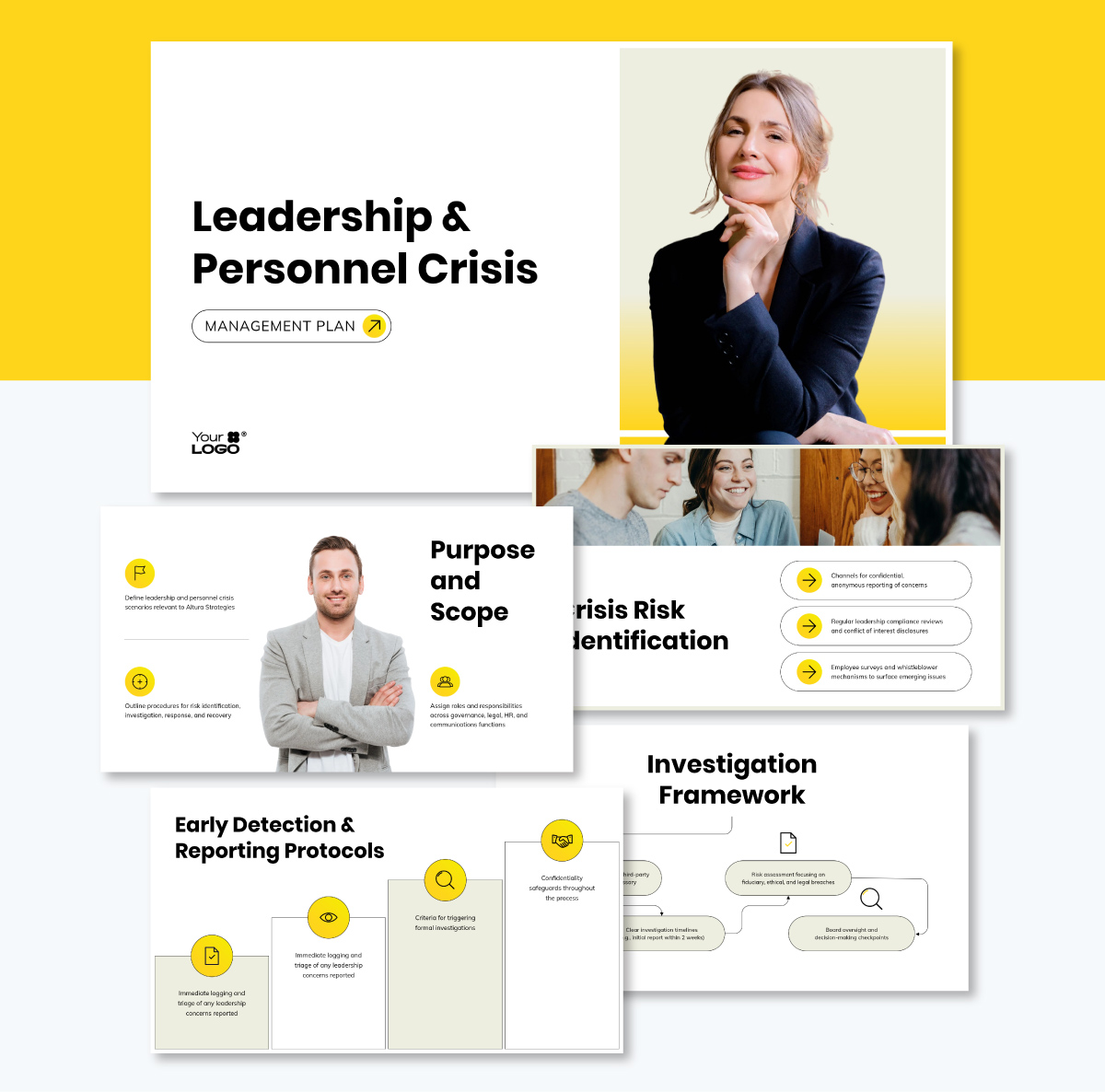
For content tailored to train leaders on a specific topic, like personnel crisis management, a presentation template like this one will help you set it up.
Every piece of training content needs three main elements working in unison: a learning objective or outcome, an activity and an assessment.
Educational psychologist John Biggs calls this trio of non-negotiables constructive alignment.
This is how it works:
Picture it as a triangle with the objective at the top. The two bottom points, the activity and the assessment, support the objective. If one fails, the whole thing tumbles.
Made with Visme Infographic Maker
Here are the steps you’ll need to follow to create employee training content.
This step is covered in depth in the first chapter, so this is a refresher. Reference Chapter One for the full explanation.
The goal is to identify the gap between what employees can do now and what the role actually requires, then write objectives that describe the behavior you want to see once training closes that gap.
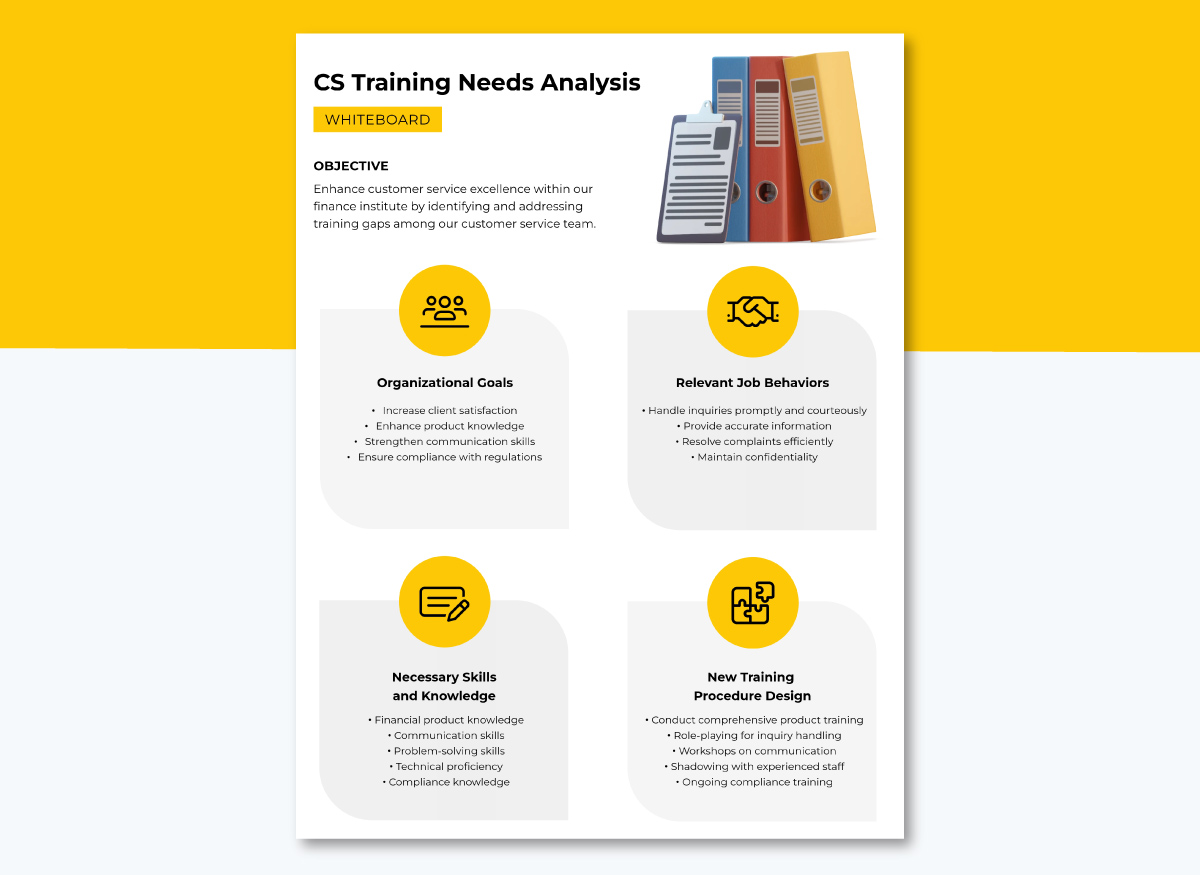
Use a training matrix to map skills against roles, or a needs-analysis whiteboard like the one below to list all the details that need to be covered to achieve the objective.
Actual content production begins with resource collection. But what counts as a resource will depend on the type of content you're building.
This table will give you an idea of how those things align.
| Content type | Resources to gather |
|---|---|
| Onboarding | Org chart, employee handbook, benefits documentation, system access guides |
| Compliance | Regulatory text, company policy documents, past incident reports, audit findings |
| Product | Product specs, support tickets, release notes, annotated screenshots |
| Sales enablement | Sales methodology docs, win and loss notes, competitor battlecards, real objections from call recordings |
| Hard skills | Equipment manuals, technical specifications, manufacturer documentation, safety procedures |
| Soft skills | Real scenarios from managers, anonymized coaching notes, past performance conversations |
| Leadership | Precedent cases, incident write-ups, escalation policy, past decisions and their outcomes |
For information that isn’t already documented, interview SMEs and the people closest to the work each program supports. Ask especially about edge cases, real examples and unique tips.
An SME will give you valuable information about a topic if you need it, but a manager or team leader will often know more details about the moving parts, like what usually trips up a new hire in the first month.
You don't need to know exactly which material you'll build before you write the content, but knowing the training method and delivery format can help you make better calls while you write it.
For instance, a live workshop can rely on a facilitator to fill gaps and answer questions, while a self-paced module needs the content to carry more of that weight on its own.
For a full breakdown on choosing training methods and delivery formats, see Chapter 3 of this guide.
Working on an outline before writing the full content will help you align the sections with the objective. The goal is to make the connection visible right away before going into the details.
Here’s how to do it: Write the learning objective at the top, then build each outline section as a specific piece of what the trainee needs to reach it: the explanation, the example, the practice, the check, etc.
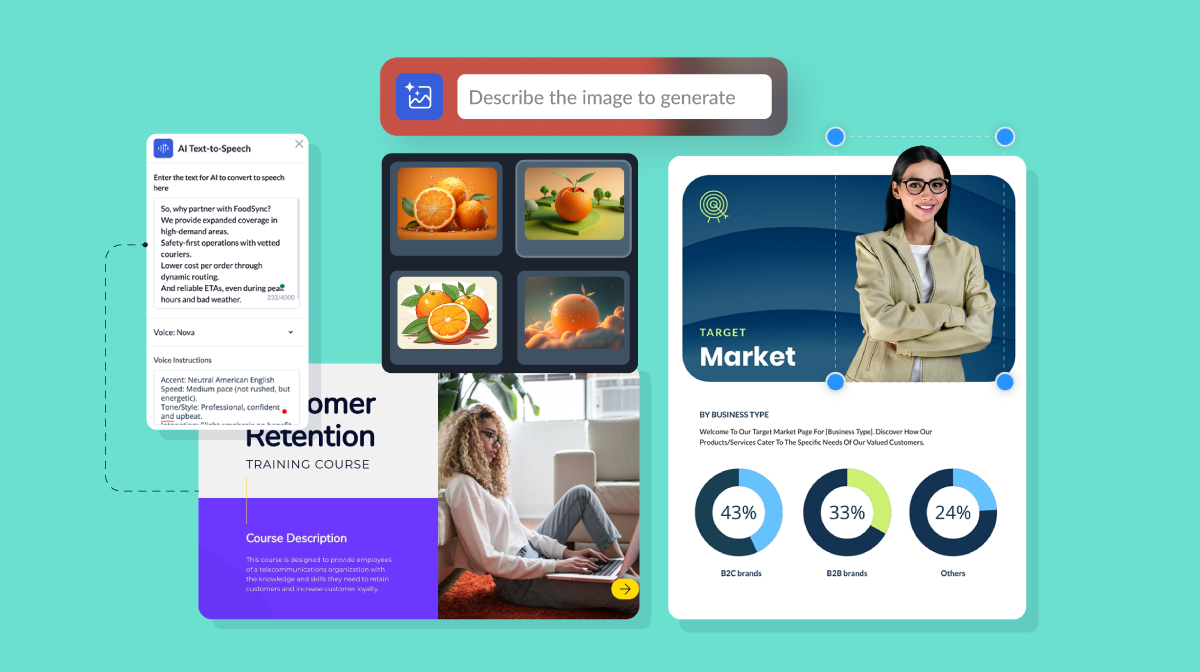
For a faster start, use AI to create this outline by prompting it to outline what an employee needs to learn to reach your learning objective.
An outline also serves as a check on Step 2, which is about gathering resources. If you can't fill in a section because you don't have the source material for it, that's a gap worth closing before you start writing.
If you already know what the training material will be, build the outline to align with the intended material.
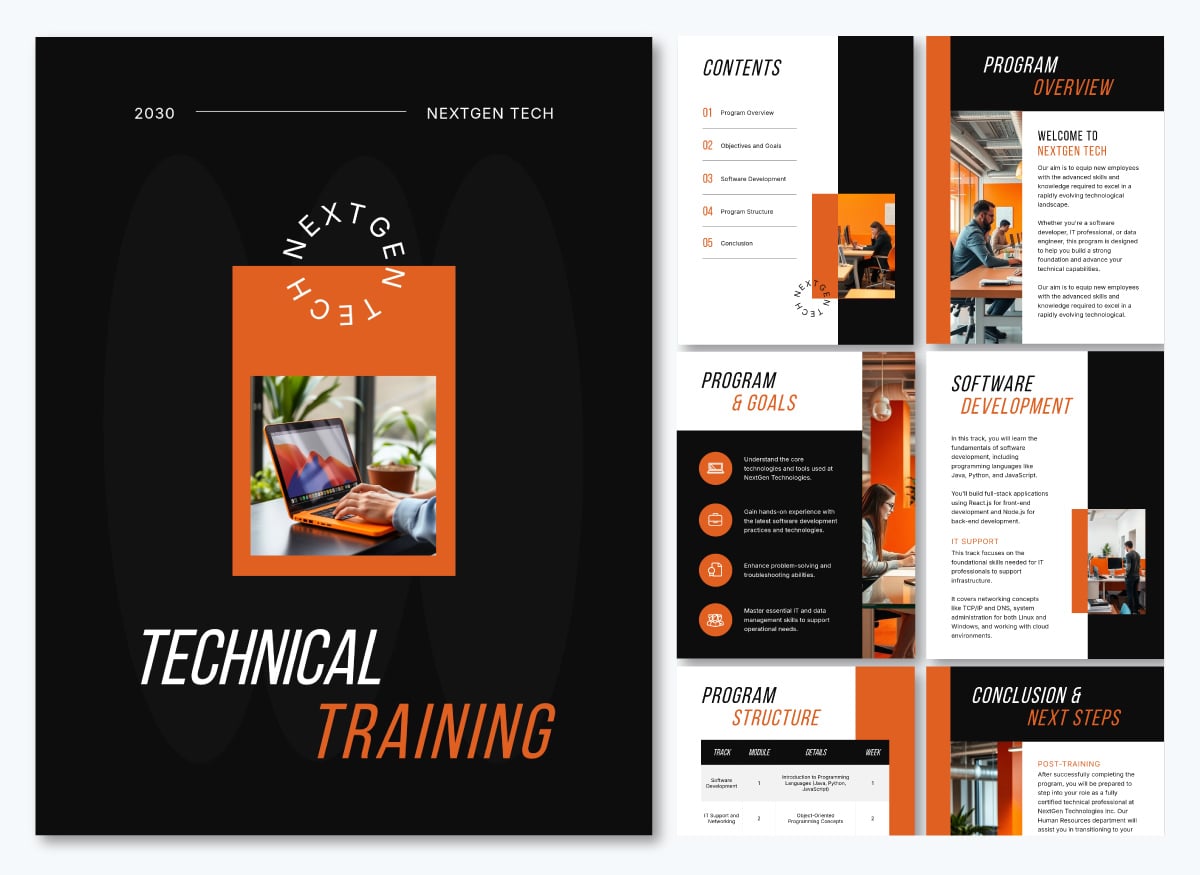
For example, a training overview manual like the one below includes sections that aren’t exactly instructional content. In this case, they are an introduction, an overview of the learning objectives and a visual that lays out the program and how performance will be measured.
Building out the content means turning each outline section into the explanation, the example and the check they need to reach the constructive alignment we mentioned earlier.
As for how exactly to write the content, match the complexity to the audience, not to the topic. Devlin Peck, Instructional Design Educator, explains why: "Technical audiences can handle domain vocabulary, but the sentence structure around it should stay simple."
In practice, that means a technician training on hydraulic systems needs "if system pressure exceeds 3,000 PSI, engage the relief valve," not "in the event that system pressure should exceed a threshold of 3,000 PSI, it is generally recommended that the relief valve be engaged.”
For a general workforce audience without deep domain vocabulary, Peck suggests something else: "Aim for a middle school reading level, roughly grades 6 to 8, for general workforce audiences. This is not about your learners' intelligence; it is about their attention."
Either way, the goal is the same: the reader's attention goes to the content, not to parsing the sentence.
Using your training content, it's time to create your training materials. This step is one of the most time-consuming due to the scope, but Visme can help you overcome this challenge.
It offers customizable templates designed for training/communication managers, cutting across various industries. Our intuitive drag-and-drop editor is super-easy to use. Anyone, regardless of their skill level, can create impactful training and development content.
As for how to create the materials, this guide’s how-to for creating a training program lays it all out: using Visme’s AI Designer, the Edit with AI feature, manually with a template and collaboratively with your team.
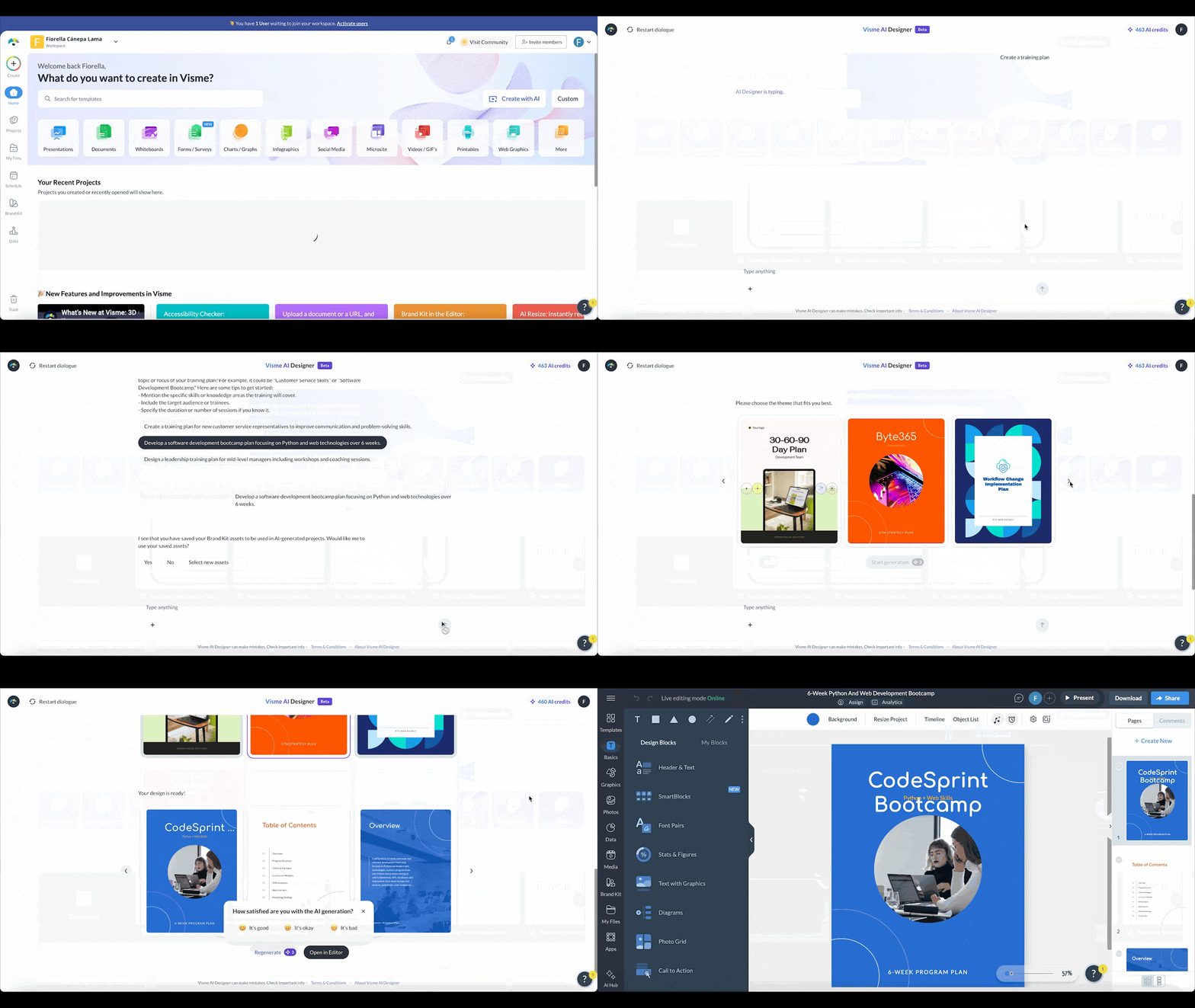
In this video, you will learn about all the reasons why Visme is your ideal choice for using your content to create your training materials.
Let’s take a look at the best and most common formats for structuring your employee training content into deliverable materials.
| Format | What it does and how to use it |
|---|---|
| Training presentations | A versatile format for workshops, online courses, refresher emails or reference material. Convert written content into a slide deck with an AI design tool. |
| Training videos | Explainer videos, product walkthroughs or orientation clips for LMS courses, onboarding and microlearning. Break content into short sections, one per scene or slide. |
| Interactive documents and modules | Keep trainees engaged with clickable menus, pop-ups, hotspots and animations added to a manual, presentation, infographic or microsite. |
| Quizzes and knowledge checks | Assess whether training worked. Draft two or three questions per section, delivered as LMS quizzes, forms set up as a quiz or on-the-job reviews. |
| Checklists | Preview what training covers and record what was done. Works as a course supplement, a printable for onboarding or a digital progress tracker. |
| Worksheets | Give trainees a way to apply knowledge when a skill needs practice and recall. Use editable prompts, then collect completed versions to gauge performance. |
| Training manuals and employee handbooks | Manuals give detailed step-by-step instructions on a topic. Handbooks explain how the workplace functions, covering values, HR processes and PTO policies. |
| Employee newsletters | Keep training ongoing with refreshers, policy updates or certification reminders. Keep each edition short and aligned to a single topic. |
| Infographics | Turn complex information into something scannable in under a minute. A strong fit for multi-step safety procedures, compliance checklists and before-and-after comparisons. |
| Visual job aids | Answer one question fast on the job by separating what must be memorized from what can be referenced where and when it is needed. |
| Certificates | Give employees a record of a skill earned. Suited to certification-required compliance, the end of onboarding or a leadership or product milestone. |
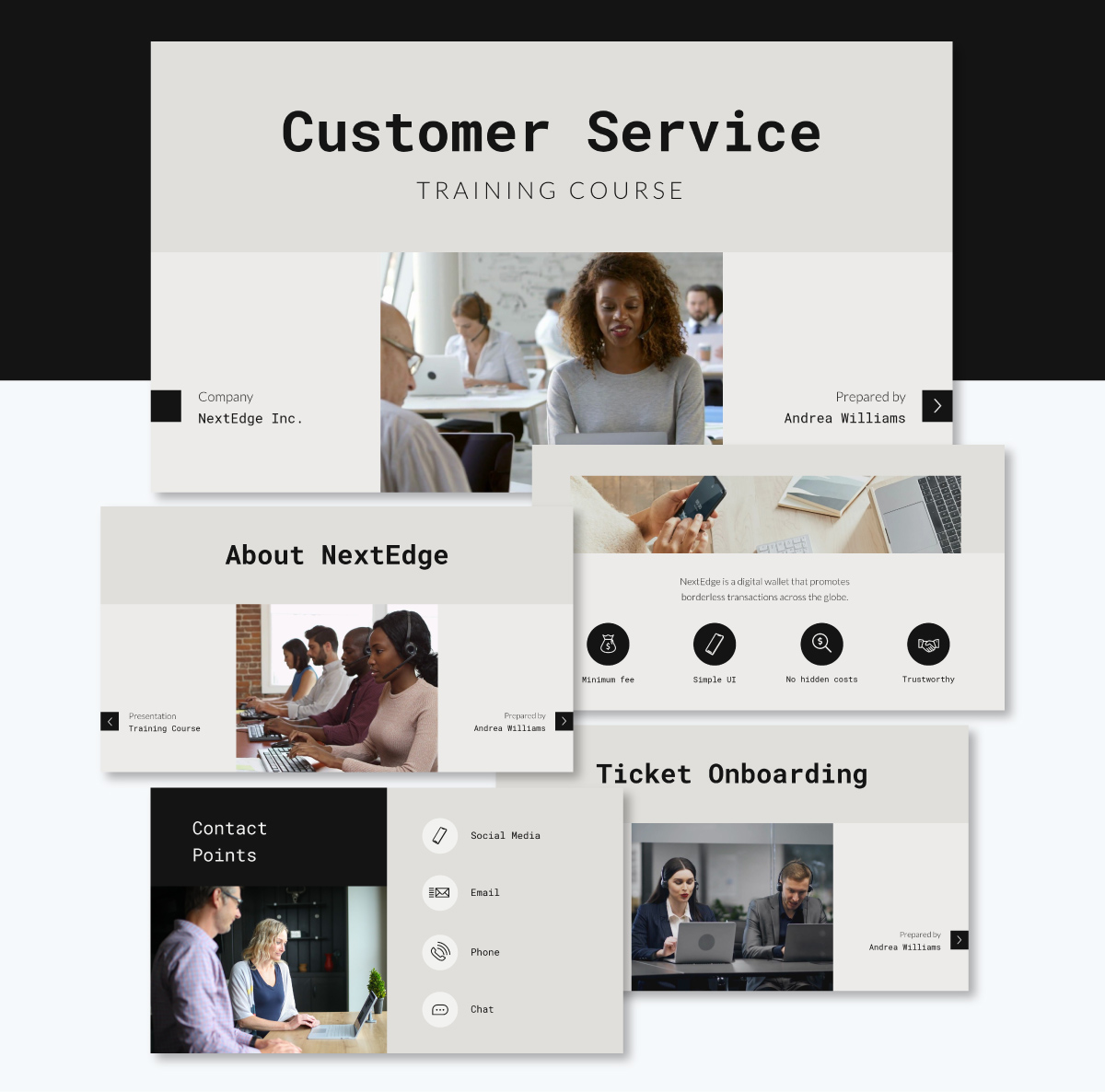
Presentations are among the most widely used training formats. They’re extremely versatile and can form part of all sorts of delivery options, such as workshops, online training courses, refresher emails or reference material.
Creating a presentation from your content is easy. An AI Design tool like Visme will quickly convert your written content into a slide deck with visuals and a cohesive design aesthetic.
For example, here’s a course template in presentation format. You can edit it with AI by asking it to place your written content in the slides.
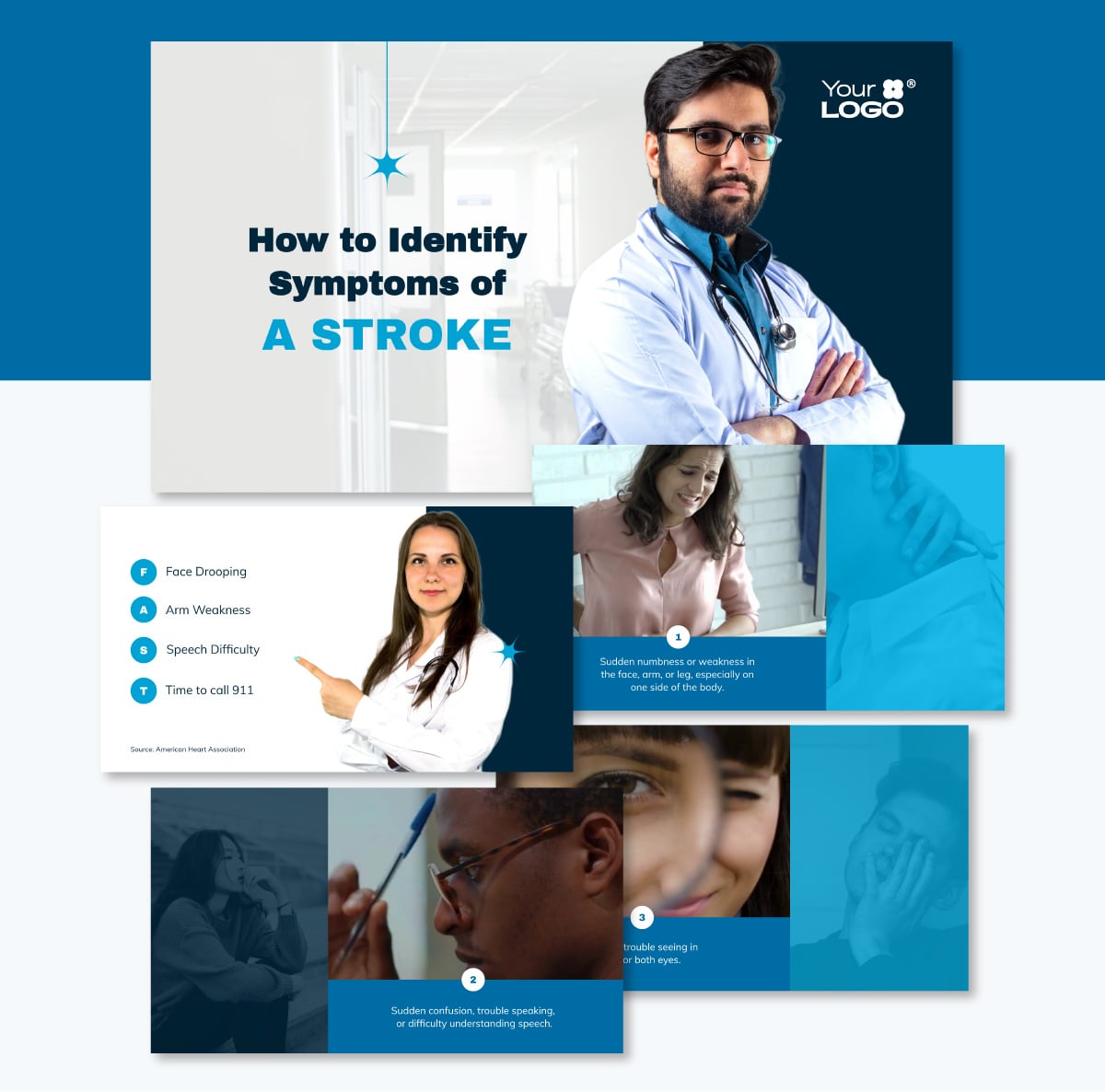
Training videos can be explainer videos, product walkthroughs or orientation clips. You can include them inside LMS courses, onboarding sessions, microlearning programs and any other type of employee training method you’re working on.
To turn content into a training video, break it into short sections. Each section is a scene if the video is filmed or recorded. And if it’s an animated presentation downloaded as a video, like this one, each section is a slide.
Including interactive learning content in your training materials is a great way to keep trainees engaged throughout the sessions.
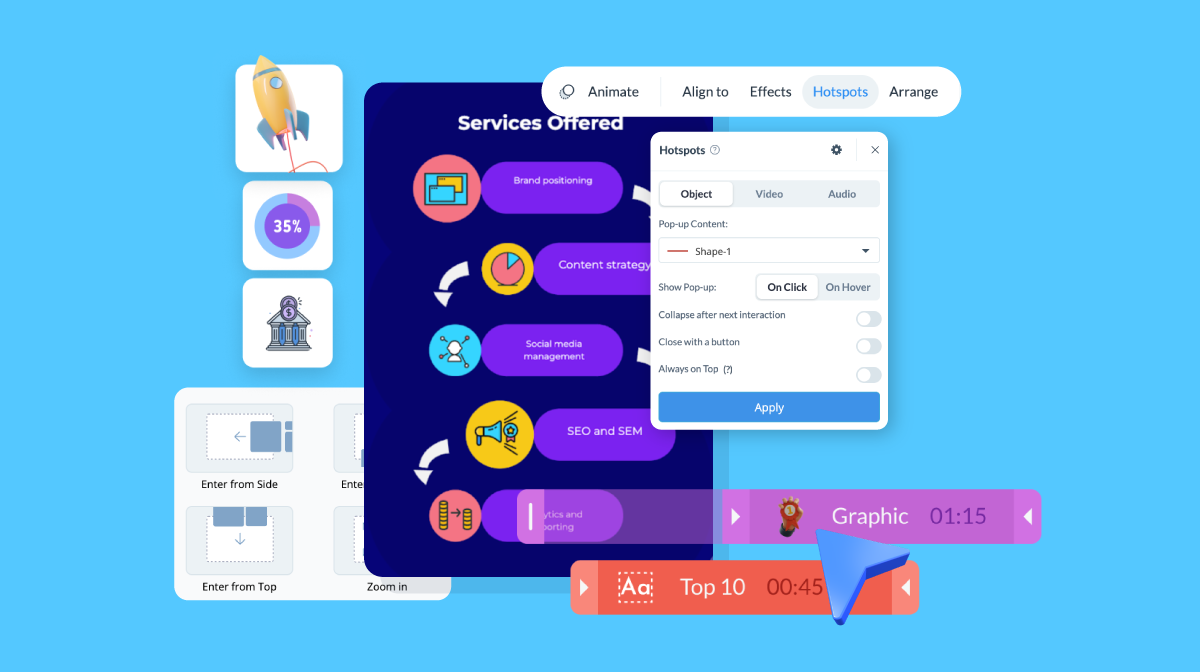
Whether you’re creating a training manual, presentation, infographic or microsite using Visme, you can add interactive elements such as clickable menus, pop-ups, on-click or on-hover hotspots, animations, text effects and more.
Below, is a training manual with interactive elements to help trainees retain information better. We used a static document and added some interactive elements to show you how they work.
Made with Visme
Ready to amp up your employee training with interactivity? Watch this video to see how Visme can help you achieve that.
You’ll also need content to help you assess whether the training has done its job. While writing the training content, draft two or three questions per section or module, and then use them for the type of quiz or knowledge check you’ll use.
Aside from written assessments, plan for on-the-job reviews to see if the knowledge has transferred to the actual task.
Courses in an LMS can offer quizzes and tests directly within the platform. Other options include formats like Visme forms set up as a quiz, like the one below. Click on the button to see how it can help.
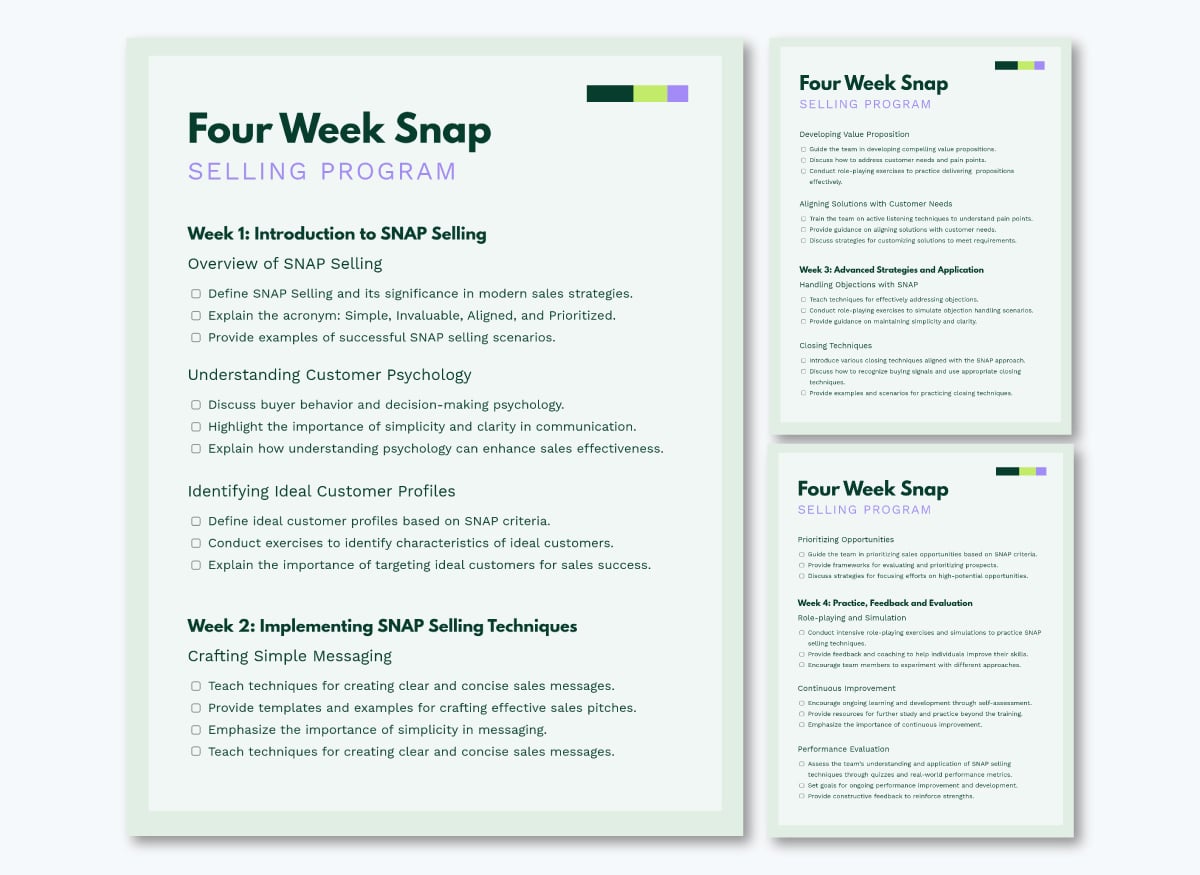
Checklists can help in several ways. To give the trainee a preview of what the training will cover and also as a record of what was done. A checklist can be a supplemental resource to a course, a printable for a new hire during in-person onboarding or a digital document for a manager to track a trainee’s progress.
The content in the checklist can include onboarding steps, opening and closing procedures, a sales process or a safety walkthrough.
This template, for example, covers a sales training sequence. The same structure will hold for any staged process.
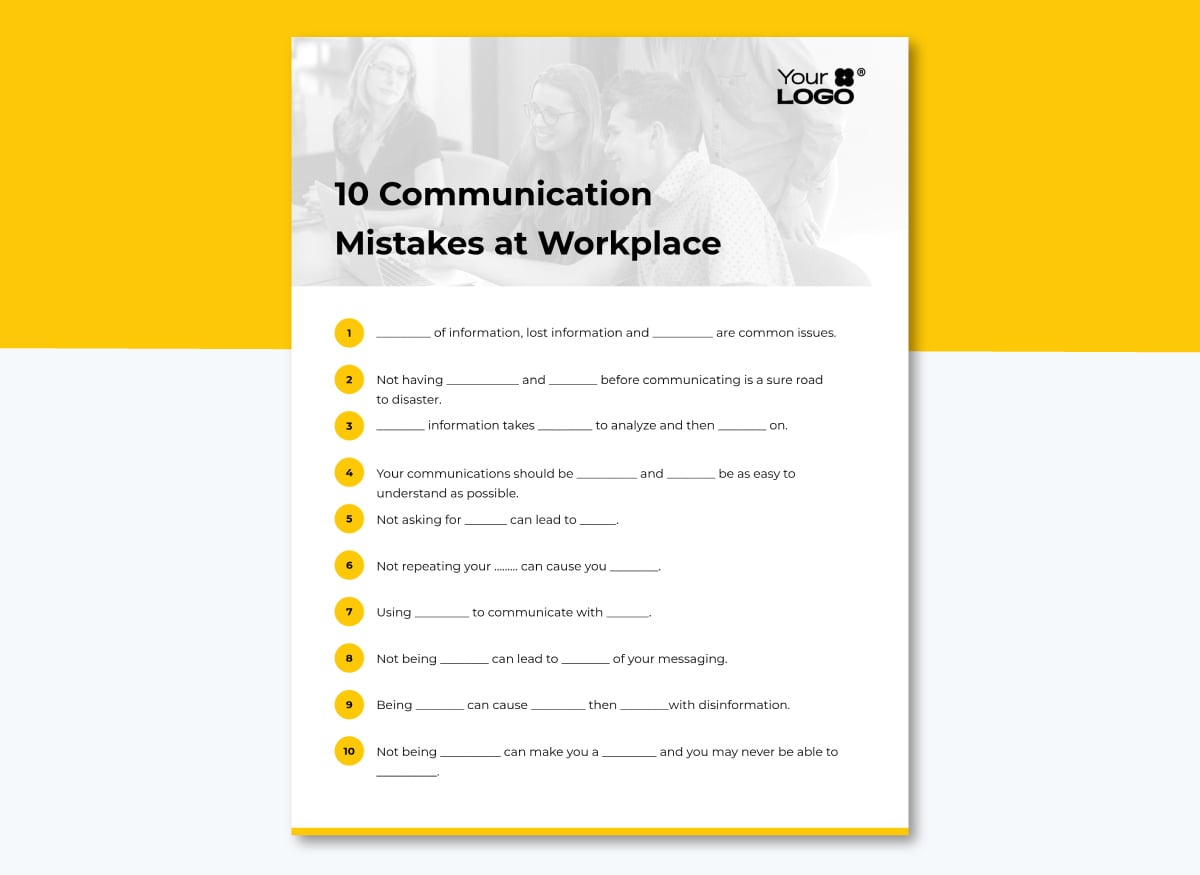
Worksheets give trainees a way to apply the knowledge they’re receiving. They’re great when a skill needs both practice and recall: writing a customer response, working through a pricing scenario or planning a difficult conversation.
The exercise worksheet template below has editable prompts and answer areas you can rewrite for your own topic. Print it for in-person sessions or share the link for remote teams, then collect the completed versions to see how the training is performing.
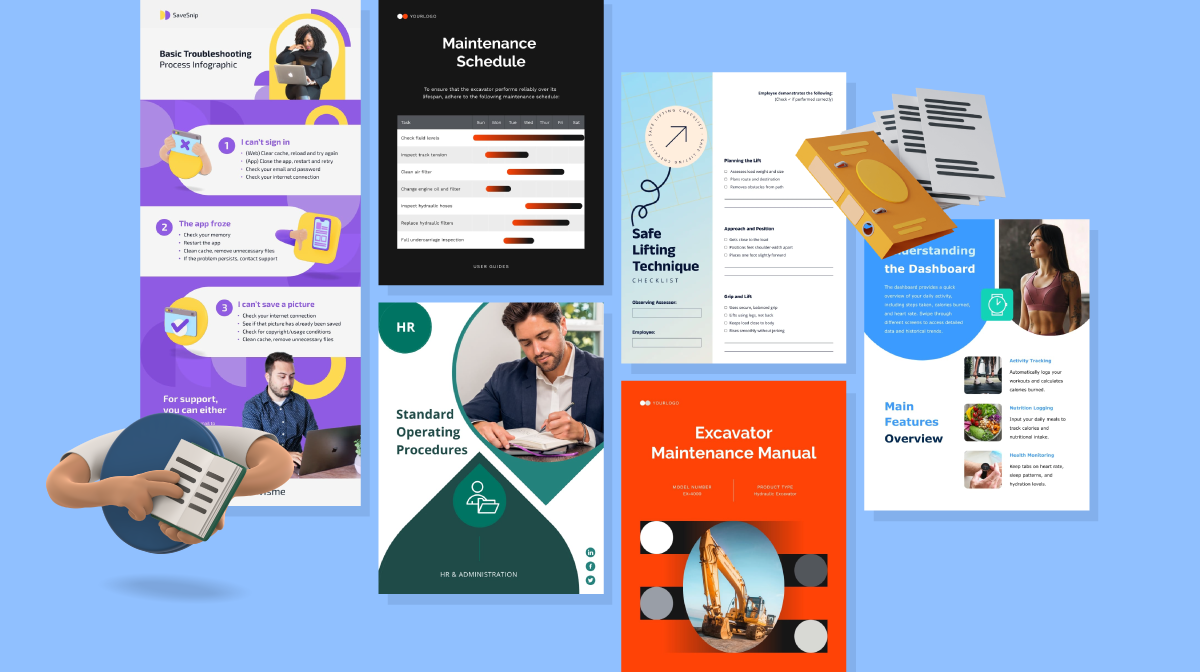
Training manuals are documents that provide detailed instructions and information about a particular training program or topic.
When creating training content for a manual, you’ll need to format it accordingly. The goal is to organize the content logically; present what the manual is for, lay out the sections in a table of contents, explain the step-by-step instructions and use visual support to enhance understanding.
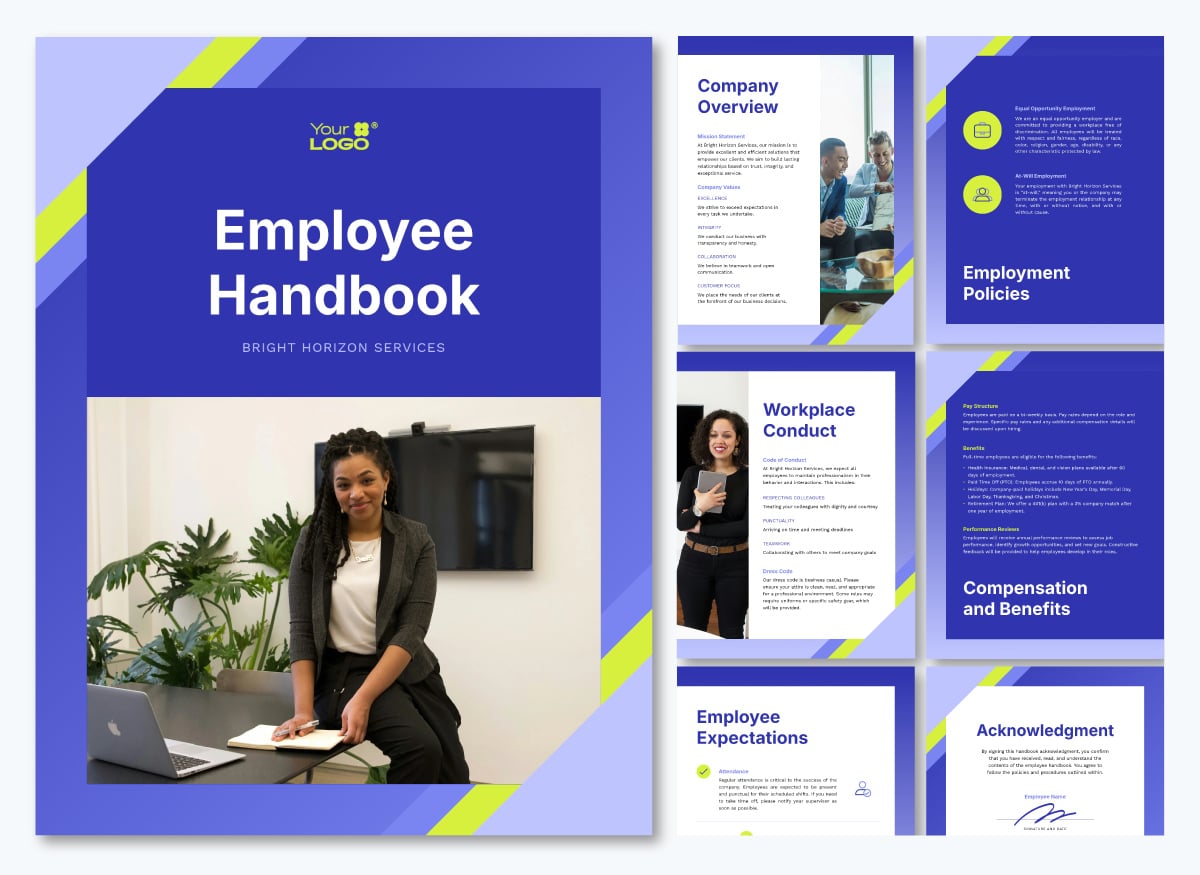
Employee handbooks are also a type of training document, but unlike manuals, they don’t explain how to do something at work; they explain how the workplace functions. Information in a handbook includes topics like company values, HR processes and PTO policies.
The handbook template below is tailored to help a corporate employee know exactly what to expect at their company.
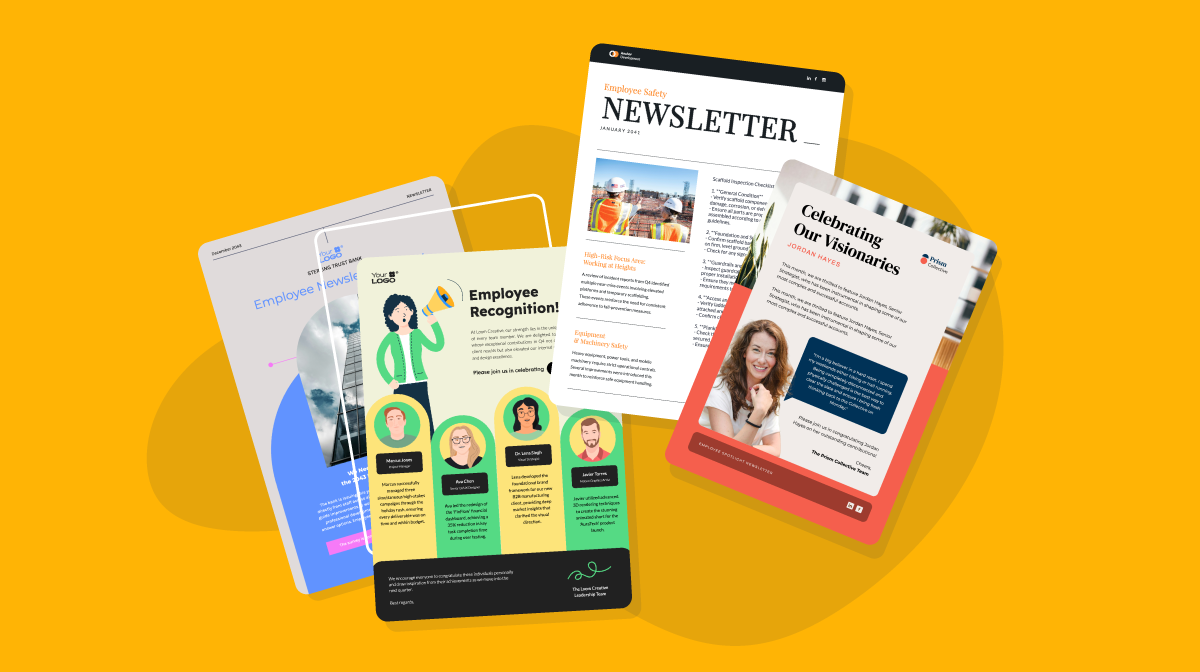
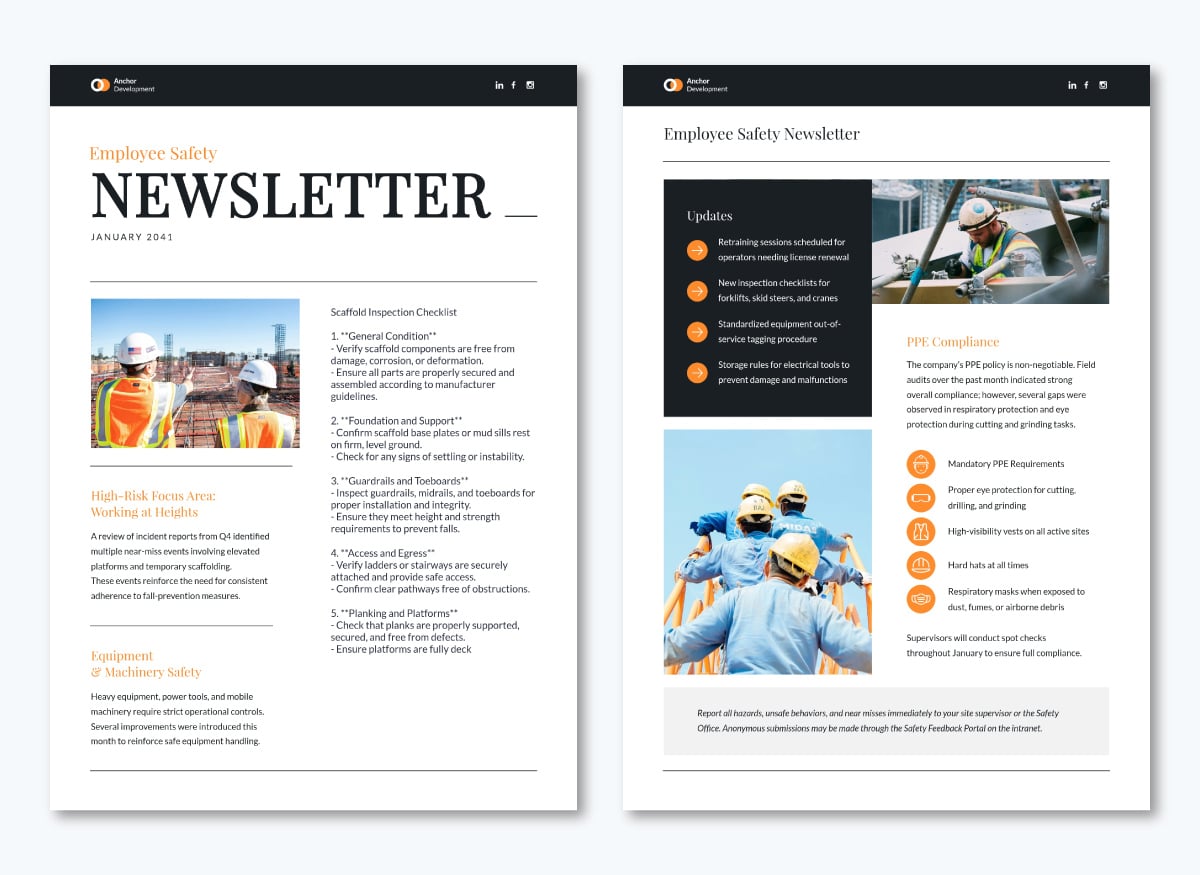
Employee newsletters can help keep training an ongoing reality in an organization. Use them for refreshers, policy updates or reminders that a certification is about to expire. As a content rule, keep each edition short and aligned to a single topic so attention doesn’t waver.
The safety newsletter template below has room for a lead story, a short tip and a reminder block. Set it up once with your brand colors and fonts, then duplicate it each month and swap the content.
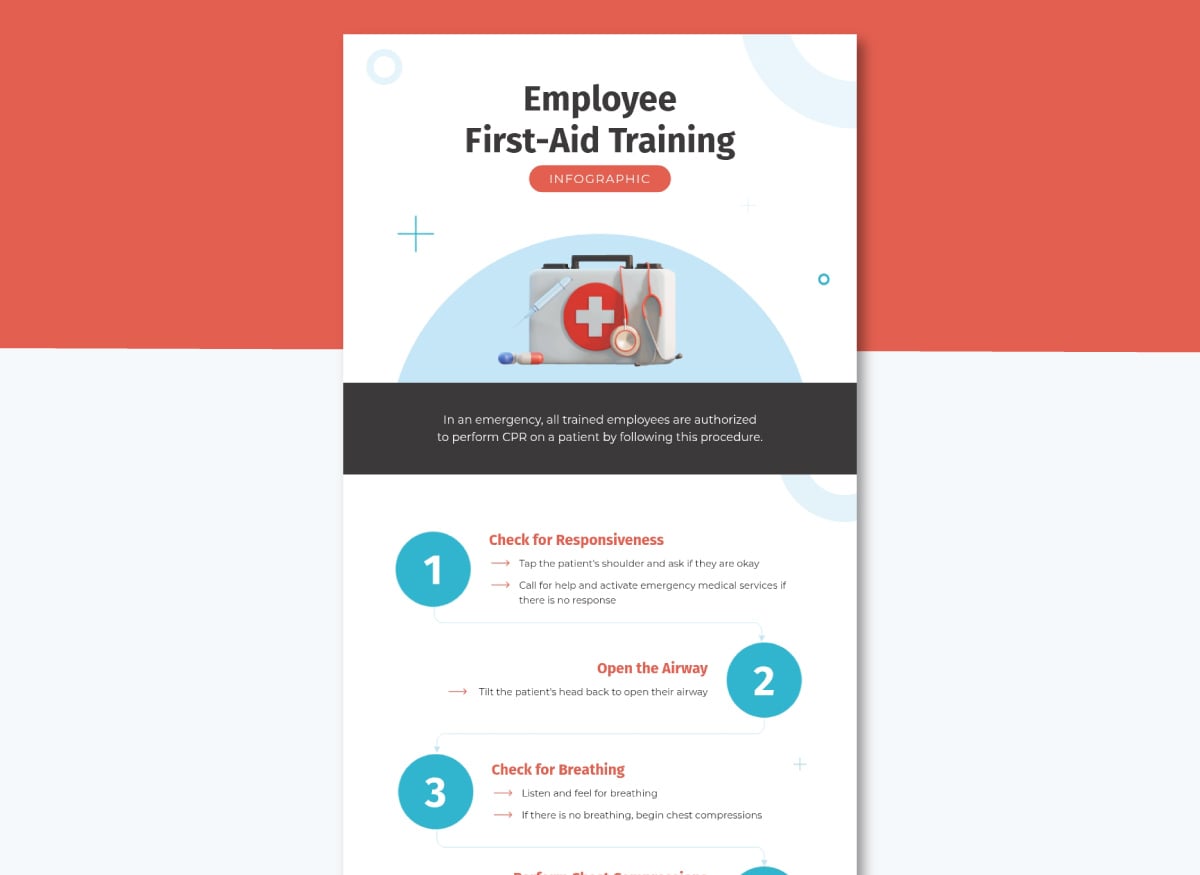
Infographics turn complex information into something a trainee can scan in under a minute thanks to a hierarchical visual flow. That format makes infographics a strong fit for multi-step safety procedures, compliance checklists or before-and-after comparisons.
Turning training content into an infographic can be placed inside a training manual, printed and laminated as a poster on the work floor or even turned into an interactive microsite that performs as a complete training module.
Numbered steps are ideal candidates for infographics. This first aid template breaks a procedure into visual steps that employees can look at every time they walk into the bathroom or the break room.
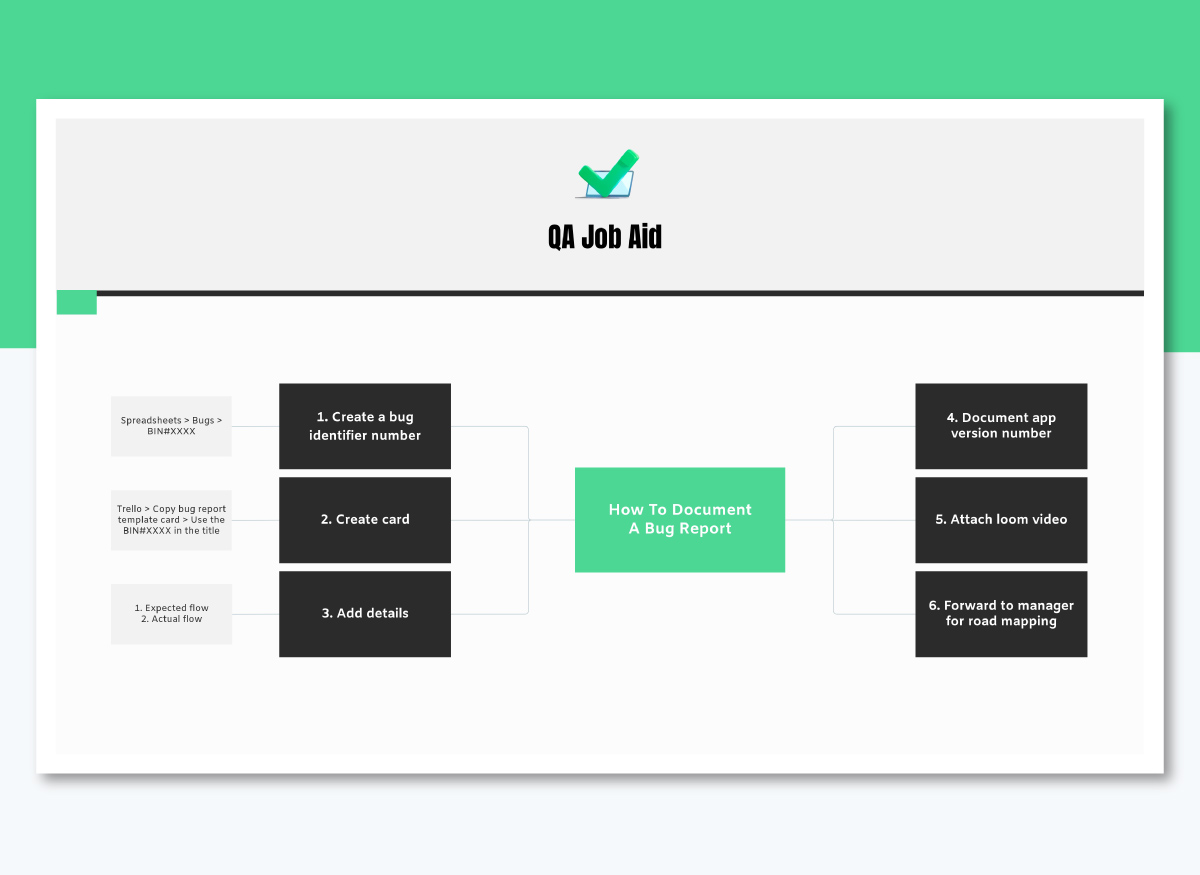
Visual job aids answer one question fast while on the job. They work because they separate what needs to be memorized from what can simply exist exactly where and when someone needs it.
Cathy Moore, training designer and creator of Action Mapping, describes how to make the distinction when creating the content. "One of the goals in action mapping is to identify what information needs to be memorized (put in the course) and what can be referenced on the job (put in job aids)."
For a process job aid, start with the diagram template below and replace the icons and steps with your own procedure. Print it and post it by the employee's desk, or use it as a standalone microlearning module.
Certificates give an employee a record of a skill they've earned and a reason to feel good about finishing the training. These are perfect for certification-required compliance content, the end of a structured onboarding program or as recognition tied to a leadership or product training milestone.
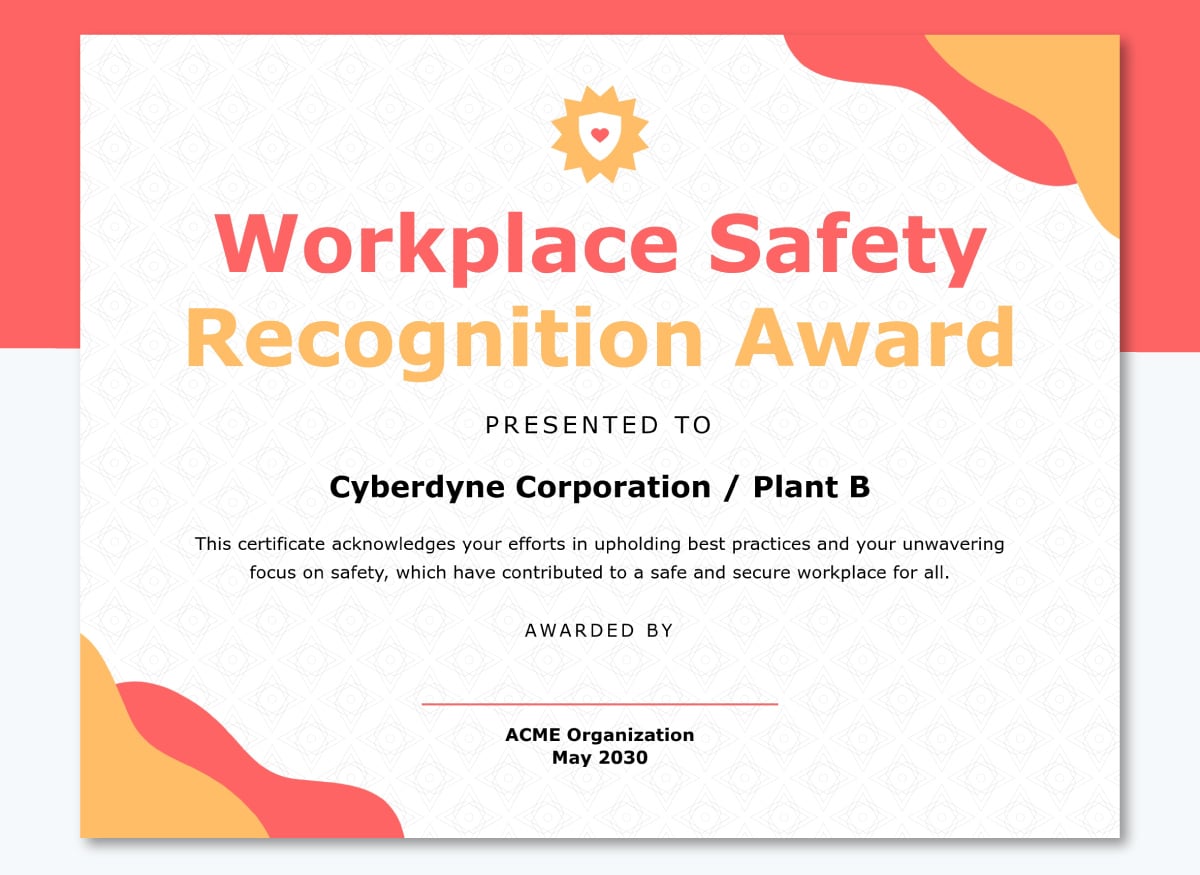
This Safety Excellence recognition certificate template is built for exactly that moment. Send it to trained employees as a high-resolution graphic so they can share it on LinkedIn if they so desire.
AI can support nearly every stage of writing employee training content: pulling notes from a recorded interview, drafting a first pass, catching a sentence that's too dense or your audience.
None of the tools below build a finished deck, video or course on their own. For the software that builds materials from your content, see our guide to authoring tools.
| Type | Examples | What it does for content |
|---|---|---|
| Generative AI | Claude, ChatGPT | Drafts an outline, tightens a paragraph, writes a first pass. Rough draft only, not built for a finished, on-brand deliverable. |
| Transcription and meeting intelligence | Fathom, Fireflies | Turns an SME interview, team debrief or live session into a searchable transcript and summary you can pull into your content. Best for sourcing information that only exists in someone's head. |
| Source-grounded research and synthesis | Gemini Notebook, Perplexity | Answers questions and drafts summaries grounded only in real sources, cited back to where they came from. Gemini Notebook grounds in documents you upload, Perplexity grounds in live web sources. Both cut down on fabricated facts. |
| Writing and editing assistants | Grammarly, ProWritingAid | Checks reading level, tone and sentence structure once a draft exists. Offers suggestions for grammar as well as wording. |
| Translation and localization | DeepL, Smartling | Translates finished content into other languages. Always verify with a fluent speaker before it ships, especially for safety or compliance content. |
The first thing you must remember about creating training content is that it’s all about the substance, the knowledge you need to give the trainees.
When we talk about common mistakes in this section, we’re referencing only the content, not the materials or even the program itself.
Other chapters in this series cover best practices for those.
Let’s start.
The biggest mistake you can make with training content is failing to align it with the learning objectives you set for the program. Even worse, not setting learning objectives at all.
So, always set an objective and have it in mind when writing any content. That way, every explanation, example and question exists in constructive alignment.
More content doesn't mean better training. Every extra fact, caveat or aside makes the trainee work harder to grasp the knowledge that actually matters.
So, cut anything that doesn't directly support the training’s objective or make for a relevant use case example. Save what you cut: it might belong in another module, a follow-up session or a different training program altogether.
AI is already writing a lot of training content. According to Synthesia's 2026 L&D survey, 60% of L&D teams now use AI to draft content and quizzes.
Regardless of whether you are already part of that 60% or plan on joining it, remember to never use AI content output as a finished draft. AI content still needs a human to make it valuable, not just because of wording, tone, style and flow, but also because AI tends to hallucinate.
AI tools can state a wrong policy, an outdated procedure or a made-up number with the same confidence as a correct one. You won’t notice it unless you know the facts from memory.
So, always verify every fact and step against your source material, industry knowledge or collected data before it ships. This matters most in compliance and safety content, where a wrong detail has real consequences, but you should do it all the time.
Skipping this step means every version of your training content is created under an assumption. Instead, look at quiz scores, knowledge check results and on-the-job performance to see where trainees consistently struggle, then trace the gap back to the explanation, example or practice that should have covered it. A pattern of incorrect answers on a topic might indicate unclear content or a poorly written test question. Use the findings to influence the next content revision.
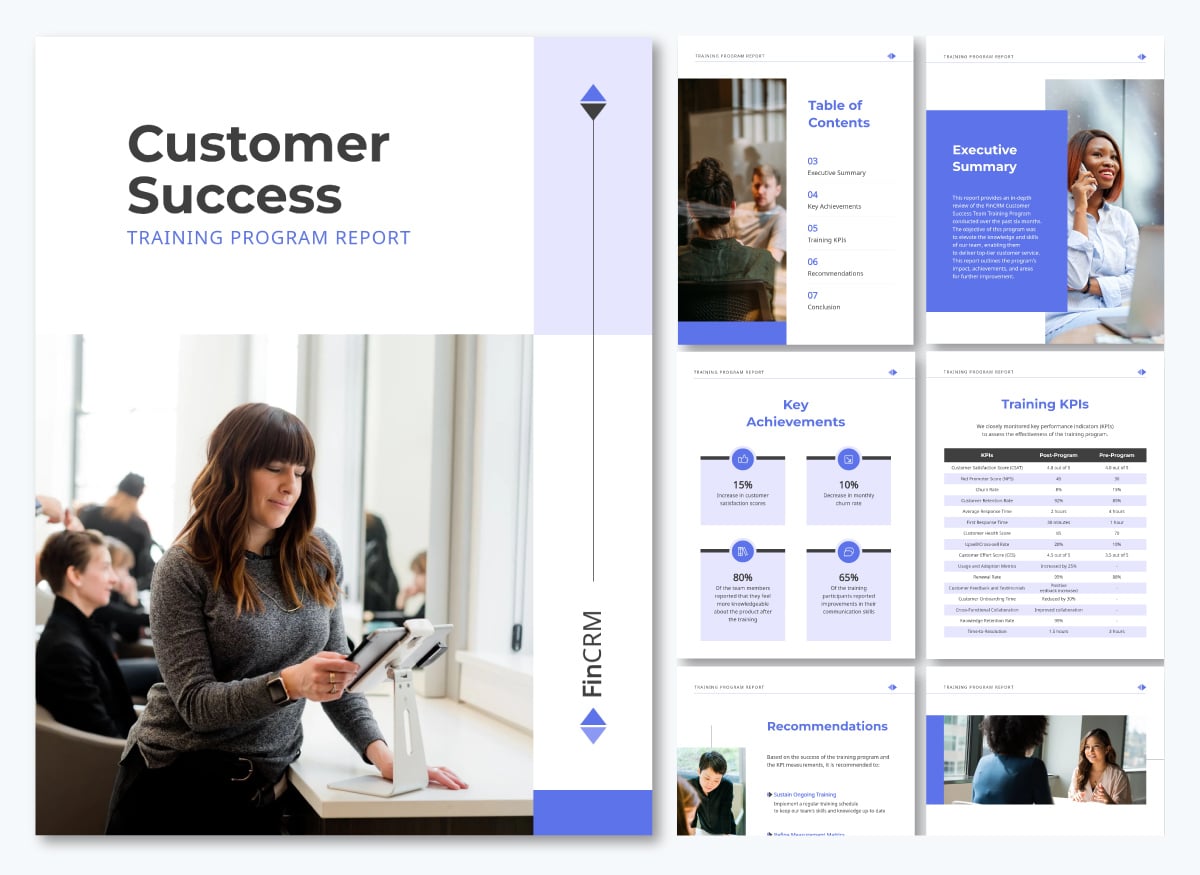
You can document a training program’s performance with the report template below:
Break the material into short segments and pull every example from work the learner actually does. Generic, long-form training loses attention fastest. Let people control their own pace and check comprehension as they go rather than only at the end.
Every piece of training content needs three things working in unison: a clear learning objective, an activity that lets the trainee practice it, and an assessment that checks whether the content did its job. Beyond that, the specific content depends on the type of training and its unique needs.
Review training content whenever the thing it’s based on changes: a policy, a regulation, a price or a product feature. Anything that changes often is a good candidate for Visme’s Dynamic Fields, since updating the field once pushes the change across every project that uses it.
Common employee training topics include onboarding, compliance and safety, technical or role-specific skills, software and tools, leadership and management, communication, customer service, diversity and inclusion, and cybersecurity awareness.
The strongest programs pick topics tied to a specific performance gap or business goal rather than covering everything at once.
Examples of learning content include slide decks and presentations, explainer videos, interactive courses, quizzes and knowledge checks, job aids and one-pagers, checklists, process diagrams, infographics, recorded walkthroughs, and simulations.
Most programs mix formats so learners get instruction, practice and a reference they can return to later.
Five common areas of improvement are communication, time management and prioritization, collaboration and teamwork, technical or role-specific skills, and receiving and applying feedback.
Managers usually identify these through performance reviews, then pair each one with targeted training and a measurable goal.
A training program typically contains learning objectives, an outline or curriculum, instructional content such as modules and videos, activities and practice exercises, assessments or knowledge checks, job aids and reference materials, and a plan for measuring completion and results.
When working on employee training programs, L&D teams don't have time to rewrite the same explanation five times, once for the deck, again for the handbook, again for the video script. Writing the content once and then using it across different materials is a much more effective approach.
Sign up for a Visme Team account today and upload your training content to create all sorts of materials for your training programs.
Design visual brand experiences for your business whether you are a seasoned designer or a total novice.
Try Visme for free