




Employee Onboarding Training: A Complete Guide for HR and L&D Teams


There’s no one-size-fits-all approach to employee training.
The right method depends on what employees need to learn, where the training takes place and how they’ll apply the information to their work.
A warehouse team learning safety procedures may need hands-on practice, while a remote sales team might benefit from self-paced modules combined with live coaching.
Hybrid teams may need a mix of formats to provide an effective learning experience for everyone.
That’s why organizations often invest in different approaches. In CIPD’s Learning at Work 2023 survey, UK organizations reported funding in-house development programs (43%), mentoring (42%) and external conferences and workshops (41%).
In this article, we’ll break down nine common training methods and delivery formats, where each works best and the trade-offs to consider. You’ll also see real-world examples to help you choose the right approach for your training program.
What is a training method, and how does it differ from the delivery format?
Do these directly correlate with the training type your program aligns with? Not necessarily. For example, an onboarding training program for a warehouse job will need in-person training methods, while a remote worker will need virtual sessions.
So what do training methods and delivery formats align with? That would be your training goals, learning objectives and your employee’s day-to-day reality.
This table provides a quick overview of how that works. And in the section below, we’ll go into the details.
| Training Method | Delivery Format | Best For |
|---|---|---|
| Blended Learning | Live plus self-paced, spanning all possible formats | Complex skills that combine individual study with hands-on practice |
| Hybrid Learning | Live, in-person and remote together | Sessions that need flexible attendance options |
| Microlearning | Self-paced, short bursts | Quick skill reinforcement and refreshers |
| Interactive Learning | Live or self-paced, requires employee interaction | Interactive presentations, simulations or virtual reality |
| Mentorship Programs | Live, one-on-one | Leadership development, promotion prep and succession planning |
| Instructor-Led Training (ILT) | Live, in person | Content that needs judgment and quick recall under pressure, like ethics or negotiation training |
| Virtual Instructor-Led Training (VILT) | Live, virtual | Remote or distributed teams that still need live discussion |
| eLearning and Self-Paced Online Training | Self-paced, online | Informational content many people need at different times, like onboarding or compliance |
| On-the-Job Training and Coaching | Live, on the job | Skills that only make sense in context, like operating machinery or a cash register |
Now we’ll discuss the options in detail so you can get a better idea of what’s possible.
Many programs combine two or more training methods and delivery formats in order to reach trainees at different points and in different situations. Create the combination that suits your employees’ realities while filling the skill gaps you’ve identified.
Blended learning is one of the most widely used training styles.
According to ATD’s research report, Blended Learning: Leverage Flexibility to Maximize Results, 71% of respondents say that at least half of their training is blended.
As the name implies, “blended” refers to the fact that this training method combines several styles of learning. Diana L. Howles, CEO and co-founder of Howles Associates, describes blended learning as combining "synchronous (live online) training with asynchronous (on-demand components) into a comprehensive learning program."
This type of training works well when you need employees to learn many things or when the topic is complex. The combination will depend on what we’ve discussed before: the content, the goals and the situation.
For example, helicopter pilots transitioning to new aircraft are trained through blended programs that combine individual and instructor-led technical learning with simulator time to practice their skills and real-life flying with a pilot who teaches them skills as they are needed on the job.
Blended learning doesn't have one best format. The combination depends entirely on the skill, the audience and how much practice they need before they're on their own.
For technical skills, a self-paced module can lay the foundation, followed by a live practice or simulator session to apply them. For skills that require judgment, a live discussion session can come first, followed by self-paced material that employees can return to on their own.
The mix can take almost any shape. For instance, a customer service team might pair a live role-play session with short microlearning refreshers sent by email afterward. A new software rollout might pair a self-paced walkthrough video with a live Q&A session to cover questions the video couldn't anticipate.
Track completion and any assessment scores for the self-paced methods separately from the live ones. If the self-paced score is strong but performance in the live session is weak, the material contains content that the trainee can't yet apply. If it's the other way around, the self-paced content didn't hold up without a facilitator explaining it.
Don't average the two into one pass-or-fail score. Each one is telling you something different about where the program is succeeding or failing.
Our blended learning guide covers much more about this technique.
Blended and hybrid are similar terms and can seem interchangeable, but actually aren’t.
Jennifer Lindsay-Finan, of InSync Training, shares a clear definition that will help you remember the difference: "Blended learning is about how the content is delivered. Hybrid learning is about where the participants are learning."
Hybrid learning combines online and in-person training in the same session. It works well when some employees need to join in person and others can't, but the session still needs to happen live for everyone.
Trainers run these sessions with some people in the room and others joining through a virtual meeting. The setup only works if remote participants have equal footing.
You can achieve that by designing content, materials and delivery formats that work for both audiences simultaneously. For example, an interactive presentation that can be shared via a link and presented in the room will work well.
Karen Vieth, President and CEO of InSync Training, recommends going a step further:
"Have every individual log on to a personal device, no matter how they are participating." That way, in-person attendees use the same polls, chat and breakout tools as the remote group.
Track attendance and participation for the in-person and remote groups in two separate lists. That way, you can see how effective each format is and how to align it better next time. For knowledge assessments, a quick pulse check at the end, using the same two or three questions for both groups, can also help catch an engagement gap.
Our hybrid learning guide has lots more ideas and strategies to help.
Microlearning breaks training into short pieces, each covering a single topic. Instead of a 45-minute course, an employee might get a 2-minute video, a single email, or a short walkthrough tied to the exact moment they need it. This method works because it aligns with the amount of time employees actually have available for learning. Busy schedules can’t always fit in a two-hour training session in the middle of the day.
Lan Tran, Director of Learning Design & Technology at McDonald’s, shares how her team uses microlearning for frontline workers and the impact it has had.
“We reimagined learning, creating bite-sized experiences in 13+ languages and developing immersive simulations or games. In addition to overall improved restaurant performance, this approach encouraged a growth and curiosity mindset among crew members, reduced content overload and built the skills needed to thrive.”
Microlearning can use almost any delivery format. The right one will depend on the moment you're trying to reach. A short walkthrough with tooltips works inside a piece of software. A triggered email, like Google’s Whisper Courses, works right before a task that needs a nudge. A pop-up works the instant an employee takes a specific action.
Evaluating success in microlearning is a bit different because completion of each short module is only a proxy for learning.
The real signal is whether the specific behavior the module targeted shows up on the job in the following weeks, so pair completion data with a manager check-in or a simple before-and-after observation.
Learn more about incorporating microlearning into your L&D strategies with our detailed guide.
Interactive learning can be built on top of any of the formats above, as long as it involves interactivity. That can mean clickable areas in a digital presentation, interactive decision trees, embedded videos, touchscreen walkthroughs, augmented or virtual reality, or technical and person-to-person simulations.
Not all interactivity does the job, though. Cammy Bean, Senior Solutions Consultant at Kineo, draws a line between clicking and thinking.
Real interactivity, she says, is cognitive: "It's using your brain to think about the content."
How much of that scenario needs also depends on the task.
Christy Tucker, learning experience design consultant at Syniad Learning, offers a clear distinction: “Interactive branching scenarios work best when the task requires multiple steps and decision points." For a single decision made in isolation, a simpler mini-scenario is usually enough.
So, choose interactive learning for scenarios with real consequences, such as customer conversations, safety calls and judgment under pressure.
Interactivity attaches to whatever format is already running, not the other way around. Add a hotspot or branching scenario inside a self-paced module, a poll or live simulation inside a facilitator-led session, or a pause-and-answer moment inside a video.
Our interactive learning guide has a lot of content and example materials.
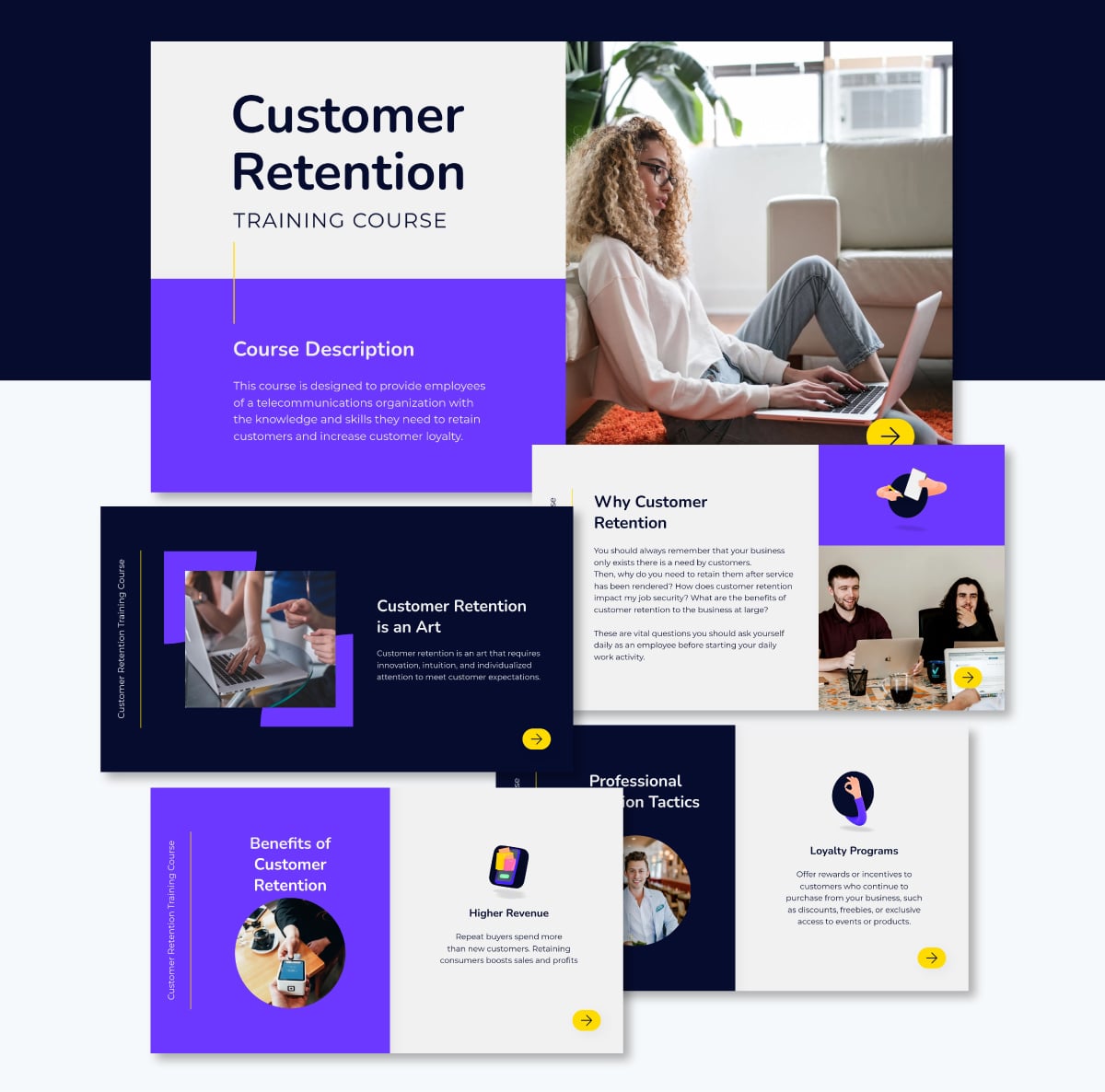
The presentation below is one of our interactive training course templates that you can edit for your own programs. For optimal results, read these 11 tips to enhance your presentation skills.
To analyze the outcomes, look at how learners move through the interactive elements: which paths they choose, where they hesitate or restart, and where they drop off.
Finish the module with a scenario-based question that asks the learner to apply the decision, not just recall it, since interactivity alone doesn't prove the lesson has stuck.
Mentorship programs support employees’ personal and professional development in their current role as well as for the future. Mentorships are typically one-on-one relationships between employees at different levels; the one in the higher position is the mentor and the other is the mentee.
These programs are ideal for leadership development, preparing employees for promotions or succession training. Likewise, these relationships can help expand the employee’s professional network, improve their self-assertiveness and help them feel more confident in their position.
Since mentorship is about conversation and interpersonal relationships, the best delivery format is one-on-one meetings or virtual calls. If those two don’t align with work schedules, emails and chat are also good options.
Skip attendance as a measure of mentorship since showing up isn't the point. Tie measurement to the mentee's stated goals at the start of the relationship, then check progress against them every few months, with feedback collected from both mentor and mentee.
ILT (Instructor-led training) brings the trainer and trainees into the same location, where they work through material together in real time. The trainer sets the pace and can change direction if a question comes up or if something isn’t clear to someone in the group.
Use ILT to train on content and knowledge that require a combination of judgment and information recall under pressure. These types of topics can include code of conduct and ethics, risk and problem de-escalation, financial negotiations and navigating difficult conversations in the office or with clients
To support the training, build a session deck and handout. The deck is great for projecting while the instructor delivers the information. The handout can be identical to the deck, or it can be a worksheet for trainees to complete.
Beyond those delivery formats, an interactive presentation with polls and discussion prompts will keep the group engaged so they absorb as much valuable information as possible.
At the end, pair a post-session assessment with the facilitator's own notes on how the group handled questions and practice scenarios in the room. Any written test scores will capture what people remember, while facilitator observations capture what they can actually do when a real question or pushback comes up.
Our guide to corporate training materials will provide much more detailed information on this training style for your organization.
VILT is ideal when your team is remote or spread across locations. The same topic alignment as ILT applies to VILT: training that needs discussion and trainee involvement to explain complex topics, processes and company expectations.
Using a VILT program may sound like the simplest choice for remote teams, but you still need to make the content valuable and the delivery engaging. In a recent study by Class, a virtual classroom platform, they found that 98% of organizations report using VILT, but that only 21% say they reach the highest level of success.
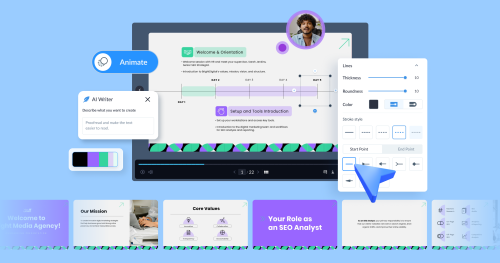
The best delivery format for VILT is a virtual meeting room. Trainers using Visme to build the training deck for those sessions have access to practical Presenter Notes to help them remember what to cover on each slide.
Inside that virtual meeting, a few other formats will add variety and help increase engagement: breakout rooms for small-group discussion, Kahoot-style quizzes to check understanding in real time, and polls to gauge the room.
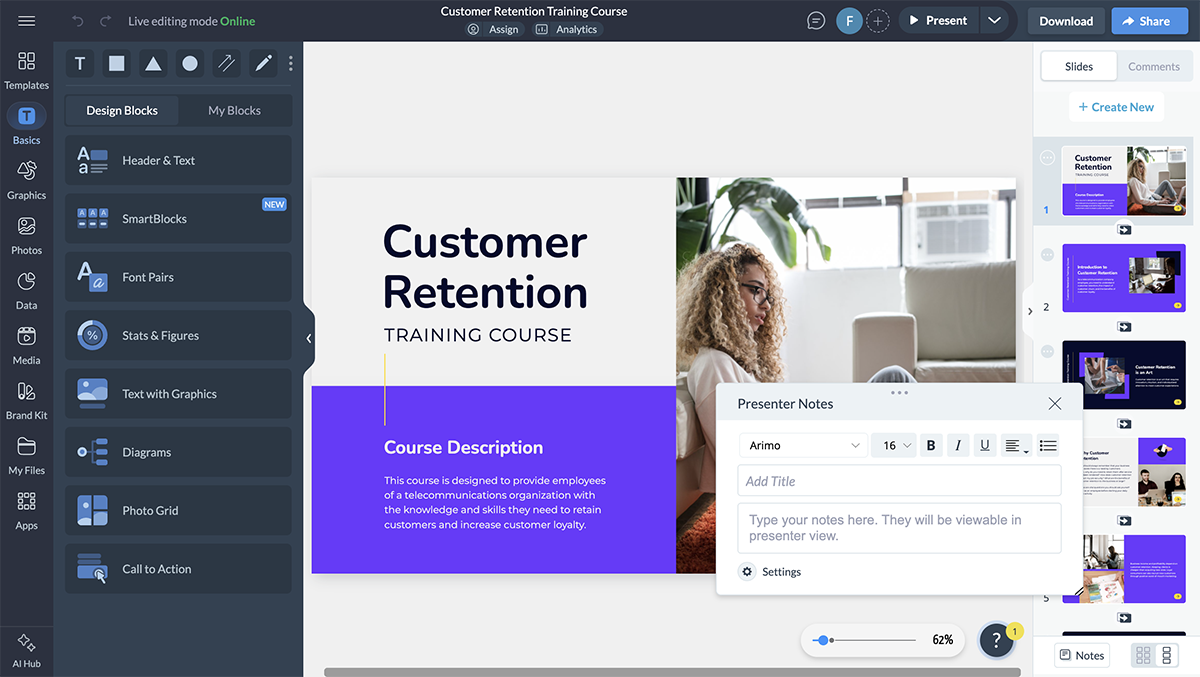
In VILT, attendance and poll participation will tell you who showed up and stayed engaged, but neither tells you what stuck. So, add a short post-session assessment or a follow-up task a few days later to see what carried over once the live session ended.
Pro Tip: Send all participants a link to the presentation before the session starts, include polls or conversation prompts and set the expectation that cameras should be on during the session.
Self-paced online training gets delivered whenever and wherever the learner has time to review it, and they can go back to it as many times as they need to absorb the information.
It's ideal for stable content that many people need at different times, such as onboarding, systems training, policy or compliance refreshers.
The best delivery format for eLearning is a self-paced course delivered through an LMS. There's no live facilitator, so the material has to carry all the information on its own.
To avoid distraction and boredom among trainees, mix in video, quizzes, interactive elements and downloadable job aids to keep the course modules varied and hold attention throughout.
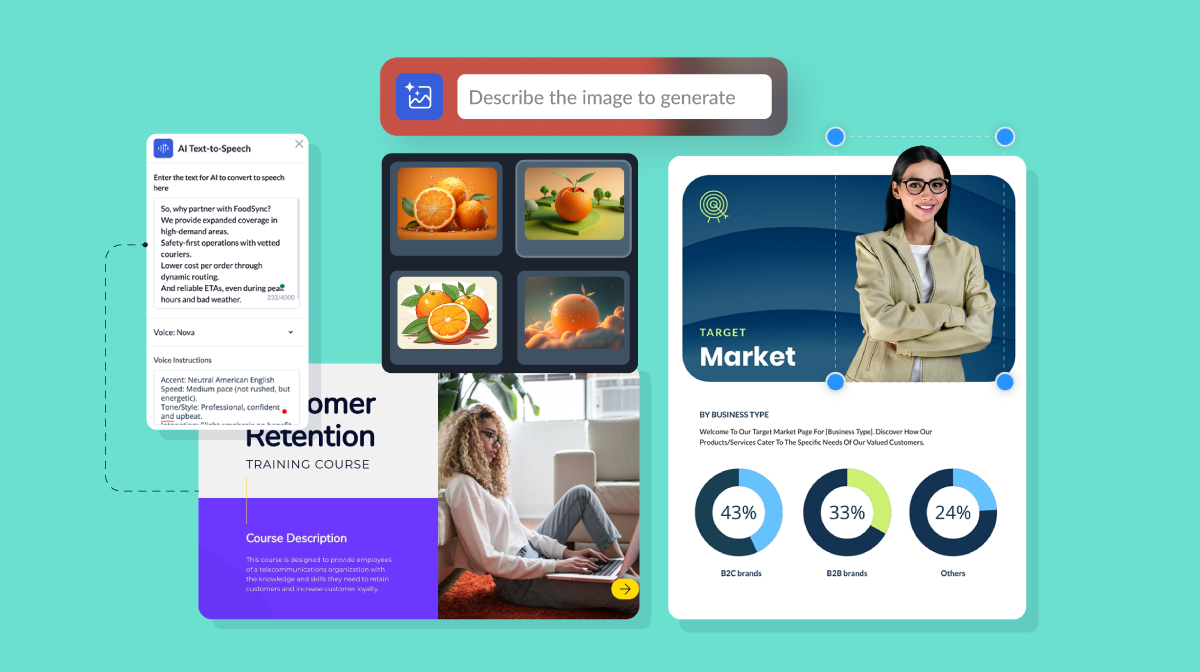
To make it even more engaging, use Visme’s Presenter Studio to record the instructor in a video bubble directly on the slides, so trainees hear the instructor's voice and pacing while reviewing the content.
Export the finished modules as SCORM or xAPI files, then upload them to your LMS. For other tooling that will help you create eLearning modules and courses, see our roundup ofeLearning authoring tools.
In this format, completion rate and time spent per module serve as the baseline, but they only indicate whether someone clicked through, not whether they understood it. So, add a knowledge check at the end of each module and keep the scores as a reference for the trainee and their manager.
On-the-job training happens while the work is happening. It can be digital or in-person, depending on the nature of the information and the type of work.
In workplaces that involve physical actions, like operating machinery, using cash registers, loading and unloading, training is done either by a specialized trainer, a team manager or an experienced colleague.
It's the perfect choice for teaching skills that will only make sense in context. Sometimes, training starts with a manual or presentation and then moves to on-the-job training to apply what the trainee learned.
The best delivery format for on-the-job training for an on-the-ground role is live and in person, with the trainer working alongside the employee as they perform the task.
When the work happens on a computer or the employee is remote, that same coaching can shift to microlearning courses sent via email or Slack, or to a supervisor watching the trainee work through a remote screen share and giving instructions live.
Job aids are another option for on-the-job training. Trainees can keep one on hand and open it mid-task as a refresher or for guidance, without needing a trainer present.
Below is a management job aid set up in a whiteboard environment that’s easy to access and follow.

In this case, direct observation of task performance is the most reliable measure, since the training and the real job are the same thing. Track how long a new trainee takes to reach full competency without supervision, and compare that time across trainees to spot where the training itself needs adjusting.
Choosing the right training methods and delivery formats for your program is all about alignment. Every decision you make throughout the process of creating a training program will influence the reasons why one method is better than another.
For example, during the analysis stage, you discover that the employees’ training needs are mostly technical and since the team is remote, the most aligned option is a blended learning approach.
Then, while creating the content, you consider that not all employees who need training work at a desk or even at a computer, so you decide to build delivery formats that can be accessed via any device, like an explainer video or an interactive walkthrough.
As you work through the steps to build your program, consider these factors. Align them with your training method and delivery formats to increase your chances of success.
Here are three examples from industry-leading businesses that have achieved remarkable success through their training programs and their unique delivery styles.
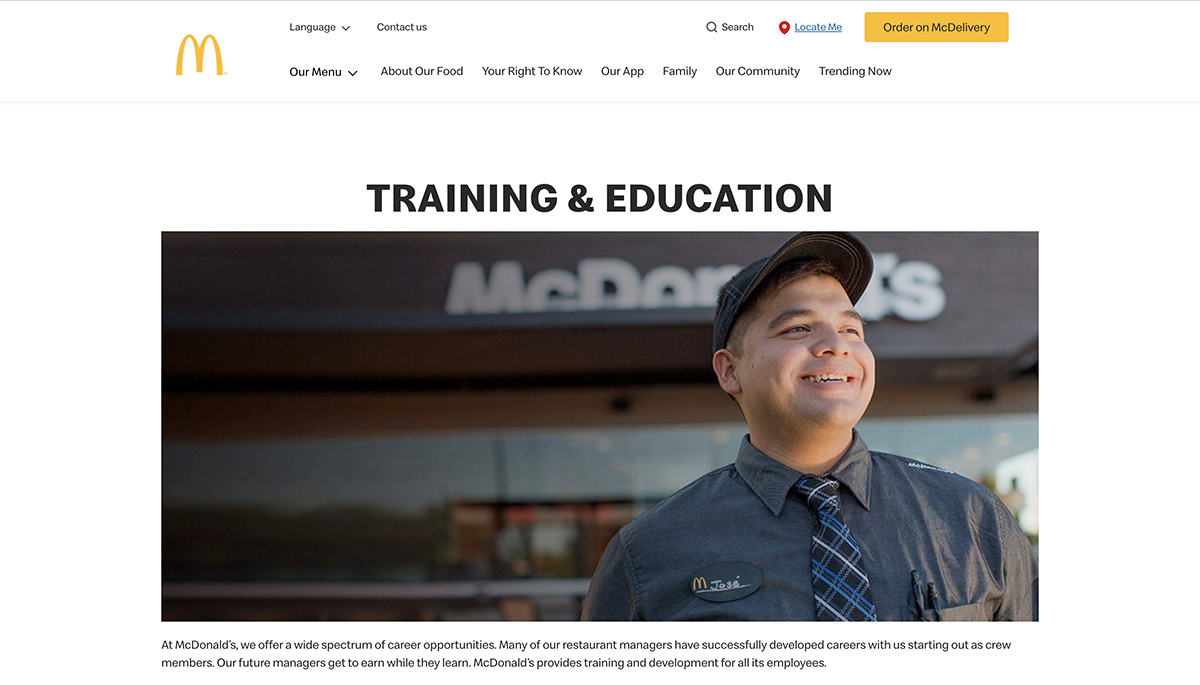
McDonald's is one of the most well-known fast-food chains in the world, with over 40,000 locations in over 100 countries. The company has a comprehensive training program called "Hamburger University" that has been in operation since 1961. The program provides both classroom and hands-on training for employees, covering topics such as food safety, customer service and leadership development.
McDonald's also offers ongoing training and development opportunities for employees at all levels, including management training programs and career development resources. The "Hamburger University" program has trained over 300,000 employees since its inception and is an essential part of McDonald's commitment to providing excellent service.
Key takeaway: Hamburger University isn't one training event; it's a full-scale blended program that reaches employees at different stages of their careers, from a first-day hire learning to work the register to a manager being developed for a leadership track.
That's the same logic we covered earlier in the blended learning section, just running at a much larger scale. In short, structured instruction builds the knowledge foundation, and hands-on practice closes the gap between knowing and applying.
Cooley is a global law firm, and its development model is based on mentorship rather than a centralized training format.
Mentoring is an expected contribution of every experienced lawyer at the firm, not something they can opt out of. The Mentoring Matters program is deliberately flexible so it can follow a lawyer's needs as their career shifts and is also supported by career stage-specific academies and conferences.
In the Cooley Academy Mentoring Program, graduates from one career stage mentor graduates from another, and sessions are held to set agendas covering goal setting, delegation and career development.
The firm has also run a Mentoring Madness Challenge, a three-week sprint in which attorney pairs earned points for hitting milestones: discussing personal brand, trading networking advice, arranging a shadowing session and talking about work-life balance. Weekly leaderboards showed the top pairings to promote healthy competition.
Key takeaway: Mentorship programs can’t run themselves, simply because they’re based on two-person relationships. Cooley's solution is to remove that assumption entirely and build a program to sustain the mentorship: career-stage academies, set agendas, even a timed competitive challenge.
This technique is a unique example and something to be inspired by. Mentorship programs typically stall at some point because neither person knows what to talk about.
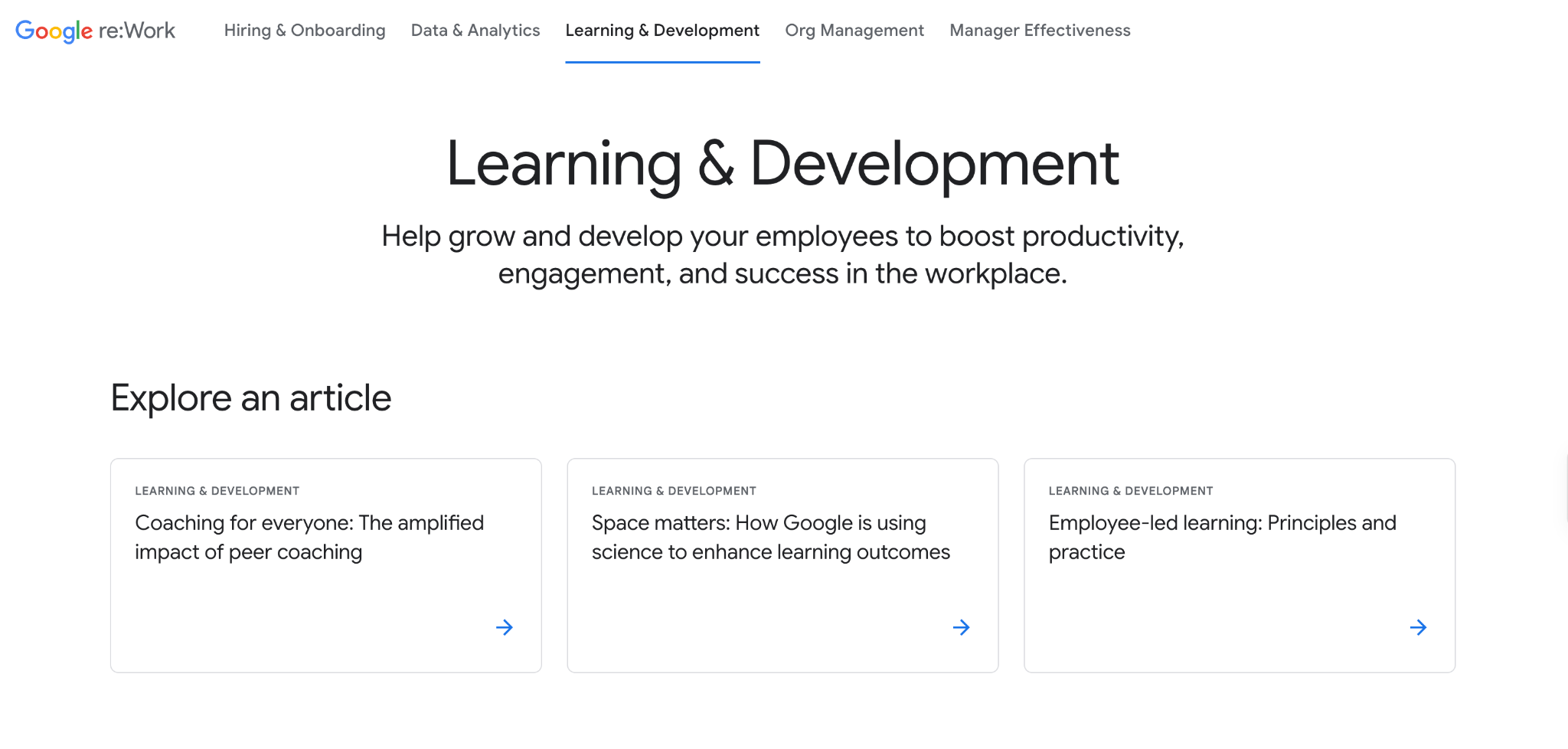
Google’s People Operations team designed a highly agile, decentralized ecosystem rooted in internal data, peer-to-peer collaboration and behavioral psychology.
That ecosystem is built on four foundations. These cover every situation an employee might face in their job. They also support their growth in the organization and helps them blend seamlessly into the company culture.
Key takeaway: Google’s training and development programs are well-regarded and well-documented. They’re also studied to analyze their performance. Deel’s behavioral studies in Whisper Courses verify that they drove a 22% to 40% improvement in targeted management behaviors alongside a 33% increase in total team psychological safety.
Knowing this, Google didn’t keep the knowledge private. All their frameworks and systems are available for the public to recreate in their own training programs.
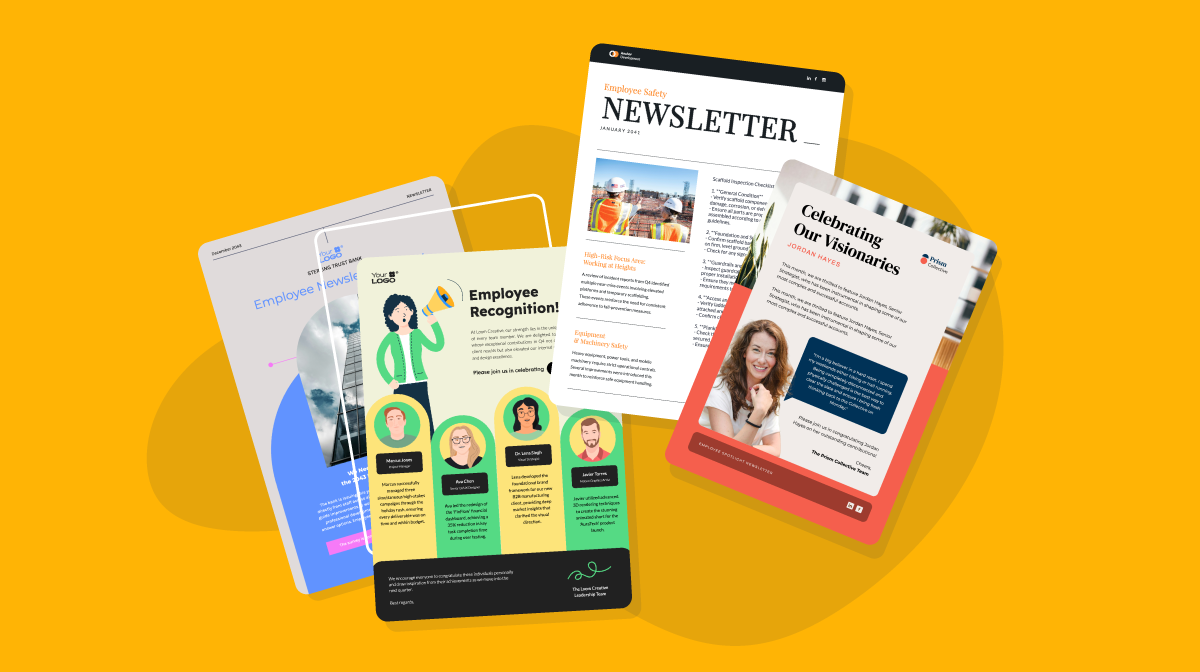
Let's explore seven template types to help you deliver content for your training and development programs.
Keep in mind that Visme gives you complete control over how you want to use your training content. After customizing the templates, you can download them in multiple formats, such as PDF, JPG, PNG and HTML.
Furthermore, Visme simplifies sharing your training content by allowing you to easily send content via email, publish them directly to social media platforms, and embed them on your website using a simple code snippet.
And the best part? You can export your training content in SCORM and xAPI format to use in your learning management systems.
Visme's presentation maker and templates, specifically designed for training and development, are a perfect way to present your content in an easy-to-understand format.
Record presentations using their integrated camera and microphone for asynchronous delivery. You can use this feature to pre-record training sessions that ensure consistent delivery and allow learners to access the material at their own pace.
This feature is particularly beneficial when training large numbers of candidates in different groups or batches, eliminating the need for repetitive live presentations.
Watch this video to see how the Visme Presenter Studio works.
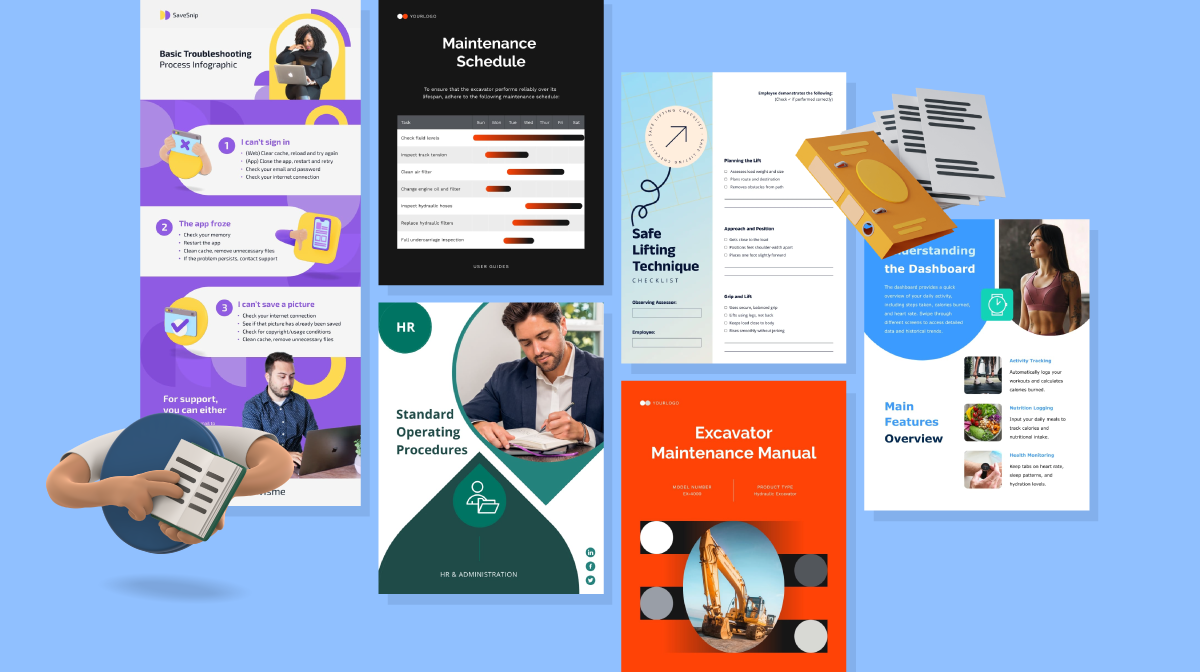
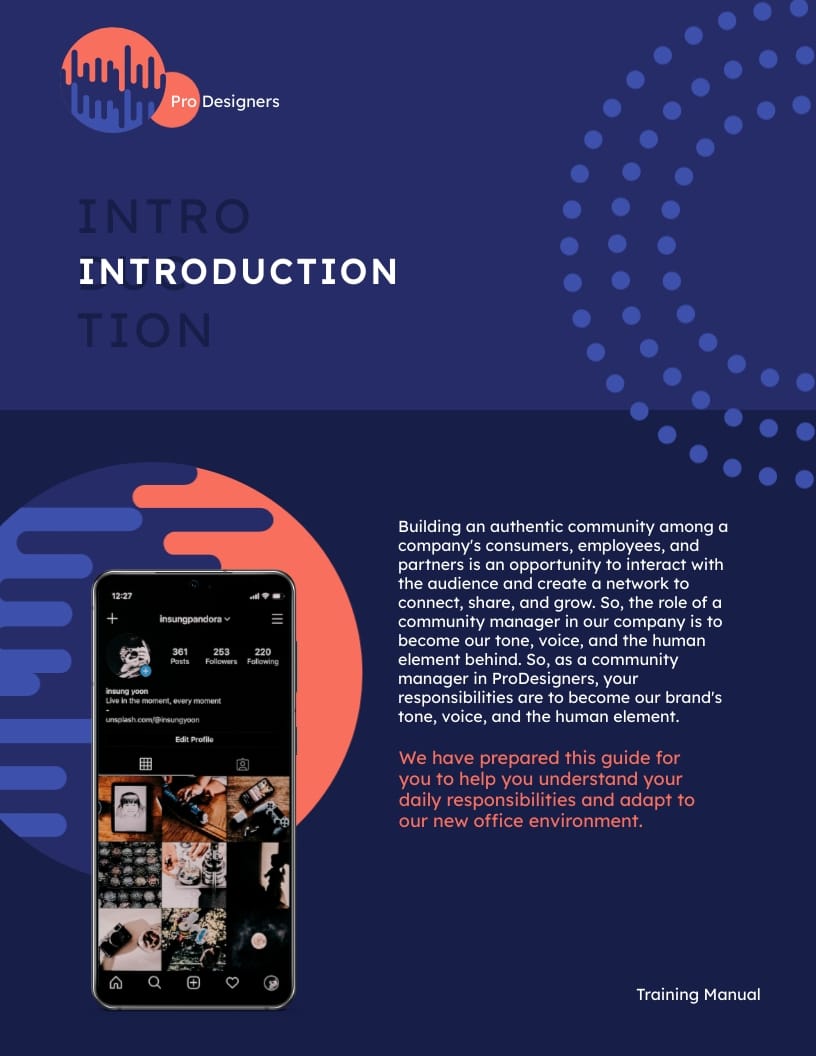
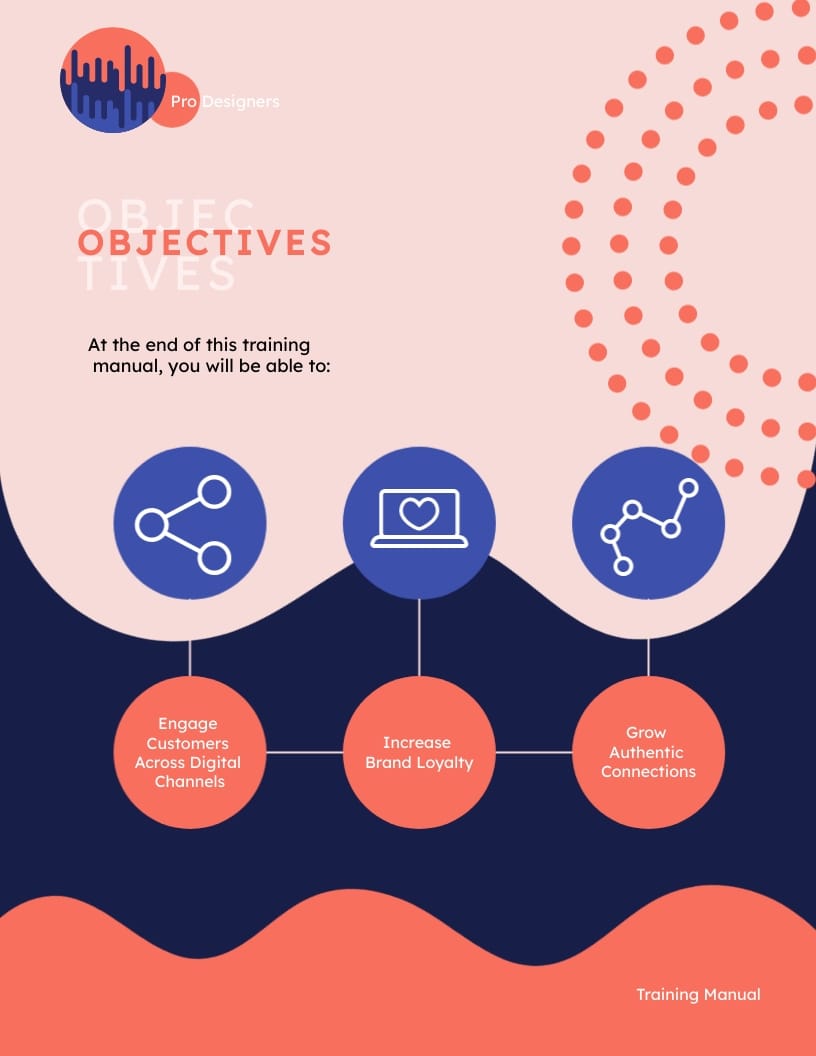
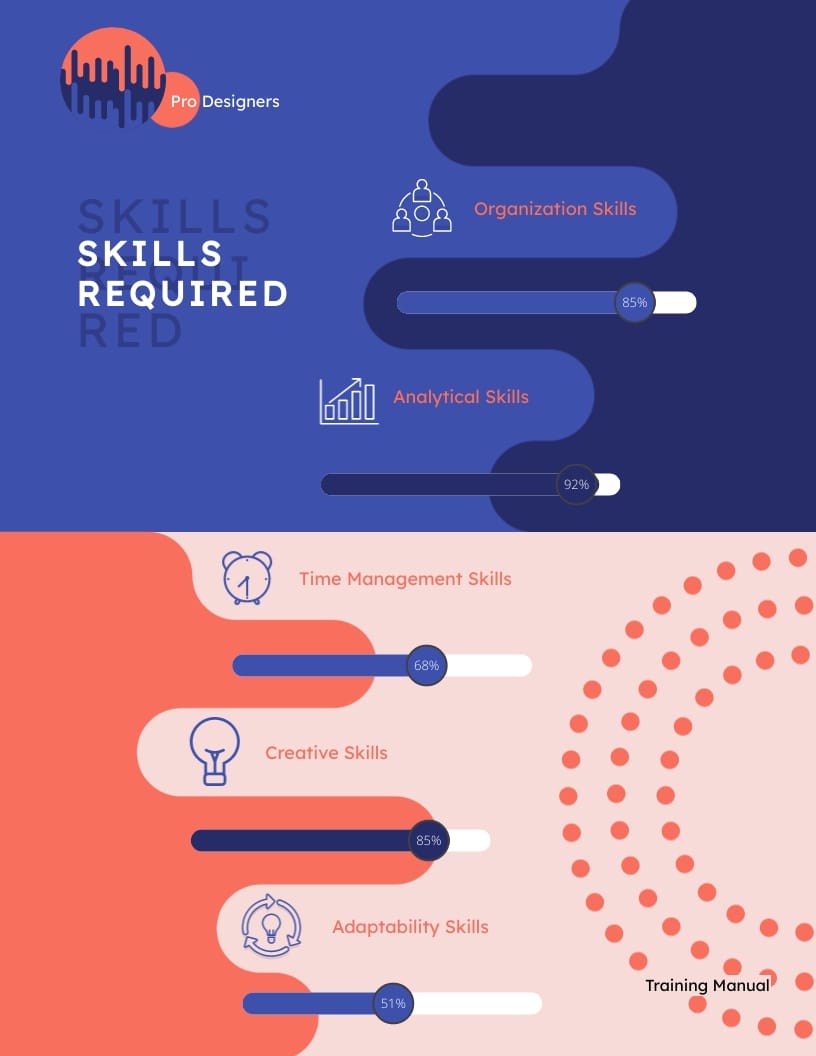
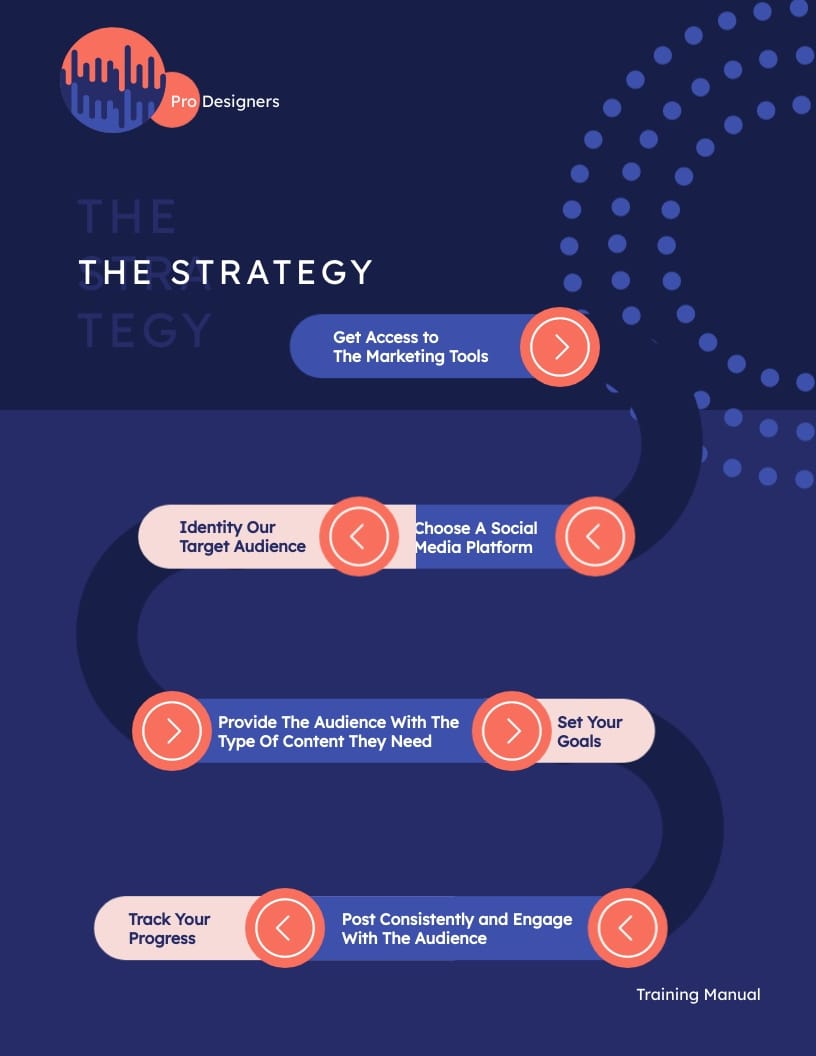
Below is an example training manual template that you can use to train your new community manager. However, you can customize it to fit any training program or choose from other training manual templates from Visme’s library.
The best thing about this template is that it uses progress bars to show the skills required to be successful in the role. Visme features additional 30+ data visualization widgets that you can use to visualize various data types.
Visme has impacted thousands of users' lives by simplifying their content design needs. Here is what one of our happy customers, Wolfgang H.| Adjunct Professor, has to say about Visme.
"I like it because it is easy to use and I can create almost everything I want. I use it to create training modules and standard operating procedures for employees in the AG business."
If you want to create high-quality infographics, Visme's free online infographic maker and infographic templates will help you do that.
For example, this infographic template will help you communicate your company’s marketing goals in seconds. You can then add it to a training document, send it as a microlearning email or print it as a poster.
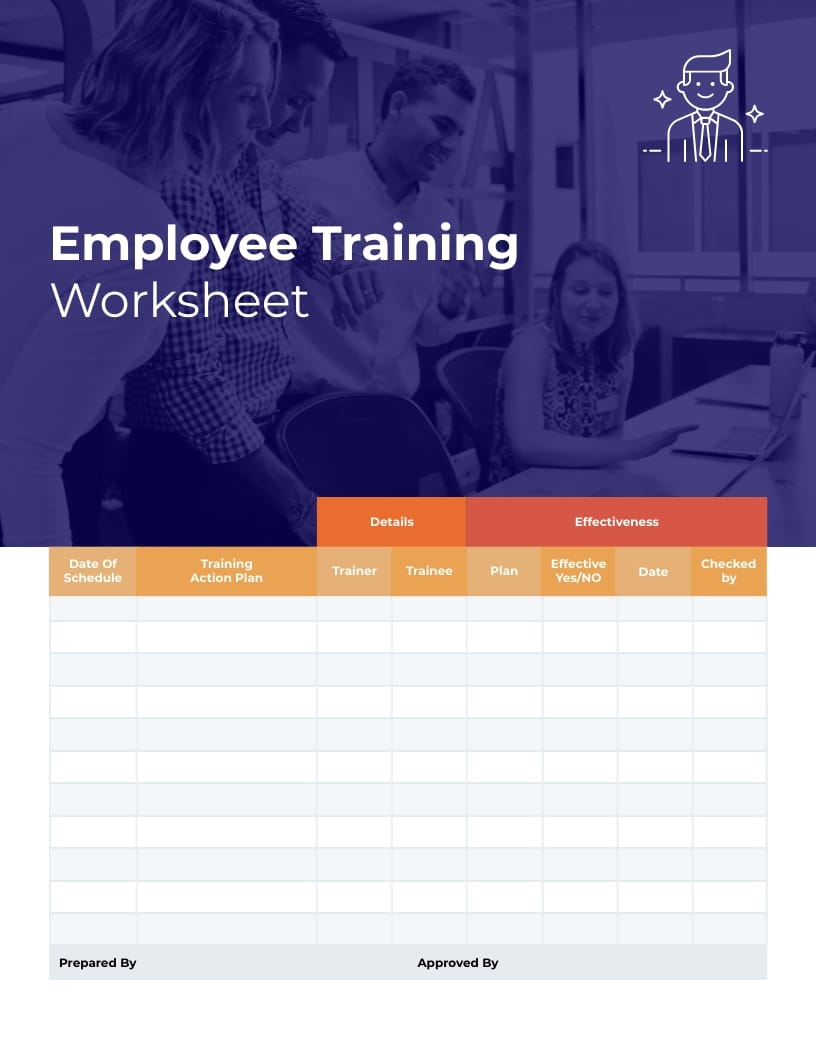
With Visme’s vast collection of customizable worksheet templates, trainers and educators can quickly design visually appealing and interactive worksheets. Below is an example of Visme’s worksheet templates that you can use.
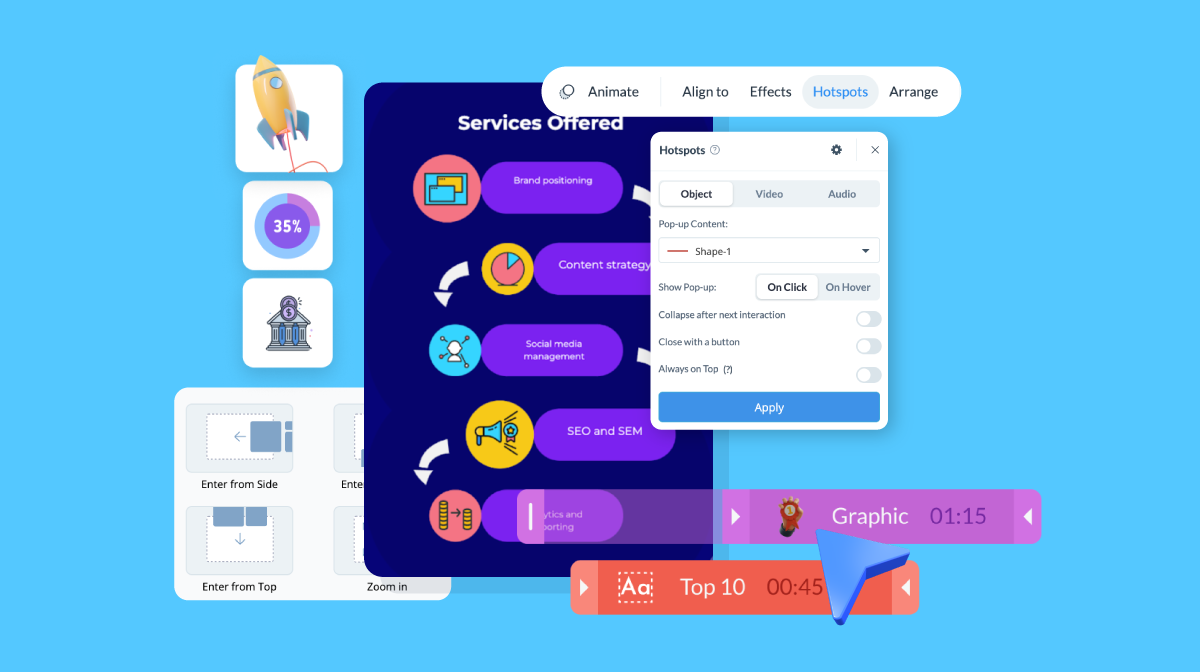
Including interactive learning content in your training materials is the best way to keep the learners engaged throughout the sessions. With Visme, you can add interactive elements such as clickable menus, popups, hotspots, animations, special effects and more.
Use popups to provide additional information or explanations, interactive quizzes to assess comprehension, and multimedia elements such as videos or other elements to enhance the learning experience.
Visme offers a comprehensive range of customizable job aid templates for creating on-the-job training materials. These are meant to help employees do their work more effectively by quickly referencing and applying the information on the spot.
Below is an example of a Visme job aid template that describes the flow for documenting bug reports, which you can customize to your specific needs.
Incorporating videos into your training and development programs is an excellent strategy to ensure your employees get the most out of their training.
And here's the most exciting part: Visme can help you create videos too. Use Visme's free online video maker and a wide range of video templates to create all types of video content.
For example, if you're creating a training program to teach your employees how to use a new software tool, you can use Visme to create a short video that demonstrates how the tool works. Here's an example explainer video template that you can use:
https://www.visme.co/templates/videos/software-explainer-video-templates-1425285481/
Aside from hundreds of design and editing options, Visme also offers a versatile text animation feature that adds visual interest and engagement not just to videos and presentations but also to infographics and other training materials.
With options such as fade-in, slide, zoom and more, you can choose the animation style that best suits your content and desired impact.
This way, when employees are going through their own training, they can view this video as needed for reference.
Use Visme's professionally designed certificate templates to create a personalized certificate for each employee. We offer several designs, including those specifically geared toward training and professional development.
Here's an example certificate template you can customize and present to your employees to show you care about them.
Replace the company name and logo, the candidate's name and other content, and it’s ready to go.
The five processes involved in training and development are assessment, design, development, implementation and evaluation.
The main 4 steps involved in training and development are:
There are countless types of training you can offer your employees.
However, the eight most common types of training are:
Four commonly used employee training methods are on-the-job training, instructor-led training, eLearning and simulation. Each works best for different learning objectives and workplace situations.
There’s no single training delivery method that works best in every situation. The most effective option depends on the learning objective, the skills employees need to develop, where they work and how much practice or feedback they need.
For example, instructor-led and on-the-job training work well when employees need hands-on practice, discussion or immediate feedback. eLearning and microlearning are useful for delivering information or reinforcing knowledge at scale, while simulations let employees practice decisions or complex tasks in a controlled environment.
Many organizations also use blended learning to combine methods. Employees might complete a self-paced module to learn the fundamentals, then attend a live session or practice on the job to apply what they’ve learned.
If you've come this far, you have a full picture of the training methods and delivery formats available to you. We covered nine of them: three real-life programs from companies putting them to work and seven template types to help you deliver your own.
Choosing the right training method is only half the job. You still need to turn the material into something employees can understand, interact with and return to when they need it. With Visme, your team can create presentations for instructor-led sessions, interactive modules for self-paced learning, job aids for on-the-job support and training materials that can be exported to your LMS using SCORM or xAPI.
Sign up for Visme to start building your next training program.
Design visual brand experiences for your business whether you are a seasoned designer or a total novice.
Try Visme for free