

10 Best Interactive Sales Presentation Software to Close More Deals


An effective sales process has seven cyclical steps: prospecting, preparation, approach, presentation, overcoming objections, closing the sale, and following up.
Every step is as important as the next for landing a client or closing a deal.
But when crafting your sales pitch presentation, you need to make a solid case for your product or service right from the start.
In our experience, deploying storytelling, great design, and effective sales techniques can influence prospects' and clients' minds. The slides will persuade them to get in touch or make a purchase by showing them product features, benefits and your value propositions.
Are you ready to land your next client? Today, we’ll look at step 4 in the sales process: the sales pitch presentation.
We’ve got sales pitch presentation examples, templates and expert tips to help you land deals quickly.
Let’s get started.
Here’s a short selection of 8 easy-to-edit sales pitch presentation templates you can edit, share and download with Visme. View more templates below:
Prefer to watch a video first? Here's a quick walkthrough of how to build a sales pitch deck from scratch.


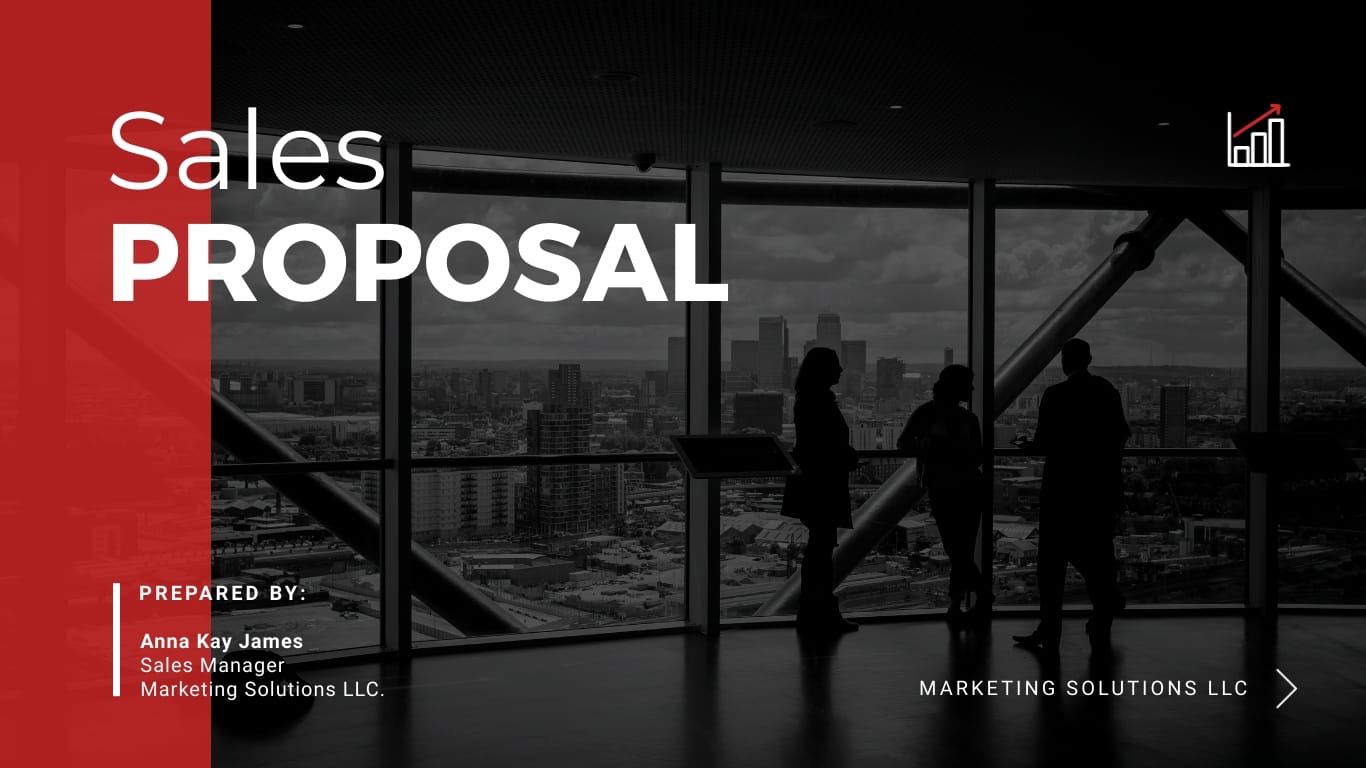




A sales pitch presentation is essentially a sales pitch delivered as a presentation (either spoken or via slides). It’s not like an elevator pitch or a cold call script; it goes deeper than that.
The initial sales contact, be it a cold call or an email, goes straight to the point and is mainly about the prospect. That’s how you get their attention: by letting them know you have a good grasp of their pain points. When you get to the presentation, they’ve already heard from you several times, and it’s your opportunity to share more information like pricing, benefits, product features and use cases.
Yes, the primary purpose of a sales pitch is to sell, but it’s not the final step toward closing a deal. You’ll likely need to follow up and keep the conversation going until you get a yes.
That said, your sales presentation needs to inspire, engage and make the prospect feel that they need what you are offering. Otherwise, no amount of follow-ups will help.
Kalyn Lewis, Head of Sales & Customer Experience at Visme, emphasizes the need to incorporate visuals and storytelling.
“It's really important that in a live pitch deck presentation, the visuals should support what the salesperson is saying, not the other way around. The sales representative should be the one bringing the information to life while the visuals serve as a supportive backdrop to reinforce their message.”
Kalyn also points to a lighter-weight option when time is tight:
"If you're dealing with busy executives who won't sit through your presentation, try using a sales one-pager. It'll help you capture their interest faster and more efficiently. Once they're hooked, you can arrange a meeting to present the entire pitch deck to seal the deal."
A sales one-pager condenses your pitch to a single page, enough to earn the meeting where the full deck does its work.
Occasionally, a sales pitch, also known as a sales deck, is mistaken for a pitch deck.
Sales pitches and pitch decks not only sound similar but also resemble each other in content.
As we mentioned above, sales pitches are for selling. On the other hand, pitch decks are for convincing investors to back your startup (or idea, non-profit or research project) with funding. Yes, both involve exchanging monetary funds, but in different ways.
Made with Visme Infographic Maker
Each type of sales pitch presentation serves a different purpose. Choosing the right one depends on what you're selling and what your prospect needs to see to say yes.
| Type | Description | Use Case | Key Elements |
|---|---|---|---|
| Product-Based | Centers on a specific product’s features, specifications and capabilities. | Launching a new product or engaging prospects who already need detailed product information. | Product demo, feature breakdown and pricing overview. |
| Service-Based | Focuses on your services, delivery process and client experience. | Ideal for agencies, consultants and service providers where methodology is part of the value proposition. | Services overview, process timeline and case studies or testimonials. |
| Case Study | Uses a customer success story to demonstrate measurable business results. | Prospects who need proof of performance before making a purchasing decision. | Customer story, before-and-after comparison and data-backed results. |
| Pain Point–Solution | Starts with the prospect’s challenge and positions your offering as the solution. | Situations where establishing relevance and urgency is critical before presenting the pitch. | Problem statement, solution overview and supporting proof points. |
| Benefits-Based | Tailors the message around the outcomes and value that matter most to a specific audience. | Presentations involving multiple stakeholders with different priorities and success metrics. | Personalized value proposition, ROI summary and next steps. |
| Partnership | Frames the conversation around shared goals, collaboration and mutual value. | Strategic partnerships, referral relationships and co-selling opportunities. | Shared objectives, mutual benefits and partnership structure. |
| Video-Based | Delivers the pitch through recorded video, narrated slides or a walkthrough presentation. | Asynchronous sales outreach, remote prospects and post-meeting follow-ups. | Strong opening hook, visual demonstration and a clear call to action. |
Picking the right type isn't just about formatting. What it really does is signal whether you understand the buyer. Alan Taussik, Senior Customer Success Manager at Visme, shared some insight on this:
"The format you choose shows whether you actually understand the buyer in front of you. Some prospects need proof before they can listen, some already want the product and just need specs, and some have to justify the decision to other stakeholders. If your pitch format doesn't match who they are and where they're at, you're talking past them, no matter how good your content is."
He uses the example of reviving a closed-lost deal to show what the wrong format costs you.
"Say you're trying to revive a closed-lost deal. The previous rep didn't deliver, so the prospect is skeptical. They need proof, not promises. If you show up with a product-based pitch, feature breakdown, specs, pricing, you've just made them feel like a transaction. What they needed was a case study pitch: a real customer story, before and after, hard data. That's what moves someone from skeptical to convinced."
Sales pitch presentations follow a standard format that most business people recognize. But that doesn’t mean you can’t get creative with the content and the design.
We’ve studied some popular sales pitch presentation examples and identified the slides that are most relevant. To structure your next sales pitch presentation, kick things off with these key slides, some of which can be combined for maximum impact.
Notice that the problem comes before the product. That order matters. Brent Adamson, co-author of The Challenger Sale and Principal Executive Advisor at Gartner, argues that the strongest pitches lead with insight, not features:
"What sets the best suppliers apart is not the quality of their products, but the value of their insight—new ideas to help customers either make money or save money in ways they didn't even know were possible."
Build your early slides to show the prospect something true about the business they haven't fully seen yet, then introduce your product as the answer.
Here are other supplemental slides you might want to include:
When creating your sales pitch presentation, don’t make it too long or else the viewer won’t scroll to the end. Aim for a number between 8 and 13. You can combine some of these slides as long as they are easy to understand and follow a sequence.

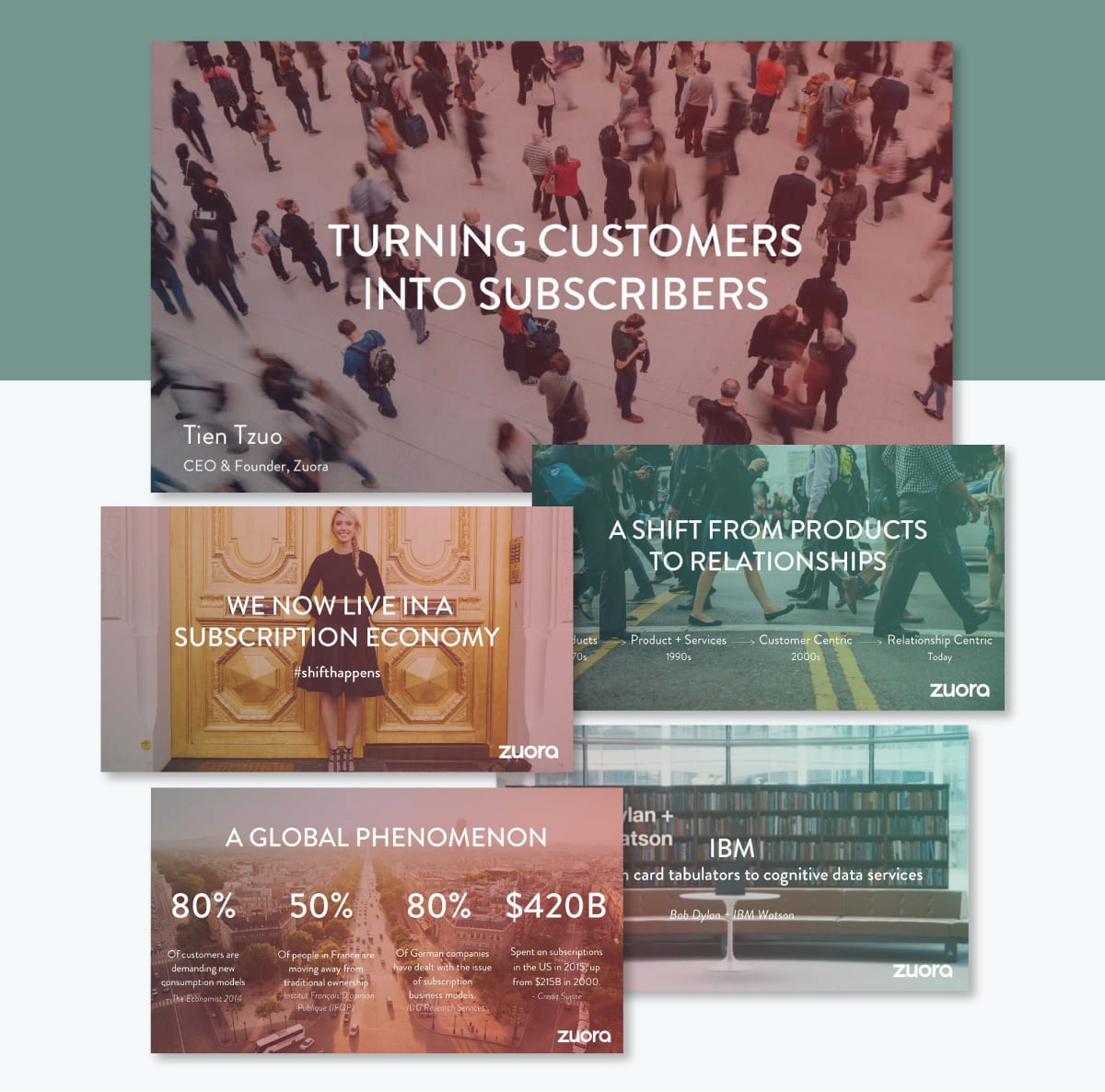
Zuora's sales deck is nearly a decade old, and people are still teaching from it. Andy Raskin singled it out in 2016 as the strongest sales deck he'd ever seen, and it's been the go-to teardown in nearly every sales-pitch article since. The reason it has lasted is the unique structure of the slides and their layouts.
The pitch doesn't open with the product. It opens with a strong statement: "We now live in a subscription economy." From there it follows a tight arc: trend, evidence, winners and losers, the gap, then Zuora as the answer.
It names a change the buyer already feels, then makes that change feel urgent before any product appears. By the time Zuora shows up, the prospect is already describing their own problem in Zuora's language. The deck also leaves prospects with a clear picture of the better future on offer, something they can repeat to colleagues after the meeting, so the value carries even when the rep isn't in the room.
Open with a shift your buyer already believes in, and make the stakes clear before you introduce your solution. Give them a simple version of the better future so they can sell it internally on your behalf.
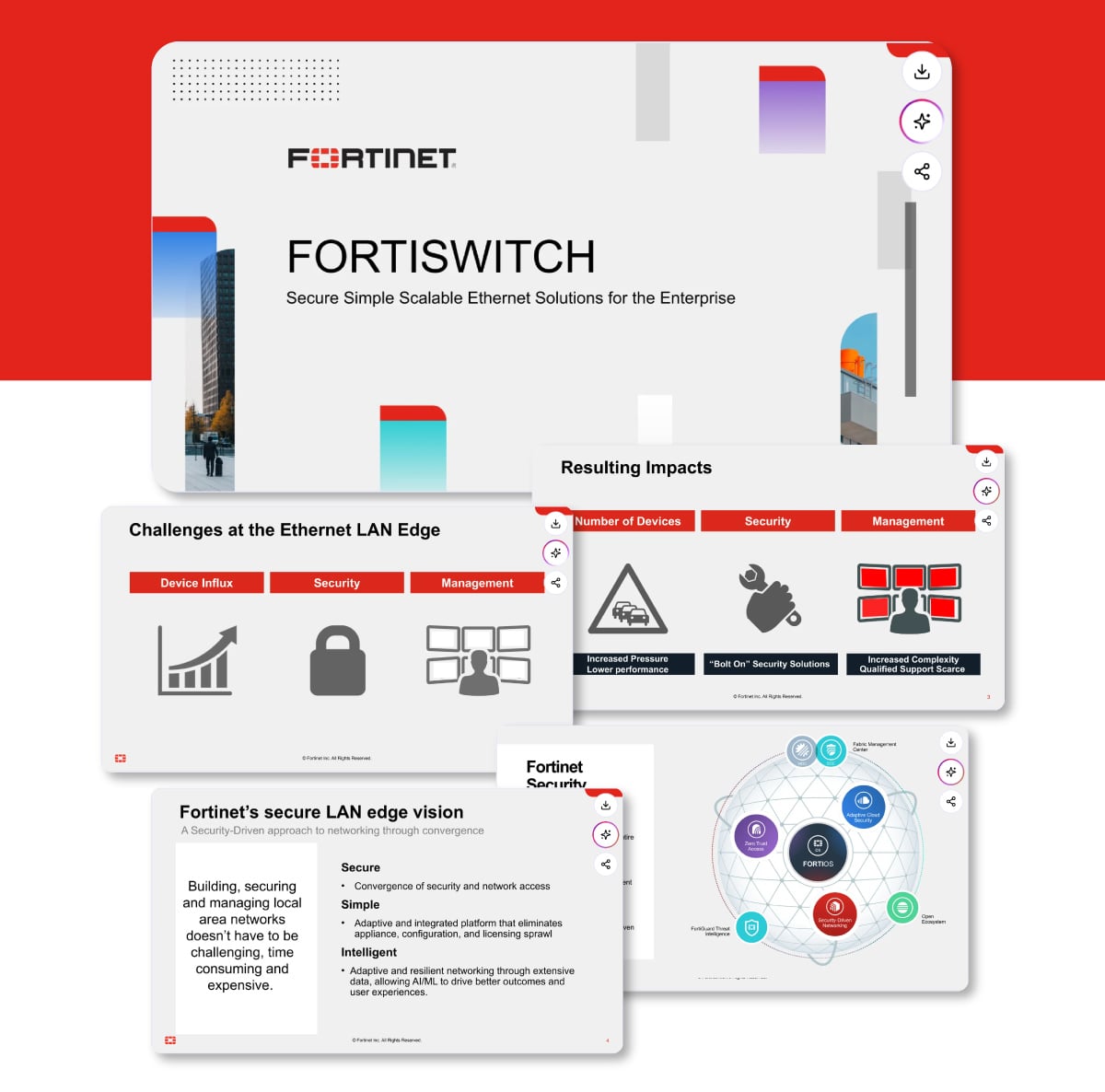
Fortinet's sales deck for its FortiSwitch hardware line shows how to pitch a technical, enterprise product. The deck opens with the problem: the growing complexity of securing and managing a network's edge.
It then frames everything around three words (secure, simple, scalable) and walks the audience through the product line. Everything is backed with third-party proof: Gartner Magic Quadrant placements, Peer Insights ratings, and thousands of customer reviews.
The deck spends the first few slides making the buyer agree there's a real problem, so the switches land as a fix rather than a cold sell. The proof section is what convinces buyers to commit to a high-cost purchase. Any IT buyer will trust a Gartner ranking over a vendor's own claim. And the close on total cost of ownership speaks straight to the person holding the budget.
Even a deeply technical pitch will succeed if it opens with the problem and leads with outcomes. Only later specifying the product specs. For a high-stakes purchase, bring third-party proof (analyst rankings, reviews, customer data) so credibility doesn't rest on your word alone.
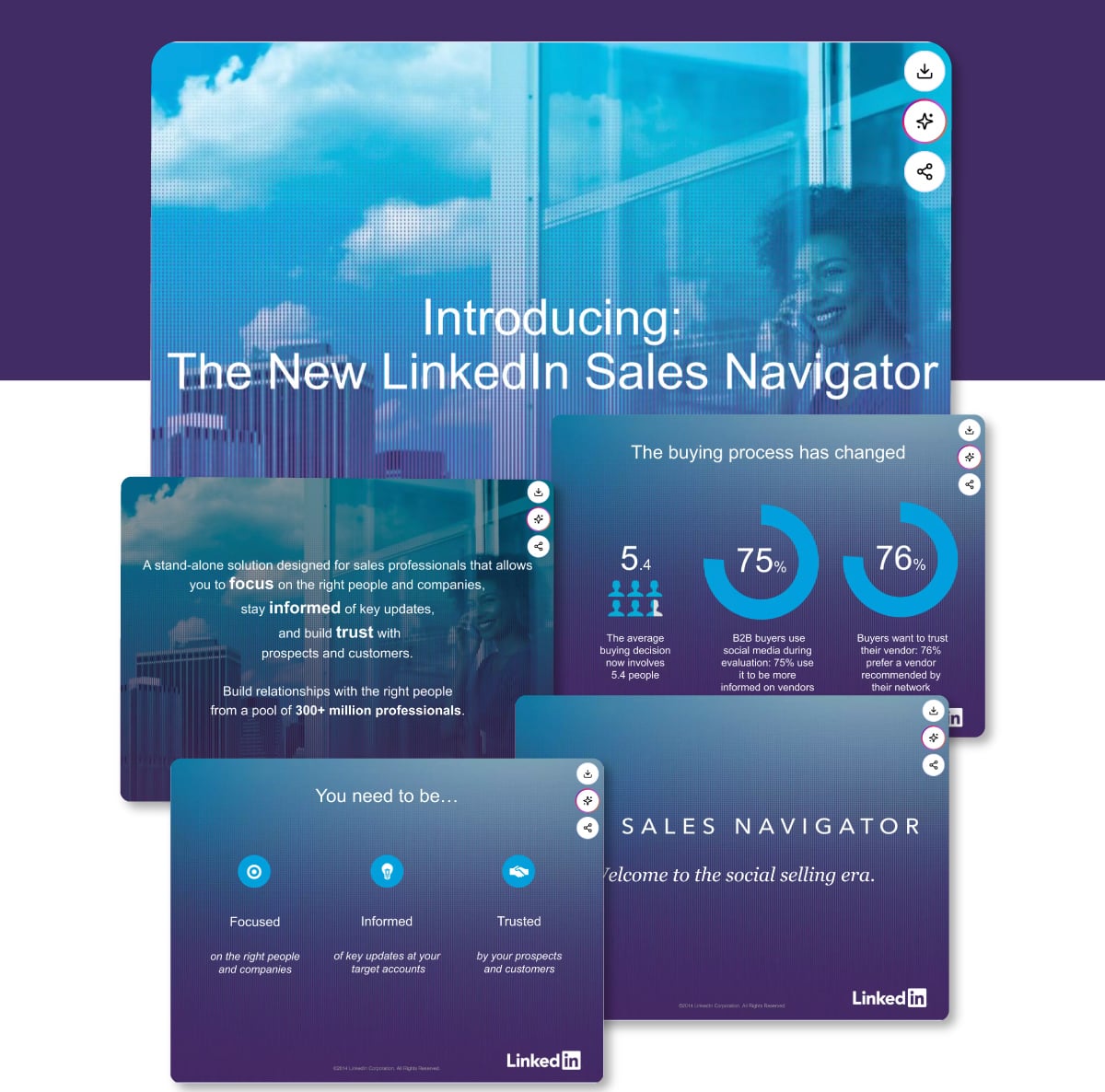
LinkedIn's deck for Sales Navigator opens with the buyer, not the product. The first slides make the case that buying has fundamentally changed: most buyers now trust a vendor their network recommends, a typical decision involves several people, and the majority research vendors on social media before ever talking to sales.
From there, the deck frames three things a modern seller has to be: focused on the right people, informed about their accounts, and trusted by their prospects. Each one gets its own slide, and each pairs a product capability with a hard number about buyer behavior.
Every feature is anchored to a statistic about how buyers actually behave, so no capability sits on the slide alone. The deck answers "why should I care" before it explains "here's what it does", the step many product pitches skip. It also flatters the buyer's intelligence: instead of claiming the tool is great, it shows the seller a changed world and lets the product become the obvious response.
Don't list features in a bullet list and call it a day. Instead, anchor each one to a reason the buyer should care, ideally a real number, so the capability and its payoff land together.
Simply put, lead with how your buyer's world has shifted, then position your product as the way to keep up.
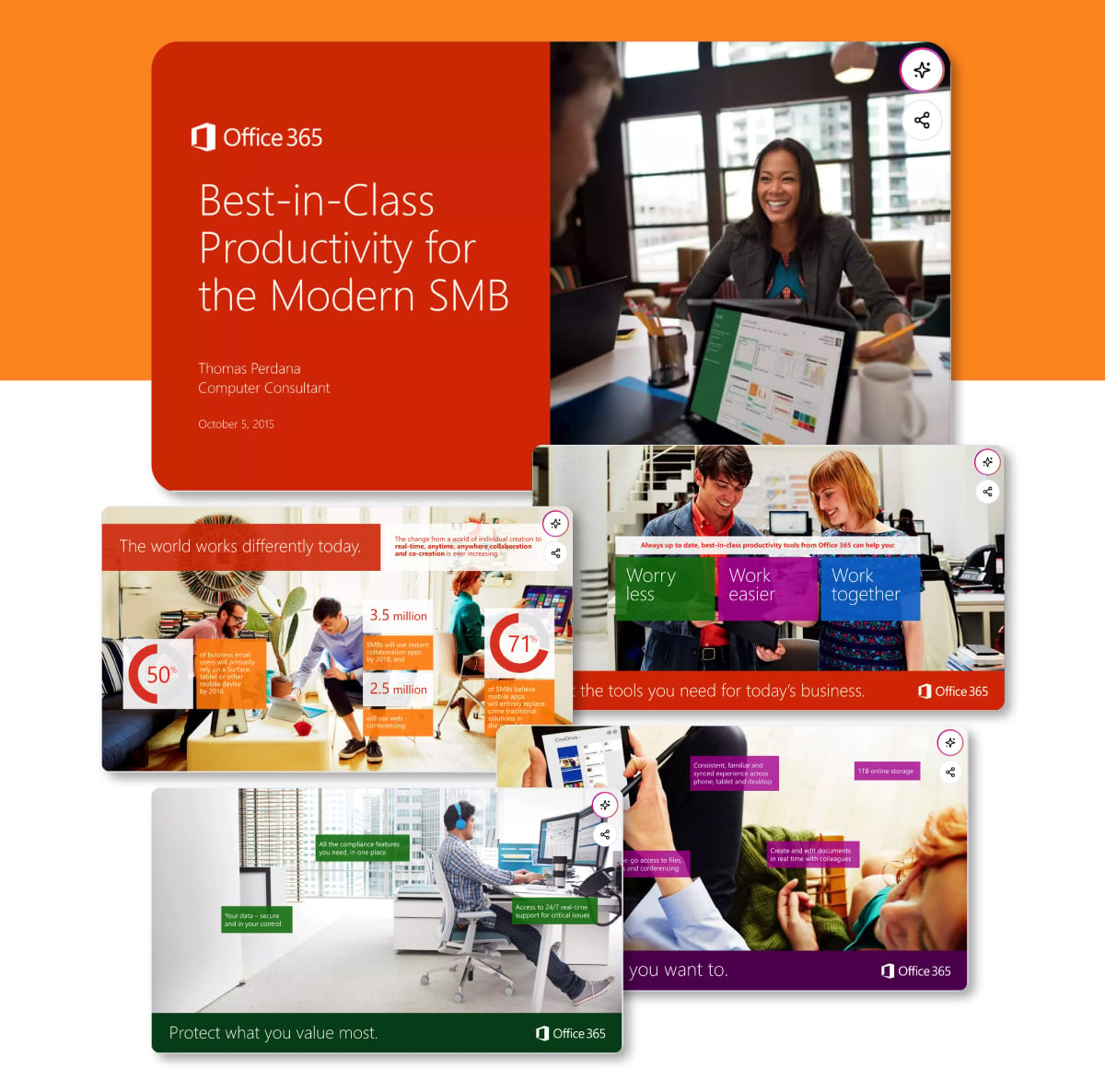
Microsoft's sales deck for Office 365 makes its case through its customers. After a short setup about how the modern workforce has changed, the deck moves quickly into real customer stories, walking the prospect through named companies like Moderna Therapeutics and what changed for them after adopting the product, paired with a direct quote from each.
A prospect discounts what the vendor says about itself but trusts what another customer says. By building the pitch around named companies and their own words, Microsoft lets satisfied customers carry the argument. The "here's how the world works now" opening also frames the product as a response to a shift the buyer already feels.
Don't lean on a single logo or testimonial. Microsoft's deck works because it stacks several named customers from different industries, each with a real quote and a concrete result, so whatever industry the prospect is in, they see someone like them who already made the switch.
Pull case studies from a few different sectors and let the prospect find their own reflection in one of them.
A short before-and-after story about a named customer, with a real quote and a concrete result, proves your claims in a way a feature list never will. Pick a customer whose situation mirrors your prospect's so they see themselves in the story.
A good sales pitch starts long before creating the visual slides. To start, you need a clear point of view on the problem, the prospect's situation, and what outcome you're selling toward. The table in the section above covering types of sales pitch presentations is a great place to start.
If you need some guidance on the preliminary work before setting up the slide deck, steps 1- 4 in our beginner’s guide to presentations is just what you need.
Once that's done, there are two ways to build the deck: with AI or from a pre-designed template.
AI tools can significantly reduce the time it takes to build your sales pitch presentation from start to finish.
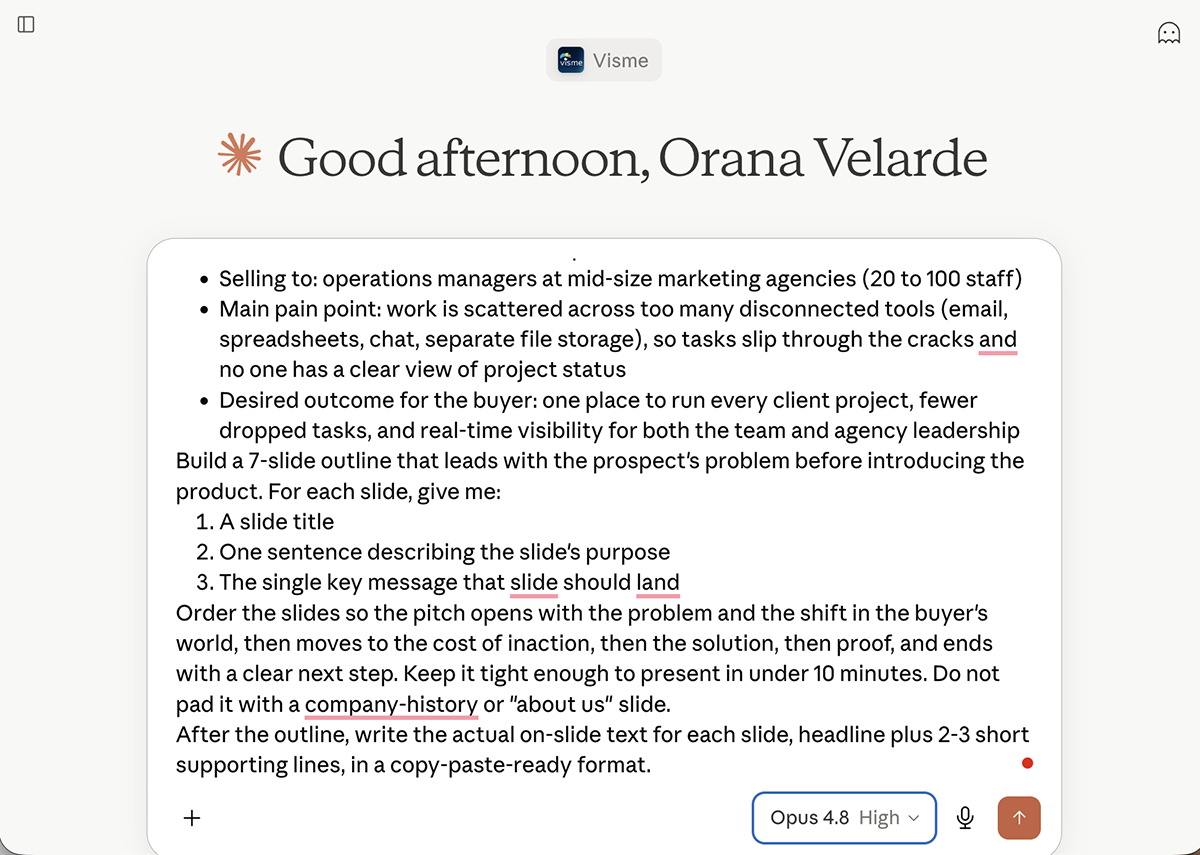
Here's a practical workflow: start with ChatGPT or Claude, then finish with Visme.
Use ChatGPT or Claude to build your slide structure. Prompt it with your objective, the specific pain point you're addressing, and anything relevant from your discovery call. Ask it to return a 5-10-slide outline with a short description for each slide's purpose. From the outline, you can either ask the AI to generate full slide content or copy the text and continue in Visme AI.
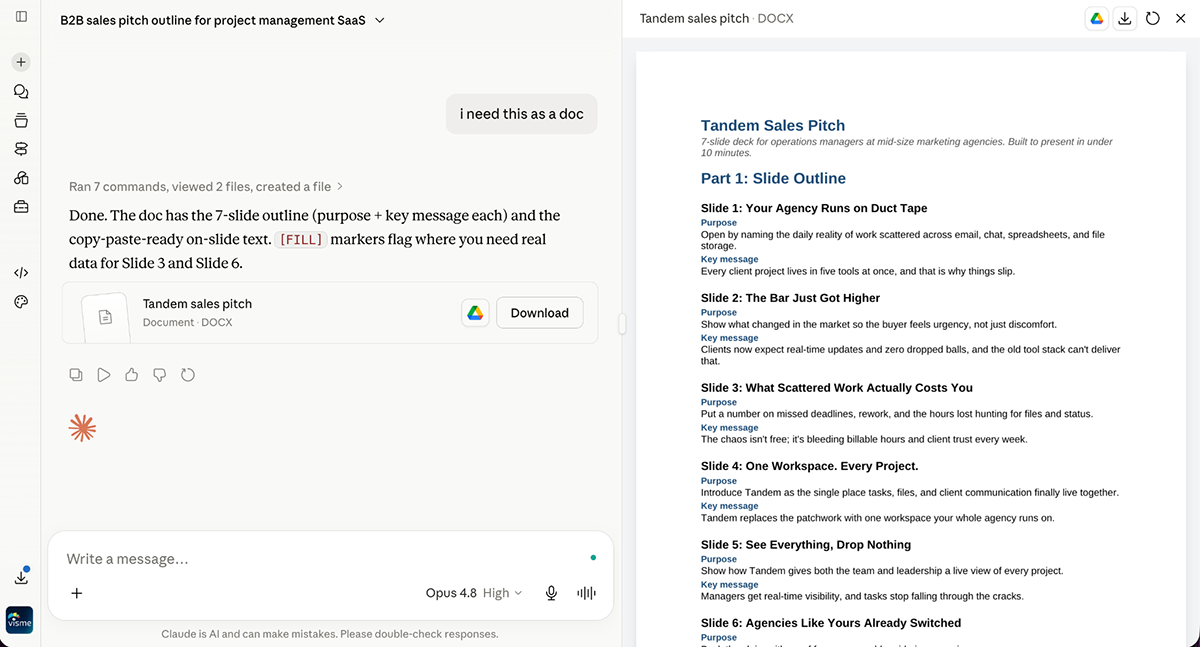
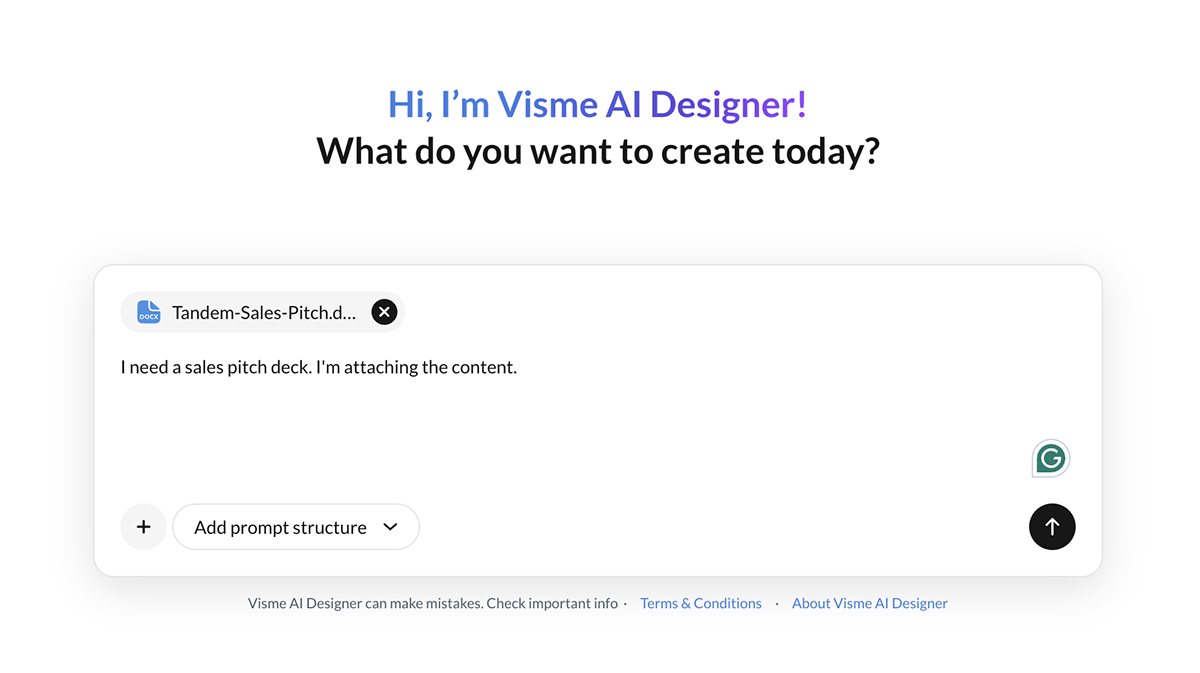
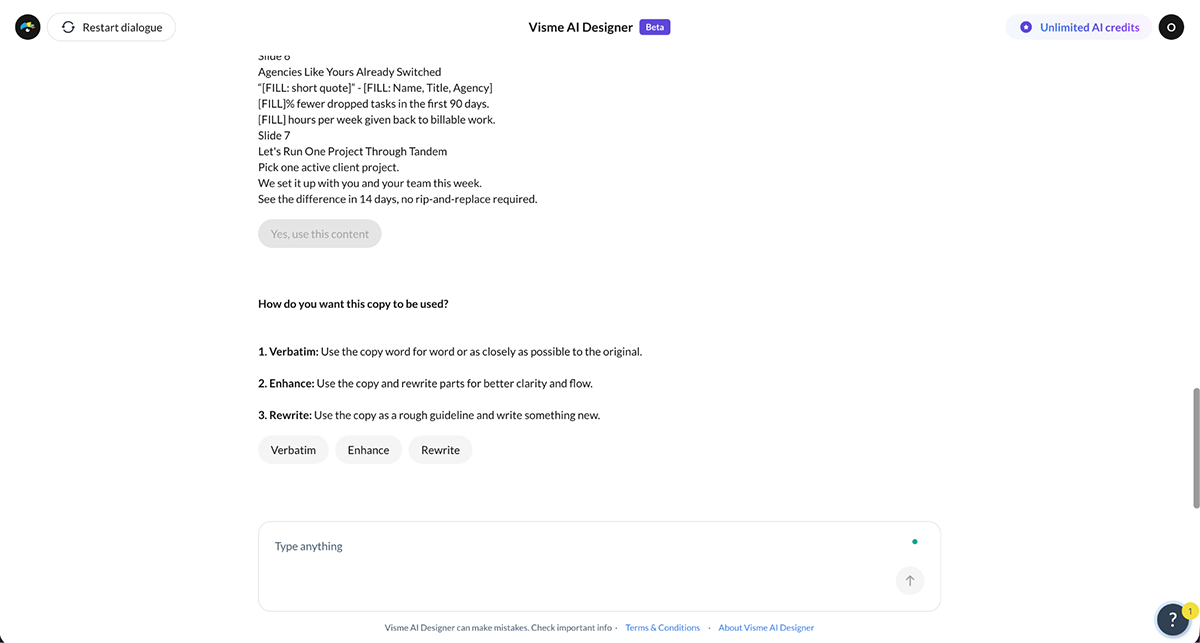
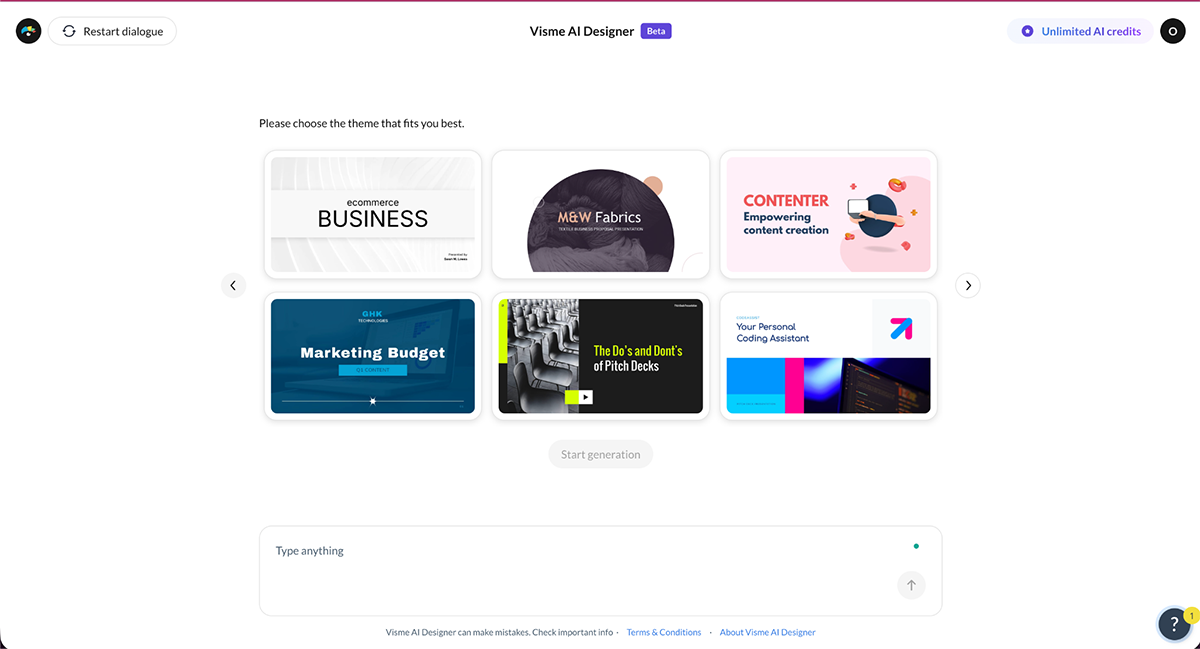
Open Visme's AI Presentation Maker. Write a prompt explaining that you're building a sales pitch presentation, then paste in your outline or complete text, and include any additional instructions. Visme AI will ask whether you want to apply your Brand Kit. If you haven't set one up yet, it will walk you through the steps. Then choose from suggested visual styles and Visme will generate a fully designed deck ready to edit.
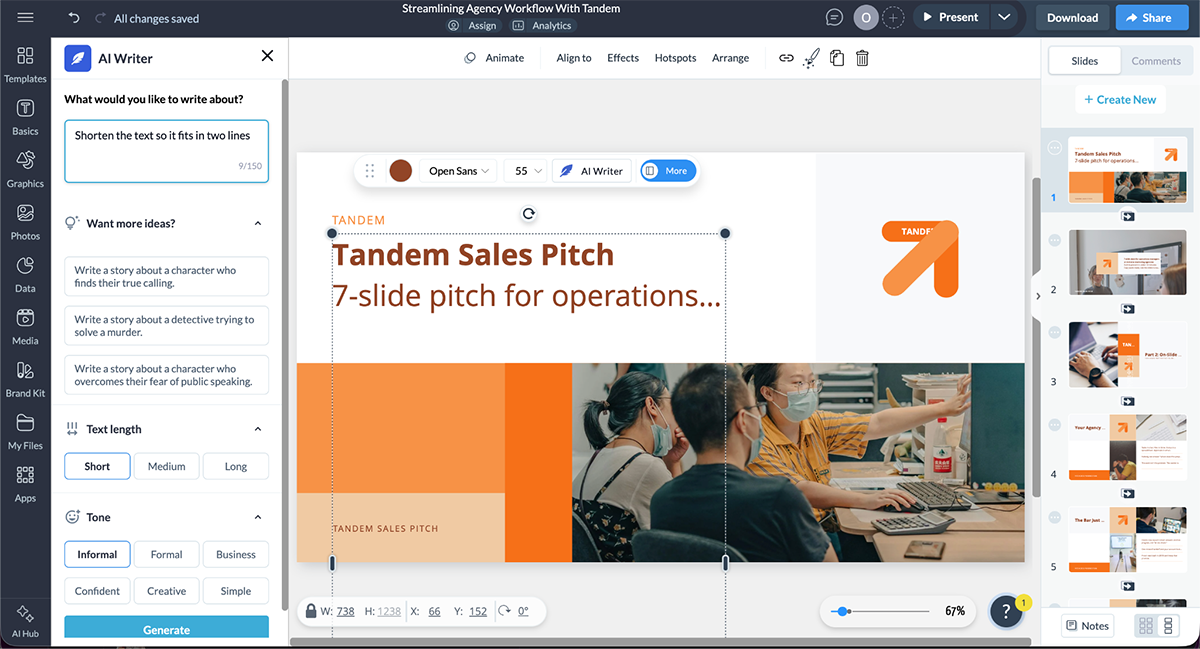
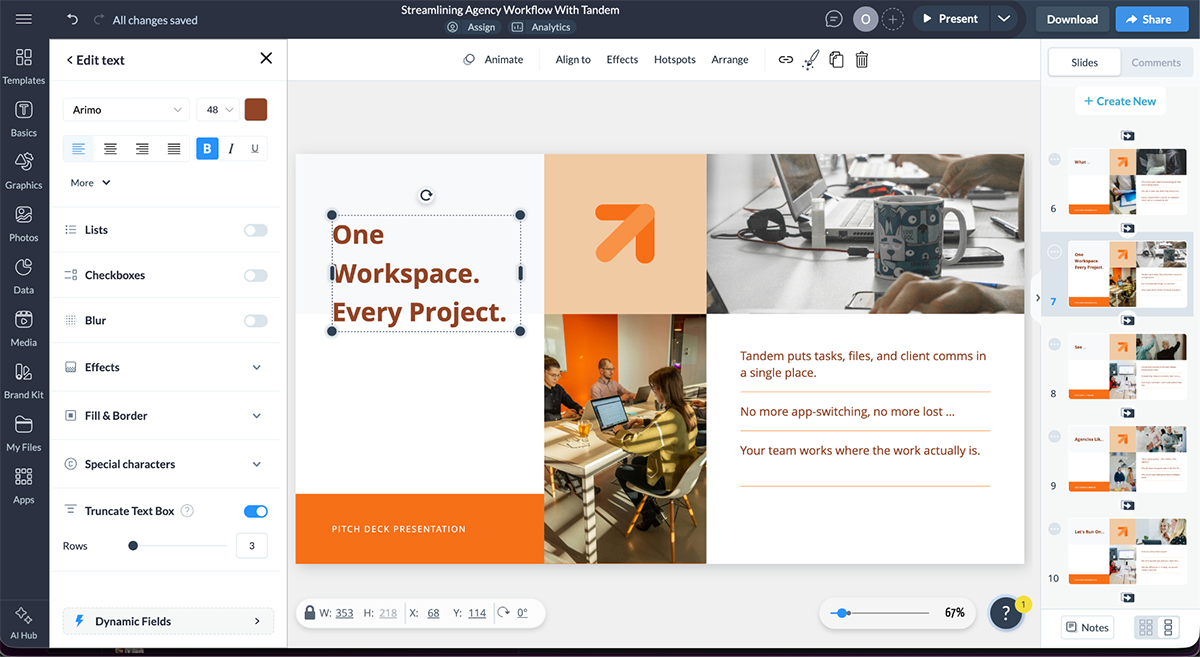
When Visme generates your deck, the Truncated Text feature prevents text boxes from overflowing and breaking the slide layout. Before you share the deck, Visme flags any truncated text boxes for your review. You can also spot them by the ellipsis at the cut-off point.
For each flagged slide, you have three options: expand the text box, reduce the font size, or ask AI Writer to shorten the copy until it fits. The third option is usually the right call for a sales deck. Prompt AI Writer to shorten the text while keeping the core point. Use AI Writer at this stage to rewrite copy for a different audience, adjust the tone from formal to conversational, or sharpen a weak headline.
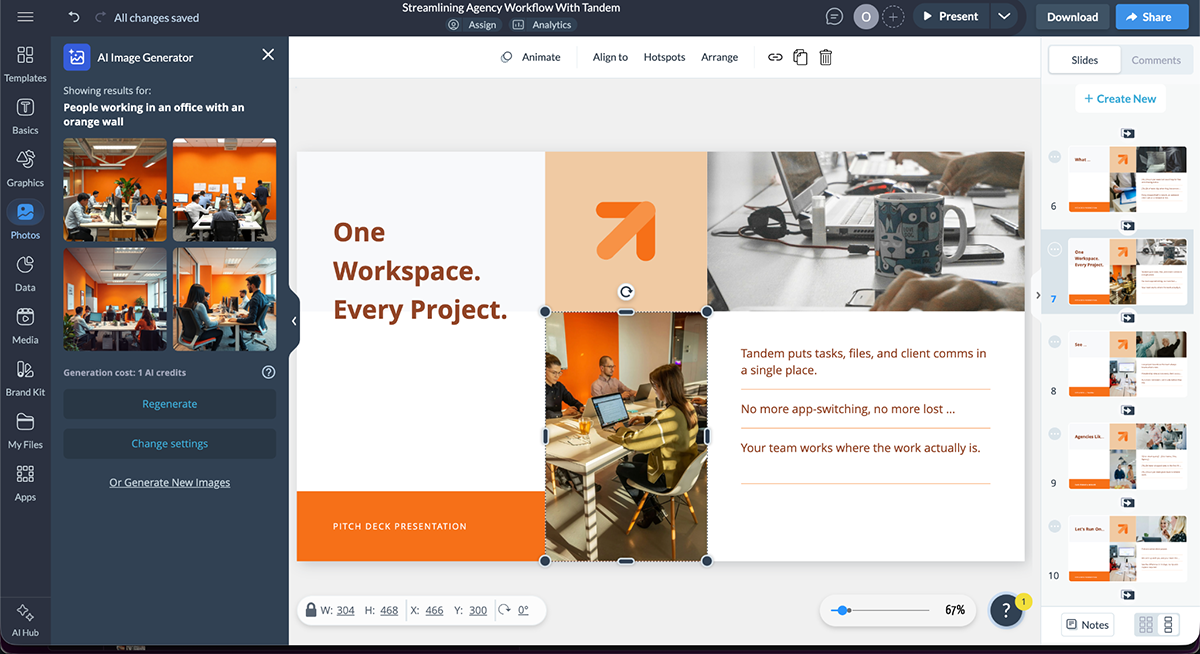
When you need a custom image that fits your prospect's industry or context, use Visme's AI Image Generator to create one from a prompt instead of settling for stock photos that don't quite match. Describe the scene you want: people working in an open-plan office, a specific product setting, a branded background and it will generate options you can drop straight into the deck.
Once the AI-generated draft is in place, use the slide library to add or swap layouts, drop in data widgets for any metrics or ROI figures, and add interactive elements like hyperlinks, pop-ups, and hover effects directly in the editor. These are what make the deck feel like a live experience rather than a document.
Starting from a template removes the design decisions that slow sales teams down and lets you focus on the message. Here's how to build a pitch using one of Visme's sales presentation templates. The same steps apply to any template you choose.
Inside Visme’s template gallery, you’ll find plenty of sales pitch templates to choose from. Browse the templates to match your pitch type (according to the table above) and, where applicable, your industry.
Take, for example, the 15-slide template below, which is well-suited to a product-based pitch.
The slides are designed to highlight your product's problem-solving capabilities, compare it with competitors, and feature user testimonials. These are the three things a product buyer wants to see before committing.
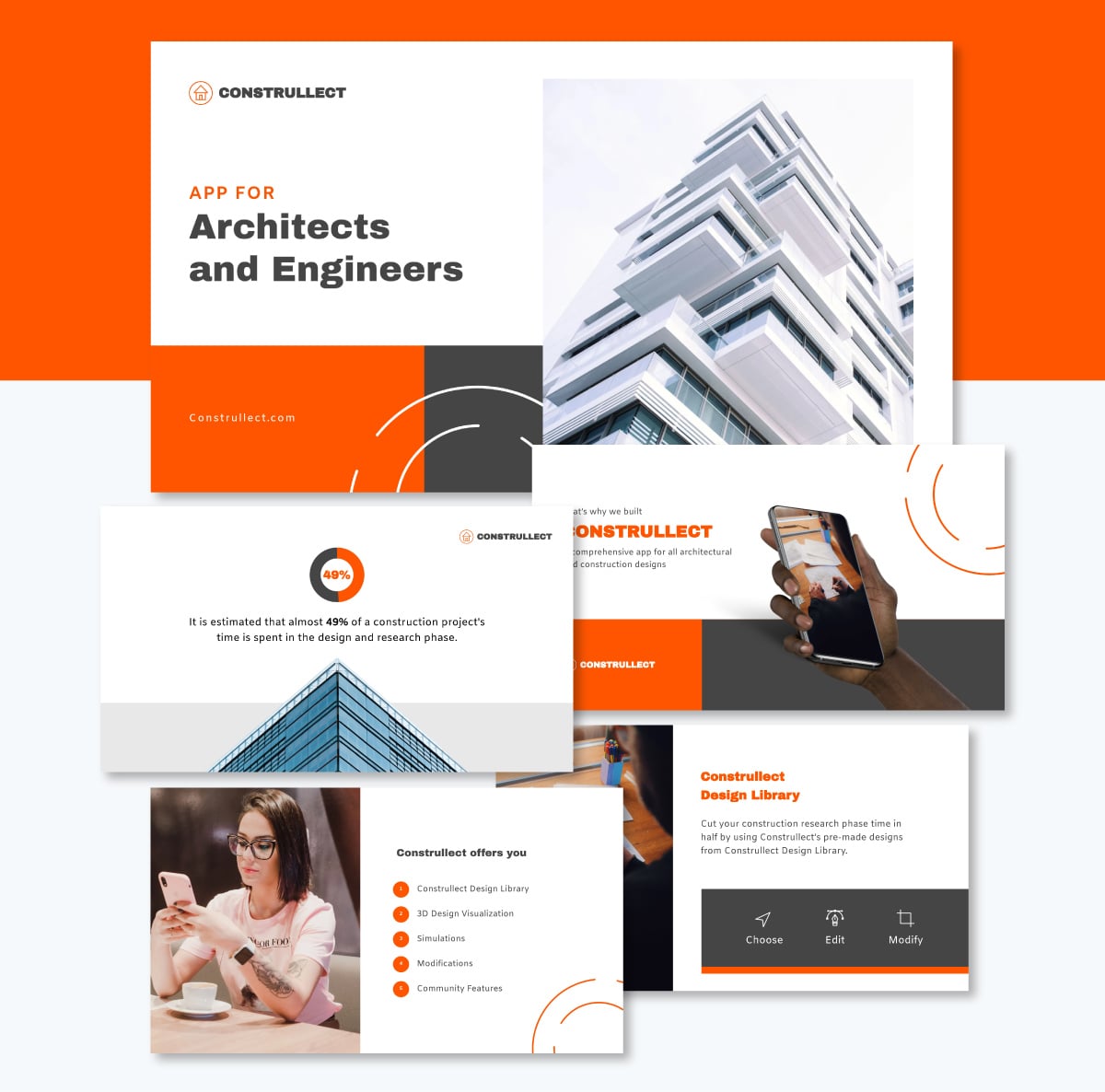
Visme presentation templates can be edited in two ways: manually or with AI. We’ll cover the AI option in the section after this.
So, to do it manually, here’s how. Work through each slide, swapping in your copy, product visuals, and data. Drop your own numbers into the chart and widget placeholders, and replace the sample testimonials with quotes from actual customers. Don’t forget to replace stock images in your product screenshots by selecting an image and uploading your own.
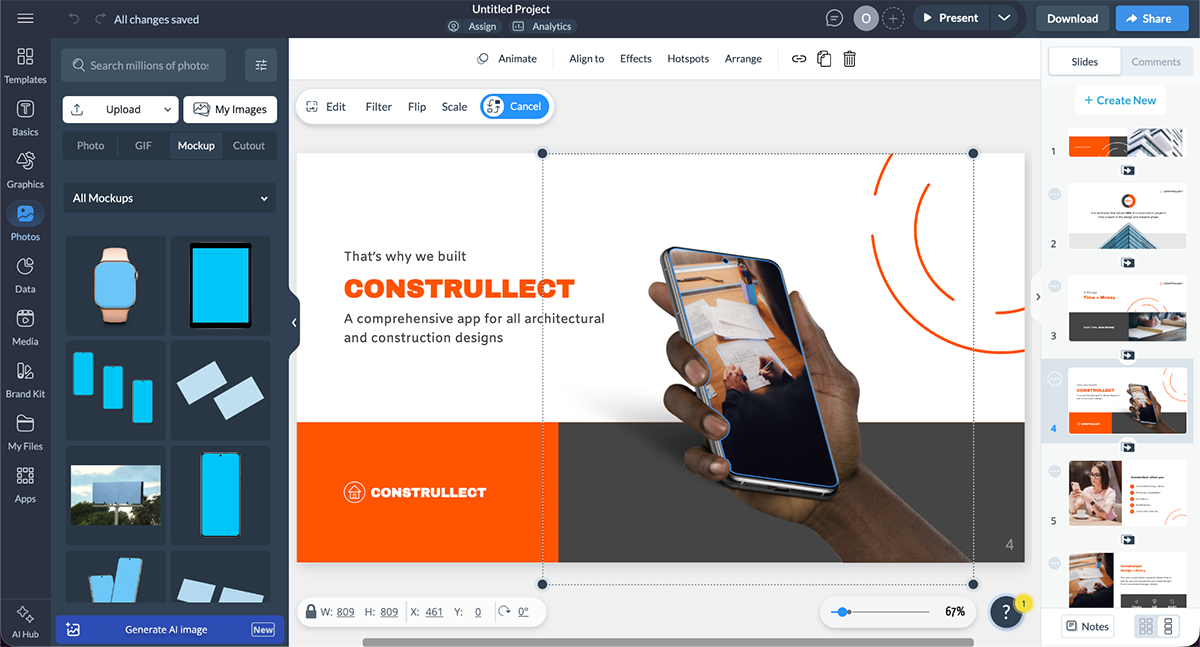
To apply your branding to the template, change the fonts and the colors according to the ones saved in your brand kit. If you haven’t set up the Brand Kit in your account, it’s simple. Use the Brand Wizard to pull the assets from your company website.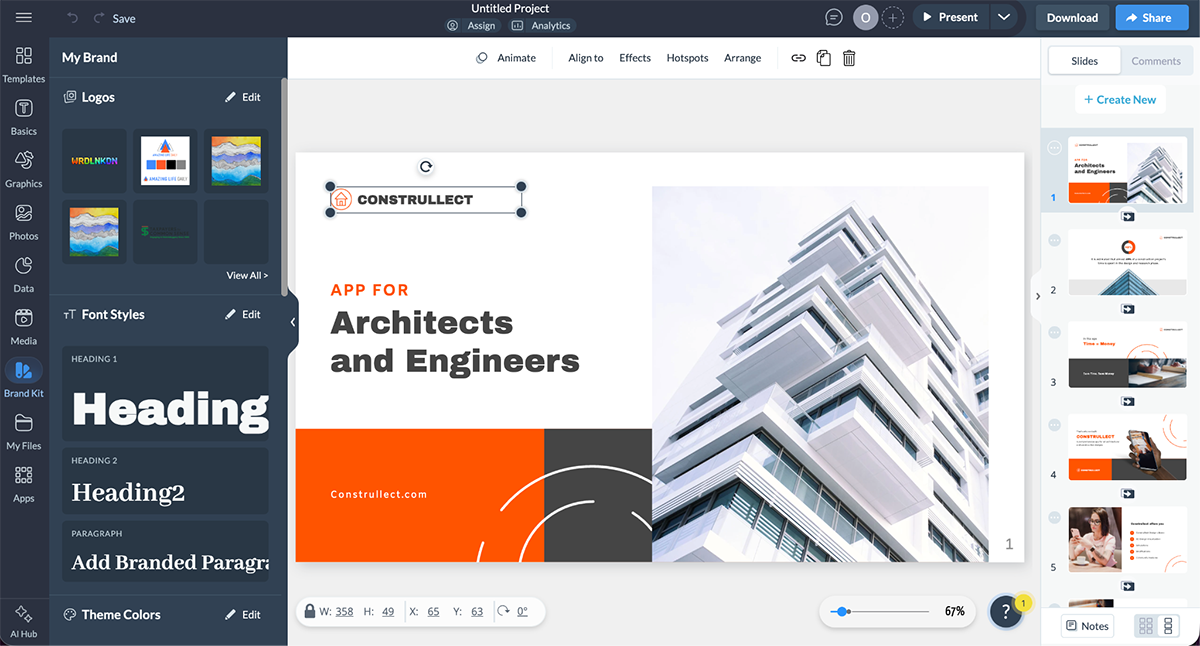
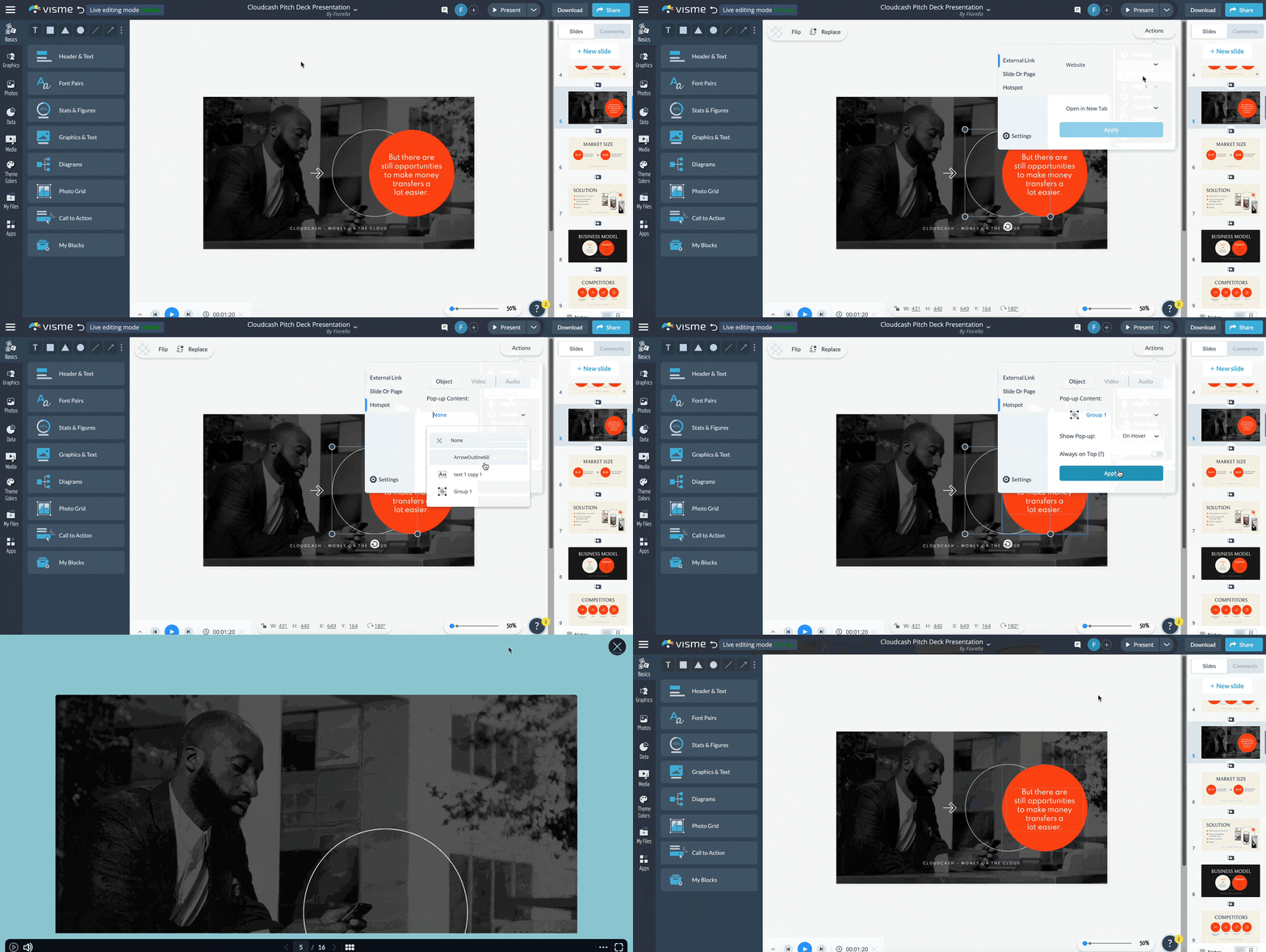
Make your sales pitch more engaging by adding interactivity. Add hover effects and pop-ups to layer extra detail onto a slide. Also, link your table of contents to each section, and add a "back to home" button on every slide that lets you jump straight to pricing or case studies when the conversation drifts. You can also embed a product demo video or an interactive chart the prospect can explore on their own time.
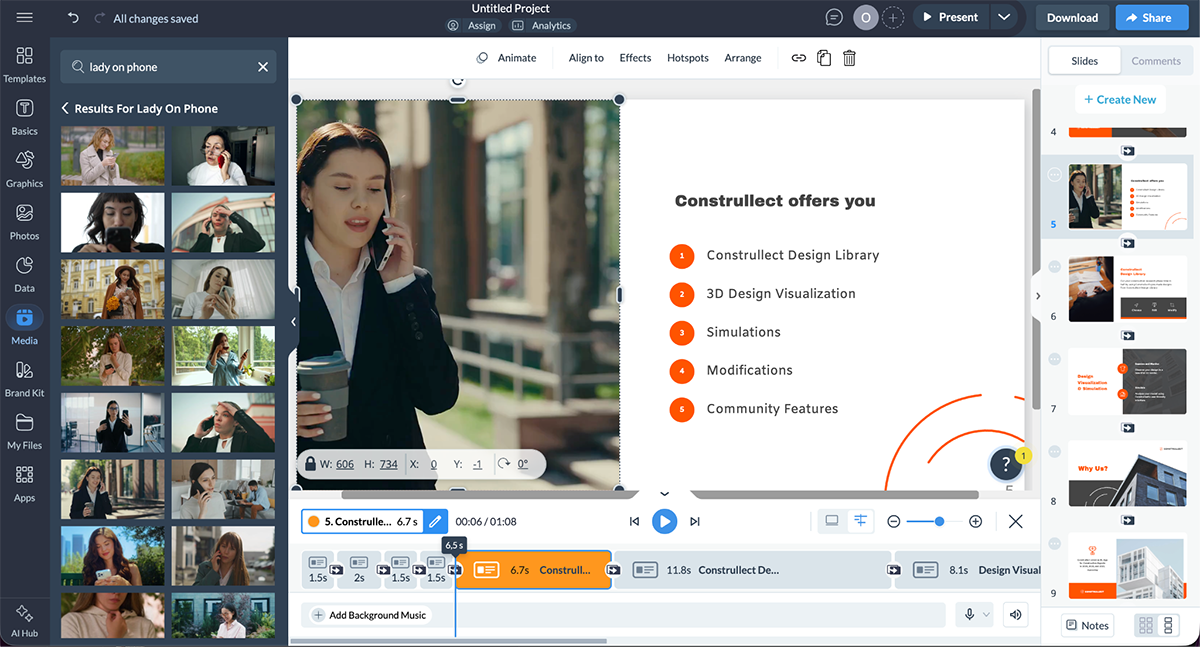
When you’re done editing the slides, it's time to share the deck with your prospect. Download the finished presentation as a PDF to share as a static digital document. But a better option is to generate a live link so you can share the interactive version for the prospect to click through in flipbook format.
A generic deck tells a prospect you haven't done your homework. No two people in the room want the same thing, and a modern B2B purchase isn't one buyer you need to win over; it's a committee.
Gartner found that buying groups now range from five to 16 people across as many as four functions, each with different priorities. A deck built for one of them loses the rest.
The most effective reps build the deck around the specific people who'll be in the room, and that work happens before you open the editor. Customize for three things: the research you've done, the role of each stakeholder, and the stage the deal is at.
Pull their recent company news, the attendees' roles, and anything you learned on the discovery call. A deck that references the prospect's actual situation, their words, their metrics, their problems, lands harder than one built from a generic template. Use what you find to decide which slides to lead with and which to cut.
Tailor pain points by role. The same product needs a different story depending on who's deciding. Dave DeFranco, Director of Strategy Services at the communication firm Duarte, puts it plainly: "The CFO might care more about price, cost structures, cost of ownership, return on investment, and usage rates... The CMO knows you and your brand well but will be laser-focused on how a new solution will gain them competitive advantage, market share, differentiation, simplicity, and productivity."
Build a master deck with all your possible slides, then pull the ones that match the room: a CFO gets ROI and cost-of-ownership up front; an end user gets workflow and ease of use.
An early-stage pitch should lead with the problem and fit, the prospect needs to agree there's something worth solving before anything else. A late-stage pitch should lead with proof, pricing, and next steps. Don't show a pricing slide to someone who hasn't confirmed the problem yet, and don't re-explain the problem to someone ready to talk terms.
Keep a master version of the deck in Visme, then duplicate it before each meeting and swap in the slides that fit, customizing the opening and closing for that specific prospect.
You can build a flawless deck and still lose the room when delivering it.
If you have the opportunity to present your deck in person, there are actions you should be mindful of in order to be successful: how you carry yourself, how you sound, and how you handle the room you're in.
Prospects start reading your body language the moment you walk in the room or start the Zoom. Your posture, your hands, and your face are all sending signals before you start presenting.
Mark Bowden, voted the world's #1 body language professional by Global Gurus and founder of the communication firm TRUTHPLANE, says, "It's often not what you say, but how you say it, that gets results."
So keep your hands visible and relaxed, and lead with open gestures rather than folded arms. Hold someone's gaze instead of glancing back at your slides too often. Fidgeting, hiding your hands, or touching your face all make you look unsure, even when what you're saying is solid.
On the flipside, if you’re the type of person who needs to fidget to stay focused, use a fidget toy that makes no noise and keep it off the screen or in a way people won’t notice it. Some fidget toys are so small that they fit in your hand and don’t interfere.
How you sound shapes whether people will believe you. So, slow down and don’t rush through your information. Pause before and after the points that matter so they have time to sink in. Keep your voice steady, and speak with confidence. A prospect can tell whether you believe your own pitch.
Most of this gets easier once you've heard yourself doing it.
You can't catch your own filler words while you're in the middle of saying them. To help you stop using them, record a run-through in Visme's Presenter Studio, then watch it back. Look for the "ums," the spots where you rush, and any slide where what you're saying doesn't line up with what's on screen. Then, do it again until you’ve gained the confidence.
Pitching in a meeting room and pitching through a webcam are two different skills, and the switch can catch you off guard if you’re not prepared. For example, in a room, you read faces and use the space around you to move. On a call, all of that shrinks to small squares, making eye contact difficult.
Julie Hansen, a virtual selling expert and author of Look Me In the Eye, says eye contact is the biggest thing you can do to hold a prospect's attention on camera. The trick is that on video, eye contact means looking at the lens, not at the faces on your screen.
So glance at the gallery to catch reactions, then look back at the camera so the prospect feels you're talking to them. Slow your gestures down, too, since anything quick turns into a blur over a webcam.
A pitch rarely runs clean from start to finish. Prospects cut in, ask questions, and you might end up skipping ahead. All that is positive. It means they're paying attention. You can either roll with it by answering whatever they’re asking, or use your interactive deck to jump straight to the slide they're asking about.
Another option is to start the presentation by notifying the audience to please keep questions to the end, if possible.
Most sales conversations don't follow a script. A prospect asks a question on slide 3 that takes you to slide 11. A second stakeholder joins late and wants to start with pricing. A static PDF makes these moments awkward. An interactive deck makes them seamless.
Kalyn Lewis, Head of Sales & Customer Experience at Visme, sees a rigid, linear deck as one of the most common mistakes in sales presentations:
"You do not want to have a 50-slide presentation deck that is a PDF that the sales rep has to scroll back and forth in order to land on the right slides when a certain topic or point of conversation is coming up. Conversations are not always linear. It's really important to enable your sales team to be able to jump to specific areas without having to go slide by slide."
The fix is to build the deck for movement. Add an interactive table of contents that links to each section, so a rep can jump straight to pricing, case studies, or the product demo the moment a prospect asks. Put a back-to-home button on every slide. Use pop-ups and hover effects to layer extra detail onto a slide without crowding it, so one slide can hold a clean headline and the backup data a prospect might ask for.
This is also where tracking pays off. A live, interactive deck shared as a link lets you see which sections the prospect spent time on, which tells your rep what to lead with on the follow-up call.
When your deck is interactive, your rep stays in control of the conversation instead of chasing it. That control is the difference between a presentation that talks at a prospect and one that moves with them.
The following section is a collection of templates. Keep in mind that all of them can be made interactive!
New Wave Solutions, an employee surveying firm, runs much of its sales process through Visme. The founder, Andrew Kitchner, and his team build sales pitch decks, a shareable services overview, and client-facing reports all in one place, pulling from branded slides instead of rebuilding each deck from scratch.
The payoff is speed: Visme's interface cuts design training time by 10 hours per new employee and saves the team about two hours a week. For a small firm where every rep needs to produce polished, on-brand pitches without a designer, that time goes straight back into selling.
They built this sales tool to give prospects an overview of their services, and they share it on social media and by email with prospective clients:
In this section, we’ll showcase a wide range of essential sales pitch slides from various industries and services.
Each example of a sales pitch presentation comes with actionable tips you can use to polish your template to make it your own.
The Visme Simple Theme is more than just a presentation template; it’s an all-in-one library of ready-to-use slides. They all follow the same aesthetic, making creating a sales pitch presentation easier. Don’t feel tied down by specific design compositions; choose from hundreds of options in the slide library.
And FYI, two other presentation themes are available if you want to try another style.


State your short and sweet elevator pitch opener on the first slide. This practice is reminiscent of what a landing page does, showing the viewer quickly what you’re about and how you can help. In this case, a consultancy service sales pitch deck starts with a bang.
Continue with a few introductory slides before explaining exactly how your company will fulfill the promise it offers on the opening slide. Finally, add relevant contact information so the prospect can get in touch with you and close the deal.

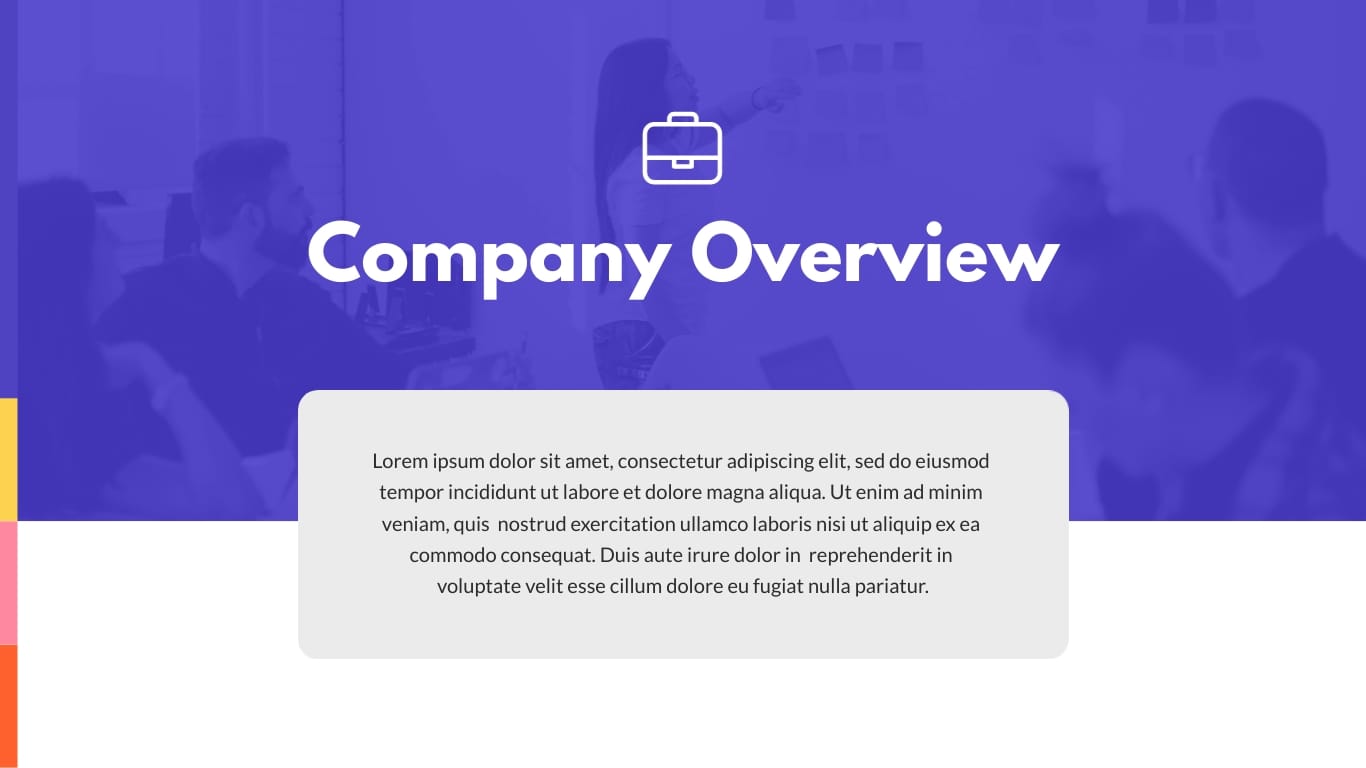

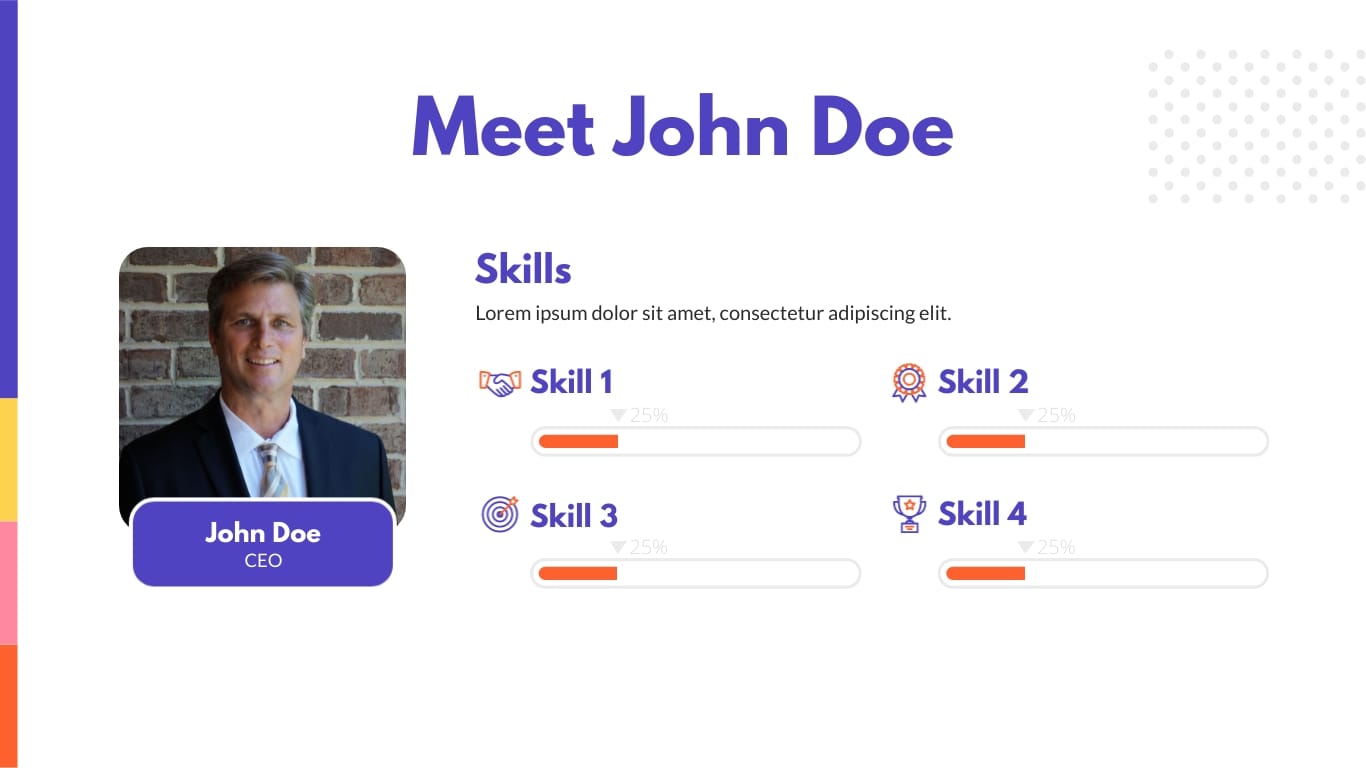


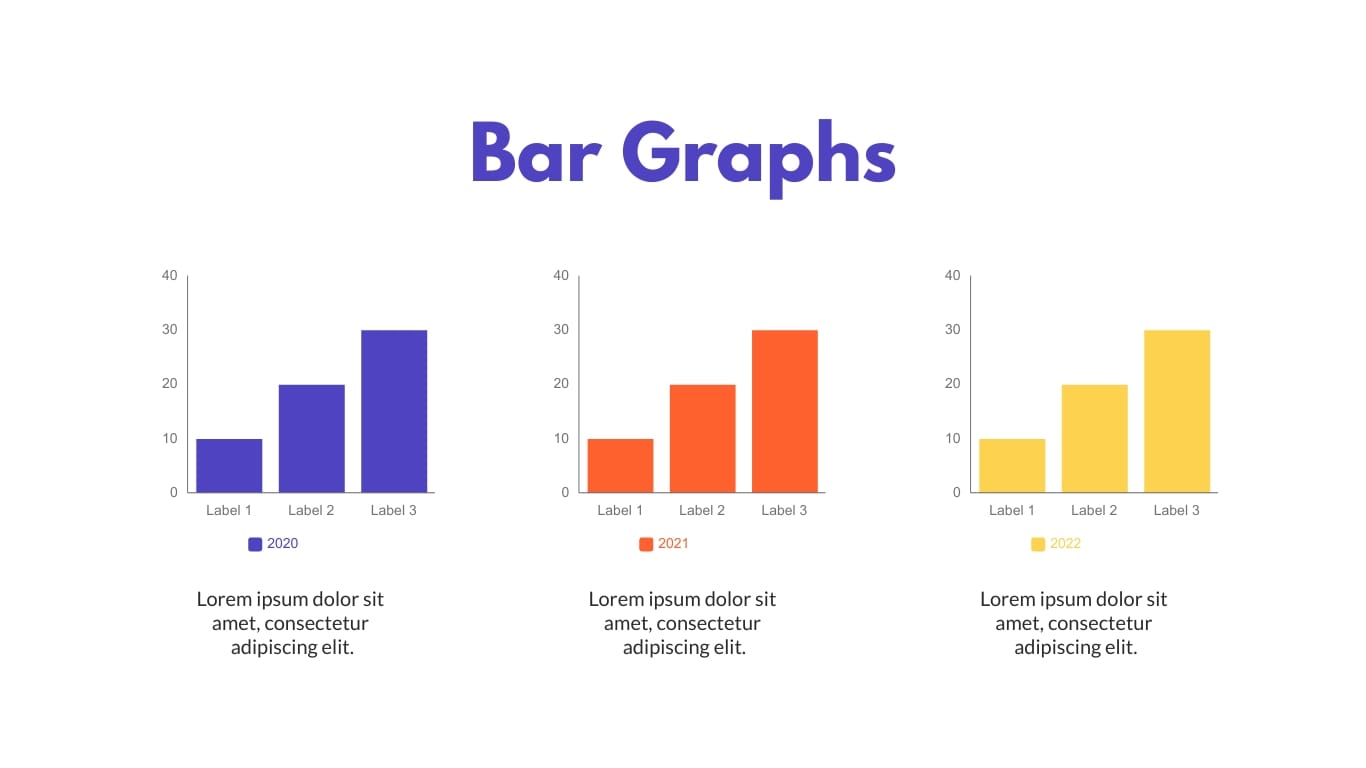

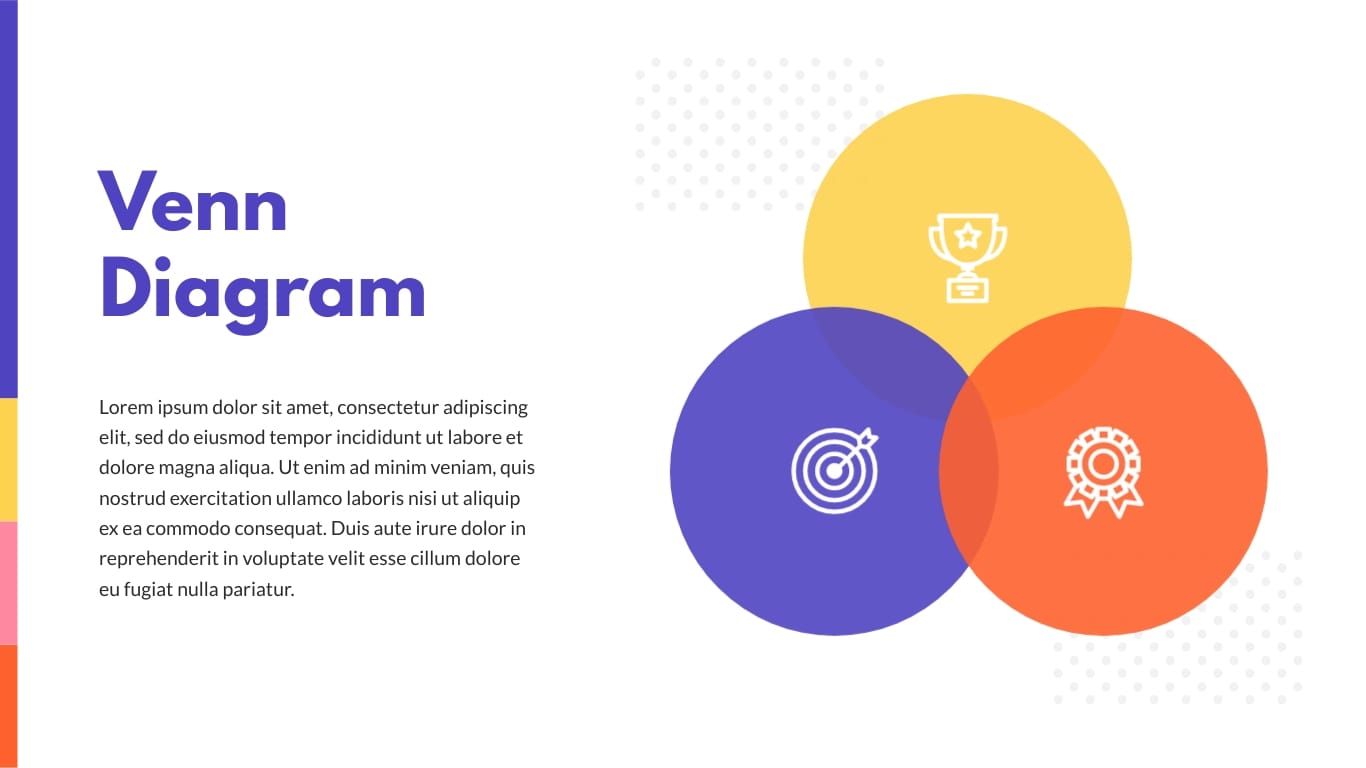
Pick this business presentation template when you want a ready-made structure you can fill in fast. The content and layout are already in place, so you just drop in your own copy. Use any or all of the infographic slides to show key data about your company.
Add the client's pain points and your solutions to the introduction and company overview slides. Use the team slides to show how each person helps reach the client's goals. It's a good fit for a lively, creative business that sells services to small companies and young teams looking to grow.


The table of contents is straightforward and can be made interactive with hyperlinks to each section. Early in the deck, some slides lay out the prospect's problem and how you plan to solve it.
A timeline slide maps out the roadmap to the shared goal. The pricing slide lays out three tiers side by side, Basic, Intermediate, and Ultimate, so the prospect can compare what each package includes at a glance and pick the level that fits. A "Get Started" button under each tier links straight to a landing page or booking platform to schedule a call. A testimonial slide closes it out with social proof.


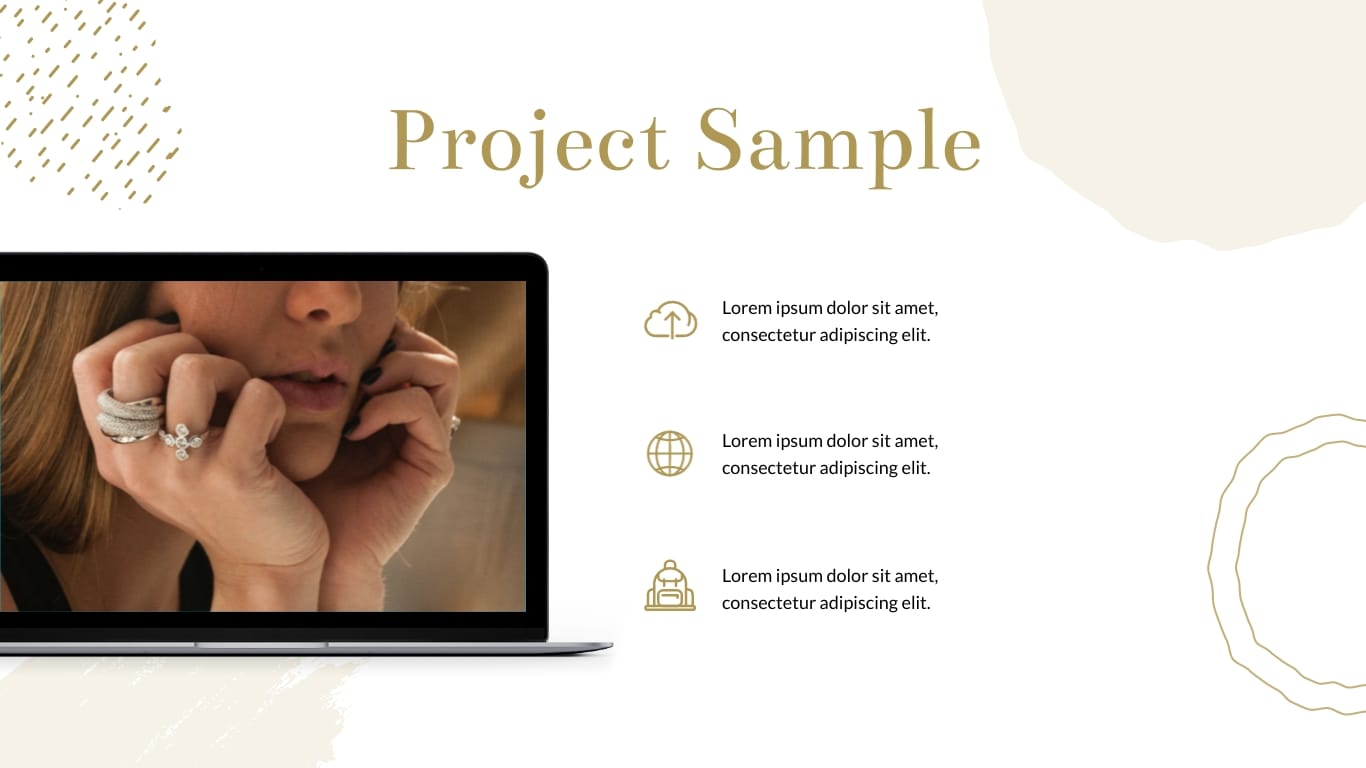

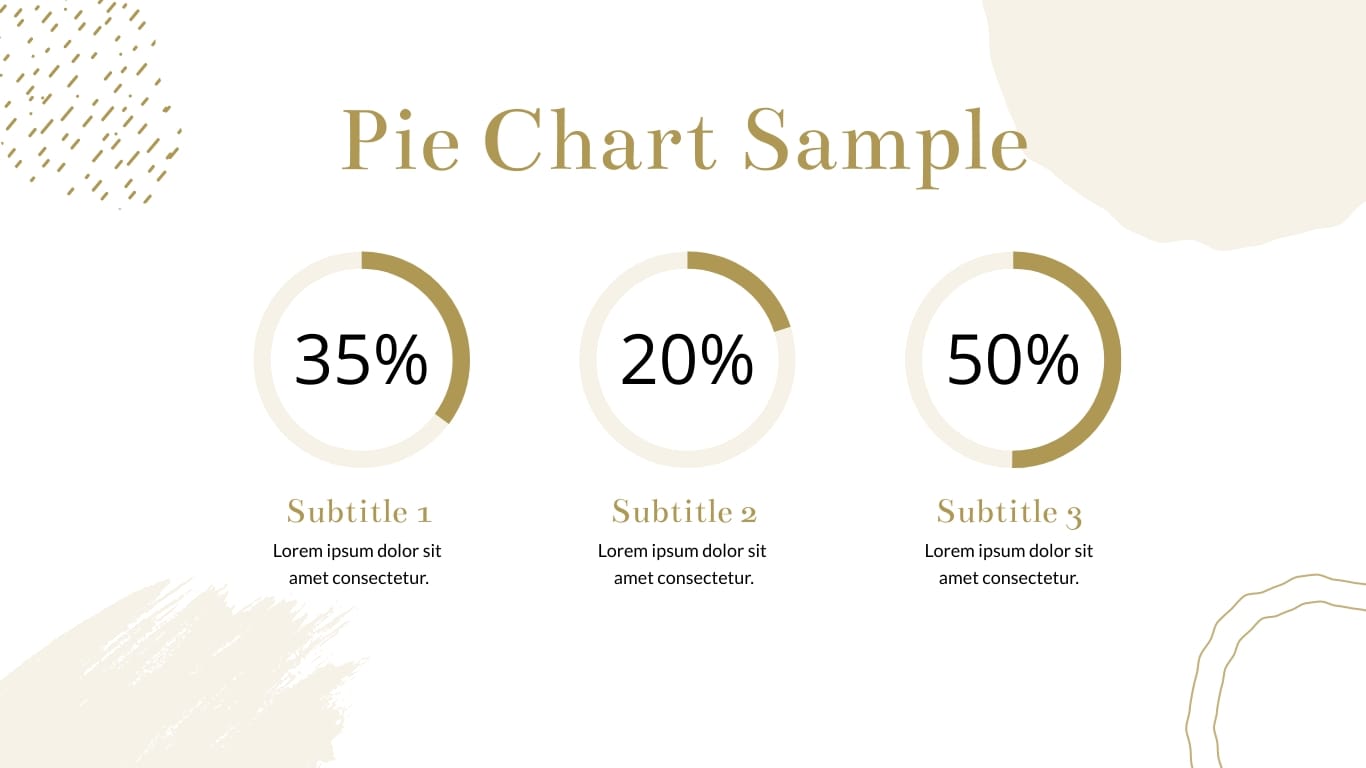

Use this template when your pitch depends on showing how you work, not just what you sell. It suits creative and service businesses, agencies, content studios, consultancies, where the process and values are part of the sell.
The What We Do, Services, and Process slides lay out how you'll help a client reach their goals, step by step. Use the quote slide to add a line about what working with you is actually like, and the Mission & Values slides to connect with prospects who care about who they're hiring, not just the deliverable. Strong fit for a service-based pitch (see the types table) where trust and fit close the deal.


Your SaaS company needs a sales pitch presentation showing your personality and vitality. Color block slide designs are super easy to brand with your colors. The white backgrounds will combine with everything and make your sales pitch content stand out.
Share your SWOT analysis for honest communication and how your company has grown over time with a timeline slide. Show off your social proof in the User Reach slide and share the pricing plans on a slide with links to landing pages with more info or a booking site to get in touch with you.


Who says creative and corporate can’t go hand in hand? Look at this template for a media and design agency offering its services to larger companies and enterprises.
The design is catered to appeal to high management and the C-Suite with just enough eye-catching slides to inspire further communication with the sales team.
The second slide will set the tone for the rest of the presentation. Alternatively, use your short elevator speech or personalize it for the client by adding their name. Add a short bio about the CEO and why he started the company; make sure to make it relatable!



Reach for this template when you need to hold attention with a short, punchy pitch. It works for a business with a creative edge, a coworking space, a talent recruiter or a studio, where personality matters as much as the offer.
Keep your content tight: lead with how your service helps clients hit their goals, then back it up. Use the device mockup slides to show portfolio work, app screens, or live pages from your site, which is useful when your product is something the prospect needs to see to get. Best for an early-stage pitch where the goal is to earn the next meeting, not close on the spot.

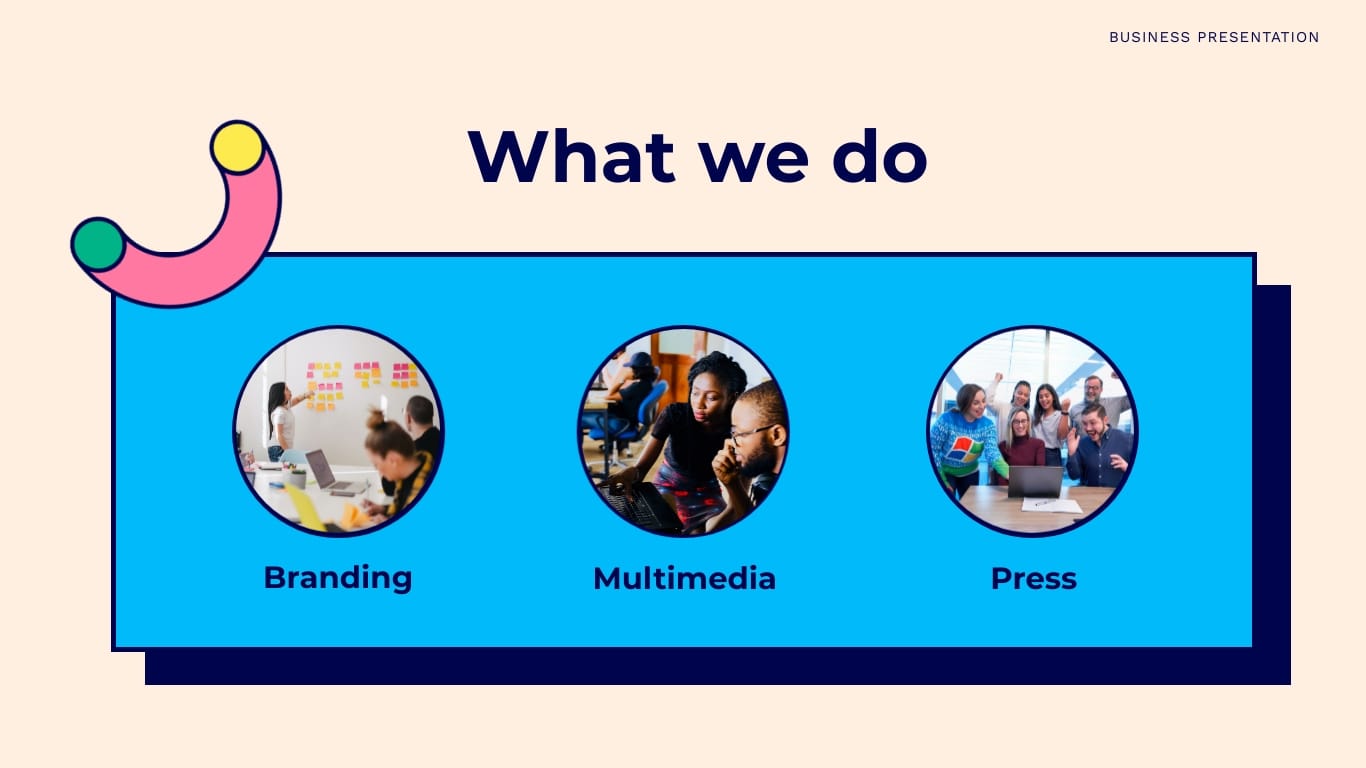
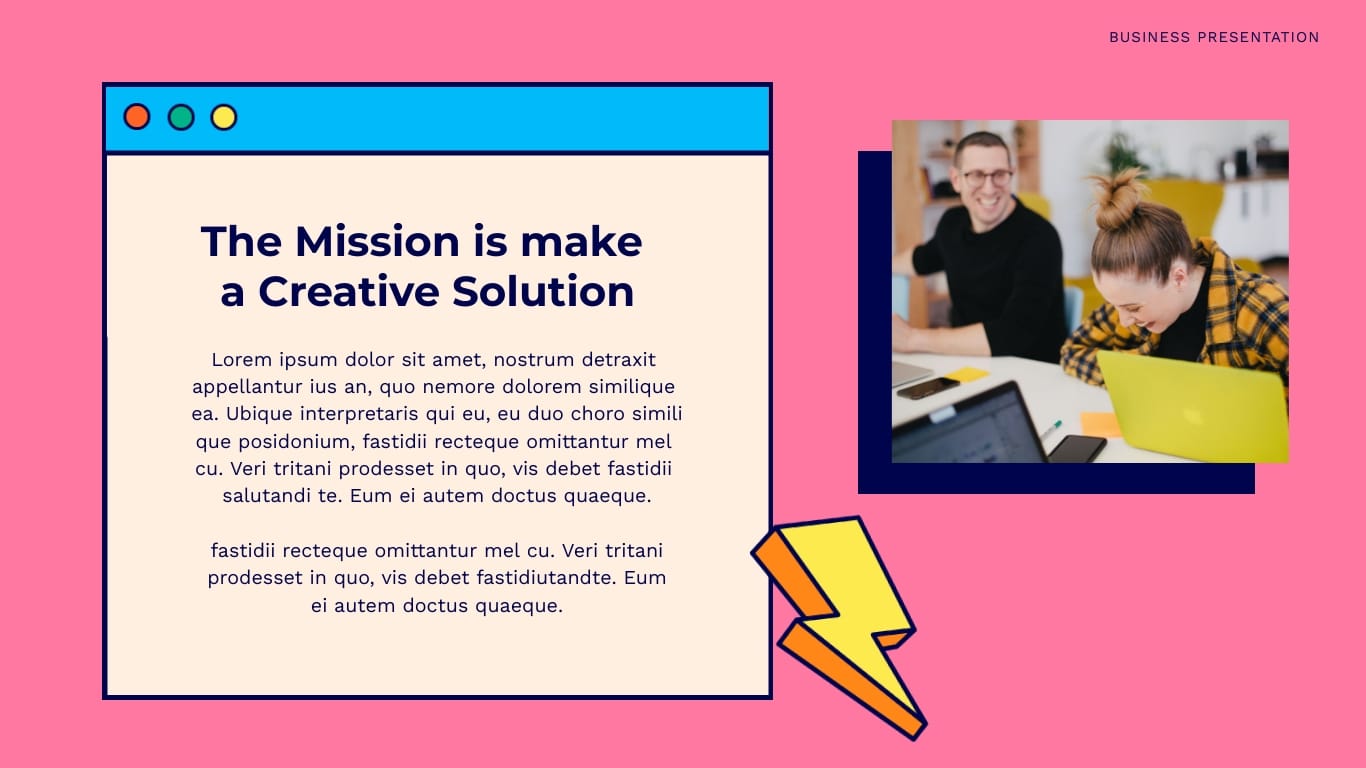
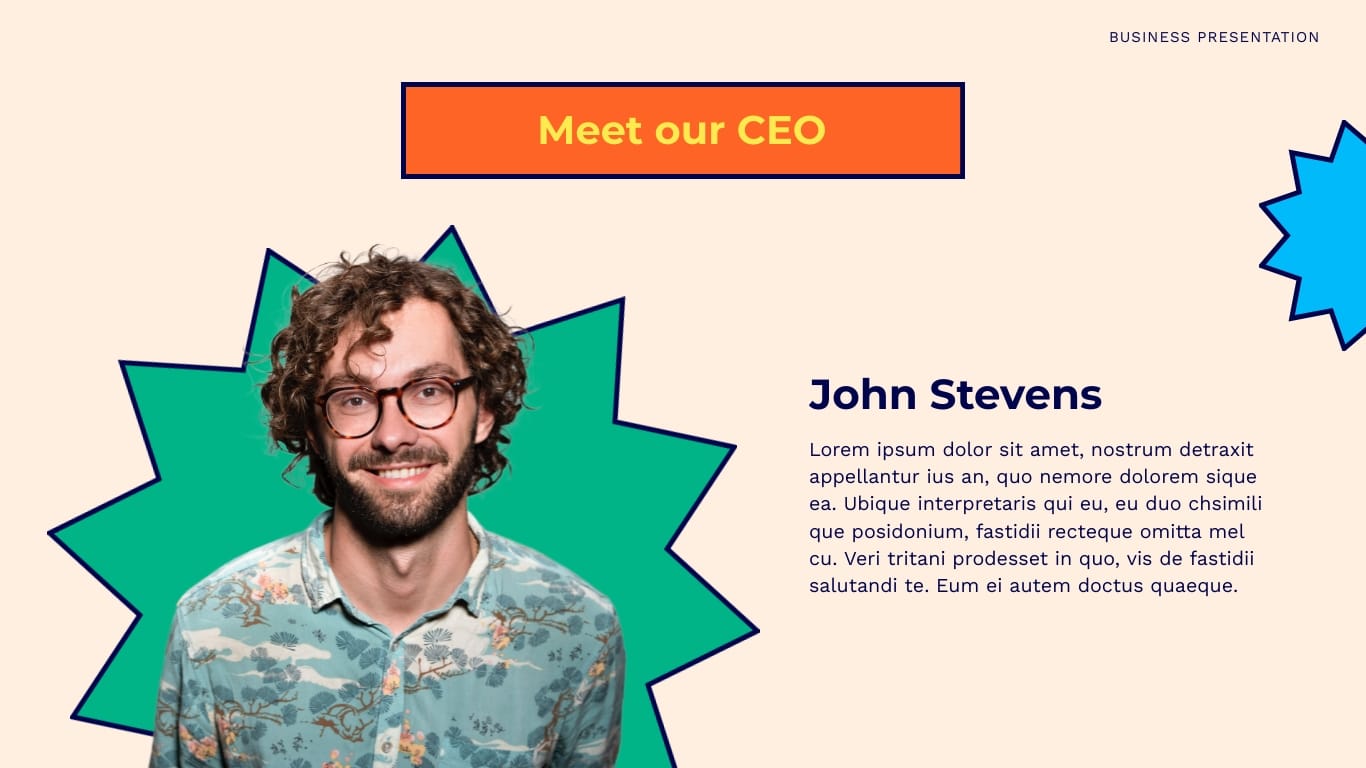

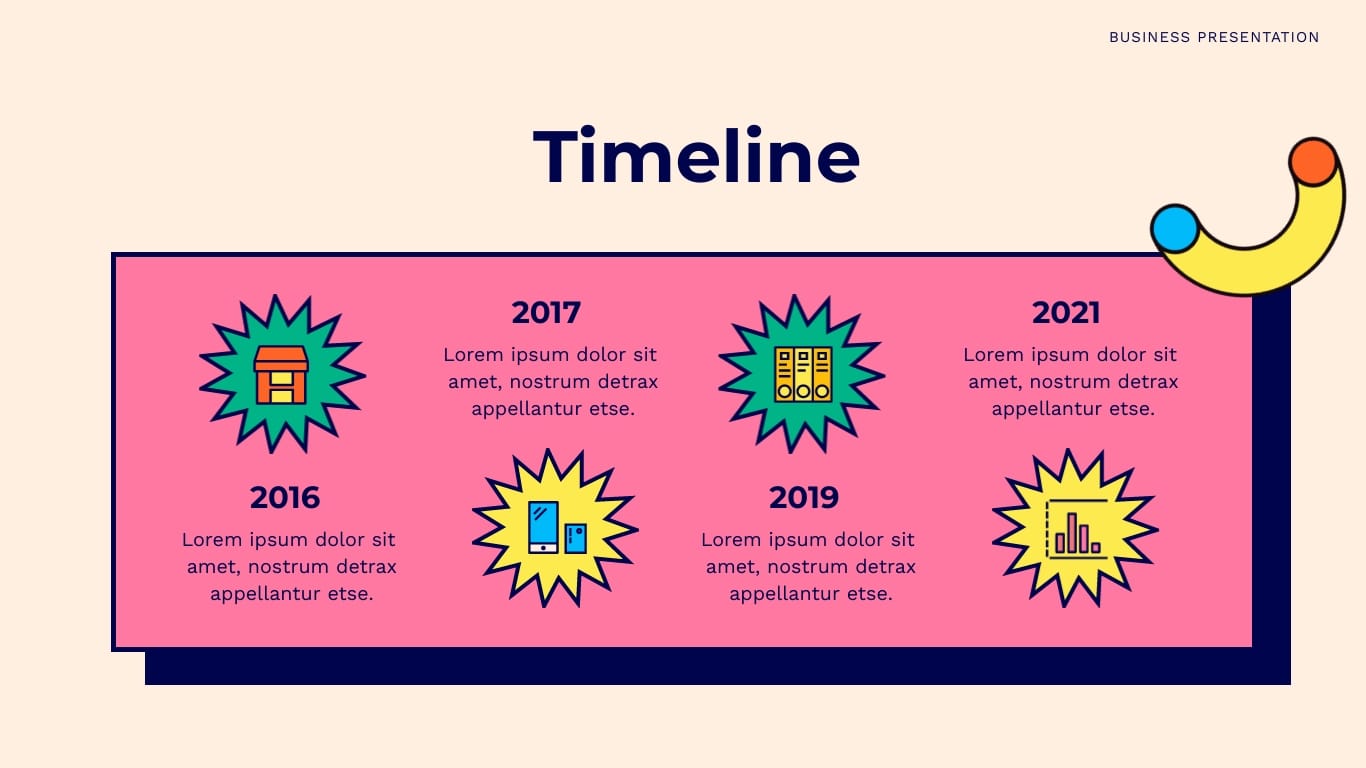
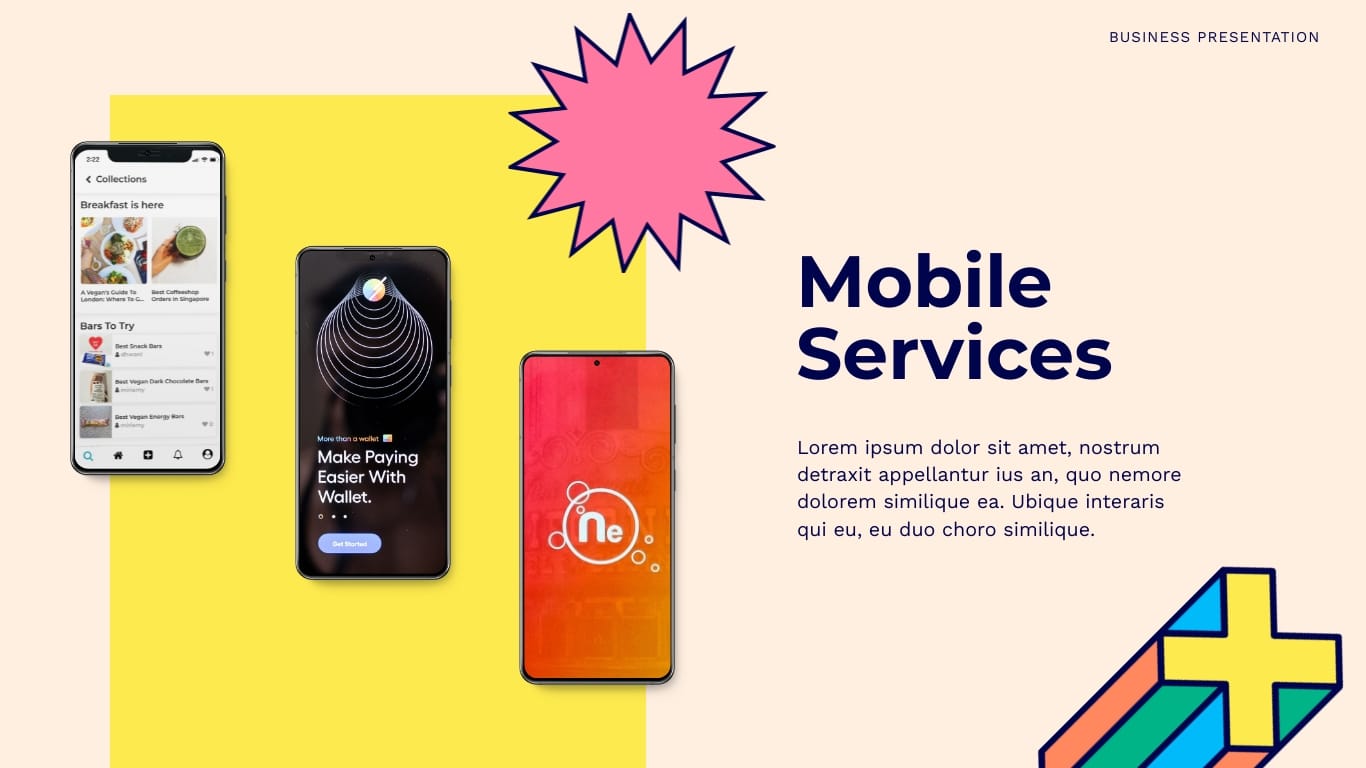
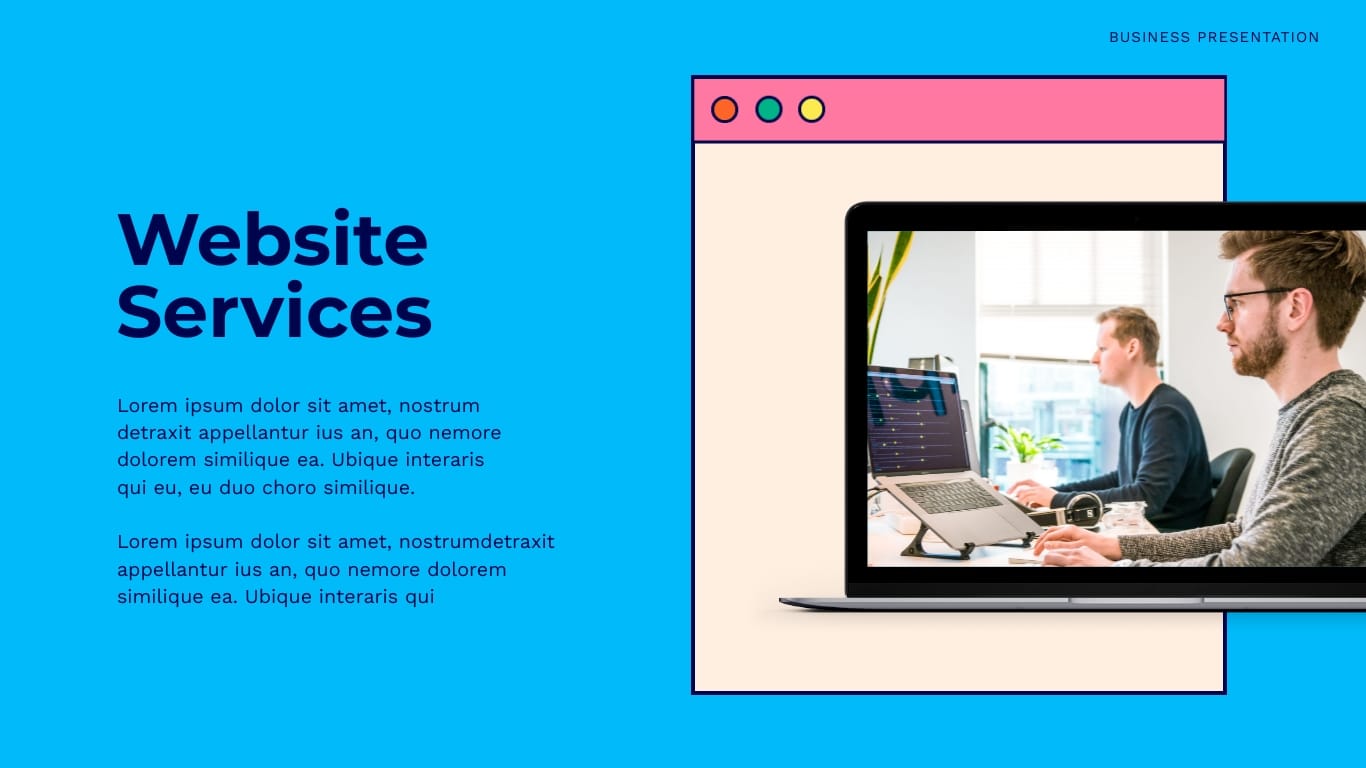
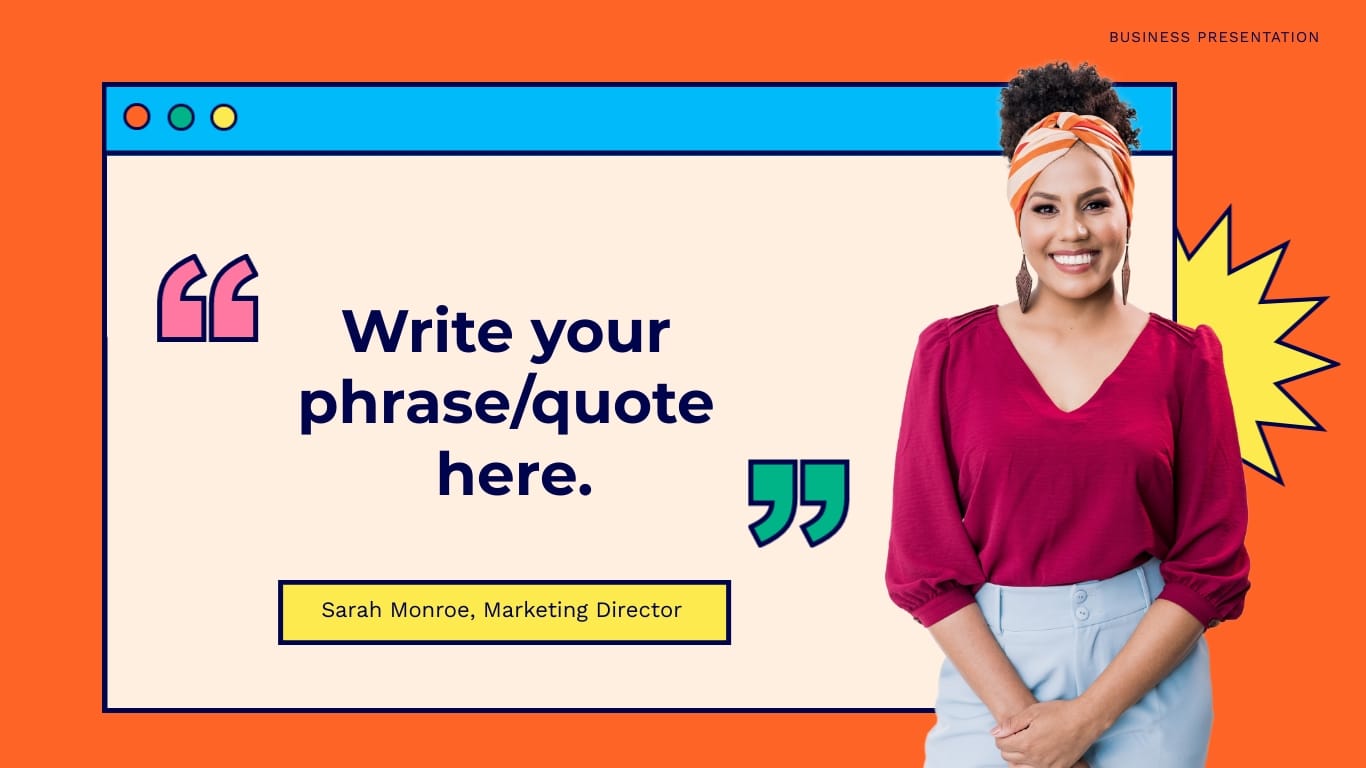
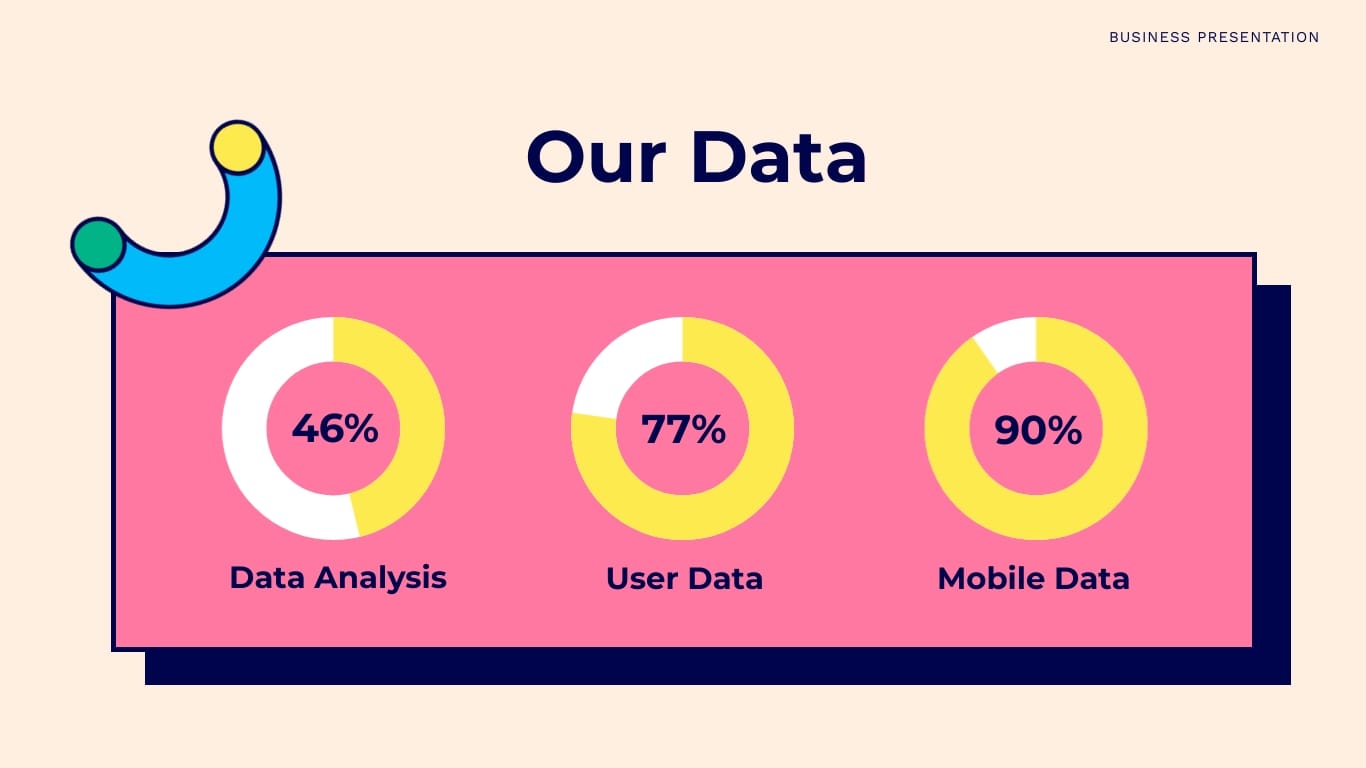

Young and lively Gen Z startups need sales pitch presentations too. This is one of the best sales pitch decks you'll find out in our library.
With this template, you won’t have to settle for serious and dull; make your slides fun instead. Show the client how your team will help them with creative roadblocks they can’t solve themselves. Transmit your business personality through the slide designs.
Create a powerful mission slide where you share what your company is all about. Being honest is the best way to reach the clients that will click with your team.
Businesses and professionals are looking to work with companies they can relate to and brands with which they have things in common. Reach the clients you deserve with a presentation that represents you.



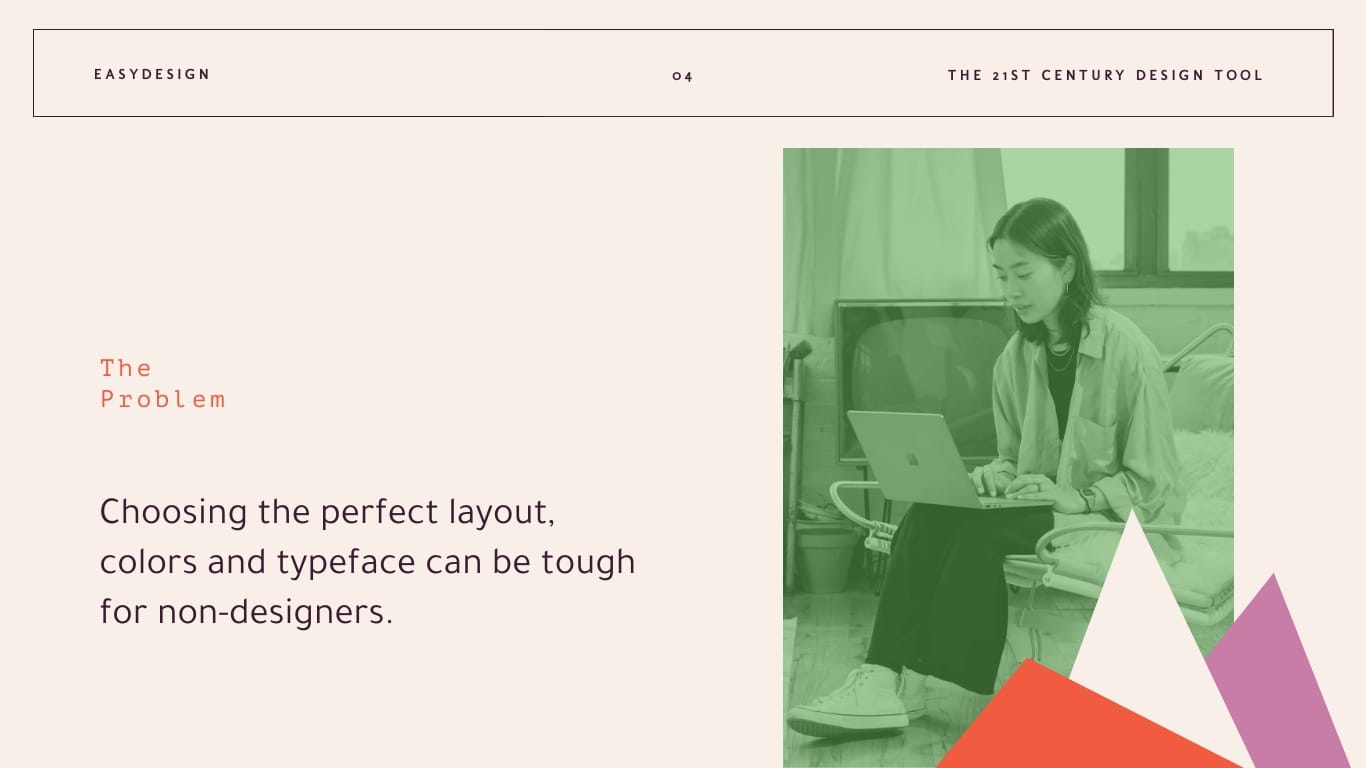

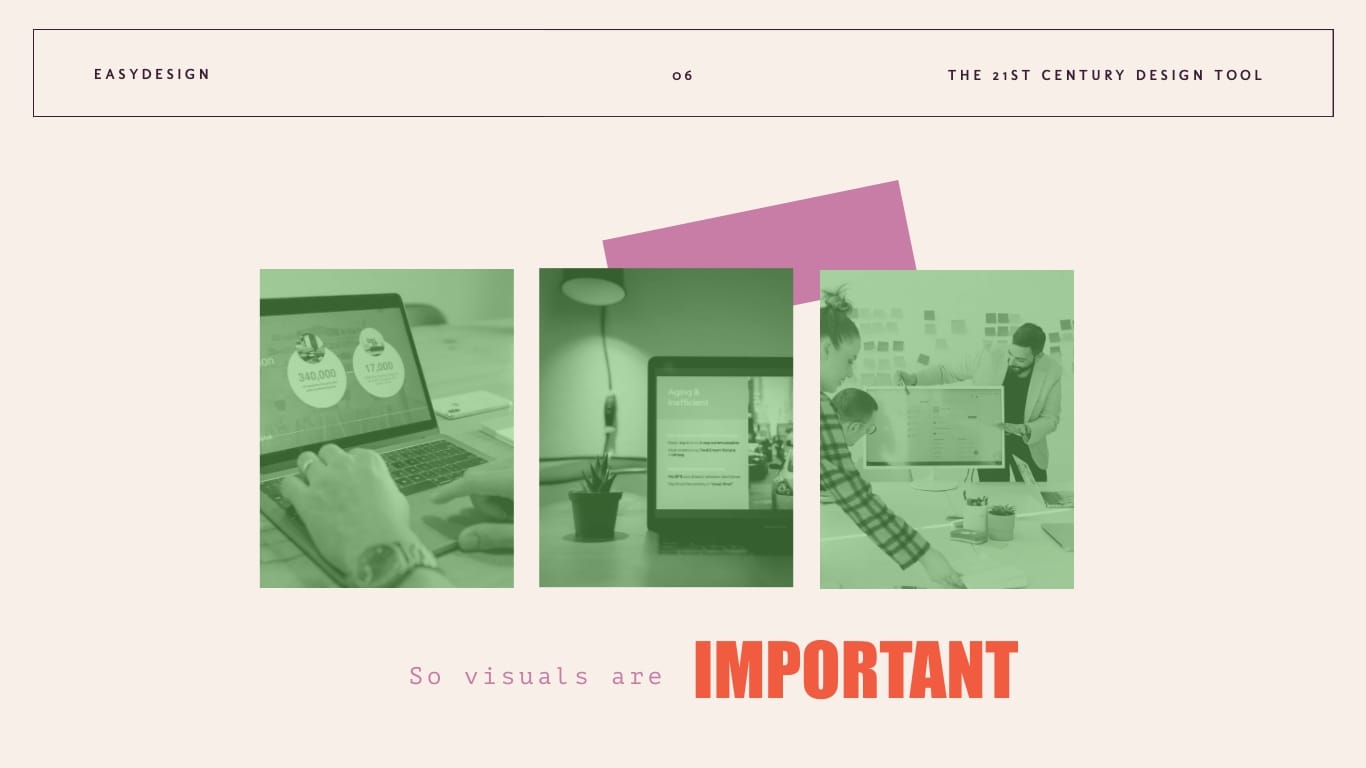


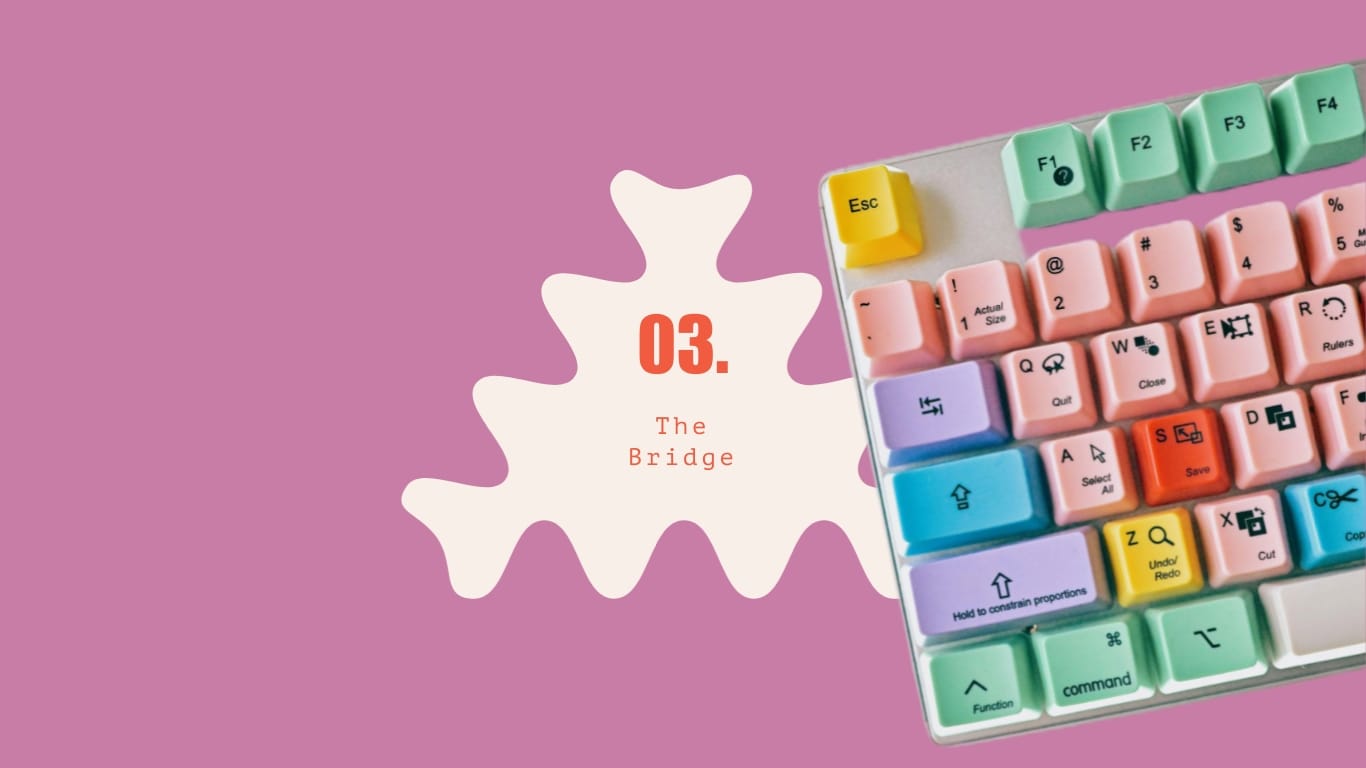

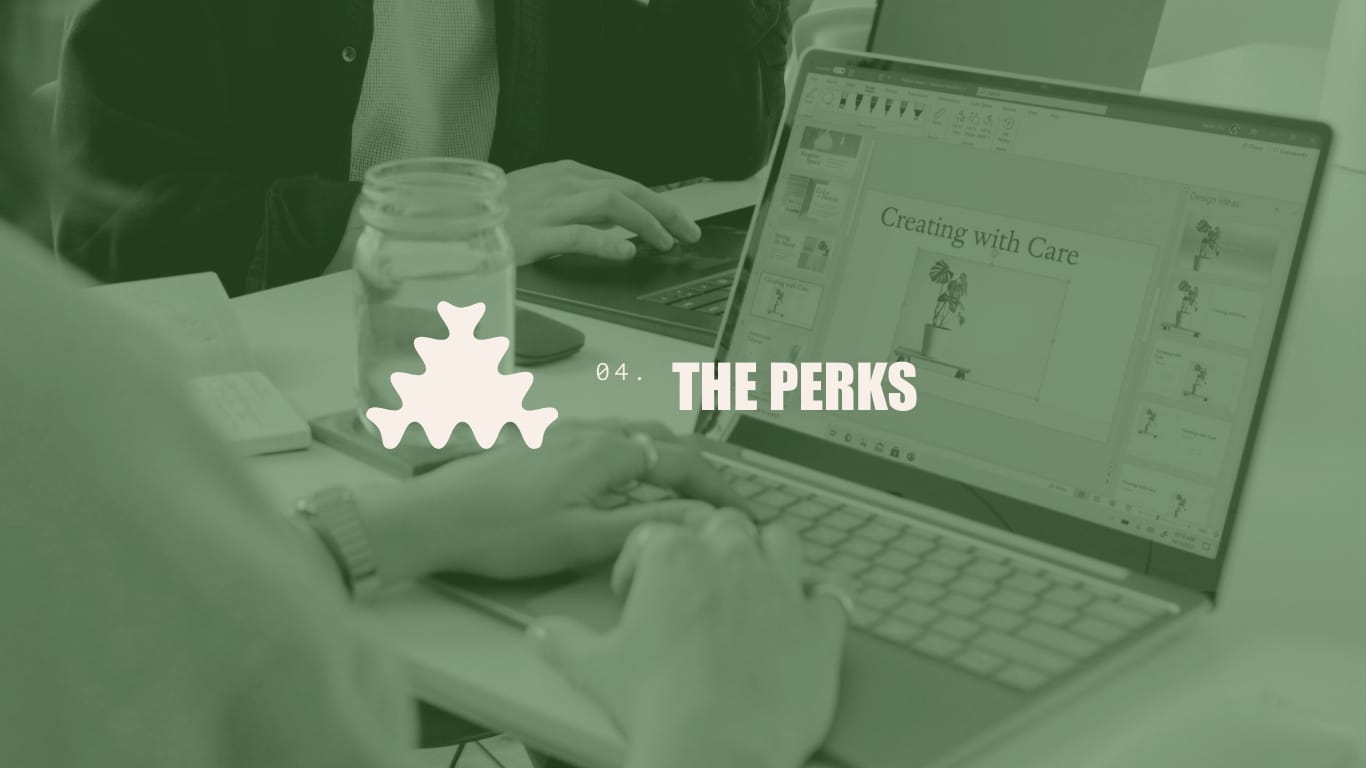


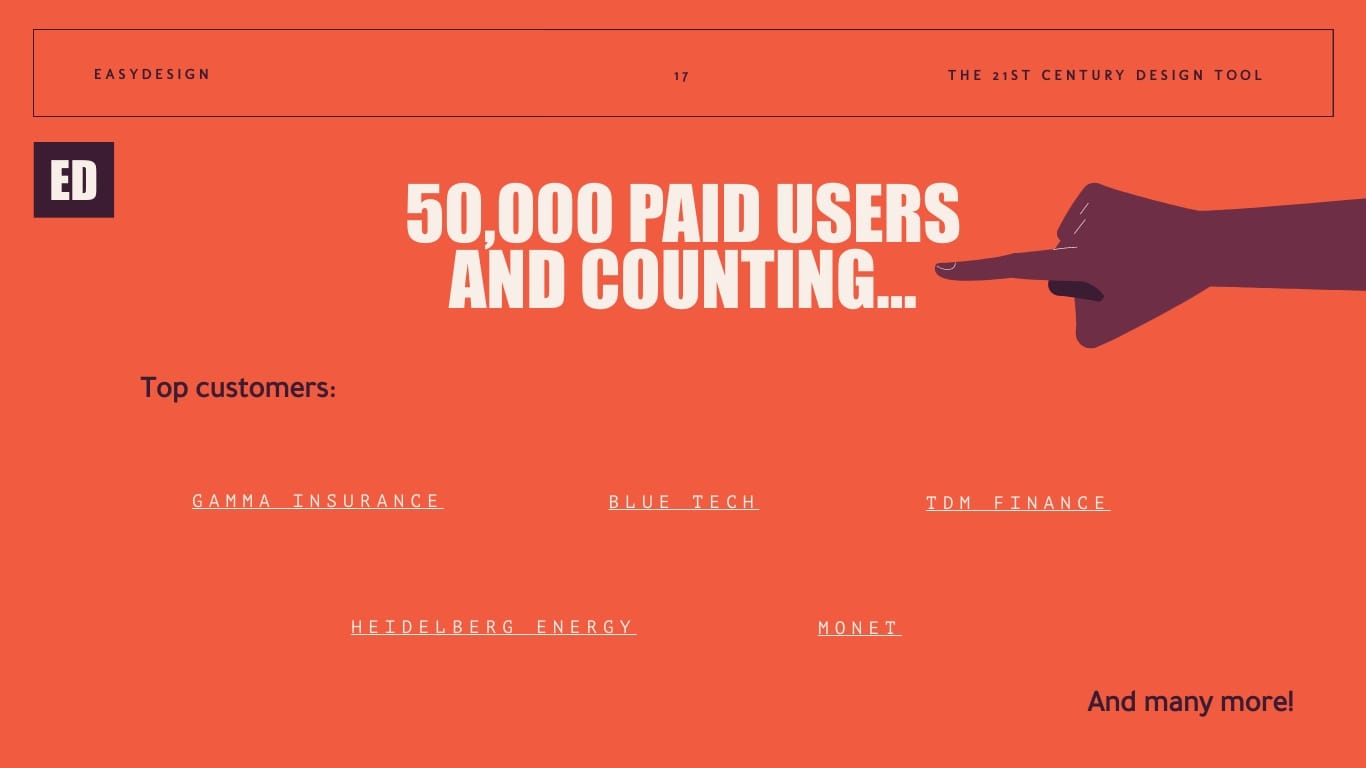
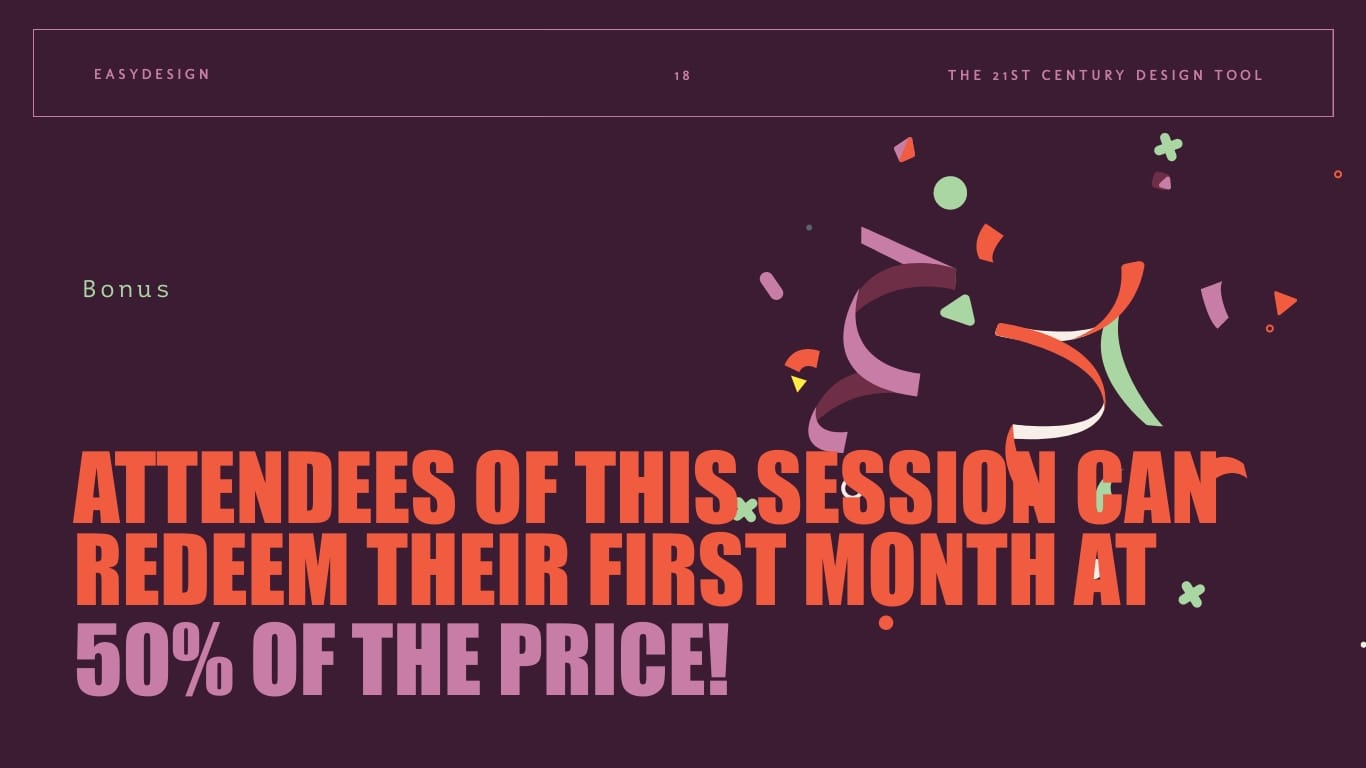

Unique layouts grab attention. For example, this template stands out before you even see the content. This presentation style is perfect for a company that likes to stand out and be disruptive in its field. They’re not only selling a product or a service; they’re also selling a feeling.
Veering away from the corporate look and feel, this presentation works for digital editorial companies, social media agencies, freelance portals and other vibrant online entities. Add some background music to these slides to create a full experience.

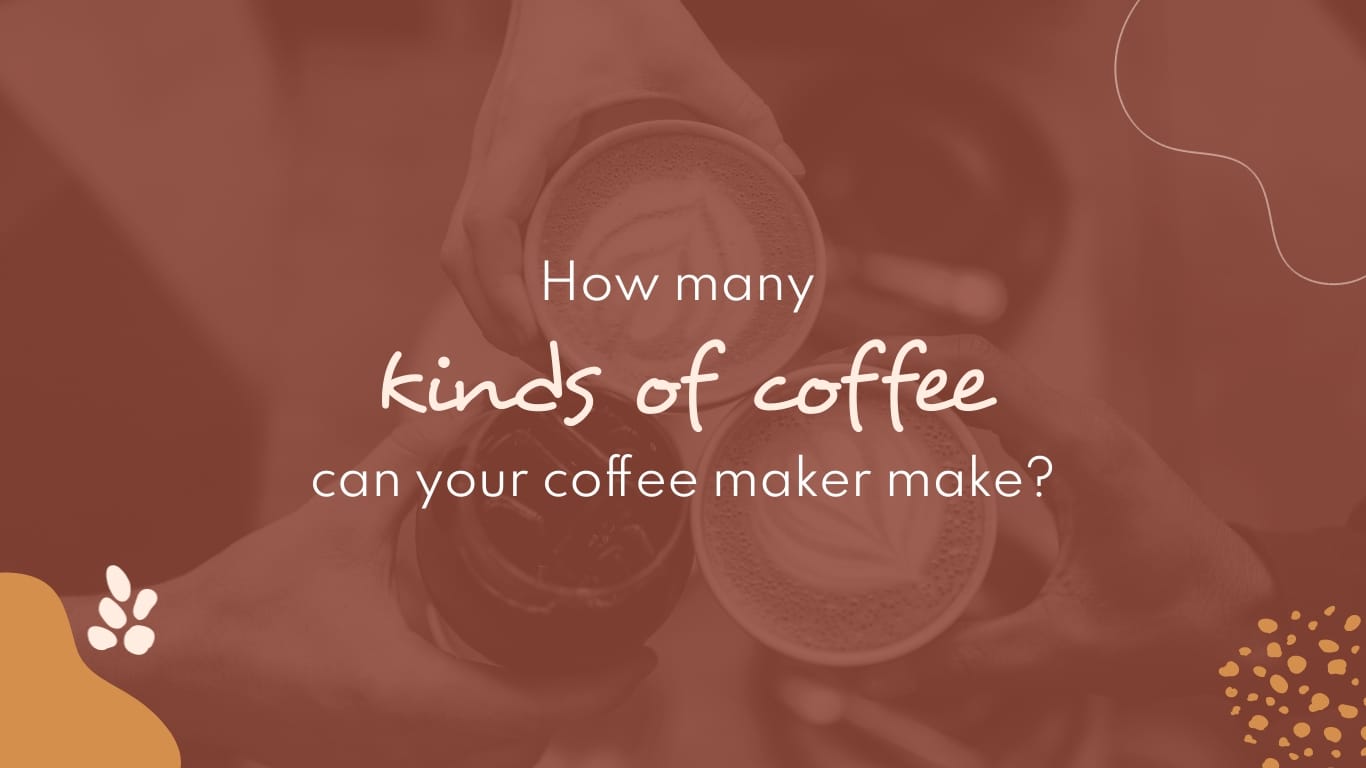



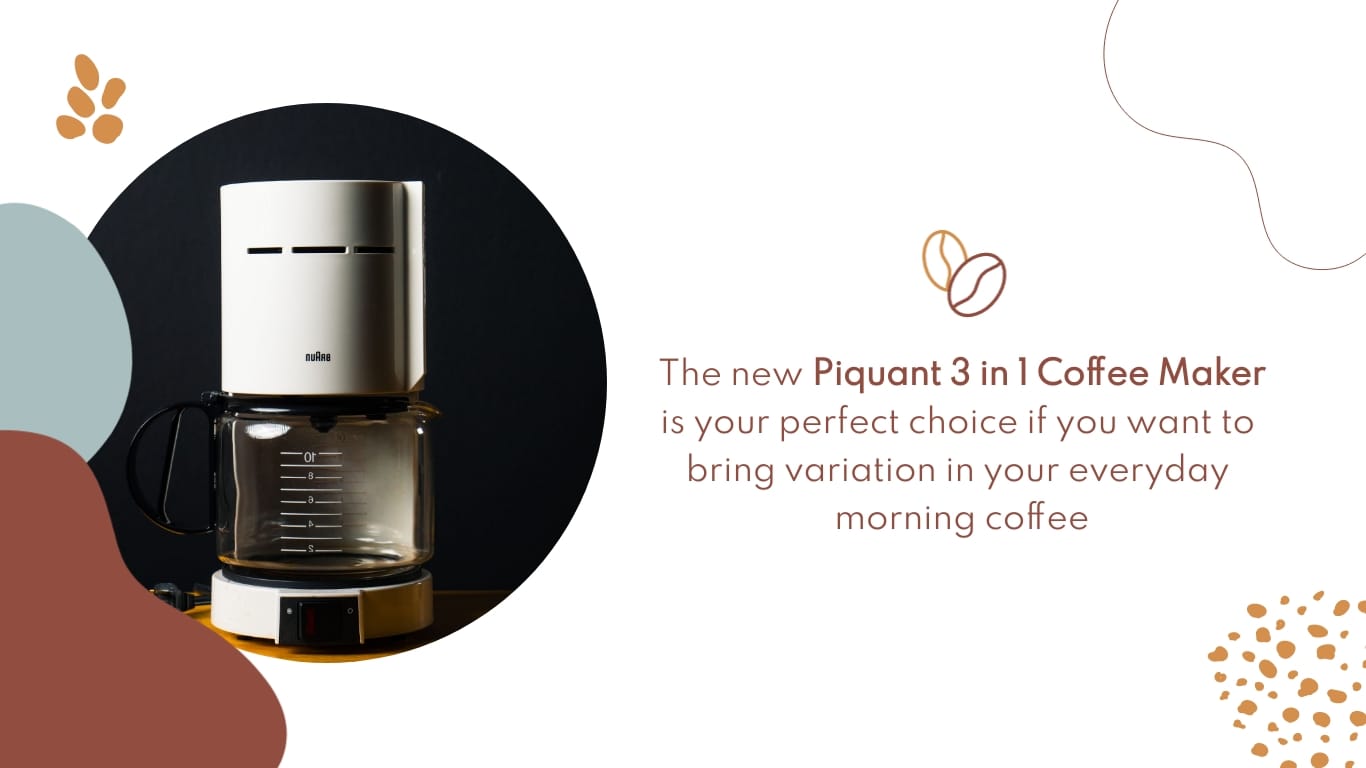
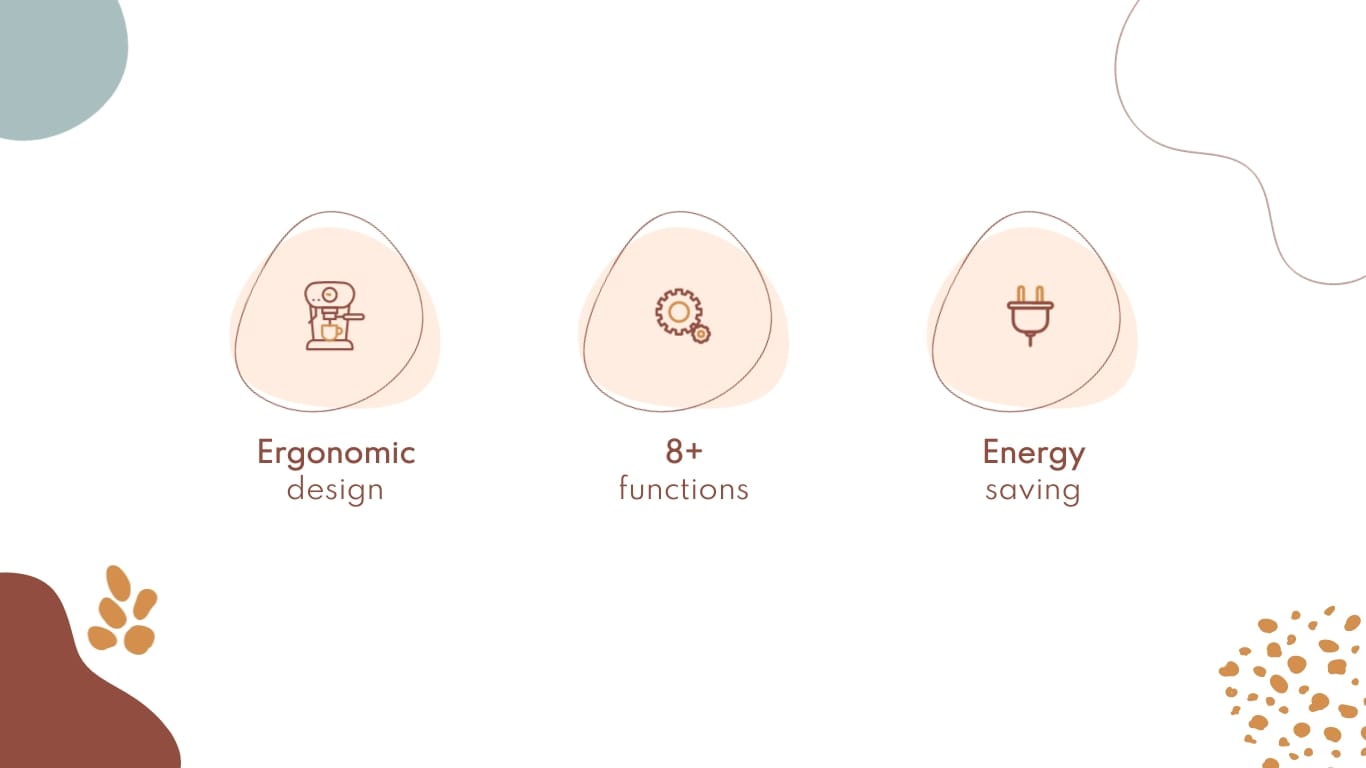
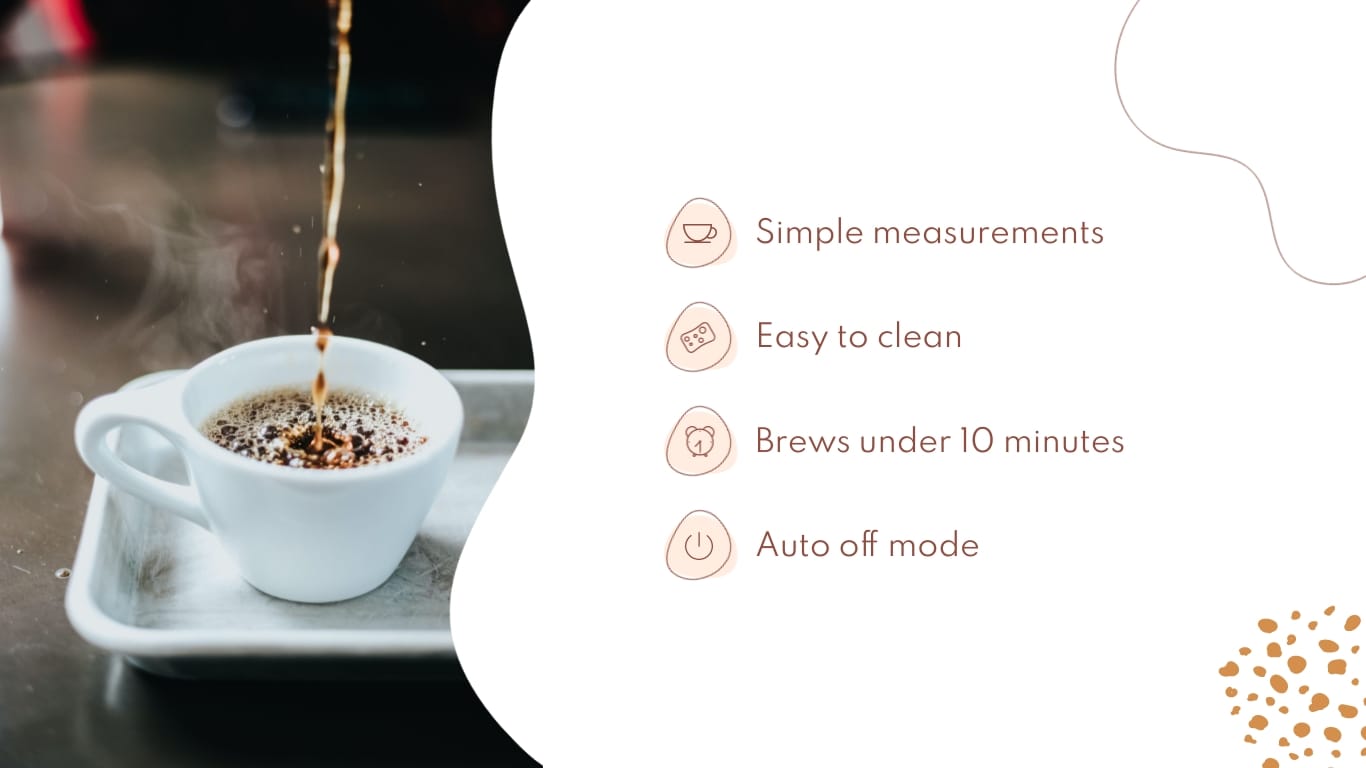

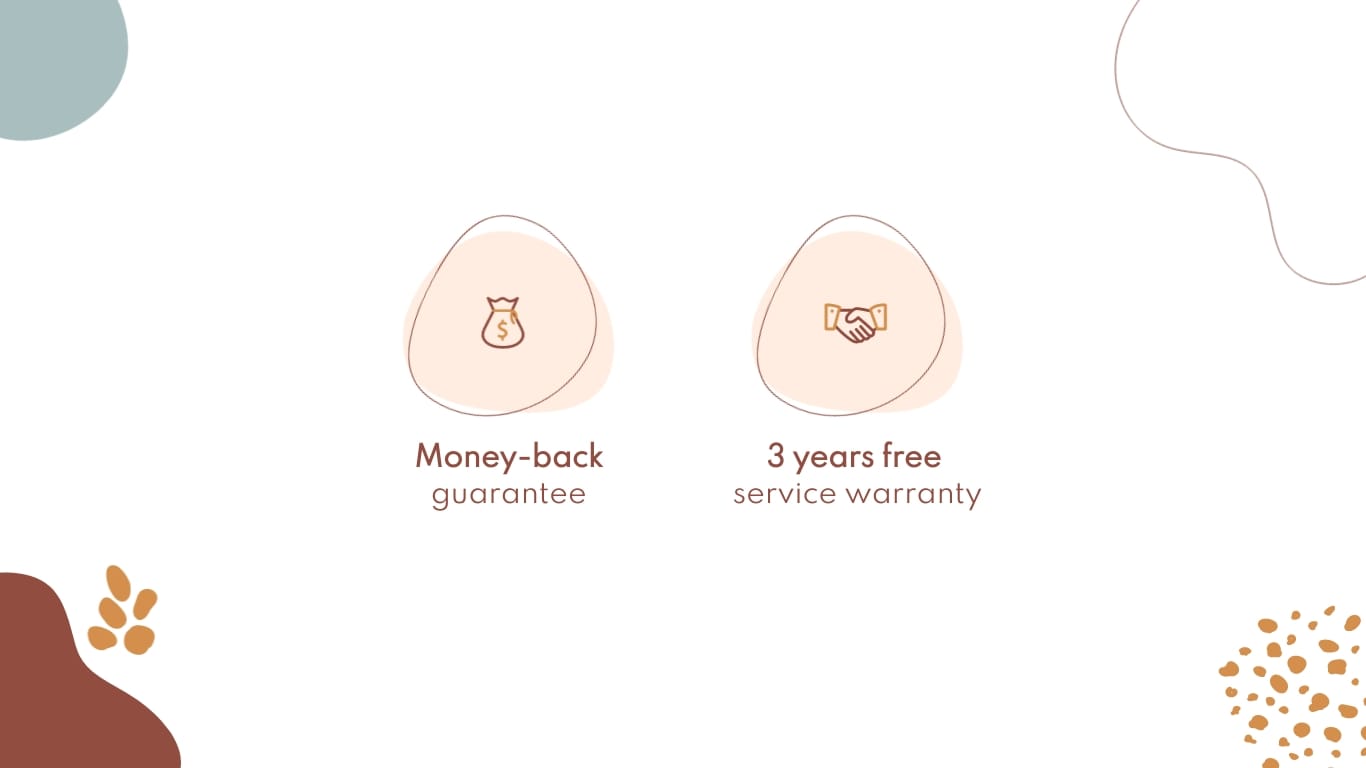
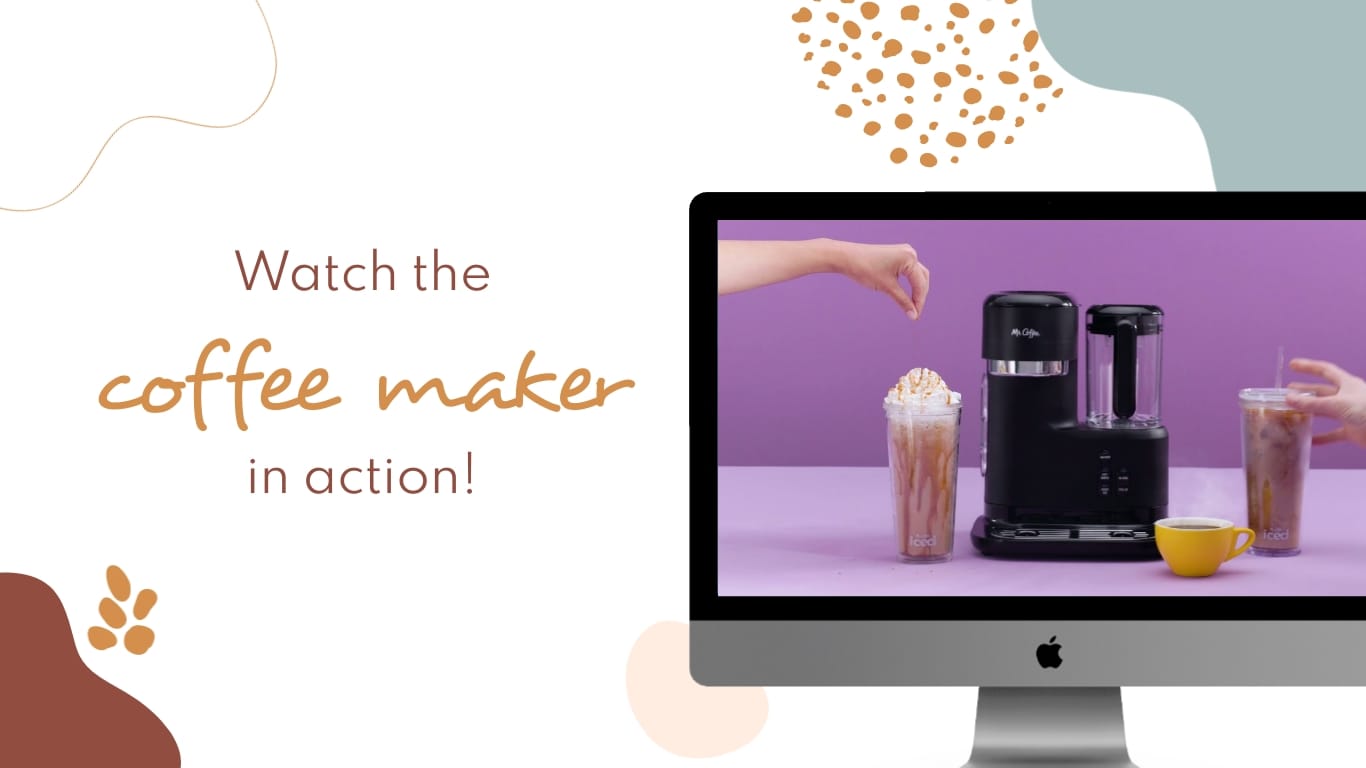

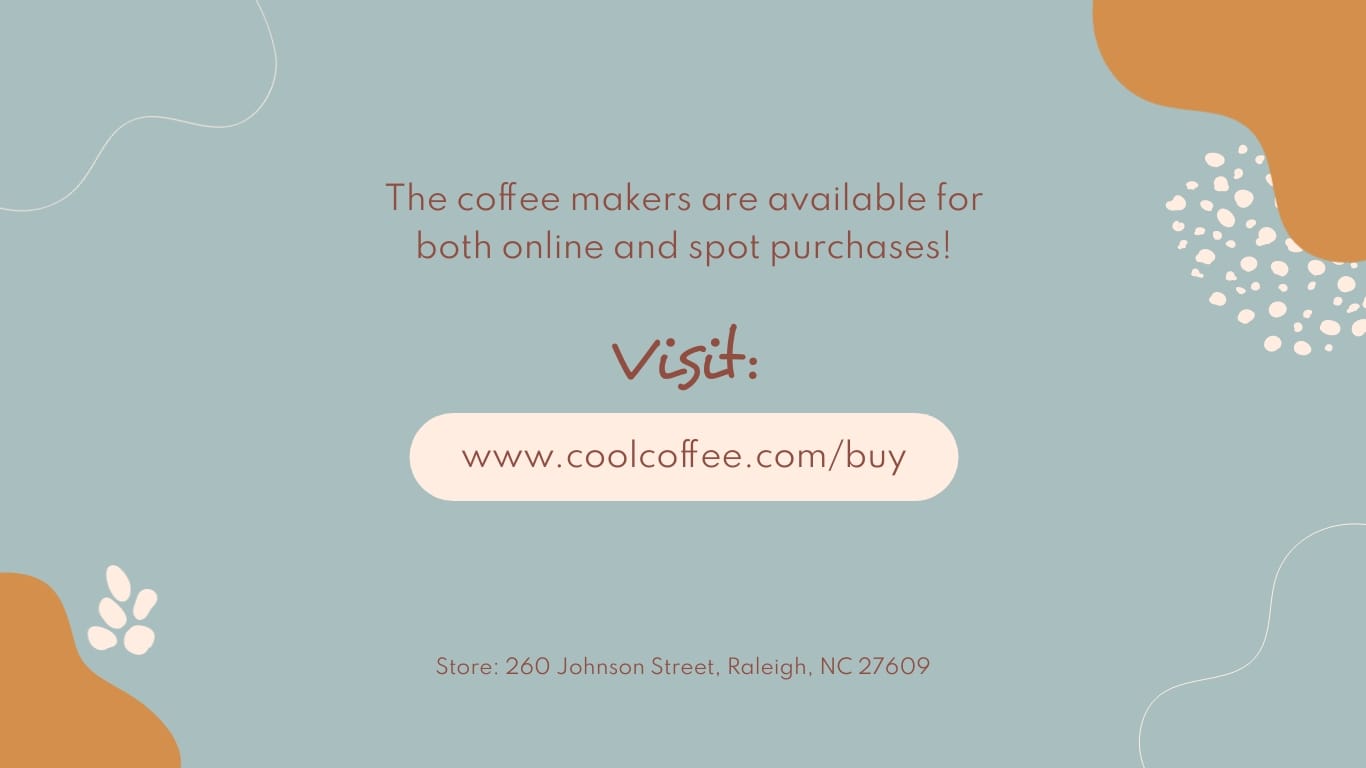

This template is perfect as a single-product pitch where the product has multiple features to showcase. The original is built around a multipurpose coffee machine, but the structure works for any physical product with several selling points: appliances, hardware or devices.
Each slide takes one problem the product solves and pairs it with the feature that solves it, so the prospect connects pain to payoff instead of reading a spec sheet. Use the data widgets to drop in performance numbers or comparisons. A good match for a product-based pitch to a prospect who already knows they have the problem and needs proof your product fixes it.


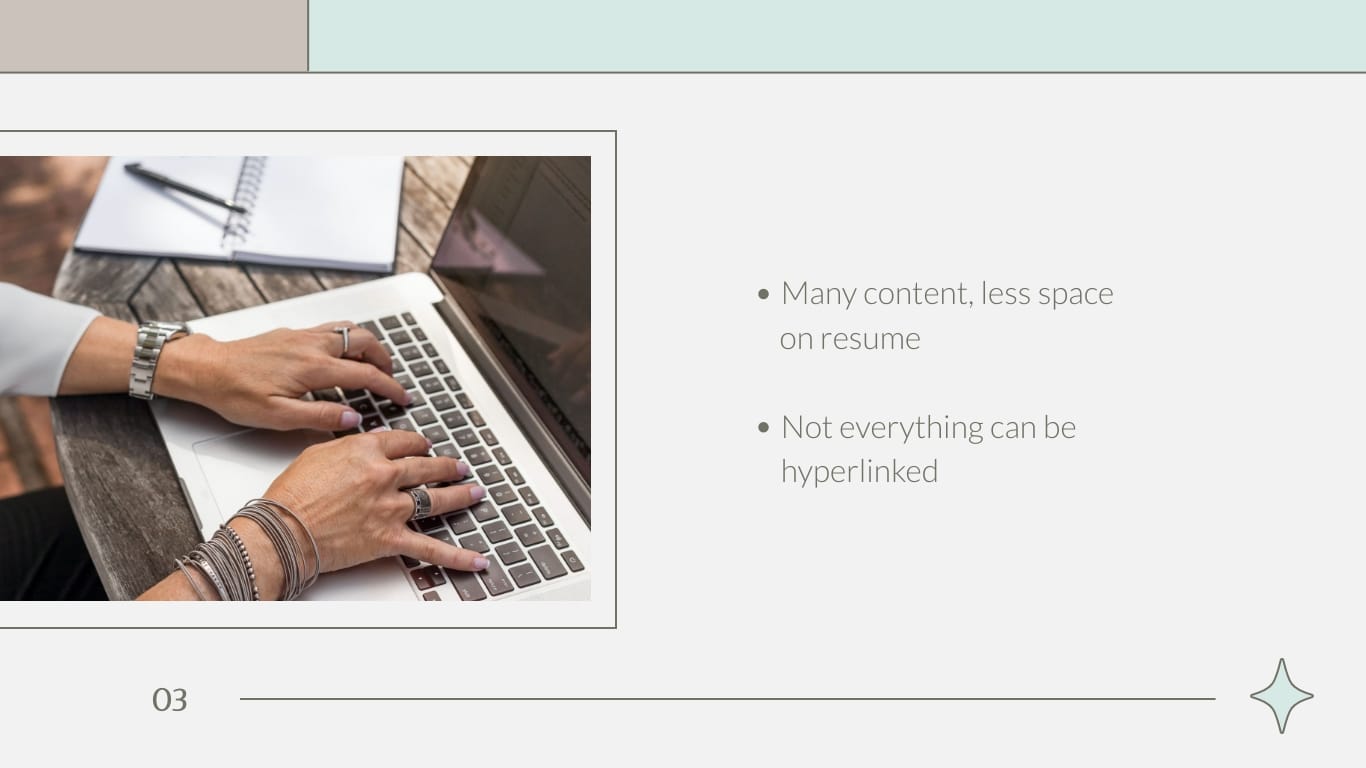
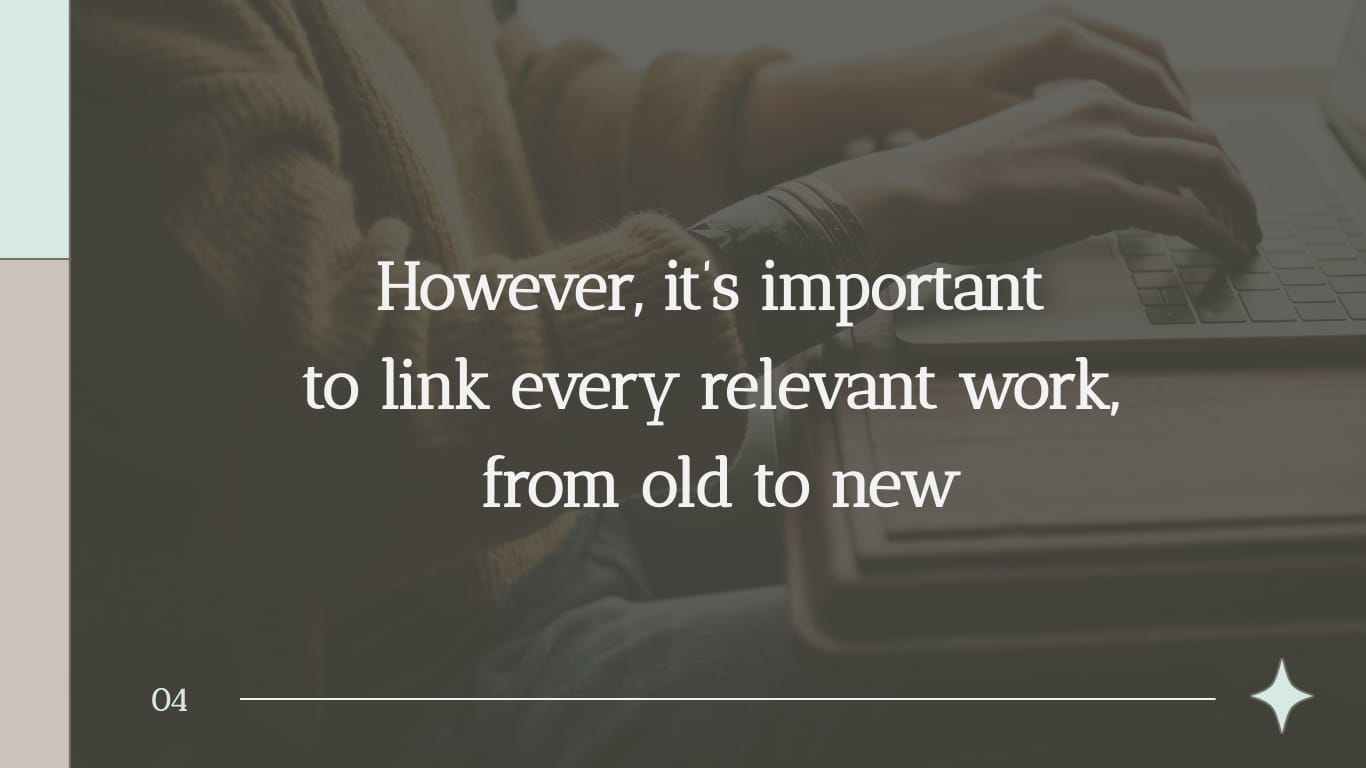
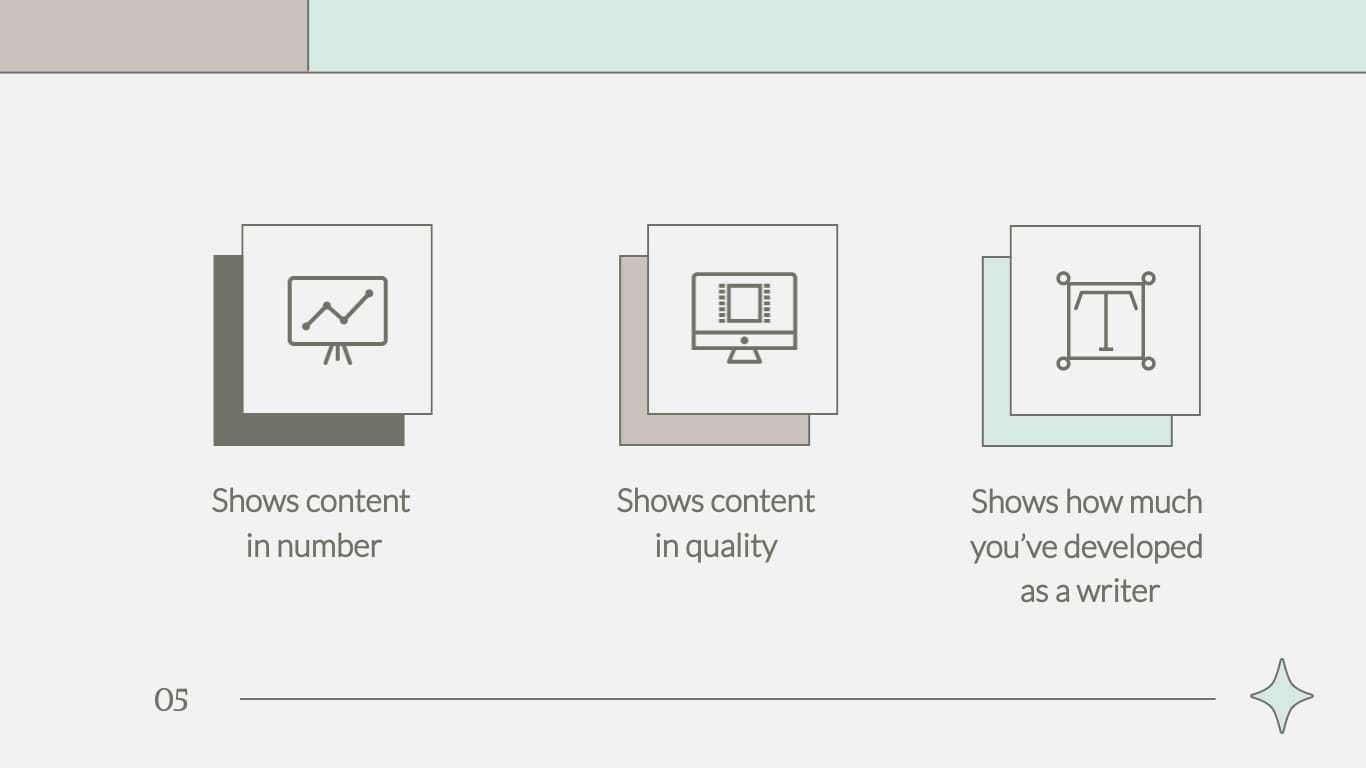
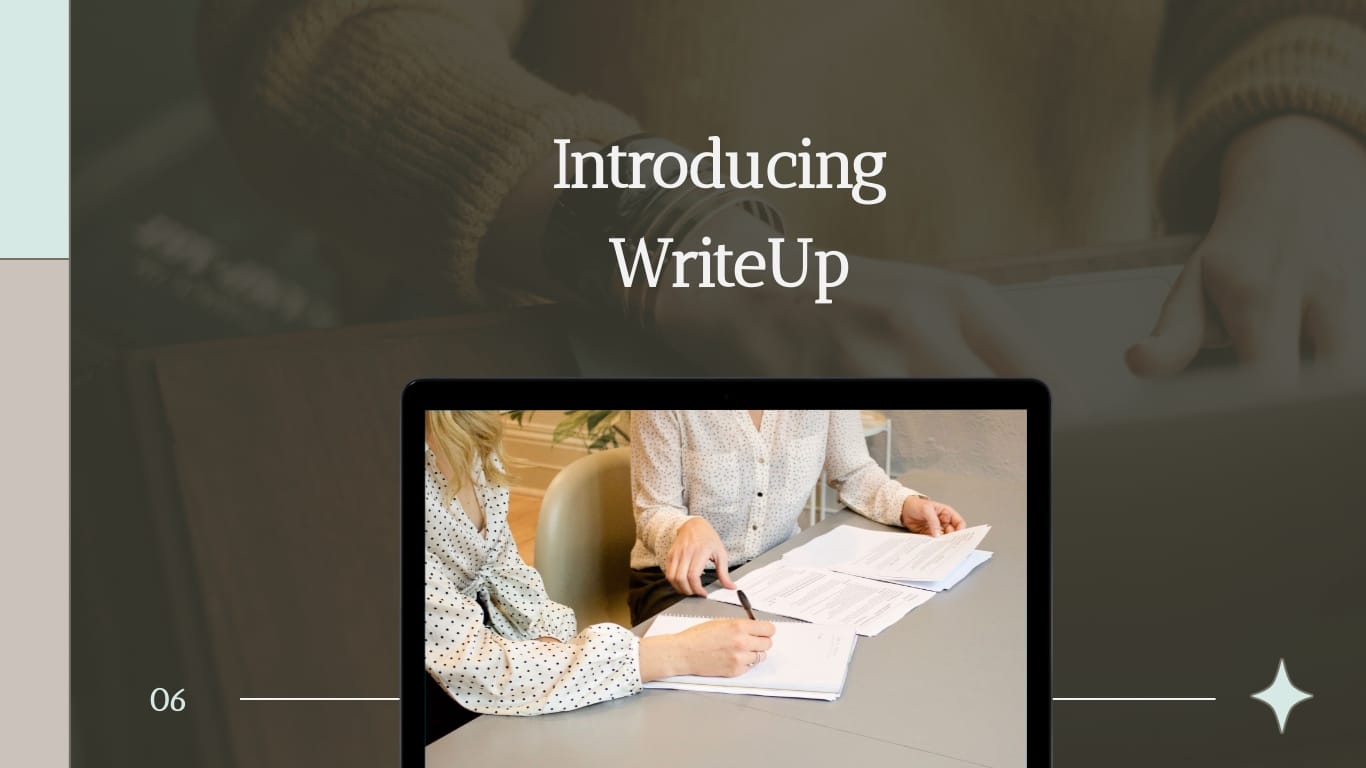
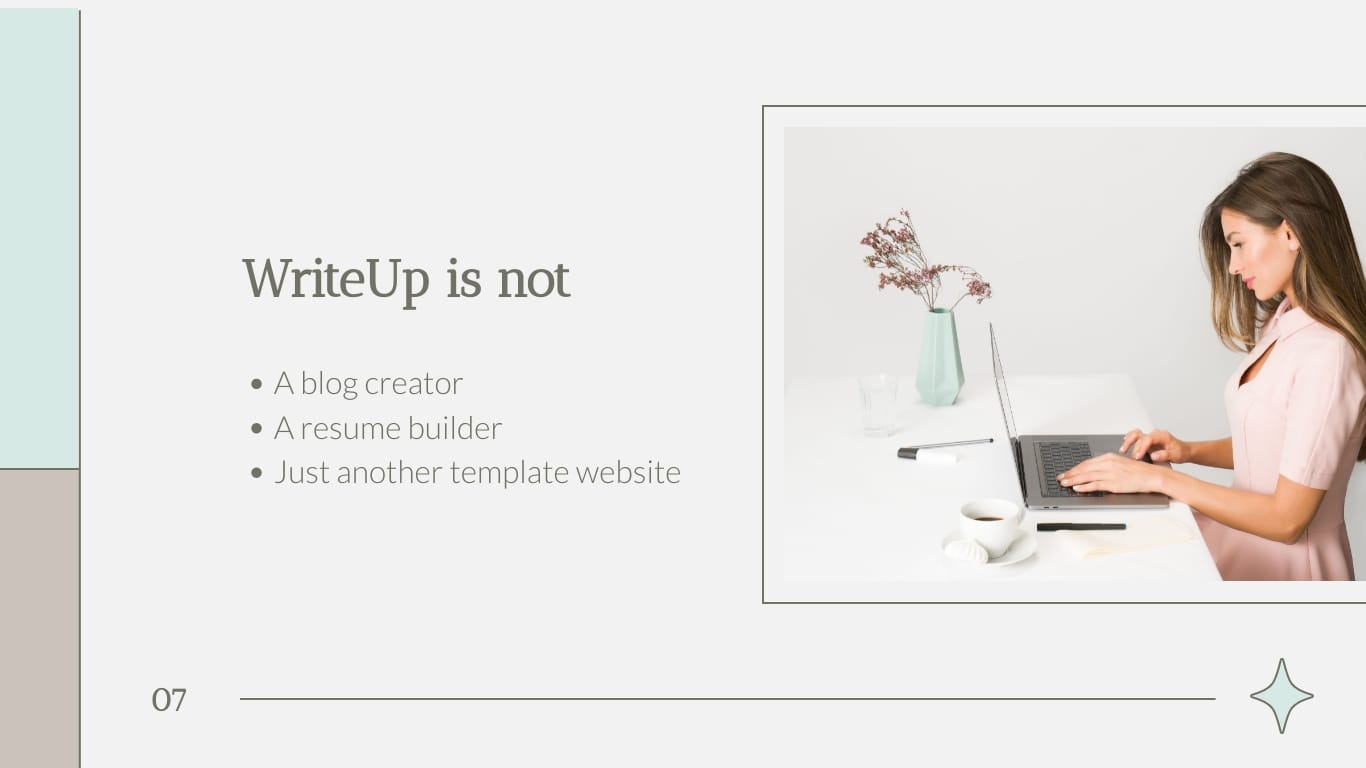
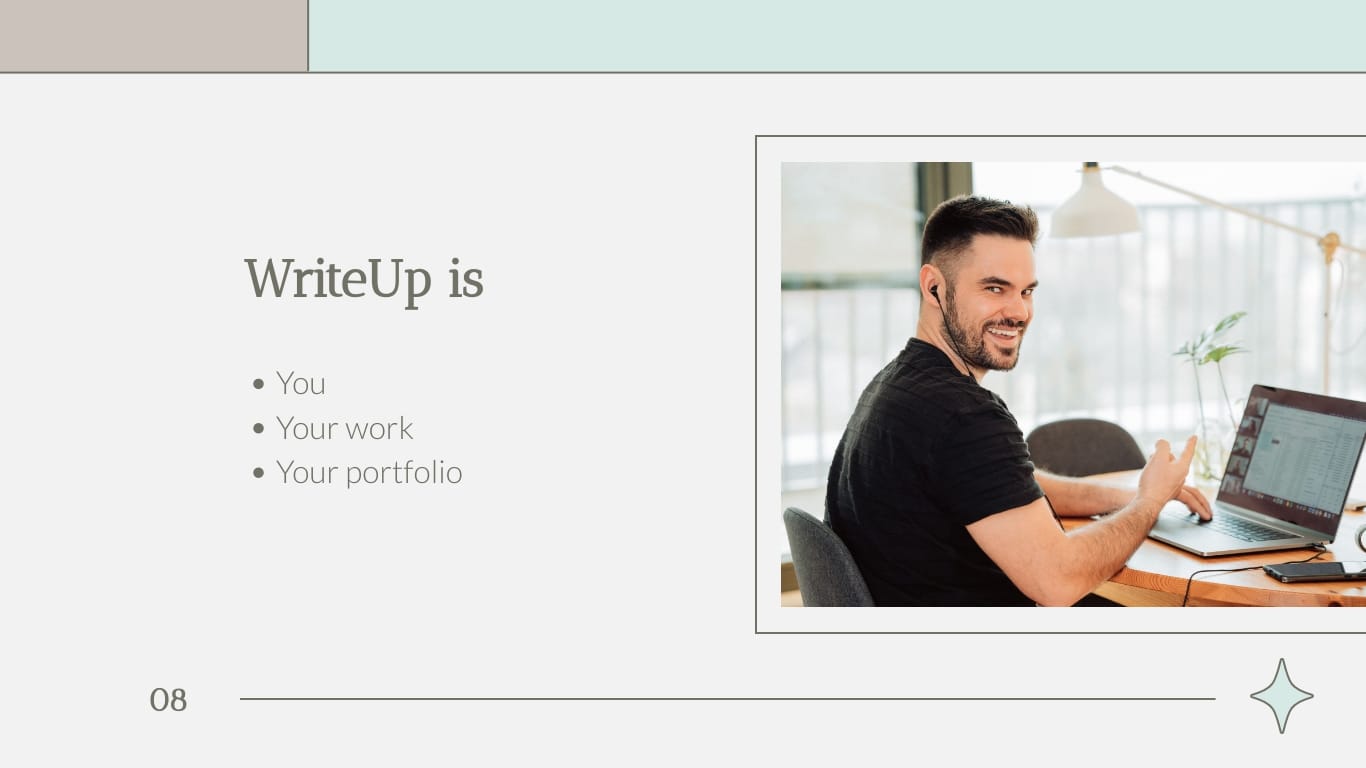

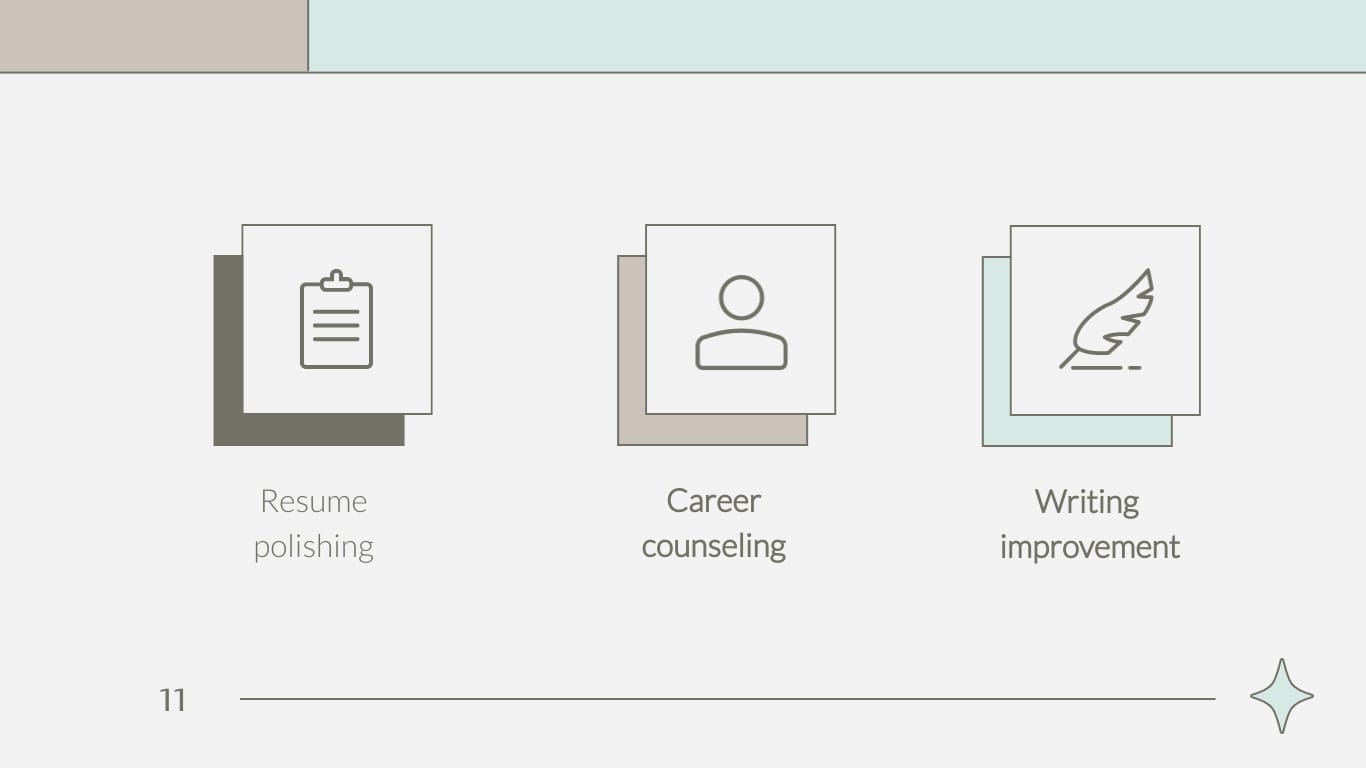


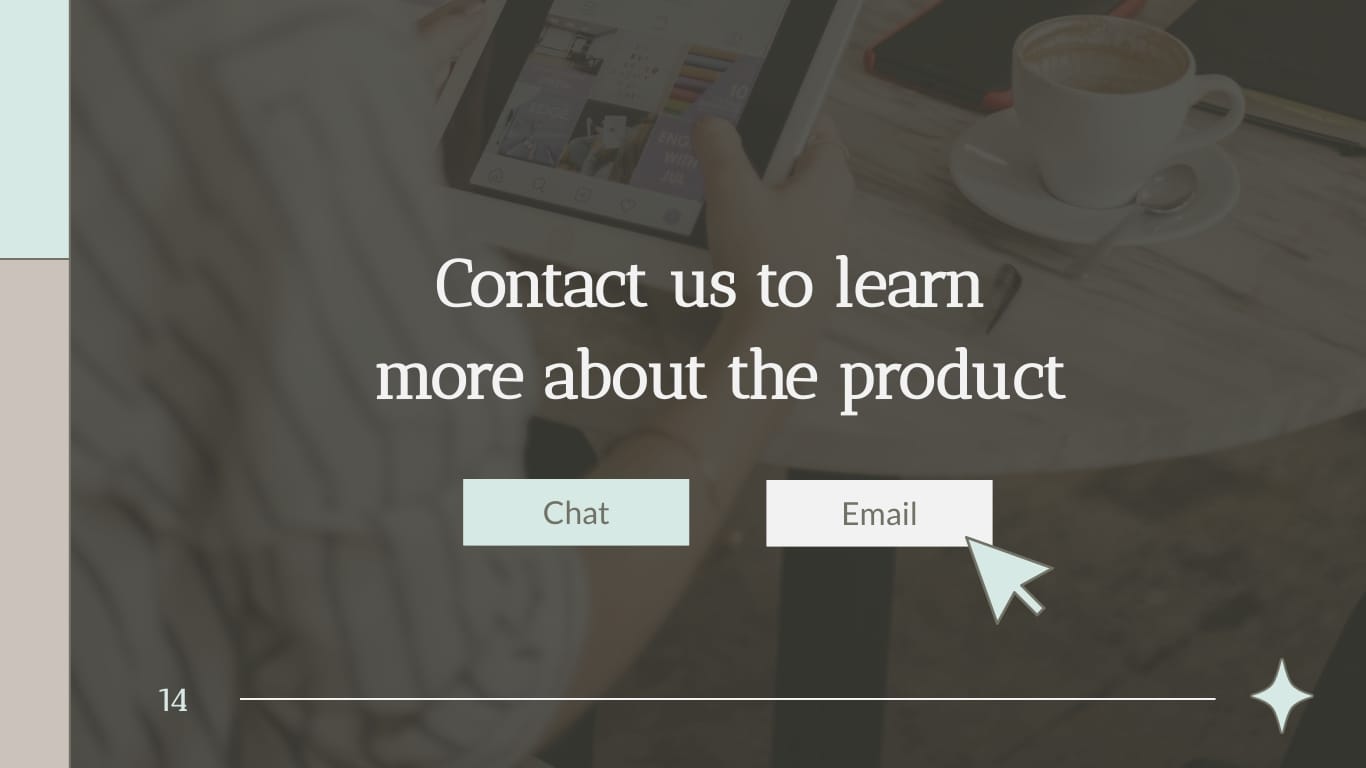
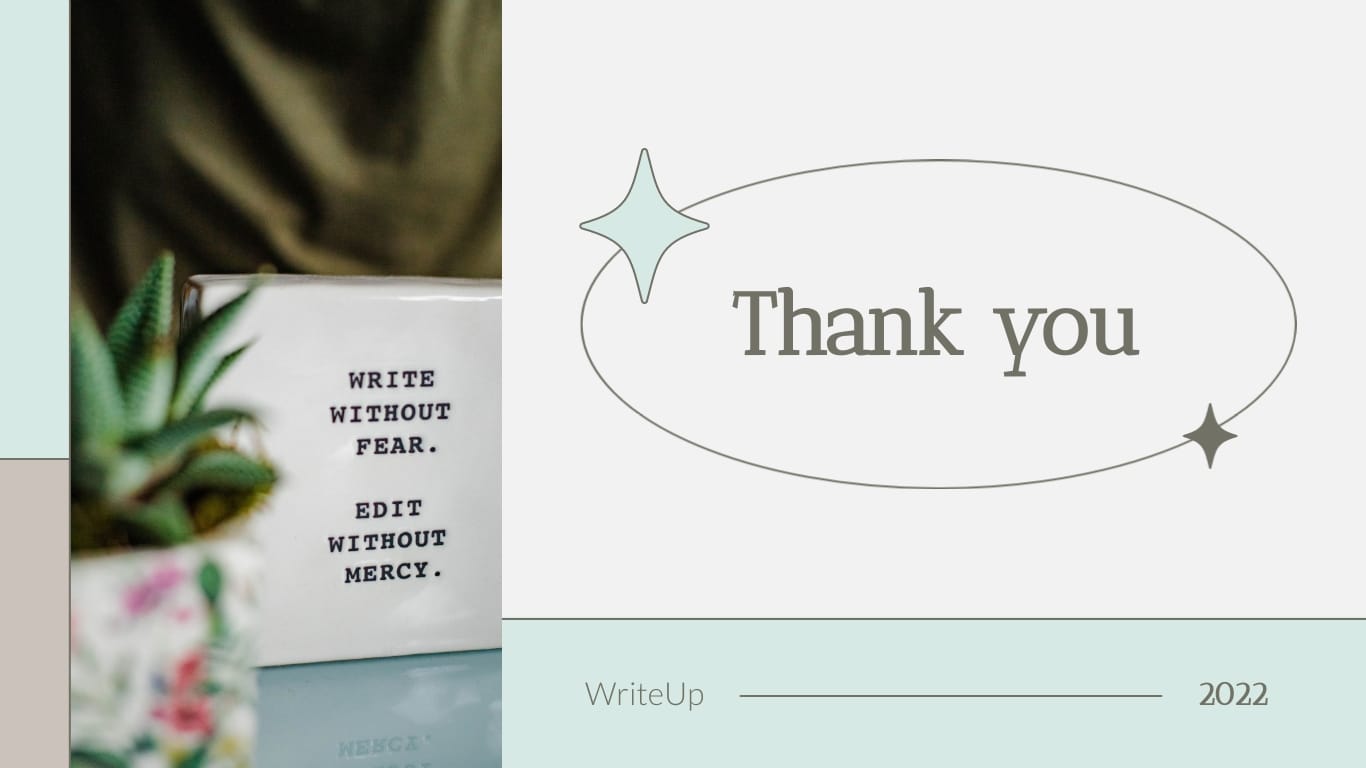
Use this template when you're selling to freelancers or solo professionals, and you need to hit their biggest worry fast: landing the next contract.
It's deliberately light on text, so it works for a prospect who won't sit through a dense deck. Lead with their pain point (inconsistent work, dry pipelines), then show how your product steadies it.
Keep each slide to one idea and let interactive elements carry any extra detail. This is a strong fit for a pain-point-solution pitch where the prospect needs to feel understood before they'll trust the fix.


This template suits a product pitch aimed at a specific, well-defined audience. The example specifies people too time-strapped to cook. The structure works any time you're selling to one clear persona with one clear frustration.
It opens by naming the prospect's problem as a question, which pulls them in before you pitch anything. Follow with the data and proof that back your claim, using the chart slides to make the case visually. Keep the copy lean and let the product's benefit do the talking. A solid fit for a benefits-based pitch to a narrow audience whose pain point you understand well.
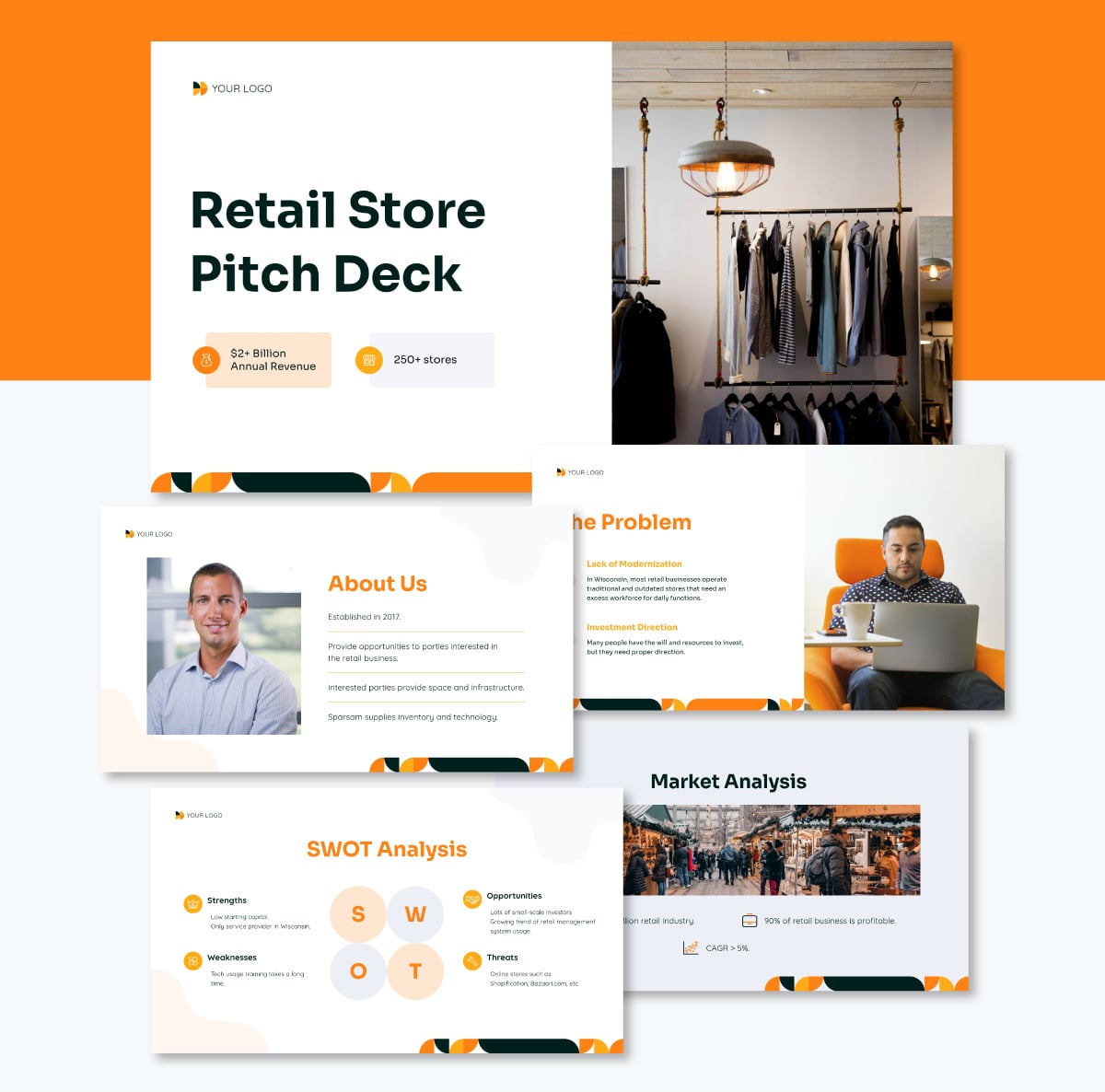
Reach for this template when you're pitching a retail or consumer-goods business to a buyer, a distributor or a partner deciding whether to stock or back you.
It's structured to make the commercial case quickly: what you sell, who buys it, and why it moves. Use the data and chart slides to show sales performance, foot traffic, or growth- the numbers a retail decision-maker needs before they commit shelf space or budget.
Swap the product imagery for your own catalog shots, and use the comparison slides to position against competing products. A strong fit for a product-based or case-study pitch where hard retail data carries the deal.
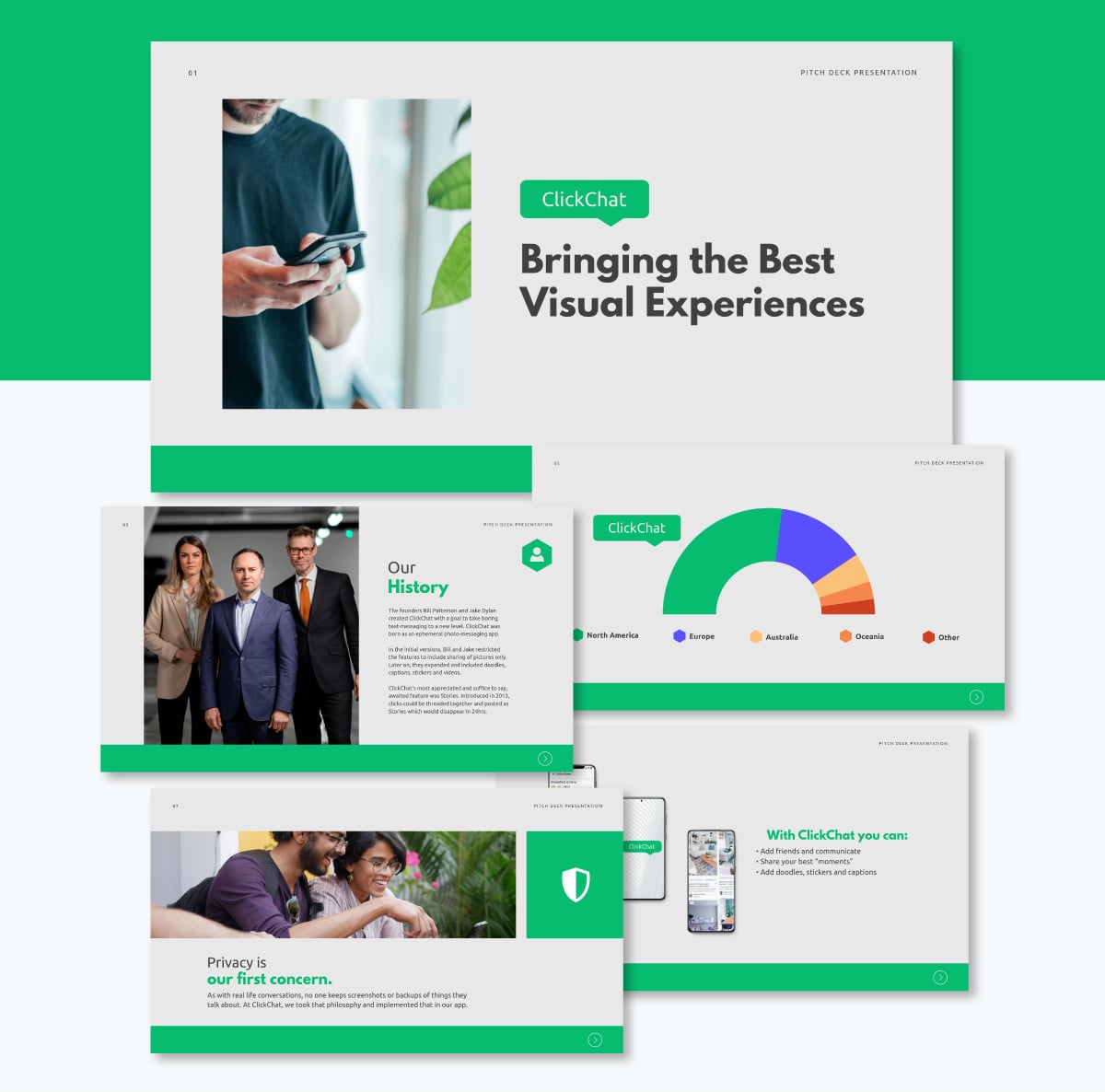
Pitching an app or consumer software product to a younger, design-literate audience? This template is made for that purpose exactly.
Inspired by a familiar social-app interface, it's built for a product that lives on a phone screen. Lead with the problem your app solves, then use the device mockup slides to show the actual interface, useful when the product only makes sense once the prospect sees it in action.
Keep the copy short and let the screen mockups do the work. This is best for an early-stage product pitch where the goal is to get the prospect to picture themselves using it.
Want a quick look before you scroll? This video runs through sales presentation templates you can edit right away.
For a sales pitch presentation to be effective and help your team close the deal, it has to cover the basics and go beyond. As Nancy Duarte, CEO of Duarte, Inc. and author of six books on communication, explains it,
"The audience does not need to tune themselves to you. You need to tune your message to them." We've put together some tips to help your sales pitch presentation do exactly that.
Let’s get started with some Do’s.
Sending sales pitch presentations without tracking their progress or views won't help the sales process. When you know a prospect has opened and viewed the presentation, you have a better chance of succeeding on the follow-up. It's no surprise that product demos are one of the content types reps say most effectively move deals forward, according to HubSpot's 2025 State of Sales report.
With Visme, you can track analytics for every presentation you send, including sales pitch presentations. Personalize each deck and save it individually with the prospect's name, and you'll be able to track activity in more detail.
When your branded, personalized, and interactive sales pitch is ready, send it to your prospect with a live link rather than a static file. Add password protection for extra security, and choose the option to keep the presentation from being indexed by search engines.

Sales pitch presentations don't generally exist independently and are rarely sent out to just one prospect. Your sales process repeats with every new client, and each receives a sales pitch after initial contact.
Start by matching the deck to the type of sales pitch you're making, a product-based pitch leads with the demo and features, while a case study pitch leads with results. (See the types table above to pick the right structure.)
From there, personalize each deck with the recipient's name, position, company, and a specific pain point, plus references to your previous conversation.
"Visme supports sales teams by providing branded templates, visuals, and a library that's easily accessible. They can edit certain elements while other aspects remain fixed. This allows them to customize their sales deck in a reliable environment where they have the guide rails to work efficiently." – Kalyn Lewis, Head of Sales & Customer Experience at Visme
The mechanics start with the template. Create a branded template as a base, then add general and personalized content on top. Once in the editor, Visme business plans include a dynamic fields feature that lets your team input the prospect's details once and update them across every slide in a single edit.
Beyond the navigation basics covered earlier, Visme gives your team a full set of interactive elements to make a deck feel alive: animations, embedded videos, animated icons and illustrations, slide transitions, and pop-ups that hold supplemental detail. Use them to emphasize key points and help the prospect retain your core message, without crowding the slide.
Interactive elements aren't the only way to make a deck feel personal. With Visme, any sales rep in the workspace can add a personalized voice-over or use Presenter Studio to record themselves presenting the pitch to a specific prospect. It's the closest thing to being in the room when you're sending the deck asynchronously.
Not exactly a design or content tip, but an important one all the same. Never send a sales pitch presentation to a prospect without following up.
It starts with how you end the meeting. Julie Hansen, sales presentation expert and author of Sales Presentations for Dummies, stresses the close isn't optional: "You must ask for some next step, otherwise you have just invested a lot of time and energy delivering an informative talk." Avoid vague closers like "let me know if you have questions" and ask for something concrete: a follow-up call, a technical review or a specific date.
When you follow up, send the live link or attachment again in case they missed it the first time. Not following up after sending a sales presentation is a lost opportunity to keep a conversation going that could lead to a sale.
Keep in mind that the conversation after the presentation is usually about overcoming kickbacks and objections. This is the opportunity to clear doubts and reassure the prospect that your product or service is the solution they need for their pain point.
Finally, if your team sends out numerous sales pitch presentations—automated or personalized—conduct A/B testing to see what works better. One obvious choice would be to test automated presentations versus personalized ones. Others include the length of the presentation, whether it's PDF or interactive, whether it uses Presenter Studio or not, etc. Use Visme’s integrated tracking features along with your team’s analytics to come to conclusions and iterate new presentations.
Avoid adding too many slides or making the sales presentation too complicated. You want the deck to convince the buyer to close the deal or be more interested, not scare them away with heavy content and confusing visual compositions.
Don’t rely on a sales pitch presentation as the only point of communication with a prospect. Use it as part of a repeatable sales process where the presentation comes after initial contact. Depending on your sales process, this can be an intro email or a cold call. It can be both if either one goes unanswered first.
After you’ve gotten their attention, kindly inform the contact that you’ll send over something they want to see. Confirm their email address and send them the sales pitch. Sending a presentation without an introduction first is a waste of time for your team.
The most common mistakes are making the deck too long, leading with company history instead of the prospect’s problem, crowding slides with text, and using a generic pitch that isn’t tailored to the audience. Sending a static file with no way to track engagement is another missed opportunity.
A sales pitch should have 8 to 13 slides. Keep it short enough to hold attention while covering the problem, your solution, proof, and a clear next step. Combine slides where you can rather than adding more.
A sales pitch sells a product or service to a potential customer. A pitch deck raises funding from investors. Both use a similar format, but the audience and goal are different.
Start with the prospect’s problem, not your company. Open with a situation they already recognize, then show why current solutions fall short. This earns attention and sets up your solution before you name it.
There you have it: we've shared templates and examples of sales presentations to get you started.
Now, it’s your turn to create a sales pitch presentation for your business. Hopefully, one of the templates in the collection above has inspired you to put together your next best slide deck.
When using Visme as a presentation maker, your sales team has all the tools on hand to create interactive, engaging and effective sales pitch presentations. The best part of all is that they can do so collaboratively.
Do you need to brainstorm first? Use the Visme whiteboard feature to lay out ideas with the team and draft out a structure to work with.
Have you used Visme to create branded material yet? Try the Brand Wizard to generate a large selection of templates for all your business needs. We promise that none of your visual graphics will ever be boring again.
Sign up

Design visual brand experiences for your business whether you are a seasoned designer or a total novice.
Try Visme for free