Employee Onboarding Training: A Complete Guide for HR and L&D Teams

Choosing the right employee training software for your L&D programs is vital for success.
But there are so many options, each with different capabilities.
To help you pick the one that best aligns with your organization's training goals and actual situation, I set out to find the absolute best platforms available.
I tested and reviewed 15 top employee training platforms to provide the information you need to make an informed decision.
When I first published this guide, I separated the tools into three categories: LMS (Learning Management System), LCMS (Learning Content Management System) and LXP (Learning Experience Platform).
But over time, as AI moves deeper into the training and development industry, the differences between these categories have blurred. That's why I've added a fourth category in this update: comprehensive training software. Here you'll find platforms that genuinely blend all three into one product.
A few tools that look like they'd fit here don't. That’s because some LMSs sell authoring or personalization as separate paid add-ons rather than building them in. And some LCMSs belong to larger companies that also sell an LMS, but as their own separate product. In both cases, I kept the tool in its original category, since you're still buying one thing, not a combination.
So, let's dive in.
Disclaimer: The comparisons and competitor ratings presented in this article are based on features available as of September 18, 2026. We conduct thorough research and draw on both first-hand experience and reputable sources to provide reliable insights. However, as tools and technologies evolve, we recommend readers verify details and consider additional research to ensure the information meets their specific needs.
Employee training software is a digital tool or platform that helps businesses create, manage and deliver training programs to their employees. They’re designed to upskill teams, onboard new hires and track learning progress. Some offer everything in one place, while others need complementary tools to achieve high-standard training objectives.
Not all software and platforms are built the same. But most employee training tools fall into one of four categories: LMS (Learning Management Systems), LCMS (Learning Content Management Systems), LXP (Learning Experience Platforms) and Comprehensive Learning Platforms.
| Type | What It's For | Best For |
|---|---|---|
| LMS (Learning Management System) | Assigning courses, tracking completions and monitoring compliance from the top down. Many now offer add-on content creation and curation tools, but assigning and tracking remain the core functions. | Mandatory training and standardized onboarding across departments |
| LCMS (Learning Content Management System) | Creating, managing and updating training content within a single system, a central hub for building and organizing learning materials. The content is then transferred, sent or uploaded to an LMS or LXP. | Larger teams and fast-moving companies that need to scale content quickly and keep it consistent |
| LXP (Learning Experience Platform) | Letting employees explore training based on their own goals, interests and skill gaps. | Ongoing, learner-driven development, similar to how you'd discover content on Netflix or Spotify |
| Comprehensive Learning Platforms | Assigning courses, building content and letting employees explore training on their own, all combined into one product under the same subscription. | Organizations that want one system to cover assigning, building and exploring instead of stitching several tools together |
Here’s a quick rundown of how I tested the tools in this guide:
One more thing: this article (and the list you’re about to read) is created and edited by humans, for humans. No AI shortcuts here. Just a whole lot of research, testing and honest opinions.
| Platform | Key Features | Best For | Pricing | SCORM/xAPI | Ratings |
|---|---|---|---|---|---|
| TalentLMS LMS with built-in content authoring |
Beginner-friendly LMS, AI course creation, gamification | Best for SMBs that want a quick-to-launch LMS with AI-powered course creation | Free plan; paid starts at $119/month | Yes | |
| Litmos LMS with built-in content authoring |
Large course library, fast setup, branded training | Best for off-the-shelf compliance and soft skills training with minimal setup | Book a call for pricing information | Yes | |
| LearnUpon LMS with built-in content authoring (Create+) |
AI orchestration layer (LearnUpon IQ), multi-portal support, automated enrollment | Best for organizations that want AI to automate admin work across employee, customer and association training | Book a demo for pricing information | Yes | |
| Absorb LMS with add-on authoring and add-on LXP-style tools |
AI-powered LMS, skill-gap automation, built-in e-commerce | Best for enterprise teams that need a scalable LMS with strong reporting and AI-assisted content tools | Fill a form for custom pricing, contacted via email | Yes | |
| iSpring Suite LCMS with separately-sold LMS (iSpring Learn) |
PowerPoint plugin, 14 question types, built-in video studio | Best for teams that want to build courses directly inside PowerPoint | Free trial; paid starts at $720/author/year | Yes | |
| Articulate 360 LCMS with bundled LMS (Reach 360) |
Storyline 360, Rise 360, Reach 360 bundled in one subscription | Best for instructional designers who need industry-standard authoring tools for custom courses | Free trial; paid starts at $1,449/year per seat | Yes | |
| Visme LCMS |
Interactive content design, AI hub, brand kits | Best for creating interactive training content and training materials to add to your LMS or LXP | Free plan; paid starts at $12.25/month | Yes (Enterprise only) | |
| Gomo Learning LCMS |
Responsive course design, drag-and-drop editor, cloud-based | Best for building responsive eLearning courses across devices | Free trial; request a demo for pricing information | Yes | |
| Create (Formerly Elucidat) LCMS with separately-sold LMS (Confirm Learn:Up) |
AI course creation, 75+ language translation, in-app AI support agent | Best for enterprise teams creating branded, scalable, responsive training | Fill a form for pricing information, contacted by email | Yes | |
| MadCap Create (Formerly Xyleme) LCMS with separately-sold delivery platform |
Component-based content reuse, translation in 29 languages | Best for multi-format publishing and content reuse at scale | Contact sales for pricing information | Partial (SCORM only) |
|
| Degreed LXP |
AI personalization, Harmony AI search, Creator AI authoring | Best for enterprises that want to unify internal and external content into one AI-driven skills hub | Talk to sales for pricing information | N/A | |
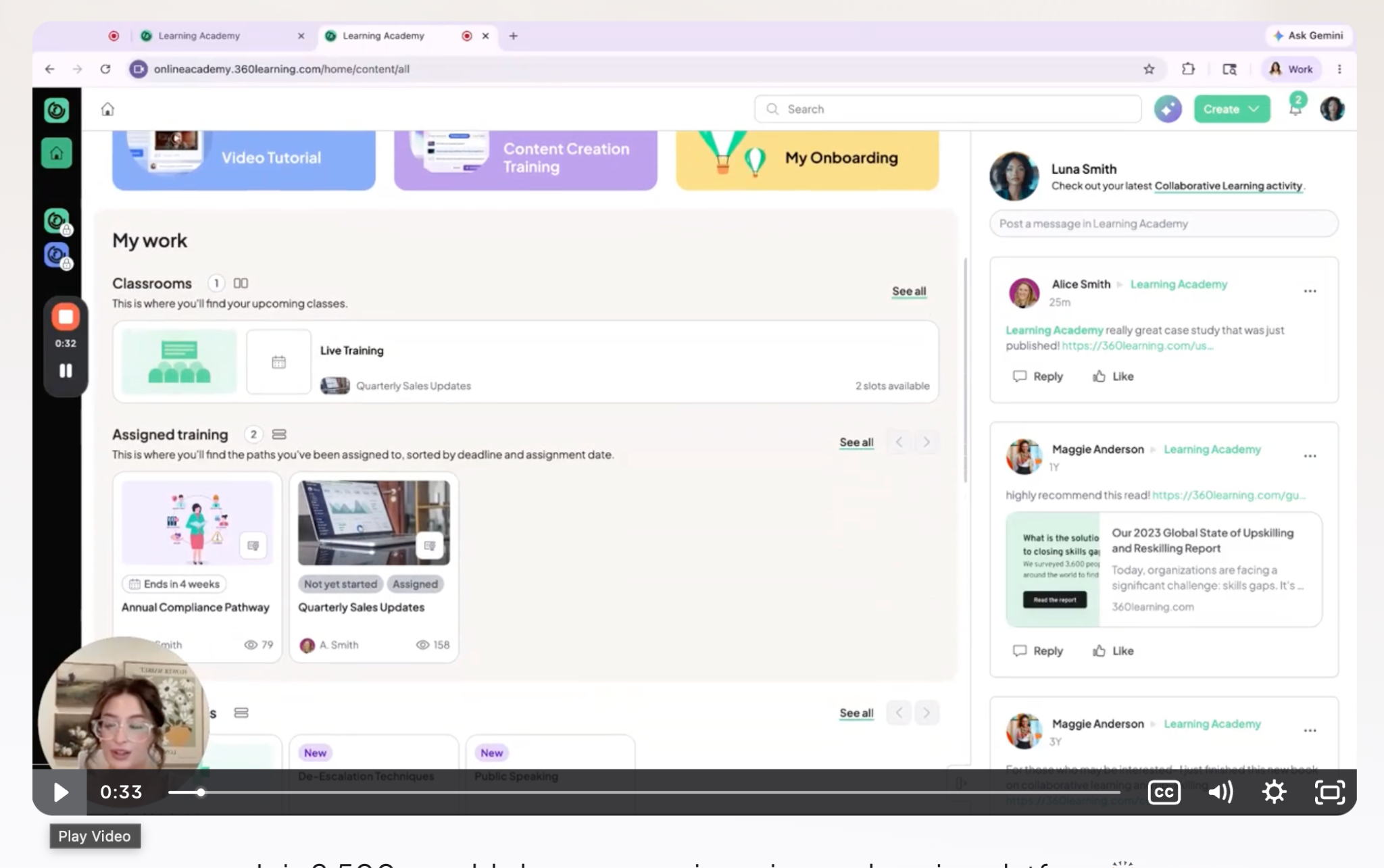
| 360Learning Comprehensive |
AI-assisted course creation, combined LMS/LXP, peer-driven discovery | Best for companies that want internal experts to co-create and iterate on training content | Free trial; paid starts at $8/user/month | Yes | |
| Learn Amp Comprehensive |
Combined LMS/LXP with authoring, AI recommendations, built-in performance tools | Best for combining learning, performance and engagement in one ecosystem | Minimum 50-user license, at $12,474/year | Yes | |
| Docebo Comprehensive |
AI personalization, built-in e-commerce, AI content-authoring tools | Best for enterprise teams that need personalized learning and multi-audience training | Contact for pricing | Yes | |
| Cornerstone Learning Comprehensive |
AI-driven learning paths, content aggregation, mobile app with offline access | Best for large enterprises that want AI-driven learning paths tied to a broader workforce platform | Book a demo for pricing information | Yes |
With so many employee training platforms out there, it can be difficult to choose the right one. So, as you research and assess, have a list on hand of characteristics your ideal choice must have.
Since the majority of these types of software don’t offer free trials, ask for demos so you can see under the hood.
Here's what to look out for before you commit.
Have clarity about what exactly the software needs to do and compare it to what the software actually does. So, if:
If you need more than one of these, check whether the platform bundles them or sells them as separate add-ons. Some platforms now cover all three. Others do one well and expect you to pair it with something else.
A tool built for desk-based employees won’t cover the needs of other kinds of teams. Check these characteristics. If:
For this assessment, you’ll need both a demo and a trial. If the software only offers a demo but not a trial after the conversation, it can be tough to really see if the tool will work for you. Here are a couple of suggestions.
A platform that sits outside your existing tools adds friction for admins and learners alike. So, check for:
Training software touches employee data, so this is worth checking regardless of your sector, and non-negotiable if you're in a regulated industry. Assess for the following things:
The subscription price is only part of what a platform will cost you. The real cost also includes the time your team spends setting it up, learning it, and maintaining it, on top of whatever you pay. Total cost of ownership accounts for both. Ask about these things when you attend the demo:
Almost every platform on this list claims some kind of AI feature. The useful question is what it actually saves you. Look for:

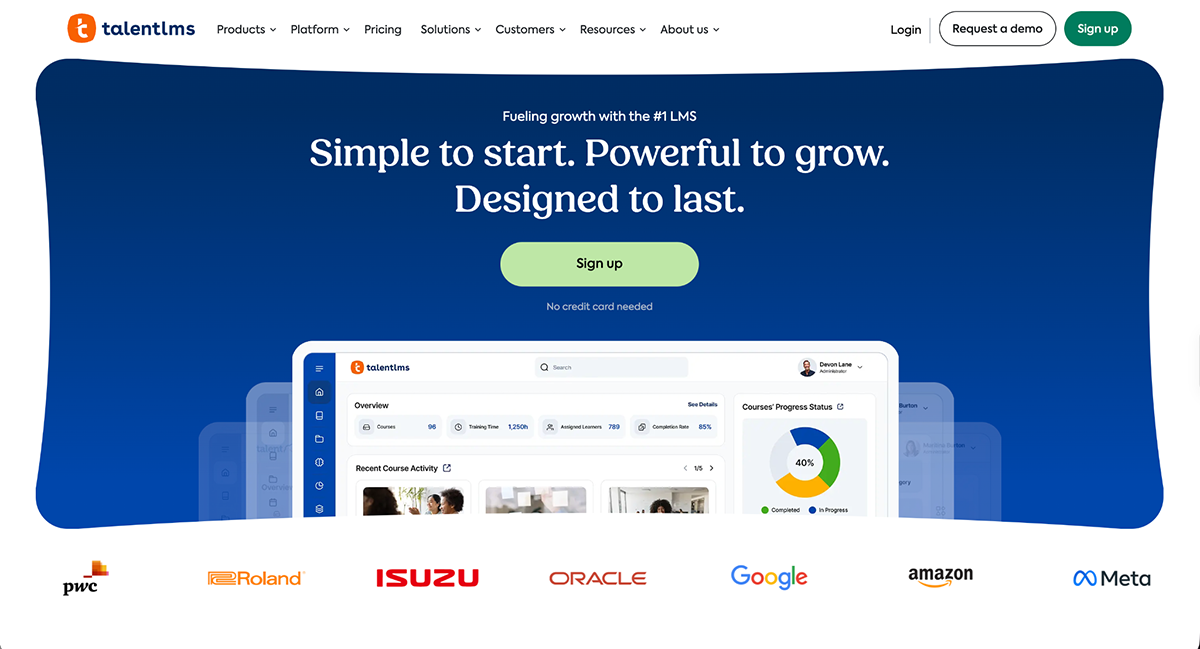
TalentLMS is one of the most beginner-friendly learning management systems out there. It’s quick to set up, supports a wide range of content formats, and offers a smooth experience for both admins and learners. Whether you're training remote teams, partners, or customers, it scales without getting clunky.
I signed up for the free plan and got started in minutes. The onboarding process asks for basic details like your name, company size and industry and then drops you right into your portal.
From there, you get three starting points:
I went ahead and tested their course builder, TalentCraft, and chose to start with AI and this prompt: “Time management strategies for remote teams.”
Within seconds, TalentLMS generated a complete training outline with structured sections, quizzes, flashcards, images and copy.
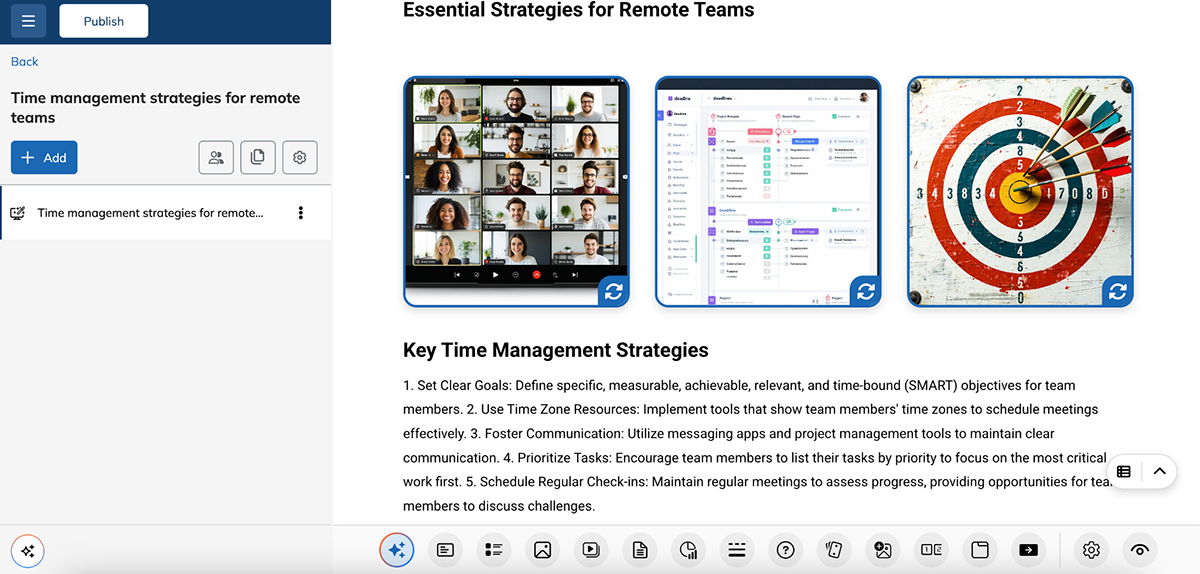
For managers and trainers, this is a solid head start. Sure, some of the AI-generated images were off (okay, plain bad) and the content was pretty basic, but it’s all editable, and there’s more than enough to work with. You can easily refine it to match your tone, brand or training goals.
Aside from the course creator interface, TalentLMS has standout features for both creators and learners alike:
Overall, TalentLMS is a good fit for SMBs and growing teams that want a no-fuss platform to launch training fast.

Another employee training software I used and liked was Litmos. It’s a cloud-based LMS known for its speed and extensive library of ready-to-use content.
Even though the platform offers a free trial, it's only available after going through some hoops, so I couldn't really get into the platform to test it out. So I did a deep dive into their documentation and found lots of useful features and functionality for organizational training and beyond.
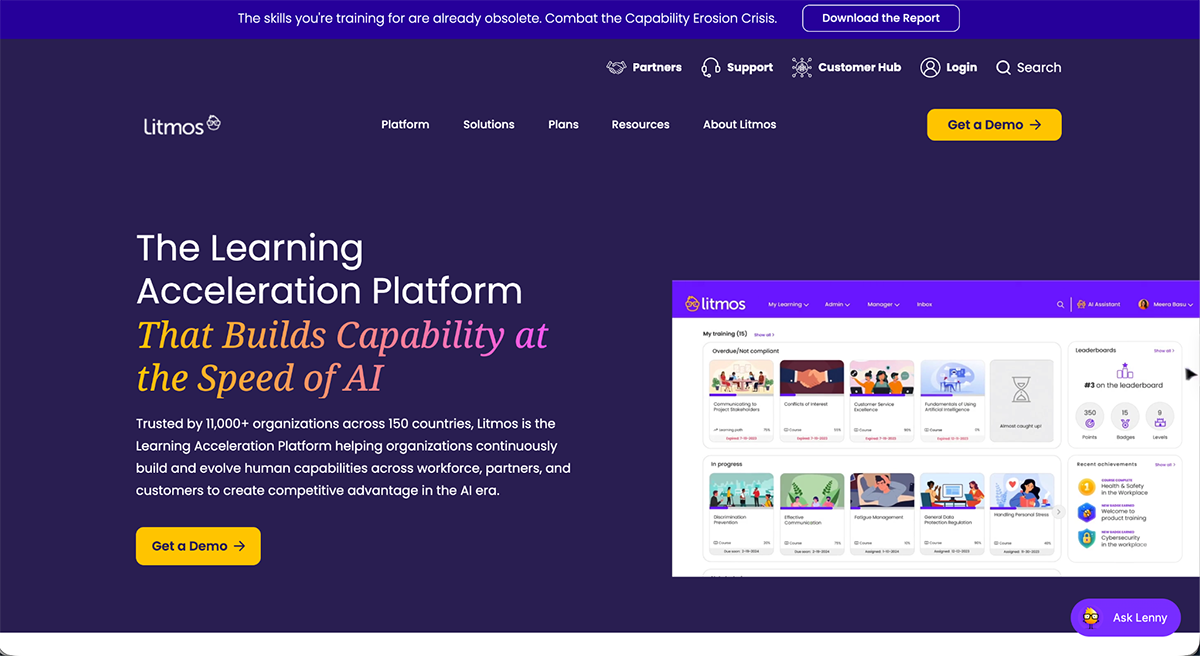
Litmos is built mainly for internal, organizational training: onboarding, compliance and certifications, skills development, sales enablement and supporting lean L&D teams day-to-day. It also extends outward to customer education and partner and channel training, covering audiences beyond an organization’s own employees.
Here's what stands out:
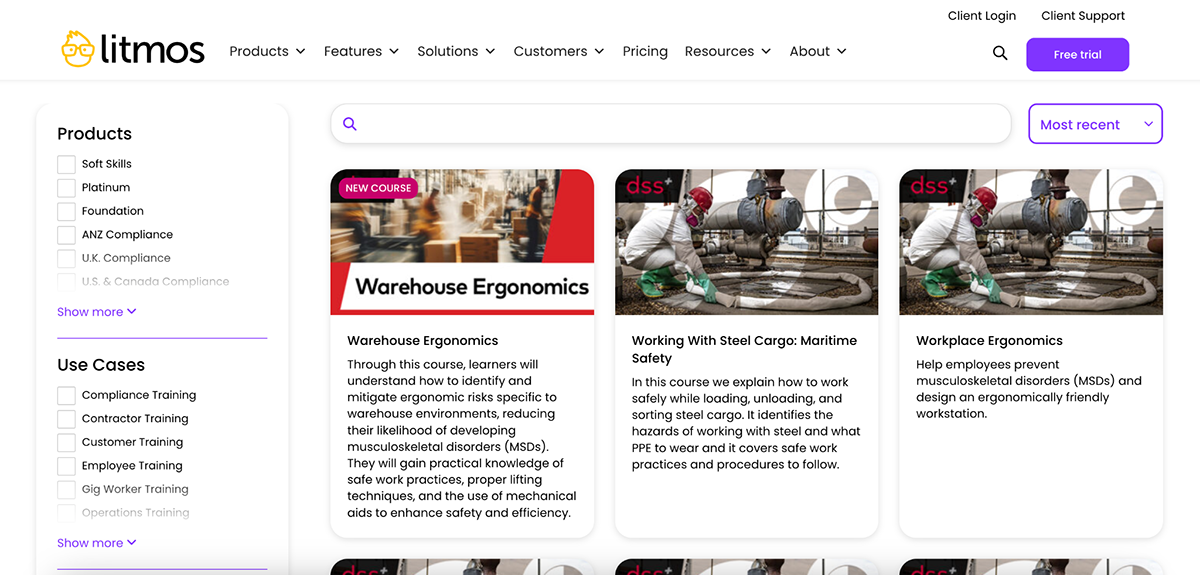
Where it really shines is its off-the-shelf course library. You get instant access to 98,000+ ready-made online courses on compliance, soft skills, DEI, cybersecurity and more. This makes it easy to roll out essential training fast.
With the broad feature set it provides, Litmos is a strong fit for companies that want something fast and low-maintenance, backed by a content library big enough to get started straight away.

Next up is LearnUpon. Since our last refresh, it's repositioned itself entirely as an "Agentic Learning Platform," built to train employees, customers and association members from one account.
I couldn't test LearnUpon firsthand due to gated demo access. So, as I did with other platforms, I dug deep into their website and documentation.
At the center of the platform is LearnUpon IQ, an intelligence layer that orchestrates three connected hubs:
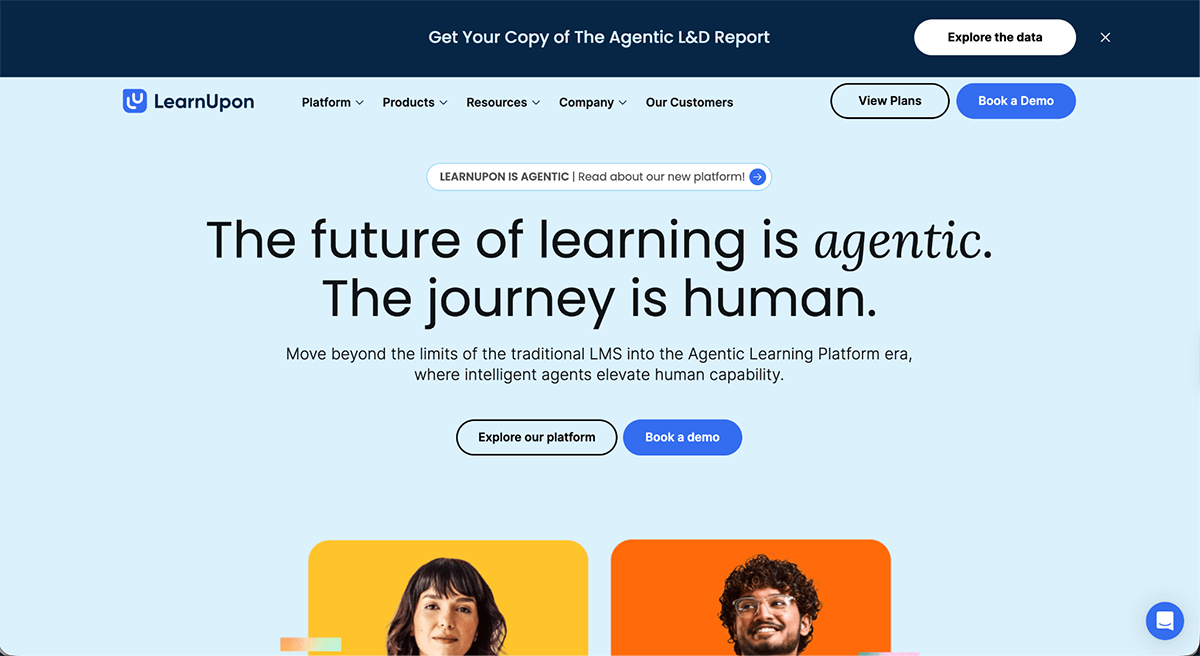
LearnUpon makes it easy to manage multiple training portals under one roof, each branded differently with its own admin roles, so different audiences get tailored experiences without needing separate accounts.
A few other things stand out beyond that:
LearnUpon has moved well past being just another LMS. Between IQ, Create+, Learning Journeys and the MCP server, it's positioning itself as a full AI-driven operating layer for L&D, not just a tool that assigns and tracks courses.
For a growing business that needs to serve employees, customers and association members from one account, LearnUpon earns its spot on the shortlist.

Absorb is built for companies training more than just their own employees. Within the same platform, they can also teach their think partners, customers and resellers how Absorb works.
Absorb is another tool that doesn't offer a self-serve trial. The "Free Trial" button on their site is actually a lead form: you submit your learner count and company details, then wait for a callback. So I couldn't get hands-on here, and everything below comes from Absorb's own site.
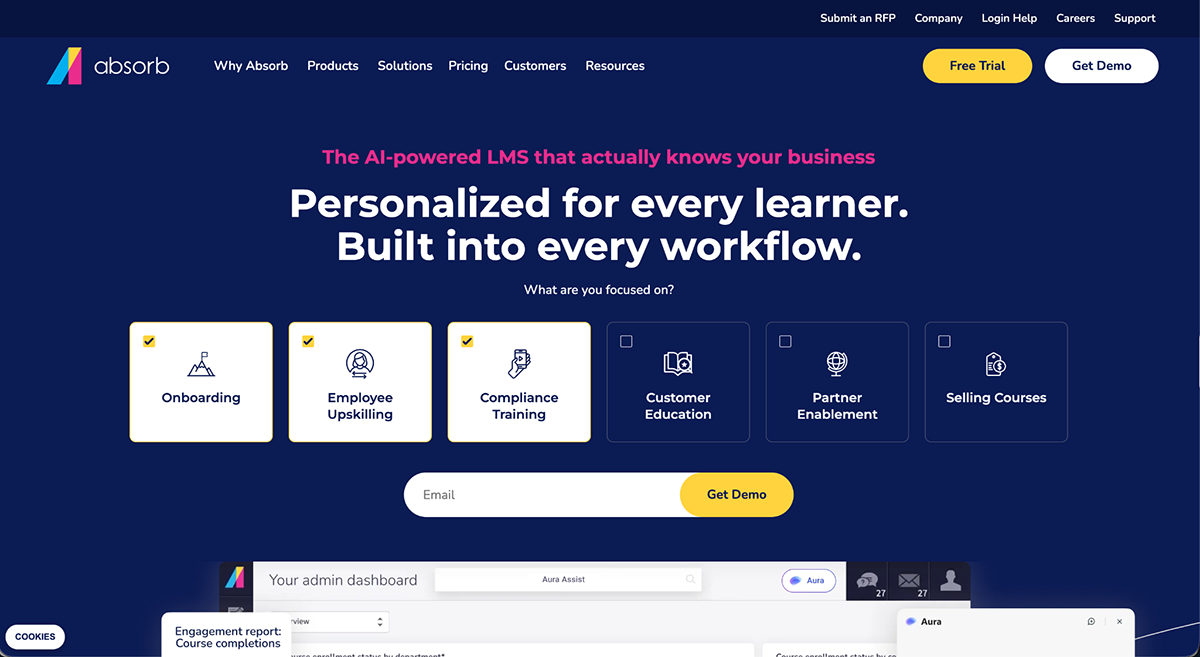
Absorb isn't a flat product. It's a core LMS with a group of add-on modules built around it, most of which get quoted and priced separately:
Absorb also lets you sell your own courses through a built-in e-commerce platform with zero commission on every sale.
Overall, Absorb is a strong fit for organizations training multiple audiences at once (employees, partners, customers) and that want AI to handle most of the assignment and reporting work.
On a closing note, we've placed Absorb in the LMS category because that is its core essence. But, it's worth noting that Absorb Infuse now brings LXP-style functionality into the mix, widening what the platform can do.
This is where the training materials get built, whether that's slides, quizzes, interactive modules or other formats. Most tools in this category focus on content creation and management, leaving assignment and tracking to a separate LMS or LXP. Some include built-in LMS capabilities, but these are typically less extensive than what you'd get from a dedicated LMS.

Let’s switch gears and talk about Learning Content Management Systems (LCMS) now.
First up is iSpring Suite, a PowerPoint plugin that turns existing presentations into SCORM, xAPI or cmi5-compliant eLearning courses, all inside your PowerPoint environment.
Since iSpring Suite only runs on Windows with a desktop copy of PowerPoint installed, and I'm on a Mac, no testing was possible. So, here is all the information I collected from looking at iSpring’s website and product pages in detail.
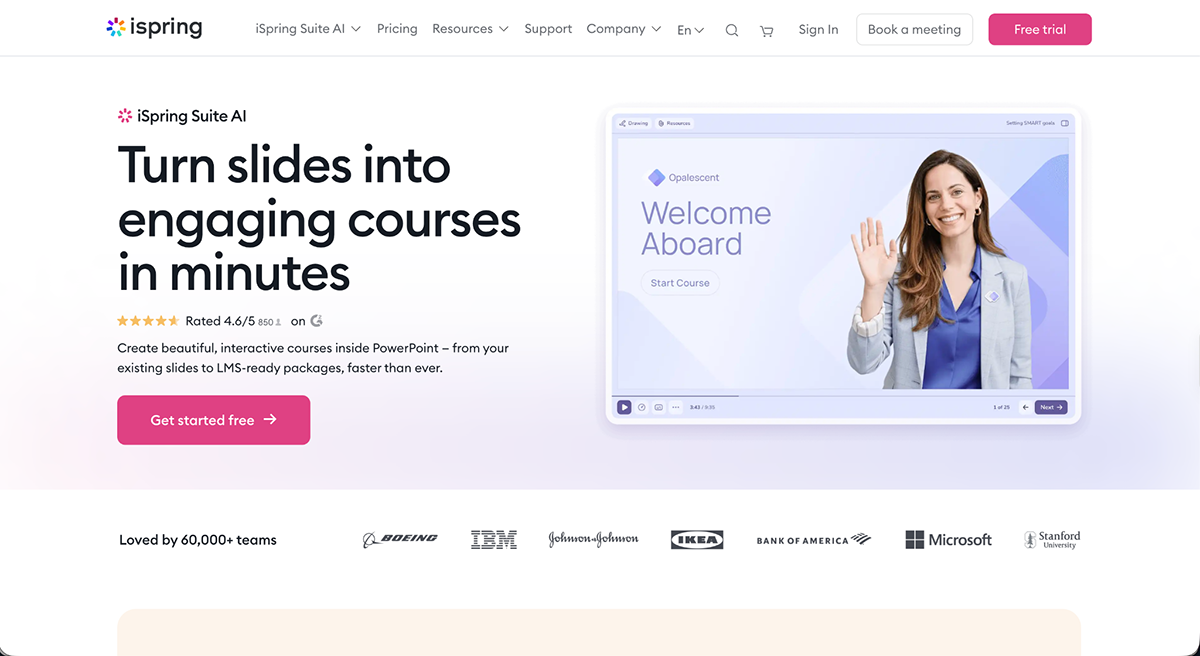
Once installed on your computer, iSpring adds a new tab directly inside PowerPoint. From there:
iSpring is available in three options: the base Suite for building and publishing courses, iSpring Suite AI which adds an AI assistant for text-to-speech voiceovers, quiz question generation and course translation, and iSpring Cloud AI, a browser-based version of the course builder for teams that want to skip the desktop install entirely (though this still doesn't help Mac users, since the exported output still depends on the same desktop ecosystem for editing).
That Windows dependency is the real dividing line for this tool. If your team already lives in PowerPoint on Windows machines, iSpring Suite is a fast, low-friction way to turn what you already have into proper eLearning content. But if you're on Mac, or don't already use PowerPoint day to day, this isn't going to be a natural fit.

Next up is Articulate 360, one of the most established names in course authoring. It bundles Articulate's full toolset into one subscription:
There's a 30-day free trial, so this is one of the few tools on this list you can try before buying.
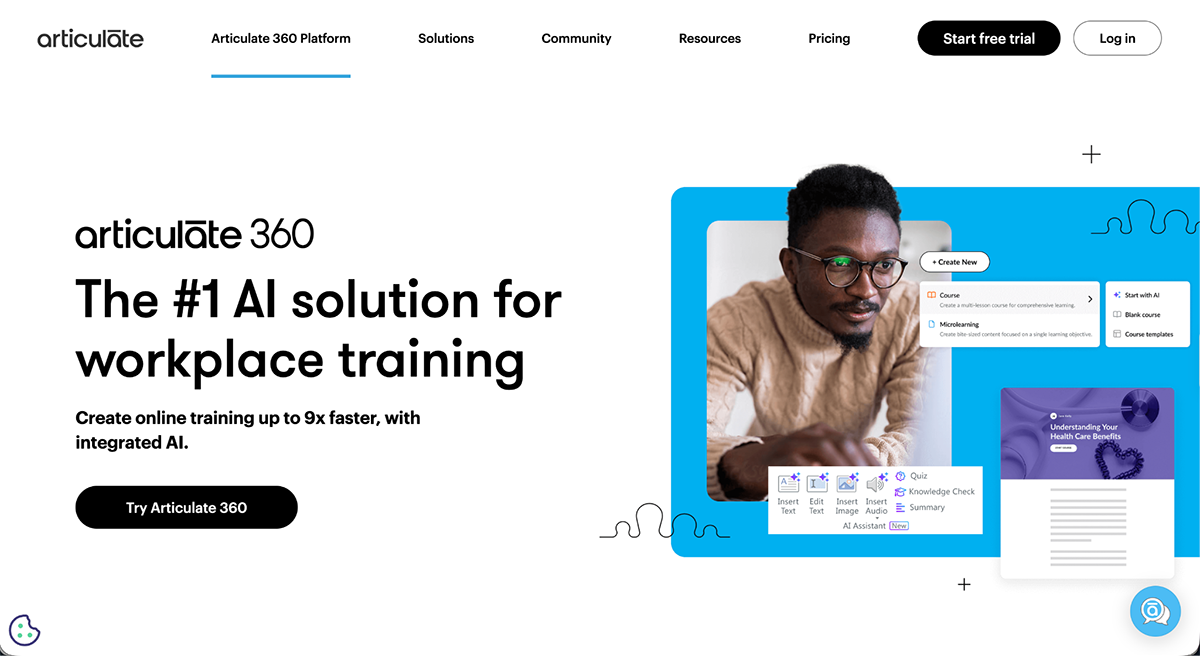
Before I tell you what I saw, these are standout features about Articulate360 that I discovered on their site and inside the system:
Now, let’s take a look under the hood. After logging in, Articulate welcomes me with the AI course creator and lets me know I have access to Rise, Review, Reach and Storyline. I used this prompt to get started:
“Create a course on workplace data privacy and security basics for new hires with no technical background. Cover how to recognize phishing attempts, safe password practices, and when to report a suspected security incident. Include a short knowledge check at the end.”
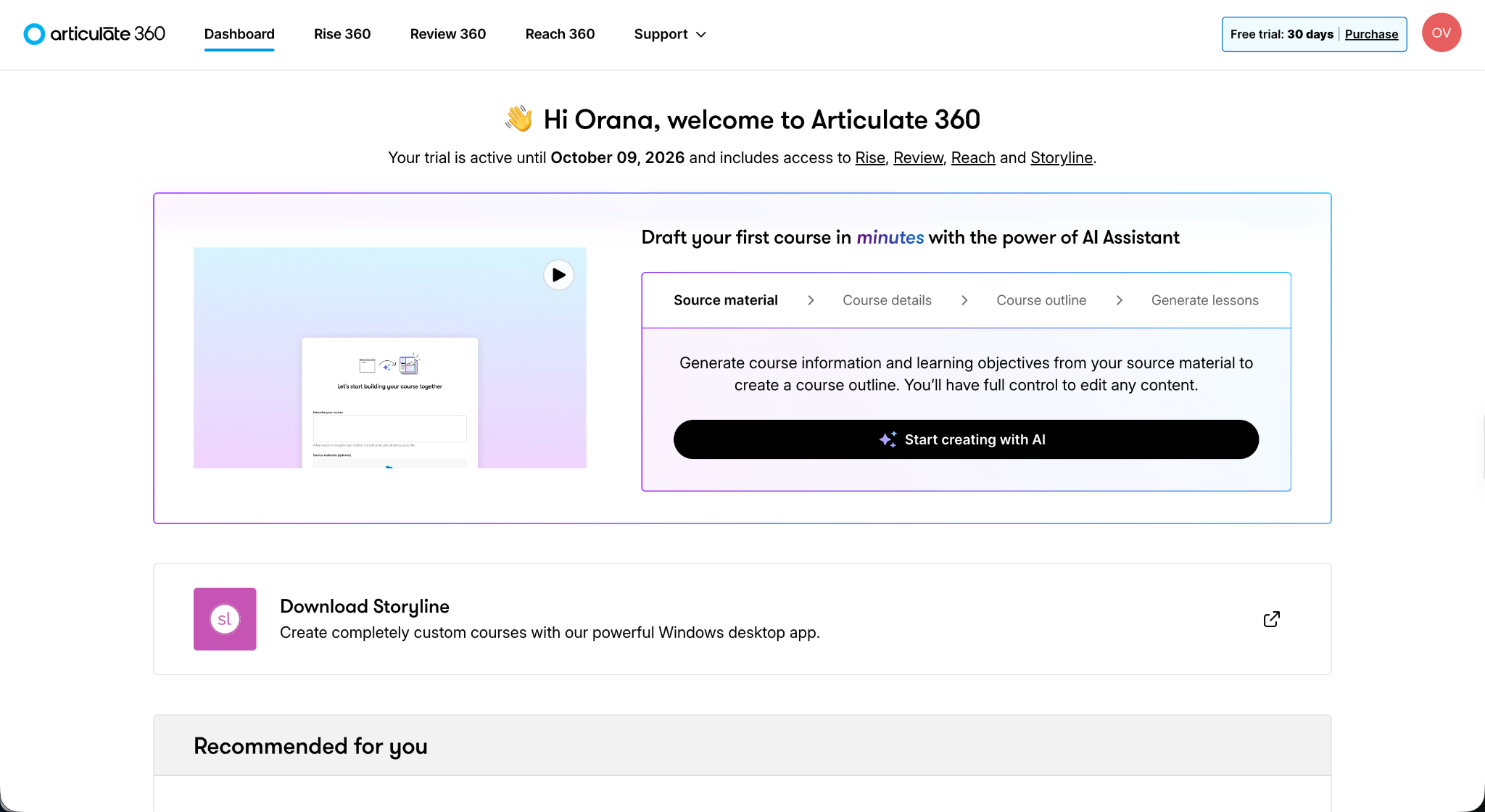
The AI showed me a first outline draft and asked a few questions about desired length of the course, as well as the topic, tone, audience and goals. It had all this info already chosen with the possibility of editing directly.
In the next step, Articulate provided a better draft of the outline with more information and a good starting point for how the lessons are set up. The “next” button in this view opens up a dialog that asks if you want to include interactive content, AI-generated images and a quiz. I chose “yes” to all and clicked generate.
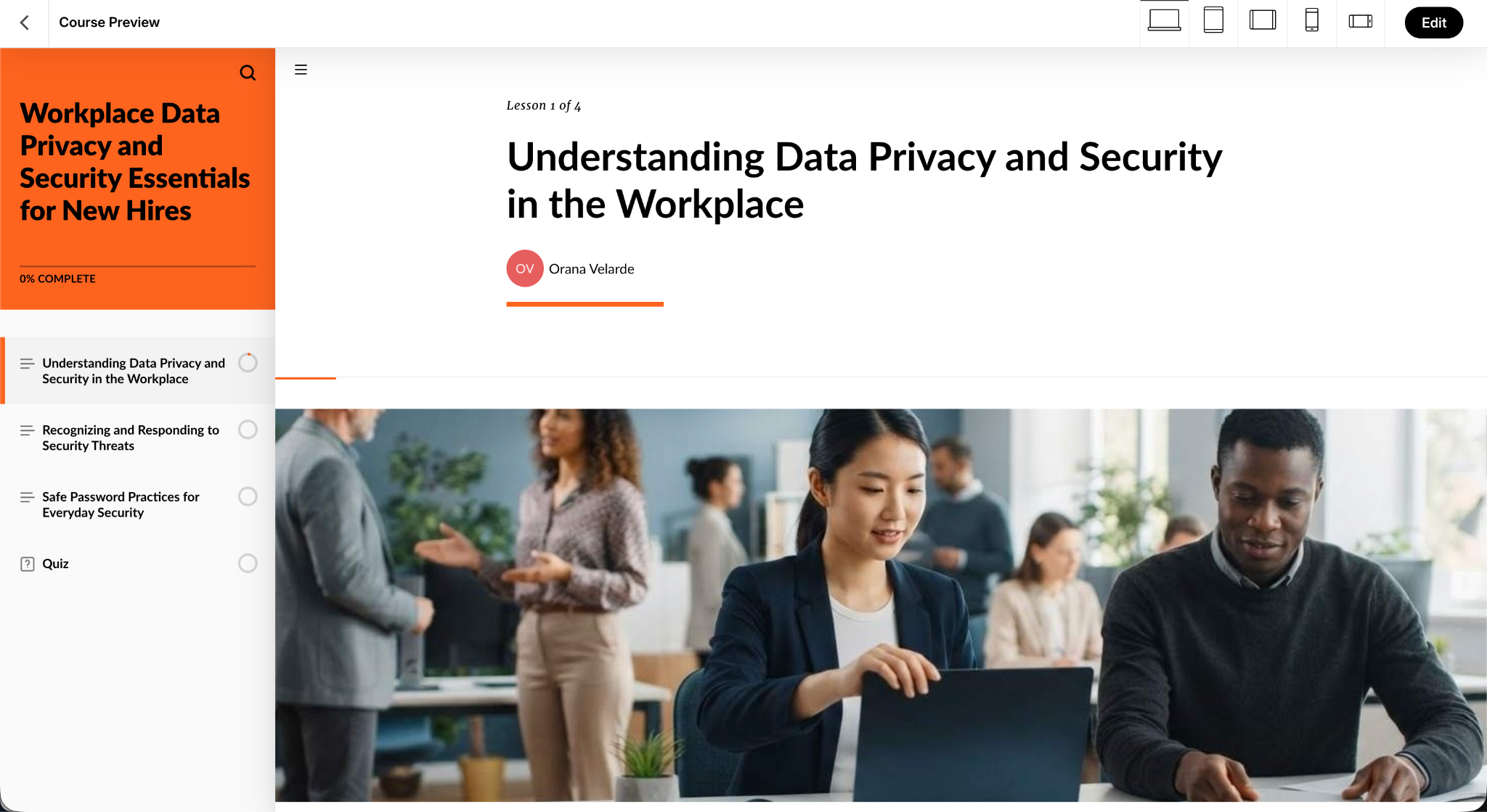
Not a bad output at all. The course was very comprehensive and used all sorts of content block types that helped make the content easy to read and understand. I liked how the process to get to this point was very intuitive and interactive.
Even though it was an AI doing the work, it still expected me to create the context, check for inaccuracies and edit as much as I wanted. All, before generating the course. And even then, the course is 100% editable.
Once a course is built, you get five ways to deliver it, right from the publish screen:

A quick note before this one: Visme is the company publishing this article, and it's one of the 15 tools compared. We've held it to the same bar as all the others on this list.
Visme is known for visual storytelling and interactive content creation. Its goal is to help business teams design, deliver and manage branded content, including engaging training materials that are easy to upload into an LMS or LXP.
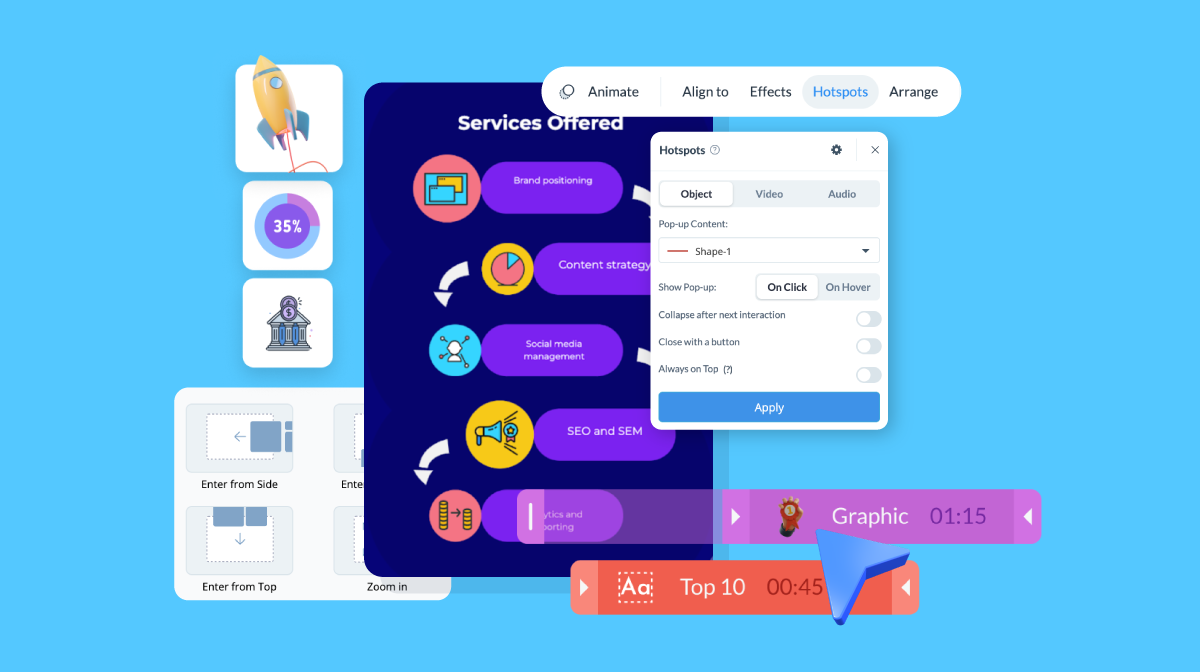
To make that happen, Visme gives you:
Want to learn how you can add interactivity to your designs? Check out this video:
Visme has its own AI tool called Visme AI Designer. It creates presentations, documents and printables from a prompt, an uploaded source document, or both.
To test this flow, I opened AI Designer and entered the prompt:
"Create a short training course on workplace communication for hybrid teams."
It asked me a few follow-up questions about audience, tone and structure. If i had uploaded a source document instead, Visme AI would have asked how to treat that input: keep it verbatim, tighten it up, or rewrite it while holding onto the meaning. I didn’t upload anything, so I went ahead and clicked generate.
After a few seconds, it came back with a selection of visual style options to choose from. I picked one and the AI then presented me with a full project.
The copy and visuals were quite good, and things looked quite balanced for a first draft. I know everything is customizable with drag-and-drop functionality afterward, so it's a great start.
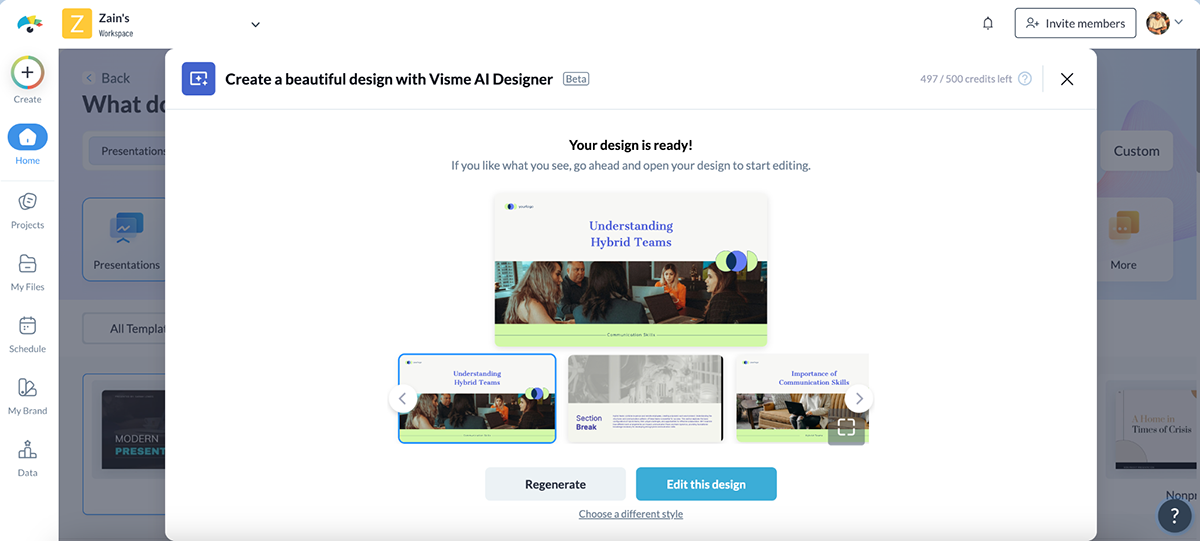
From there, I could either regenerate for a different take or jump straight into the editor, where everything is fully drag-and-drop from that point on.
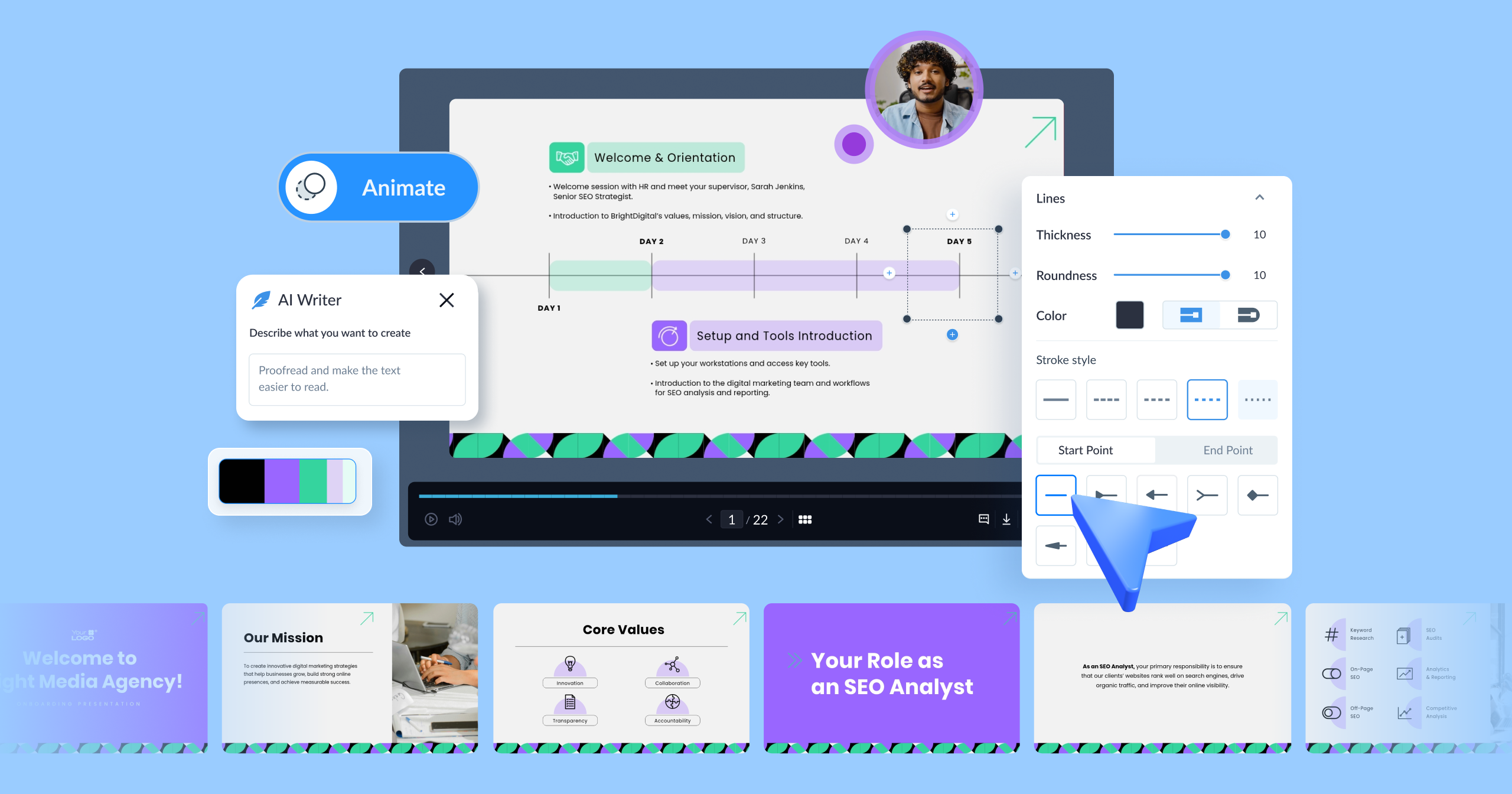
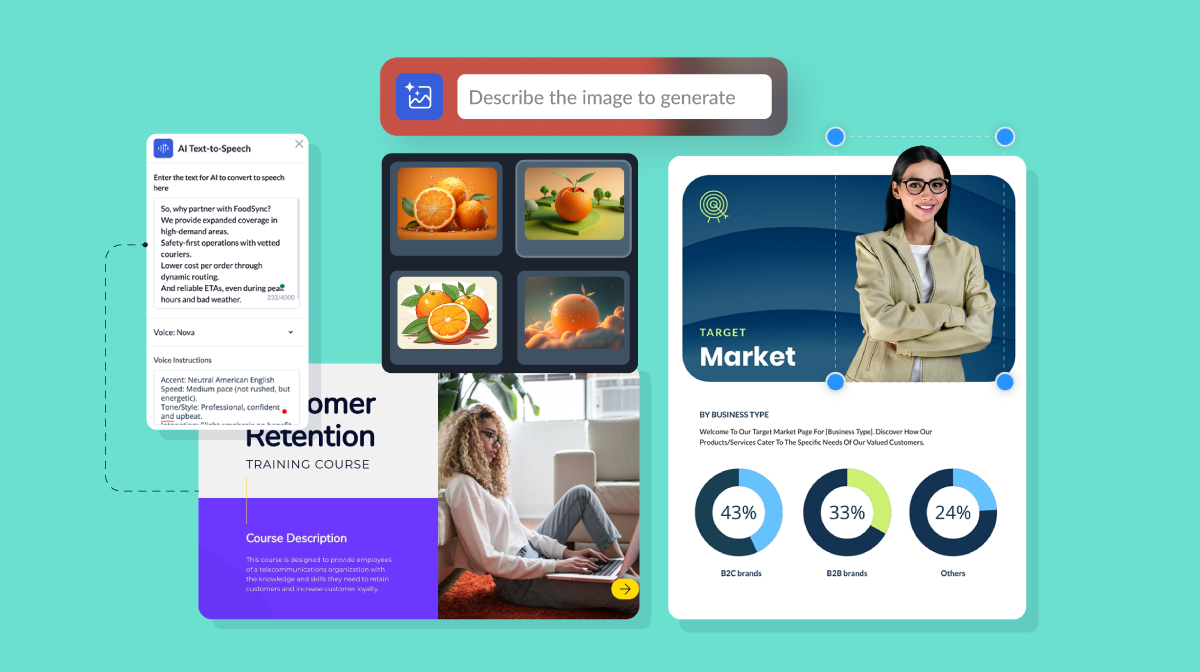
Inside the editor are tons of design features, elements and edit options. Plus, there are also several AI features:
Once a course is ready, Presenter Studio lets you record yourself presenting it, video or audio, synced to your slides. And if you want to confirm people actually went through the material, our Analytics tool lets you tracks views on anything you've shared. The dashboard shows who viewed it and how long they spent on each slide.
Visme also streamlines the entire workflow to help you work collaboratively with your team. I like that you can invite teammates to edit, comment or review projects in real time. This way, collaboration doesn’t get messy. Plus, everything’s saved in the cloud, organized by folder and easy to version-control.
Then, when it’s time to share or publish, you’ve got tons of options. Share your projects as a live link, embed into an internal wiki or LMS, download as PDF, HTML5 or video or export as SCORM or xAPI to plug directly into your LMS and track learner progress.
One catch worth flagging: SCORM and xAPI export are only available on the Enterprise plan.
My honest take: Visme isn't a traditional LMS or LXP. It won't assign courses, track compliance, or manage learner enrollment.
What it does well, though, is the content authoring tied to robust brand governance. You can build polished, branded, interactive training material fast. . And if you already have an LMS and just need better content to put in it, that's the ideal fit. If you need assignment, tracking and reporting on top of the content itself, you'll need one of the other tools on this list alongside Visme.

I also tried Gomo Learning, a cloud-based eLearning authoring tool designed to help organizations create responsive and engaging courses accessible across various devices.
Some of Gomo’s standout features include:
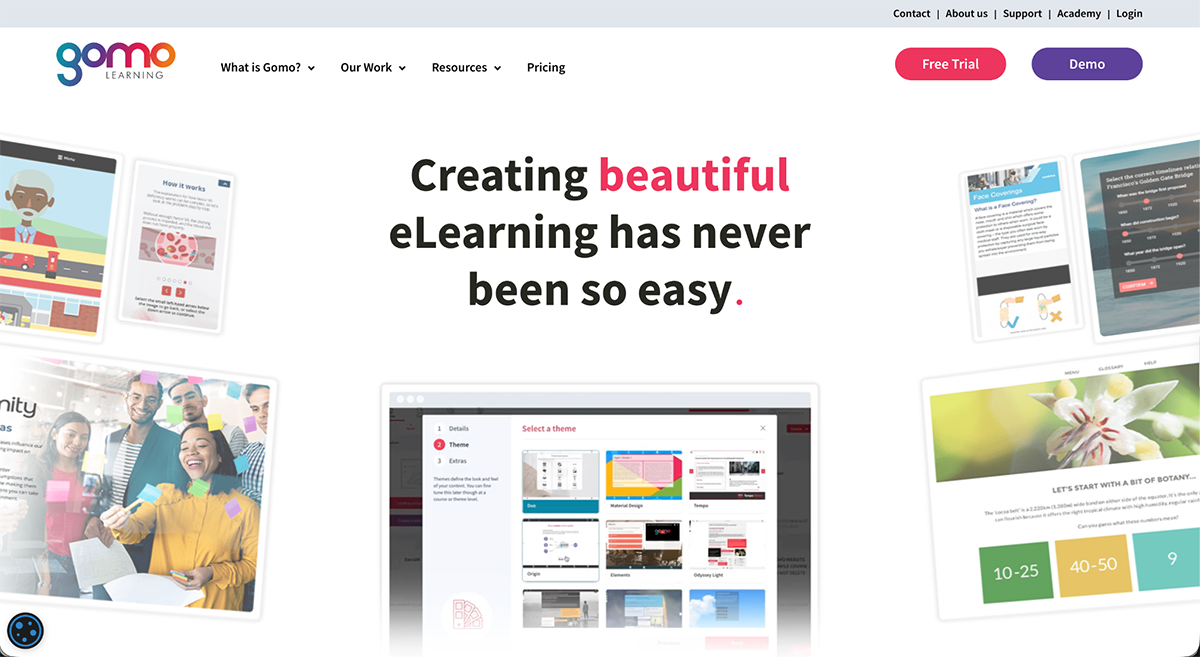
I signed up for their 21-day free trial. The onboarding was great. After logging in, I was greeted with a short walkthrough that showed me the basics, followed by a few helpful links.
From there, I jumped straight into the course builder. The options included a full sample course you can customize with your own content, a blank course building canvas to create from scratch, importing a PowerPoint presentation and apparently an AI option which is still in Beta and I couldn’t access.
I opted to create a sample course and the results were impressive. It built a comprehensive course in minutes, complete with an introduction and relevant sections that cover information about Gomo. The slides inside each section include pre-formatted content blocks, interactive actions and placeholders for embedded media.
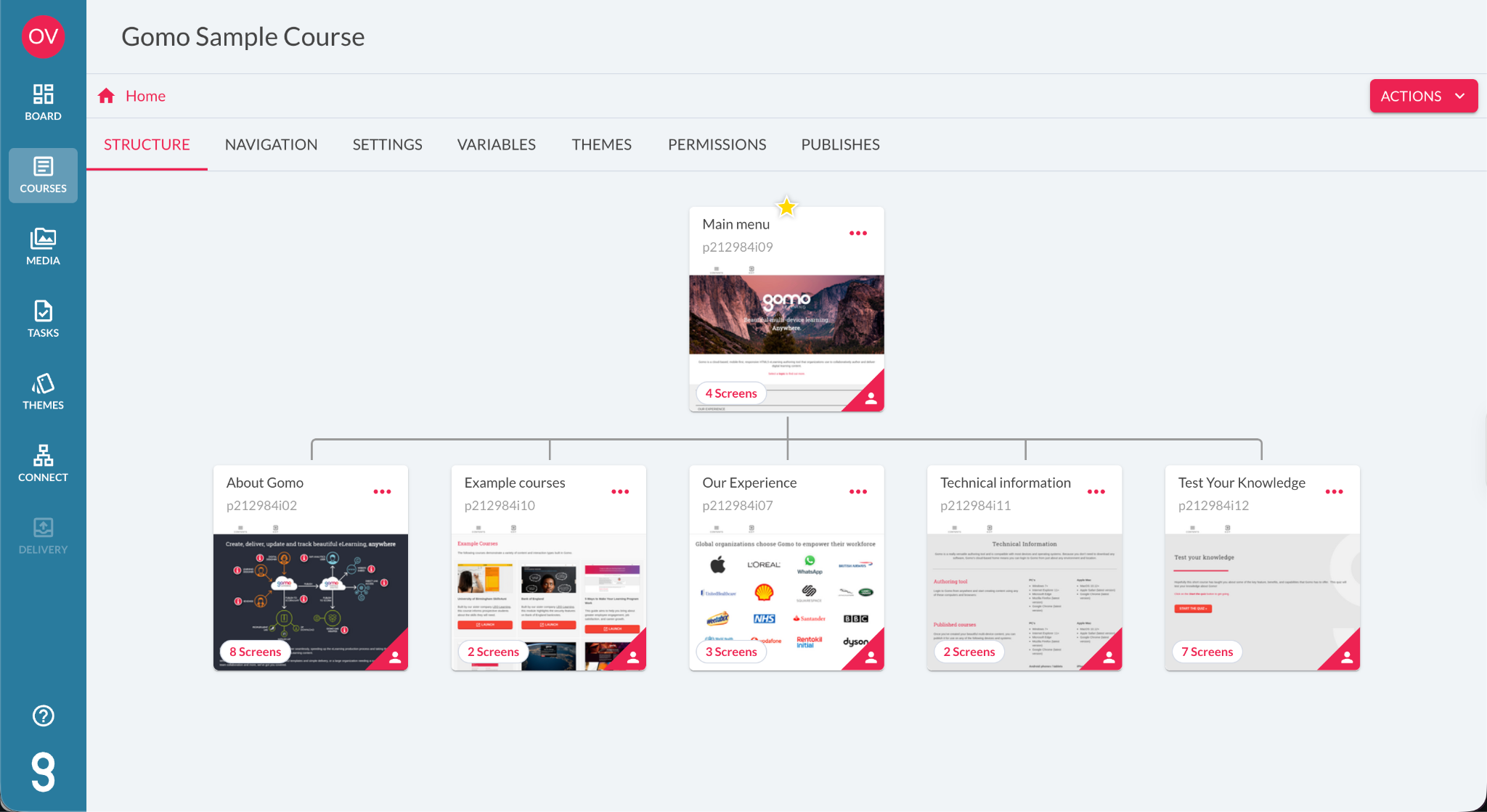
Everything was editable, and I could adjust layouts without worrying about how it would look on different devices, because everything in Gomo is fully responsive by default. It’s worth noting, though, that the AI features aren’t available in the trial.
On the delivery side, Gomo has a partnership with Bridge LMS that lets you push a finished SCORM course from Gomo straight into Bridge in about 10 minutes.
After taking a look around, Gomo feels more suited to teams with some eLearning experience under their belt. While the themes are great and the output looks polished, the lack of built-in AI and slightly clunky editing experience might slow down beginners or solo creators looking for speed.
Create has been through a few identities. It started life as Elucidat, a renowned authoring platform built specifically for enterprise teams. In October 2025, Learning Pool acquired Elucidat. Tien, In 2026 they acquired Confirm and use that name to rebrand the entire portfolio. Confirm is now a Workforce Enablement System spanning learning, engagement and performance.
Despite all that corporate reshuffling, the tool itself hasn't disappeared into a bundle. Create is still sold separately, with its own pricing tiers (Growth, Team and Enterprise), and you can use it exactly the way you'd have used Elucidat: as a standalone authoring tool, without buying into Confirm's engagement or performance products.
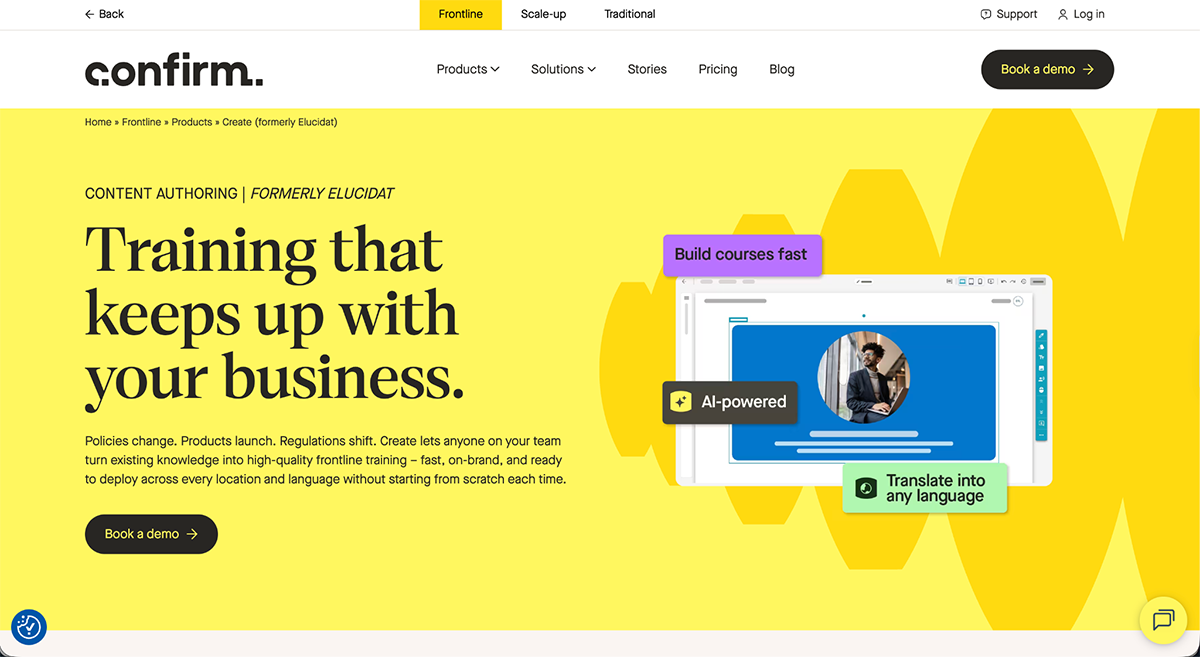
I haven't tested the platform myself. A 2-week trial exists, but it's gated behind booking a demo rather than instant signup, so what's below comes from Create's own documentation and product pages.
Create's current positioning leans hard into frontline and multi-location training. Here's what stands out:
All in all, Create is a solid pick for large or multi-location organizations that need to scale training without losing quality or brand consistency, and it's built to keep that content current as things change.
Worth going in with your eyes open, though: Confirm's own marketing consistently pitches connecting Create to its Engage and Perform products, even though Create works perfectly well on its own. Buying Create on its own is a real option, but expect the sales conversation to include a pitch for the wider Confirm platform, since that cross-sell is baked into how they market the tool.

Next on the list is MadCap Create, an LCMS built to help organizations create, manage and distribute learning content. This one's another example that has been through several rebrandings: Xyleme was an independent company untilMadCap Software acquired it in a deal that closed in December 2023. Now that Xyleme has been fully absorbed into MadCap, its new name is MadCap Create.
I didn't get to test MadCap Create. MadCap only offers free trials for other tools, not this one. I checked out the press releases from the merger to see if they kept Xyleme's functionality and read through the product pages to find out what's changed.
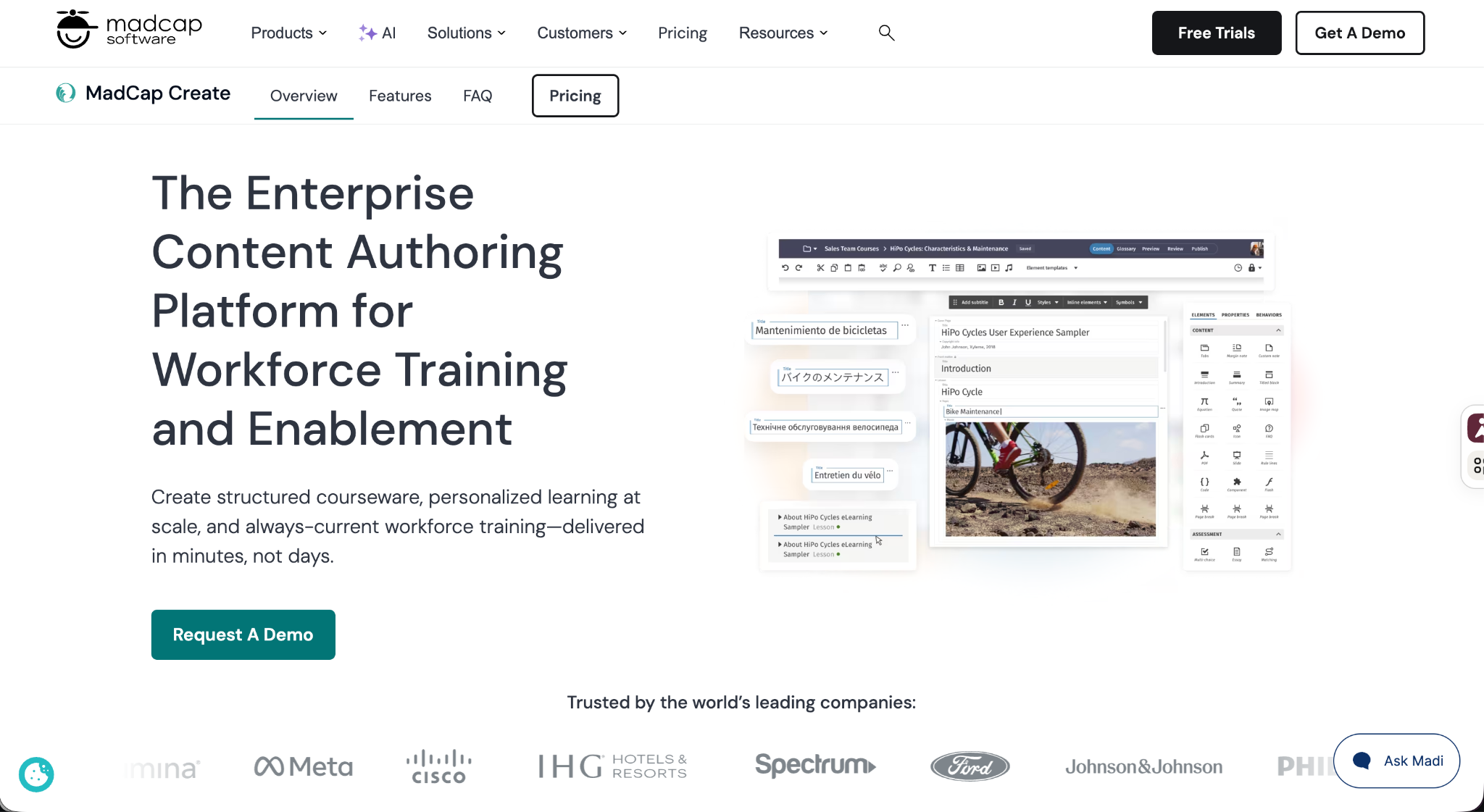
The core Xyleme model is the same: structured, component-based content (objectives, lessons, activities, assessments) that you build once and publish everywhere. Change one component, and every course reusing it updates automatically, no republishing, no re-versioning. That's the same architecture Xyleme was built on for over a decade, now just under new branding.
Here's what's new since the acquisition:
MadCap Create is licensed and sold separately from its companion product, MadCap Syndicate, the delivery and governance layer that pushes content out to LMSs, portals and AI tools with semantic search support. You can buy Create on its own if all you need is the authoring side.
In short, MadCap Create may not be the flashiest platform on this list, but if you're running a serious training operation and need version control, multi-format publishing and governance that goes beyond surface-level engagement, it's worth a look, rebrand history aside.
Employees browse and pick their own training instead of following an assigned path. Degreed is the only tool on this list that stayed a pure LXP. Every other LXP candidate we tested picked up assigning or authoring features along the way and outgrew the category, landing in Comprehensive instead.

Degreed launched in 2012 as the industry's first LXP. At the time, being an LXP meant content aggregation and curation: admins connected existing content sources like LinkedIn Learning, Coursera, internal files. Then Degreed pulled it all into a dashboard employees could browse, and choose. It's added a lot more functionality since, but browsing rather than being assigned content is still the core of what makes Degreed an LXP.
Like most other tools in this list, Degreed doesn’t offer a trial. Every plan starts with a sales conversation, so I couldn't test the platform. Everything below comes from Degreed's own site.
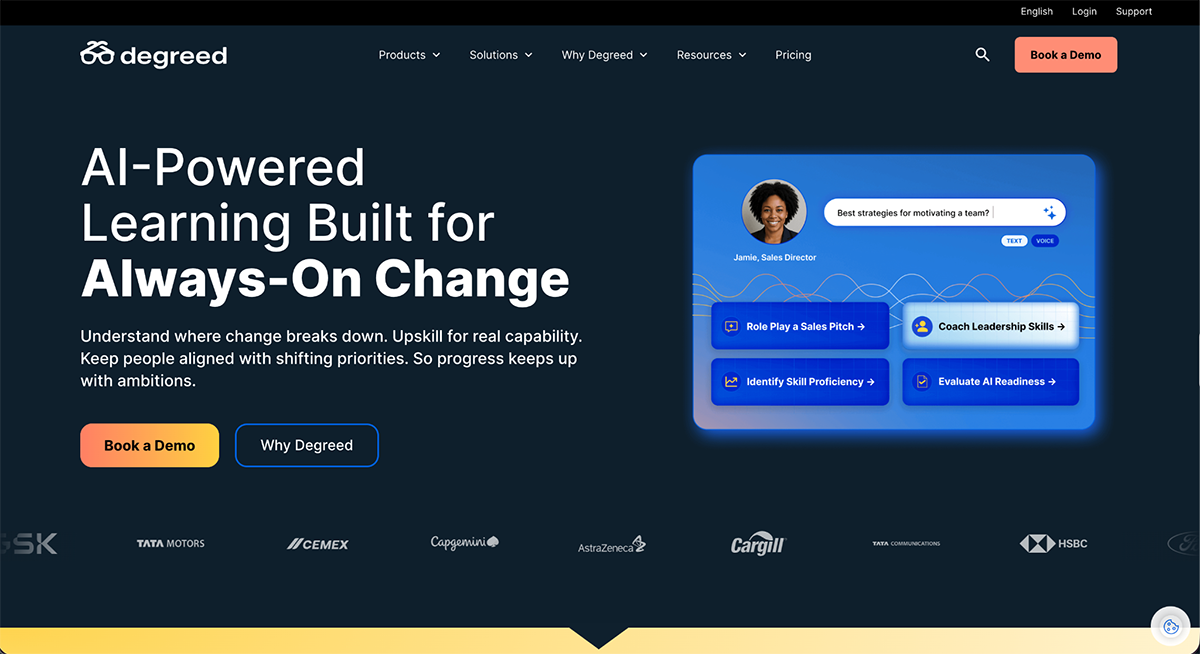
Degreed Learning is the core LXP, the hub employees log into to build their course collections. The other four products feed into it or sit on top of it:
Degreed makes the most sense for a large organization that already has learning content scattered across several systems and wants one AI layer to pull it together. A smaller team that just needs to assign and track a compliance course will find this platform doesn’t align with their goal.
These platforms bring all three functions together in one product: building training content, assigning and tracking training, and giving employees a library they can browse independently. To qualify for this category, all three capabilities need to be included in the core product rather than sold separately.

360Learning is built around a different idea than most tools on this list: instead of a set L&D team producing every course, it's designed so your own internal experts can create and refine training programs together. That might be their reasoning behind offering a free trial when the majority of other tools do not.
I signed up for the Team plan's 30-day free trial by filling out a form using a business email address. After a few minutes, I received several emails with instructions, tips, orientation videos and a link to sign up. The sign-up was easy enough, but I was surprised at the amount of emails they sent to onboard me.
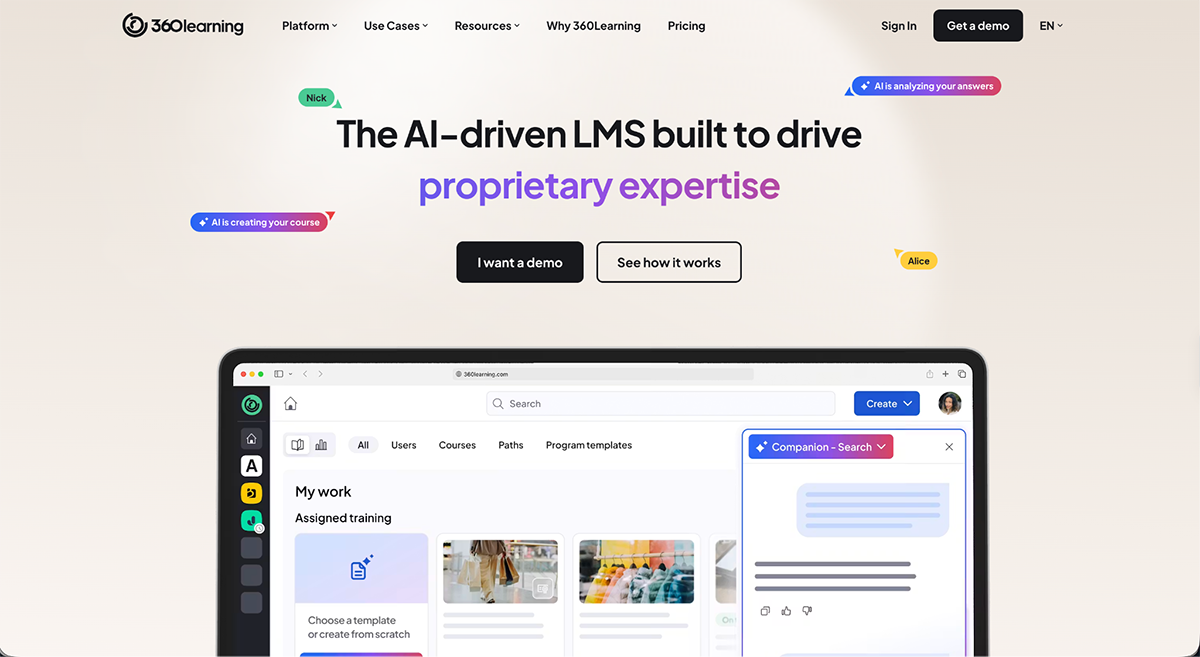
After login, you arrive at a dashboard. I clicked Create to get started offered eight starting points:
I chose Guided Creation first. It felt more hands-on than jumping straight to AI, and I wanted to see how the platform structures a course before letting AI do it for me.
After following the steps, it dropped me straight into the editor with the structure I chose already built: an introduction, a couple of concept sections, a true-or-false question, and a conclusion, all with placeholder content ready to replace with my own.
At first glance, the interface looks easy to use but then I noticed that I couldn’t add or remove elements from each activity. What I did find possible was adding different types of content inside the text boxes, including embed codes. I was curious if the editor was the same for all starting points, so I went back to the dashboard to try the AI option.
This is the prompt I used
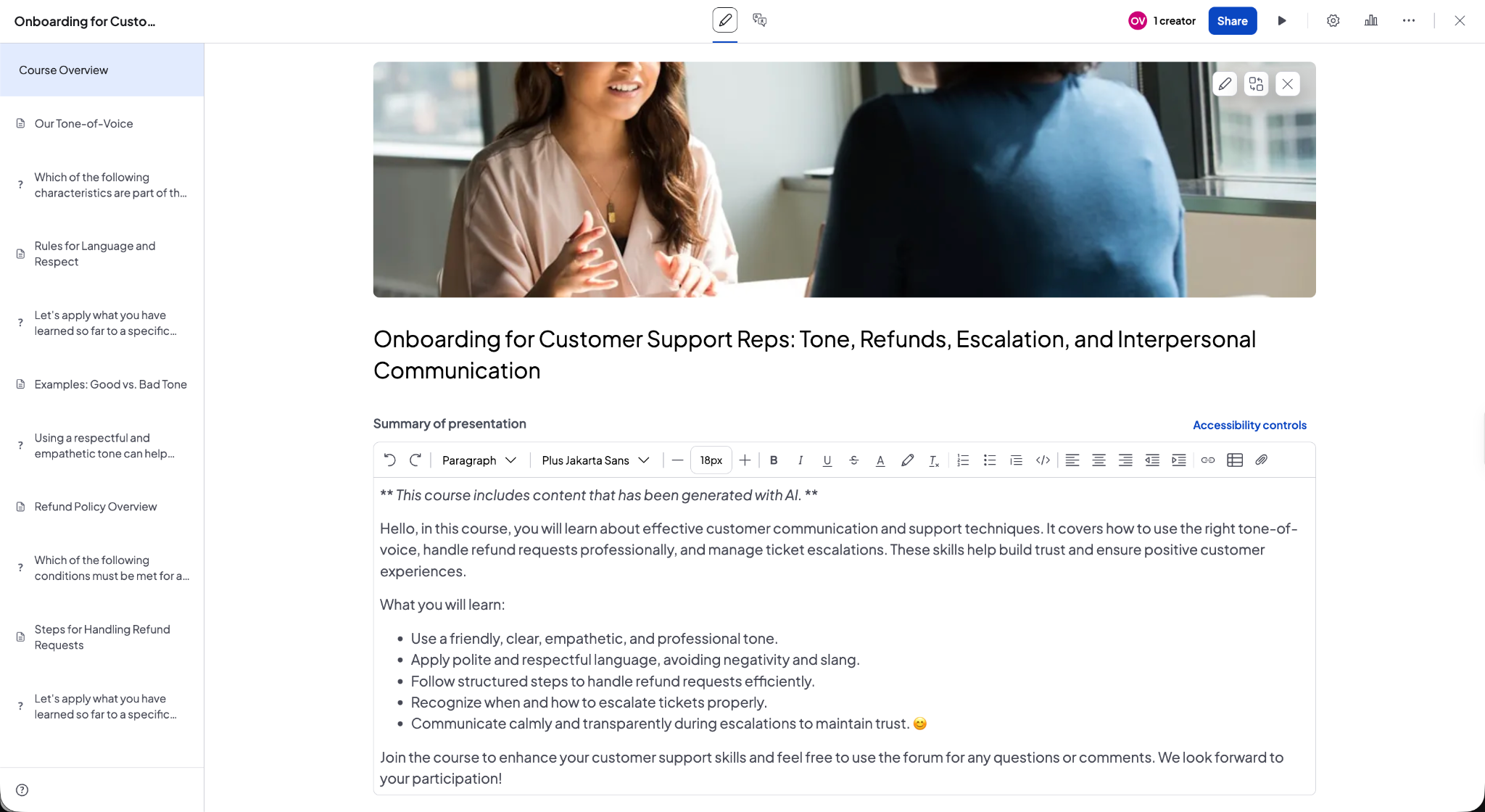
"Create a 15-minute onboarding course for new customer support reps at a mid-size SaaS company. It should cover our tone-of-voice guidelines, how to handle refund requests, and when to escalate a ticket to a manager. Include a short knowledge check at the end."
Once I was provided with the outline, I asked for a change and then generated the course.
The editor is exactly the same as it was in the guided flow but this time the AI had chosen everything for me and included the content as well. The setup was one knowledge activity followed by an assessment repeated throughout the course. There is an option to add a new activity at any point or move things around by dragging.
Since I couldn’t test other platforms on our list, I can’t really compare how 360Learning stands up to the others. But what I can say is that it’s definitely easy to use on the admin/creation side.
As for the learner side, I watched 360Learning’s on demand demo. Tallying up all the functionalities in the platform aside from course creation, it definitely earns its place in the Comprehensive category.
The LMS side handles assigning and tracking training; the LXP side adds social, peer-driven discovery. I only tested the authoring side here.
360Learning makes the most sense for companies that want to hand over training development to subject matter experts. The platform and the AI features are built for intuitive course building that’s easy for anyone.
Since this is a Comprehensive Training Platform, the training content is assigned, tracked and discovered by peers without needing to plug in a separate LMS or LXP. So what an expert builds on the authoring side reaches learners and gets reported on without ever leaving the platform.

Learn Amp launched in 2017 as an LXP, built for self-led learning. Then, added LMS functionality the following year, and performance tools like 1-to-1s and Objectives a year after that.
That current combination is why it lands in the Comprehensive category: you're not paying separately for an authoring tool, or stitching together a second platform so employees can browse content on their own. All three functions live under one login and one price.
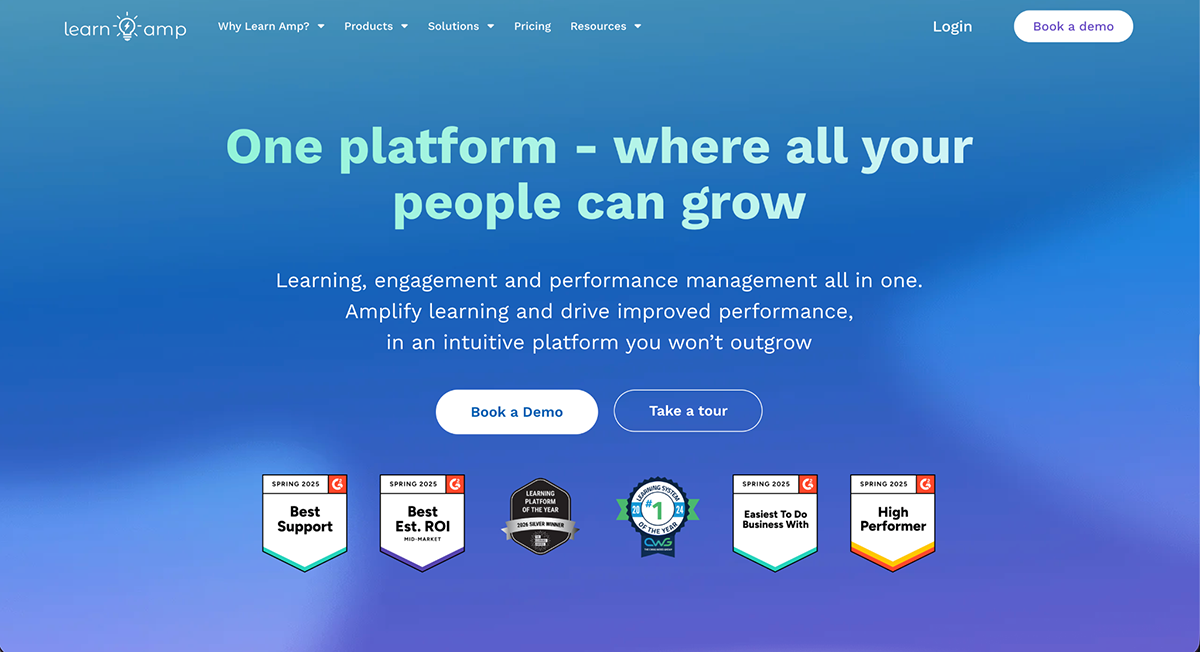
Once again, I encountered the no free trial roadblock with this software. So, after a good look at their website, product pages and testimonials, I gathered what I believe are the most valuable features and characteristics at Learn Amp:
And for learners, Learn Amp adds:
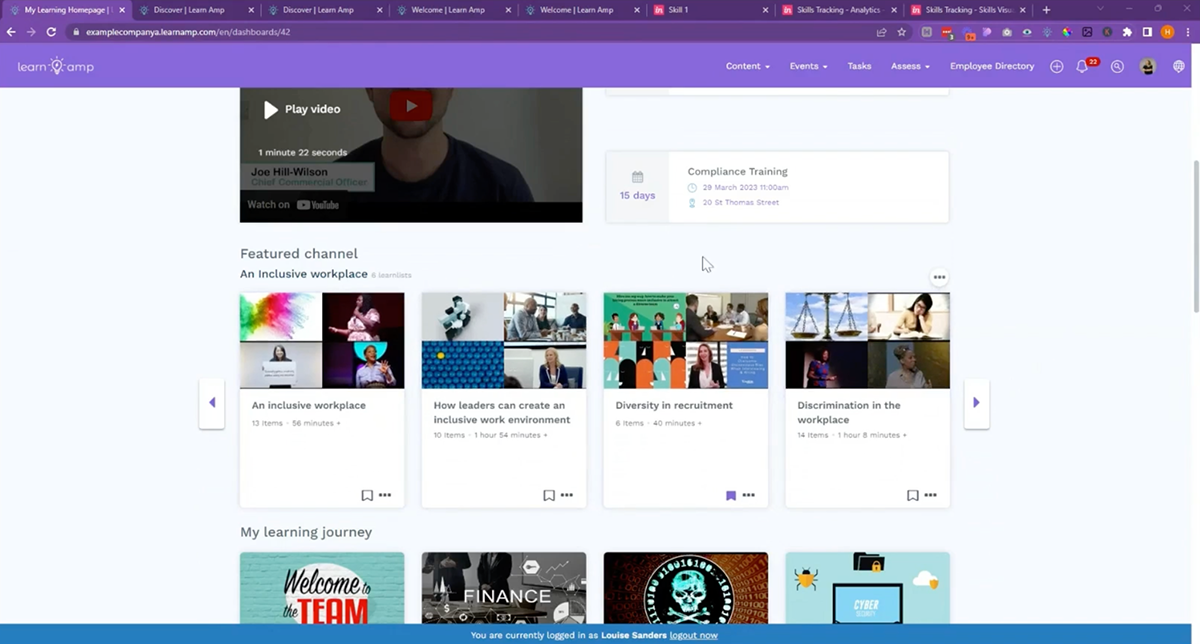
Learn Amp fits companies that have already scaled past a small team and need learning, engagement and performance handled by one system rather than several.
But there is one real limit: its entry point, the Grow package, is built for companies with 50 or more employees. A company below that size doesn't fit the stated minimum.

Docebo is another popular comprehensive learning platform that's built for scale, flexibility and serious business impact. And it's not just talking internal training. It also supports multiple use cases across internal teams, external partners and even customer education.
Unfortunately, the platform doesn't offer a free account or a free trial, so I couldn't test the editor and inner functionalities. Their own documentation does give a clear enough picture of what's behind the paywall. And like several other software, they have several AI features to help with every part of the learning process, both behind the scenes and for learners.
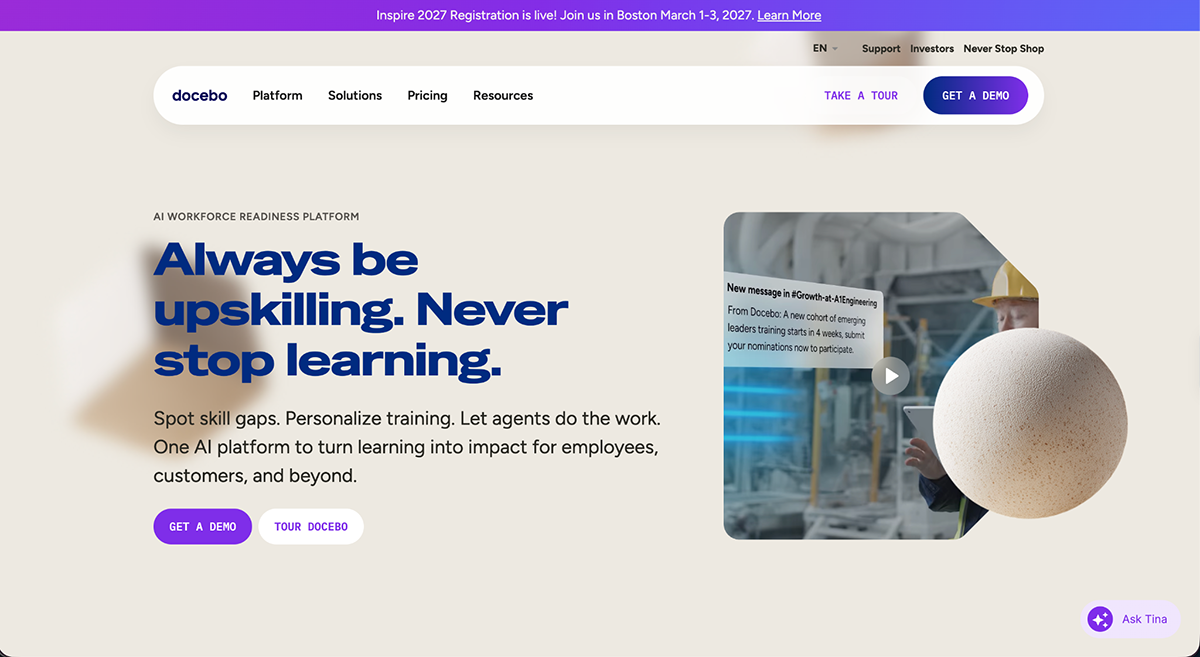
Here’s what makes Docebo stand out as an AI-powered comprehensive tool for employee training:
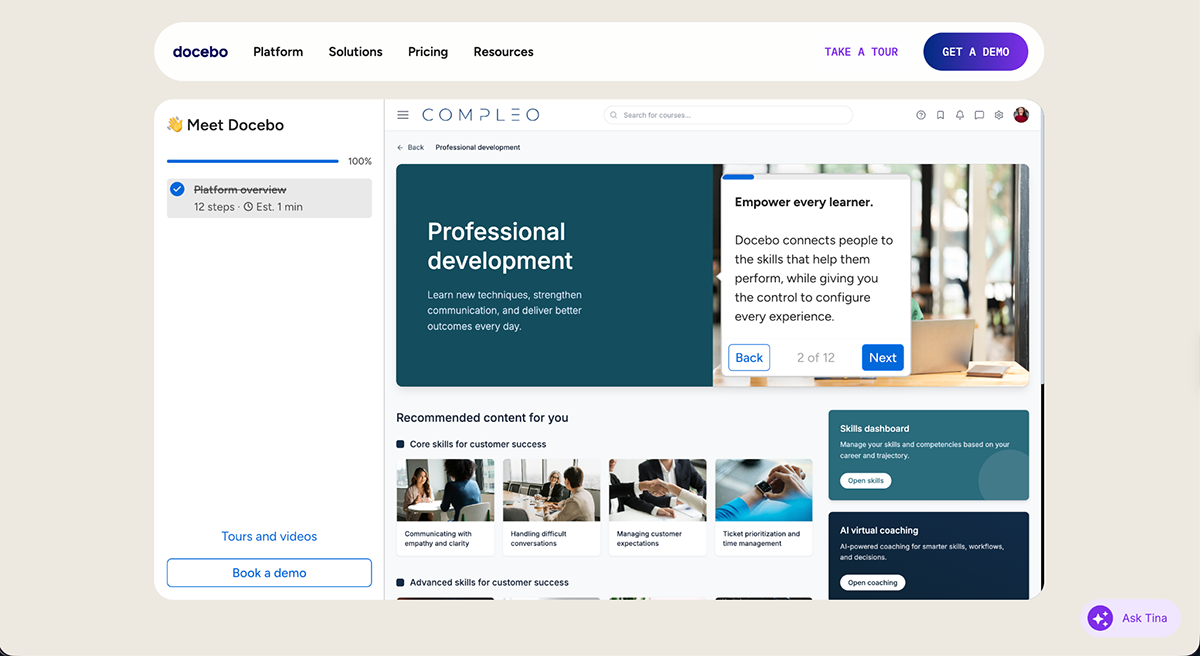
Docebo makes the most sense for large organizations training multiple audiences at once, employees, partners, resellers and paying customers, and that want AI handling as much of the personalization and admin work as possible. There's no published pricing and no free trial, so the real cost only becomes clear once you're in a sales conversation, which is worth planning for if you're comparing options on a tight timeline.
Closing the list is Cornerstone Learning.This is a training platform inside Cornerstone Workforce AI, an organization that unifies learning, skills data and AI agents in one place.
Not surprisingly, Cornerstone Learning doesn't offer a free trial, so everything I share below is directly from Cornerstone's own site and documentation.
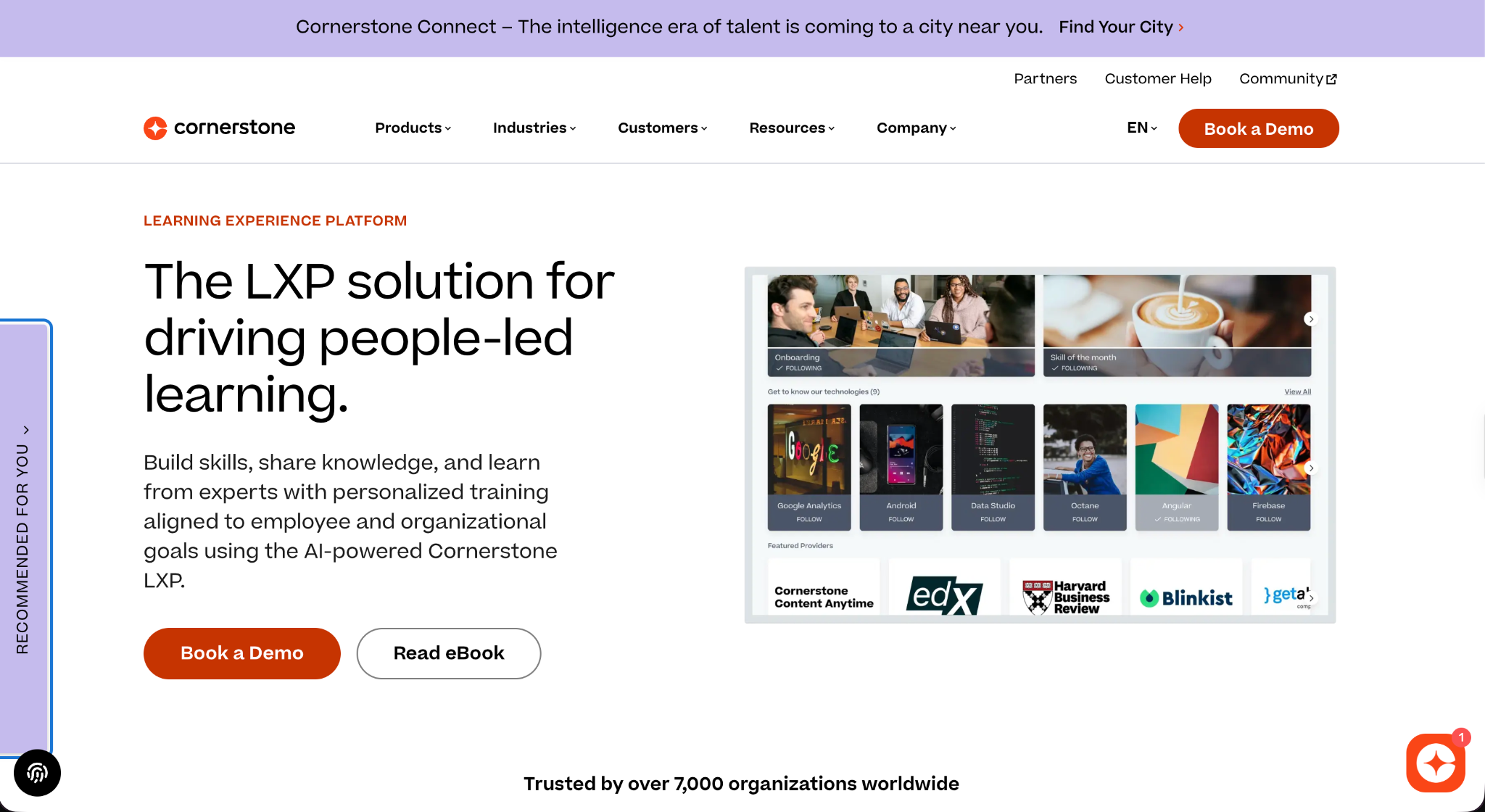
After a comprehensive look at Cornerstone Learning, these are the features that stand out as the most useful.
All in all, Cornerstone Learning aligns best with large enterprises that already have (or are building toward) a broader Cornerstone Workforce AI deployment, and want learning tied into the same skills data and AI layer as the rest of their workforce planning.
A smaller team looking for something to set up quickly and self-manage will likely find the setup curve here steeper than it needs to be.
Training software is generally referred to as an LMS (Learning Management System), LXP (Learning Experience Platform) or LCMS (Learning Content Management System). These platforms help companies create, manage and track employee training programs at scale.
Employee training types include onboarding, compliance training, technical skills development, product knowledge training, soft skills training (like communication or leadership) and role-specific upskilling. Many companies use a mix based on team goals and business needs.
Look for course authoring tools, interactive content support, automated enrollments, progress tracking, assessments, certifications, mobile access and integration with your existing HR or CRM tools. Personalization and analytics are also key for ongoing improvement.
There’s no one-size-fits-all answer.
The best option depends on your goals, team size and content needs.
Employee training management software is a system that helps HR and L&D teams organize, deliver and measure training across the employee lifecycle.
E-learning is the most common, followed by instructor-led training (virtual or in-person), microlearning, blended learning and self-paced video modules. Many employers also use social learning and gamification to boost engagement.
The 70-20-10 rule says people develop most from hands-on experience (70%), followed by learning from others through feedback, mentoring or coaching (20%), and least from formal training like courses (10%). It’s a guide for balancing a training program, not a strict formula.
The employee training software you invest in shouldn’t force you to change how you work, it should fit your workflow.
Some platforms are built for managing compliance and certifications. Others focus on analytics and user roles. But what many teams struggle with is creating engaging, on-brand training content without jumping between five different tools.
This is where Visme shines. It isn’t just a design tool, it’s a full-fledged content creation platform tailored for training teams.
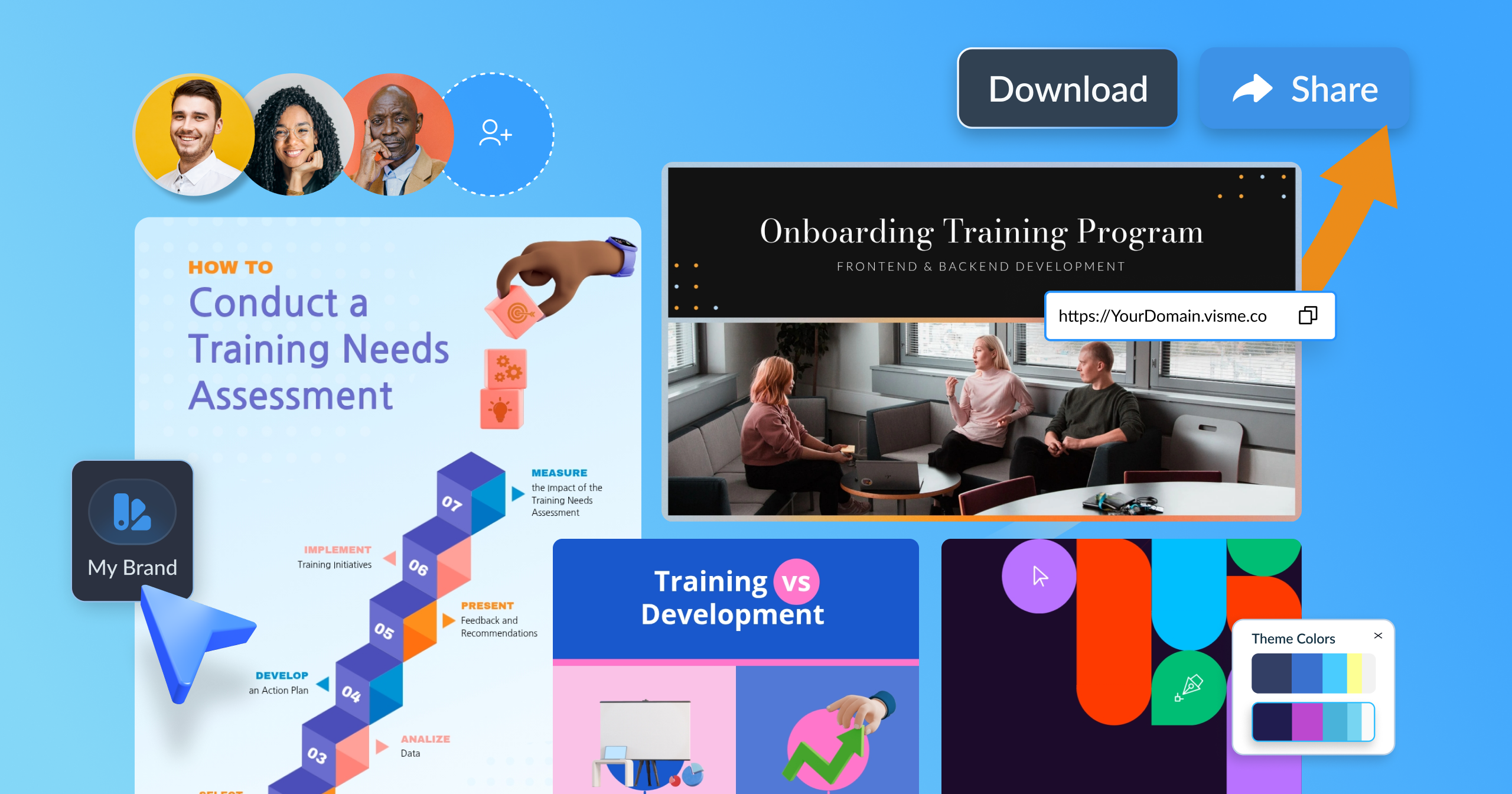
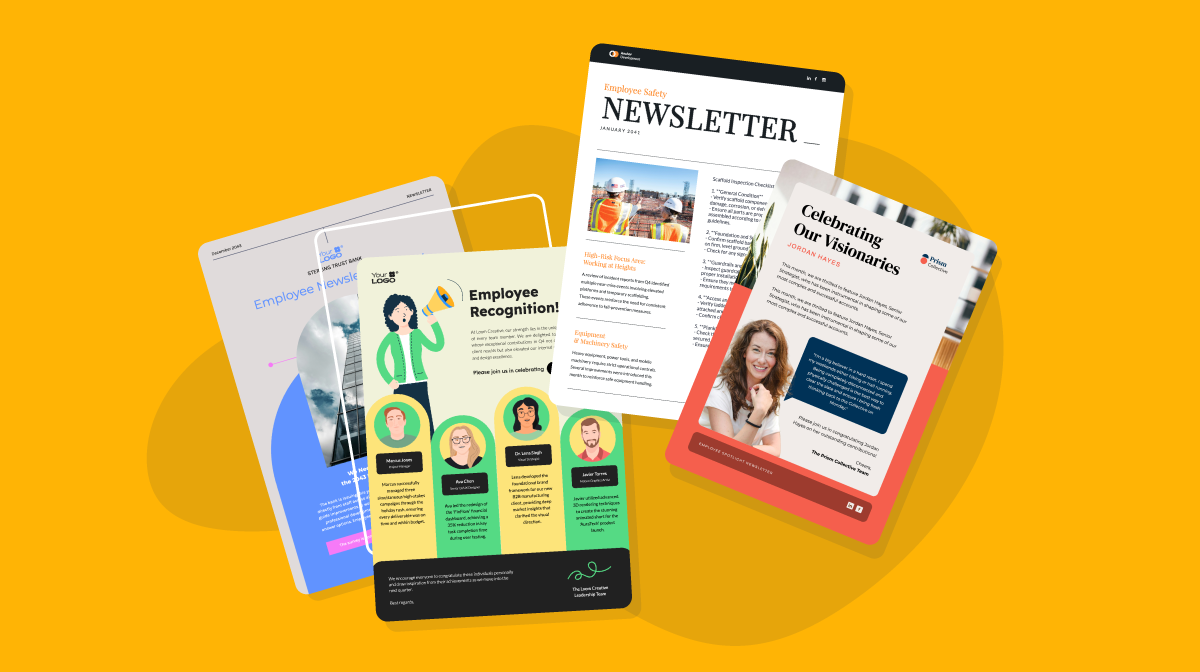
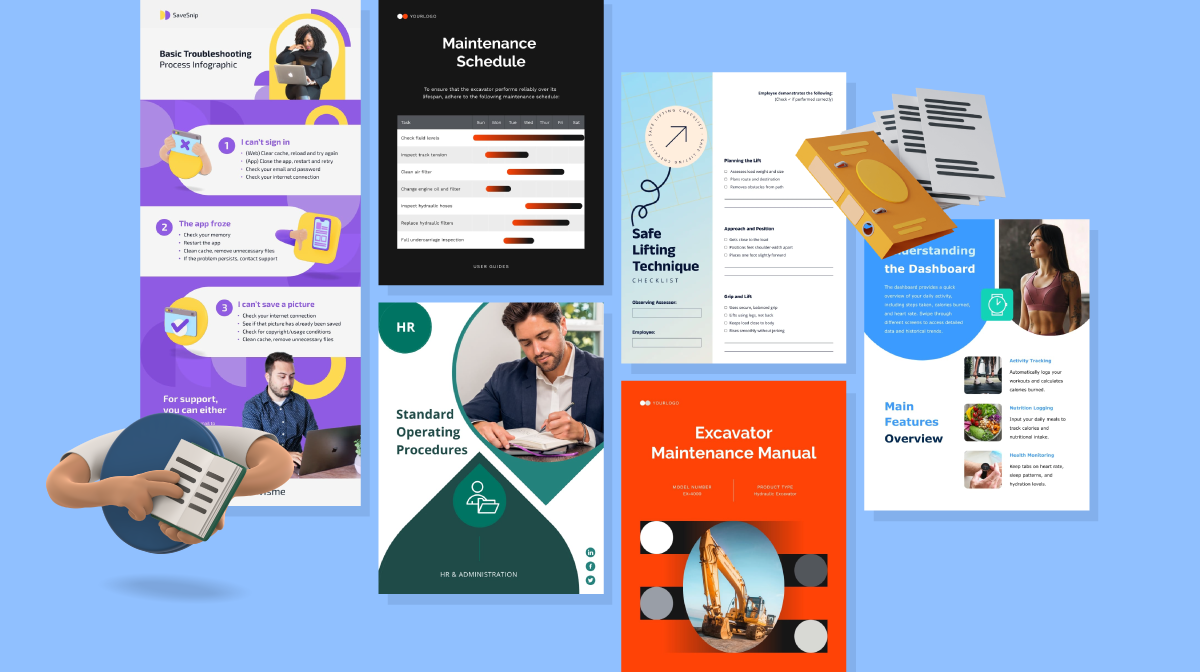
You can build everything from onboarding decks and SOPs to quizzes, videos and interactive learning modules, all in one place, without needing separate authoring tools or design software.
And with AI features baked in, like the text and image generator, text-to-speech and AI Designer, you’re well on your way to building engaging training content from the ground up.
Once your training is ready, Visme makes distribution easy. Export your courses as SCORM-compliant files, embed them in your LMS, or share them as interactive web links. And, oh, by the way, if you’re unsure if you need SCORM or xAPI, here’s a quick guide to help you choose.
It’s everything you need to create, manage, and scale training in one place.
Looking to level up your employee training with content that’s impactful, interactive and easy to scale? Get started with Visme for training and development.
Design visual brand experiences for your business whether you are a seasoned designer or a total novice.
Try Visme for free