Florida Panthers
How the Florida Panthers Maximize Their Workflow & Win New Clients Using Visme.
Map projects, roadmaps and company milestones on timelines your whole team can follow. All with templates, brand control and data import built in.

 4.5
4.5
 4.5
4.5
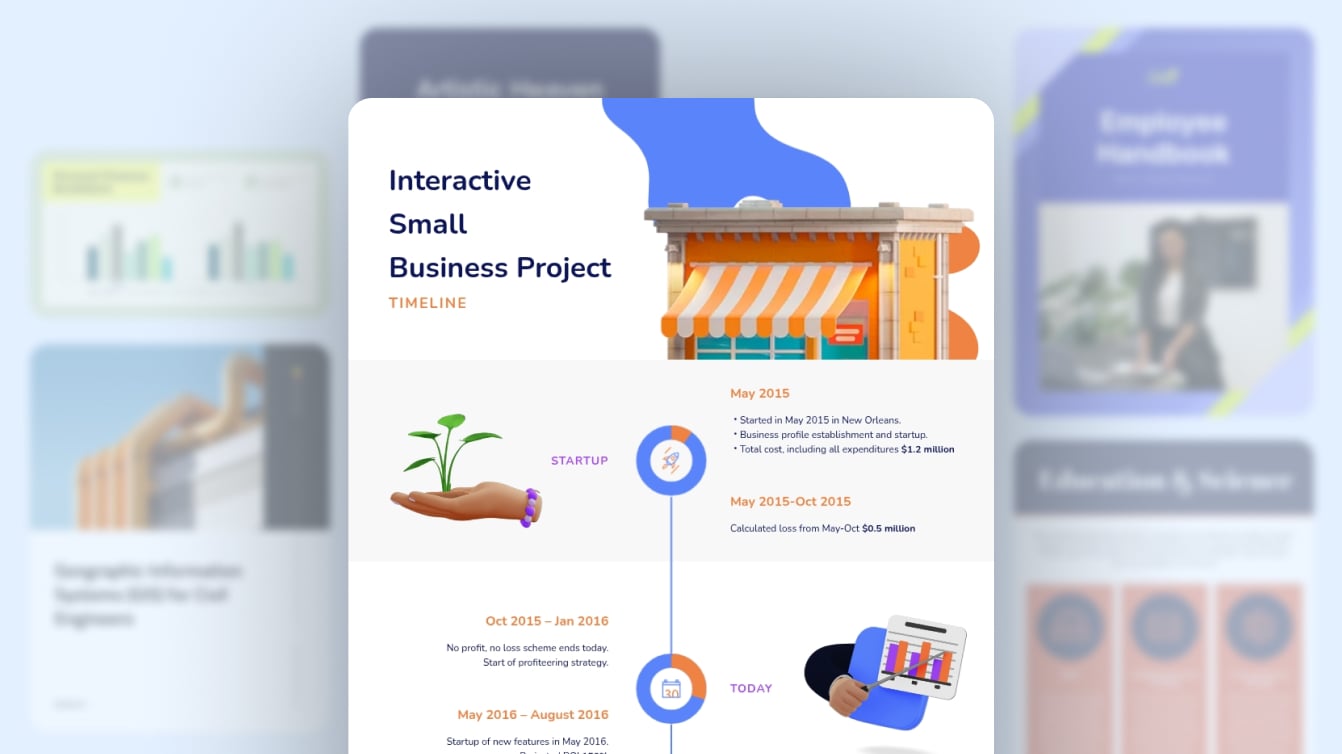
Horizontal, vertical, project and roadmap layouts designed by professionals. Choose your structure, drop in your milestones and share it the same day.
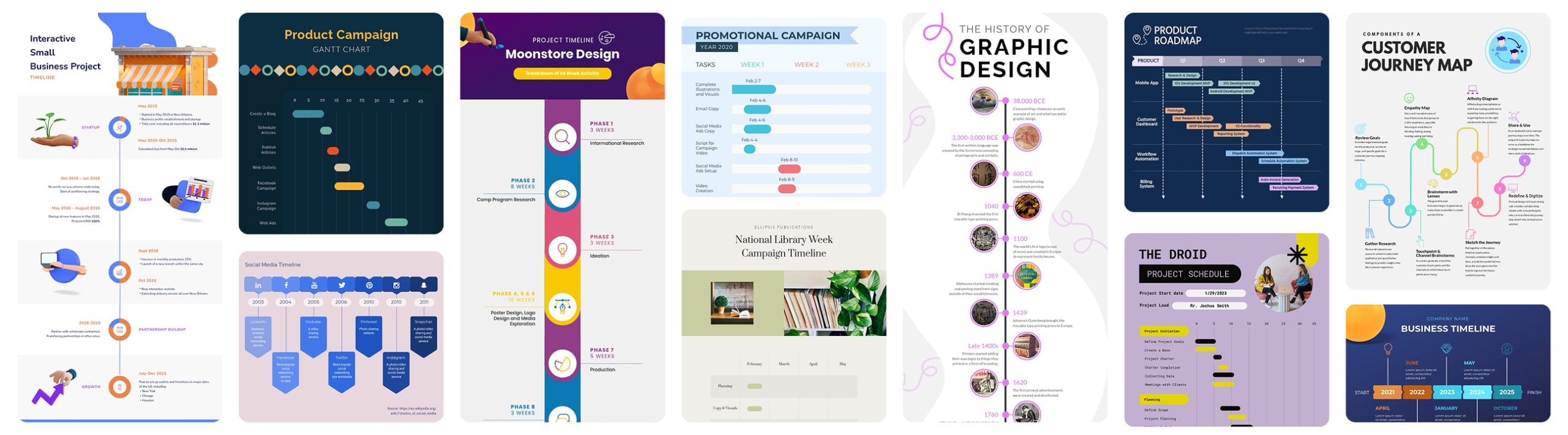
Templates, customization, interactivity and team features compared side by side.
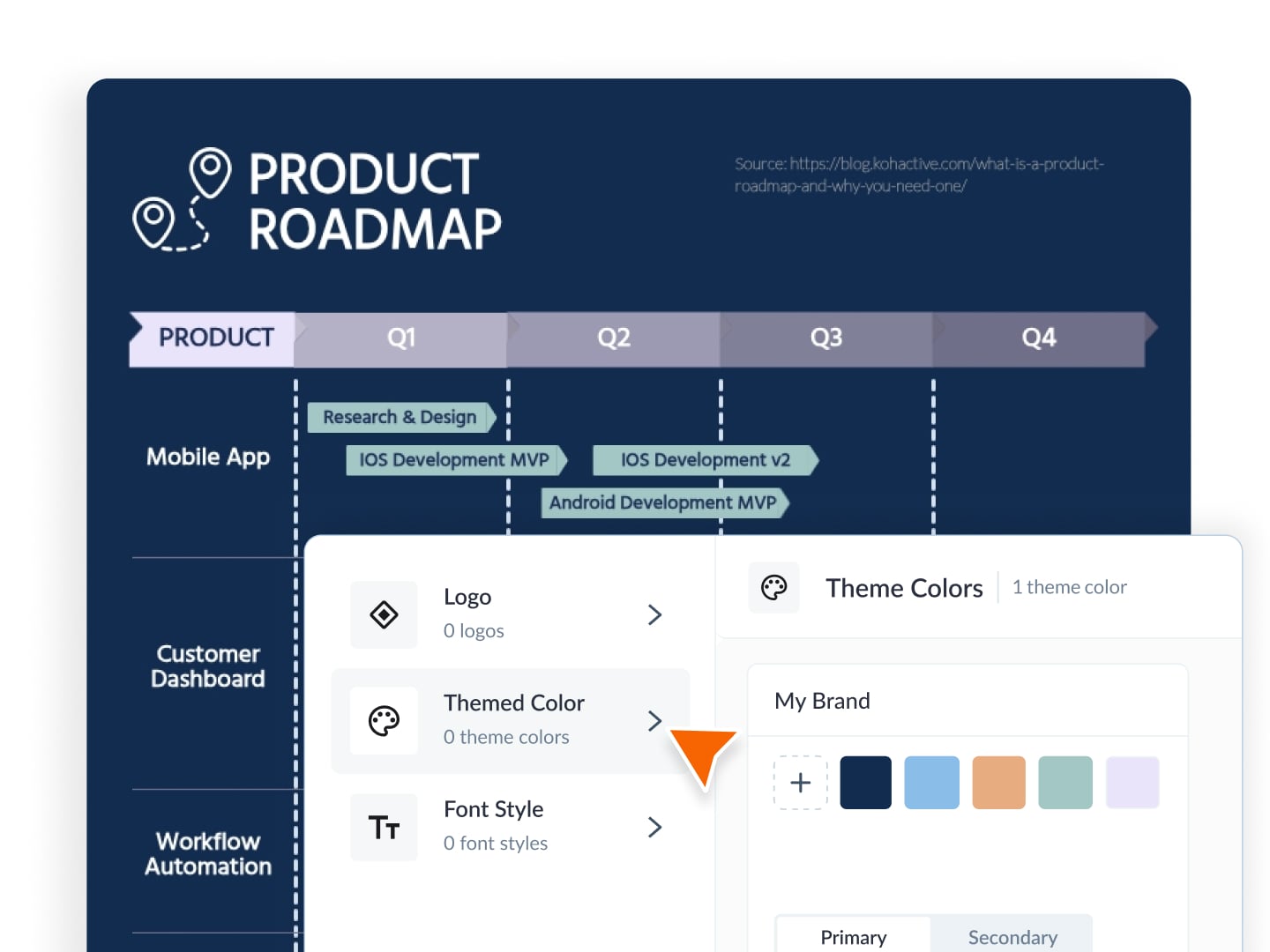
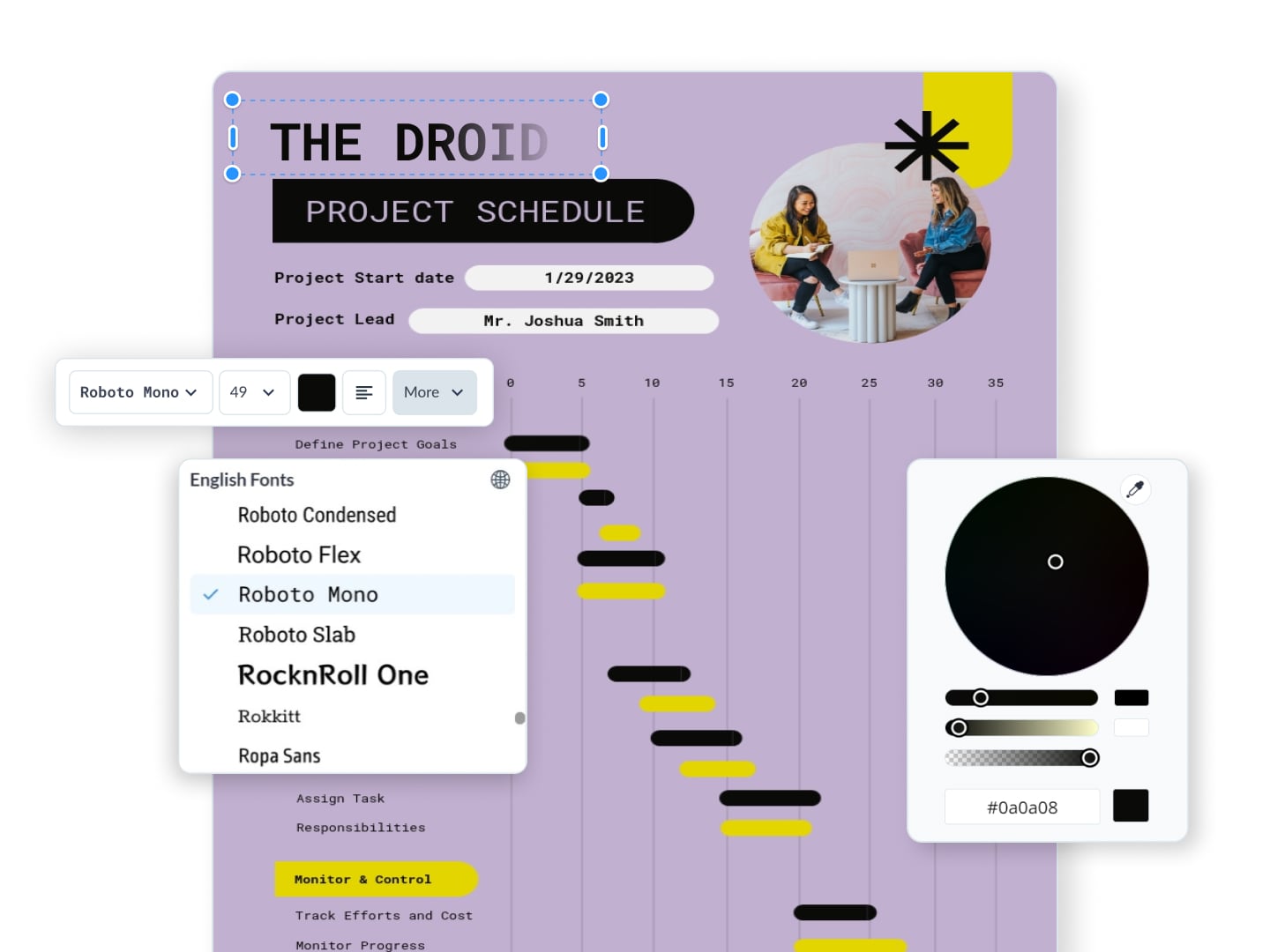
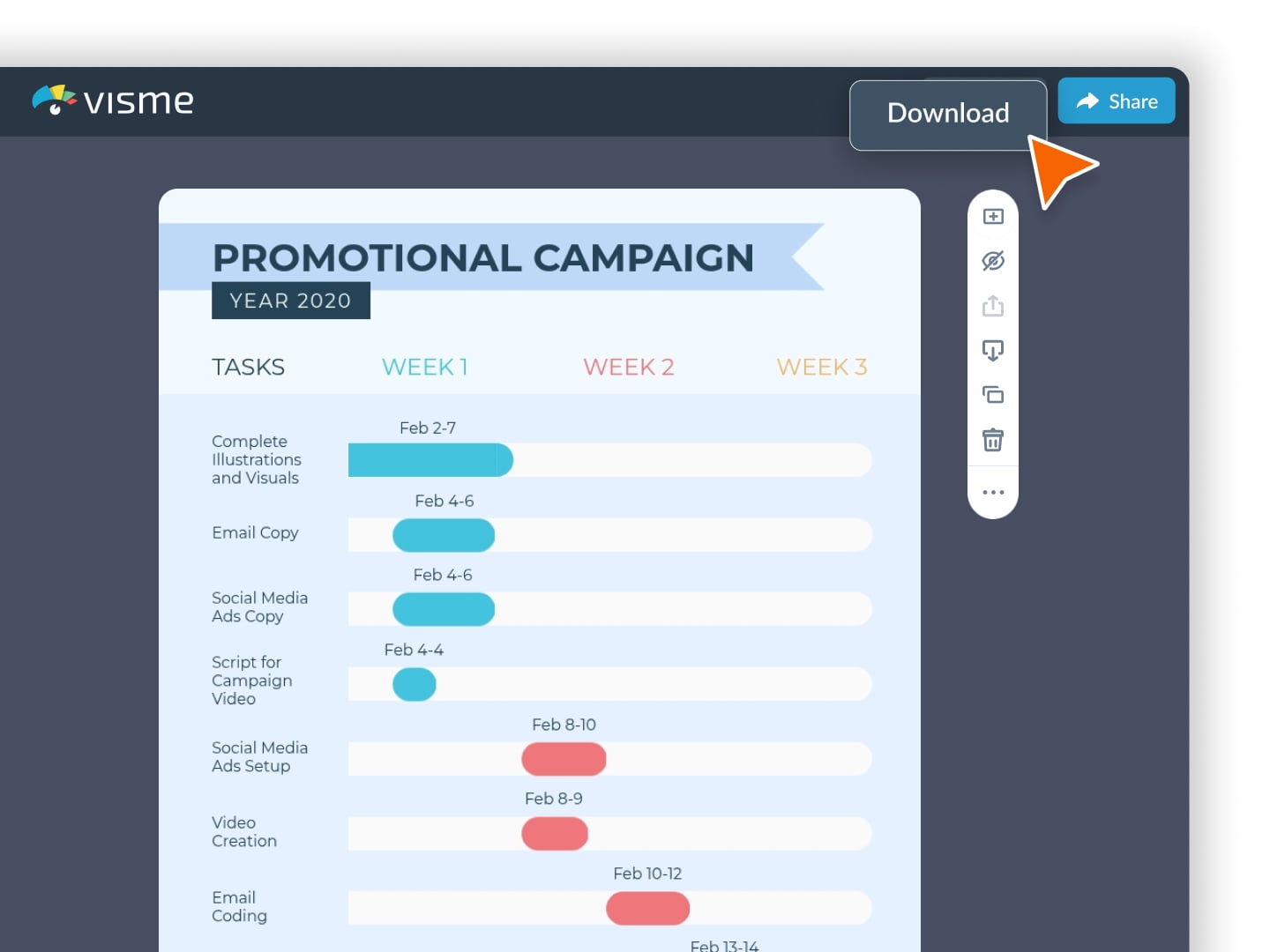
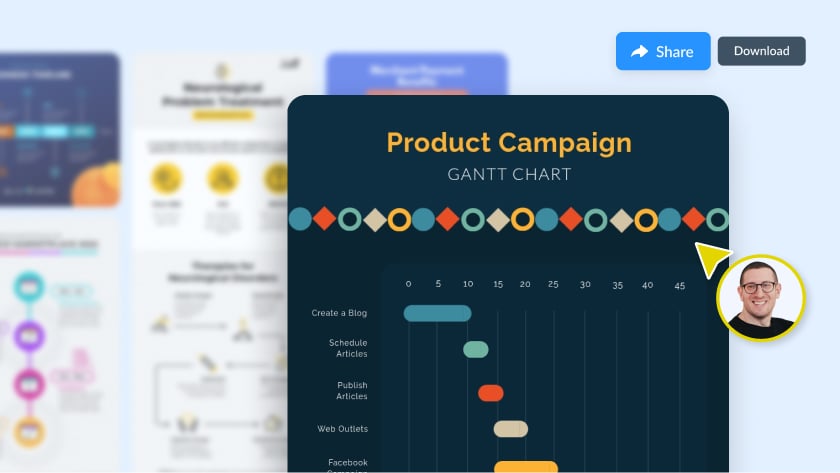
Produce project plans, roadmaps and campaign recaps in record-breaking time.
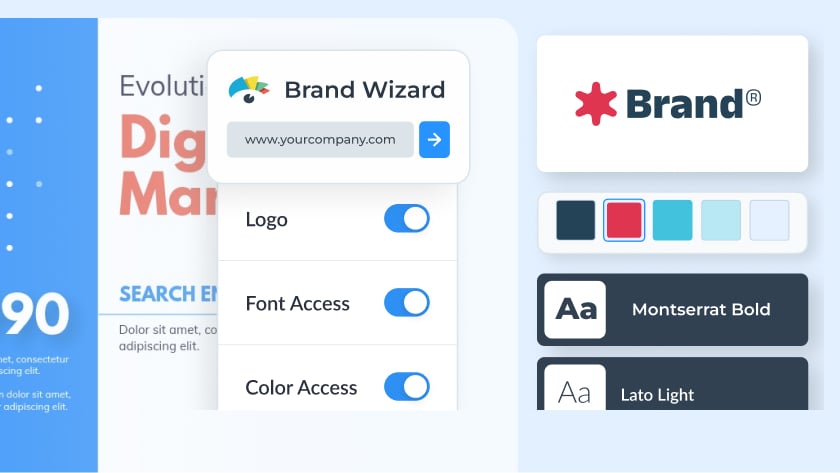
Keep every deliverable on brand with AI templates tied to your team's identity.
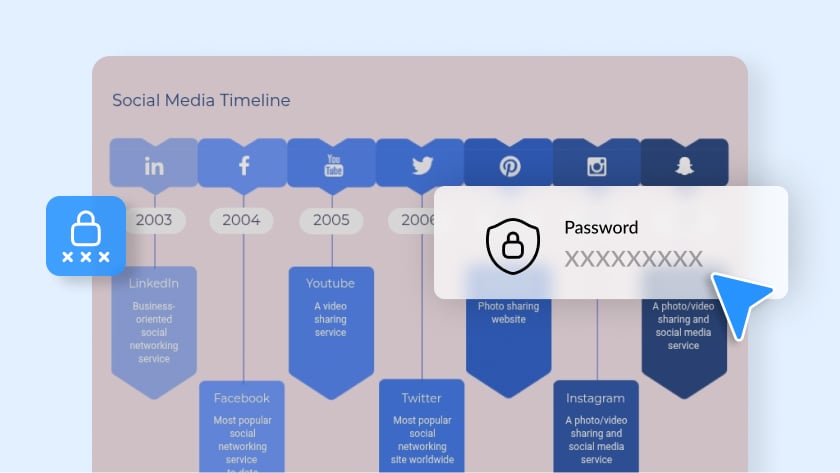
Enable privacy controls, including password protection and encryption, while scaling design output across departments.
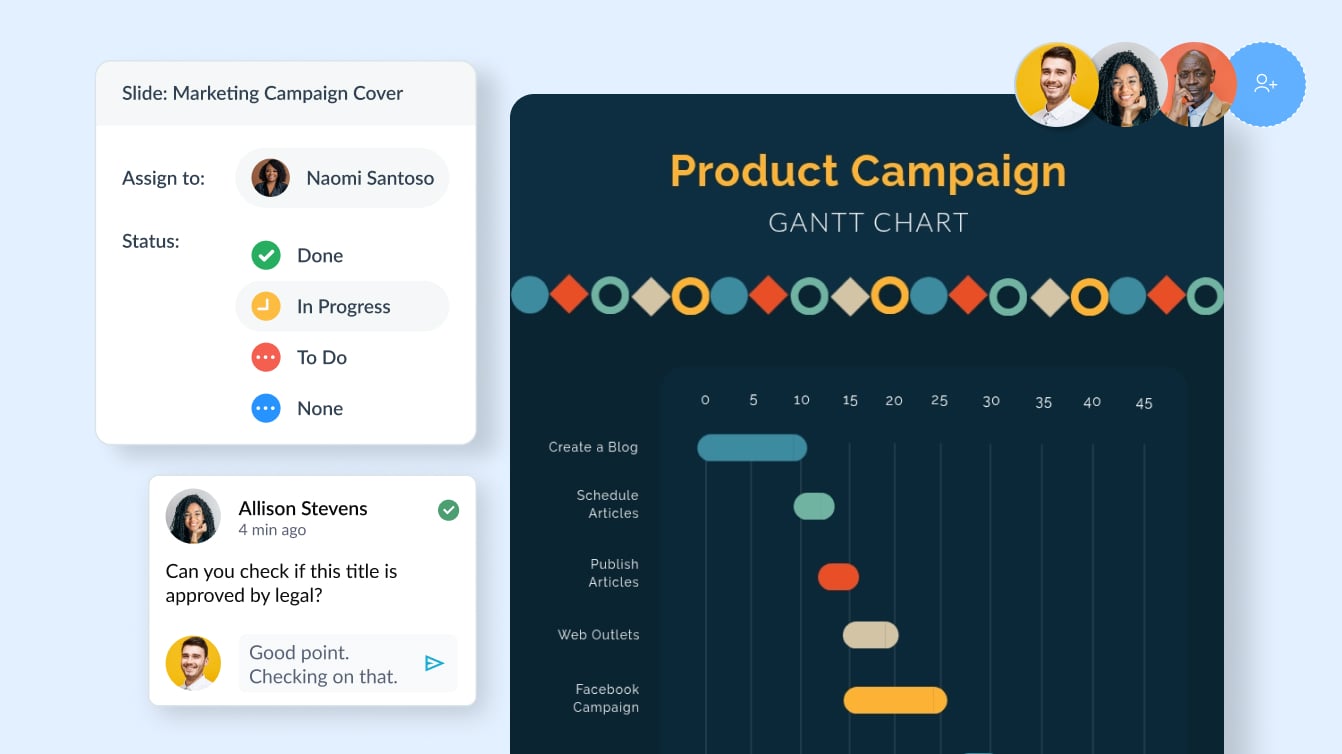
Improve synergy across departments with all the controls you need to ensure consistency, communication and visibility.
Create winning content for all your print and digital needs, including proposals, reports, social media posts, videos, signage, internal presentations and more.
HOW IT WORKS
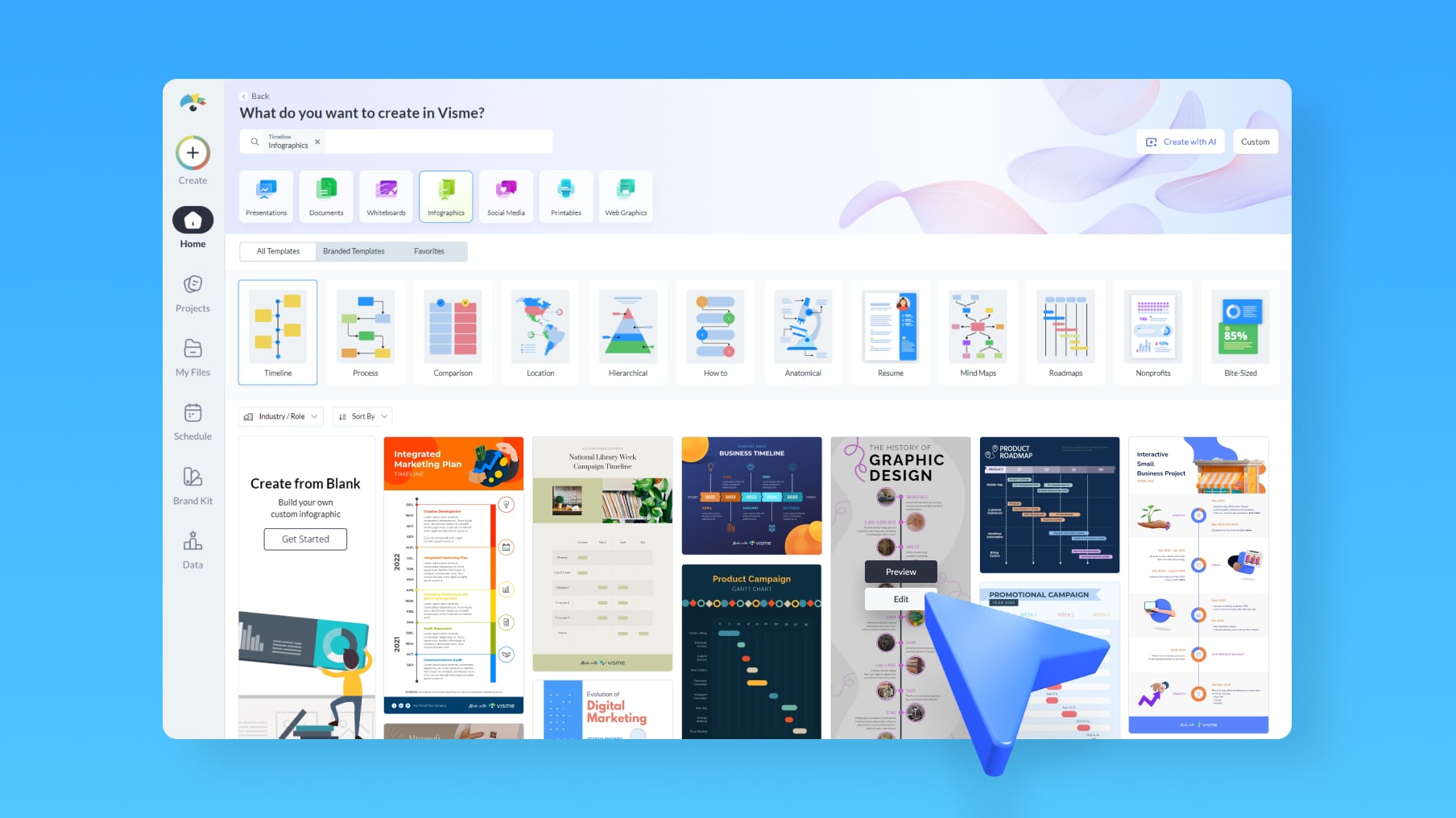
Create a professional timeline in minutes with easy-to-use timeline templates and a design-friendly interface. Follow these four steps to build yours.
Learn more about the various timelines types available in Visme and find the right one for your project below.
Visme is the best timeline maker for business because it combines professional templates, brand control and data import with the ability to publish interactive timelines your team and stakeholders can view anywhere. See how it compares to other tools.
You can create horizontal and vertical timelines covering project milestones, product roadmaps, company histories, campaign schedules, onboarding plans and historical sequences. Browse timeline templates to see the range of layouts.
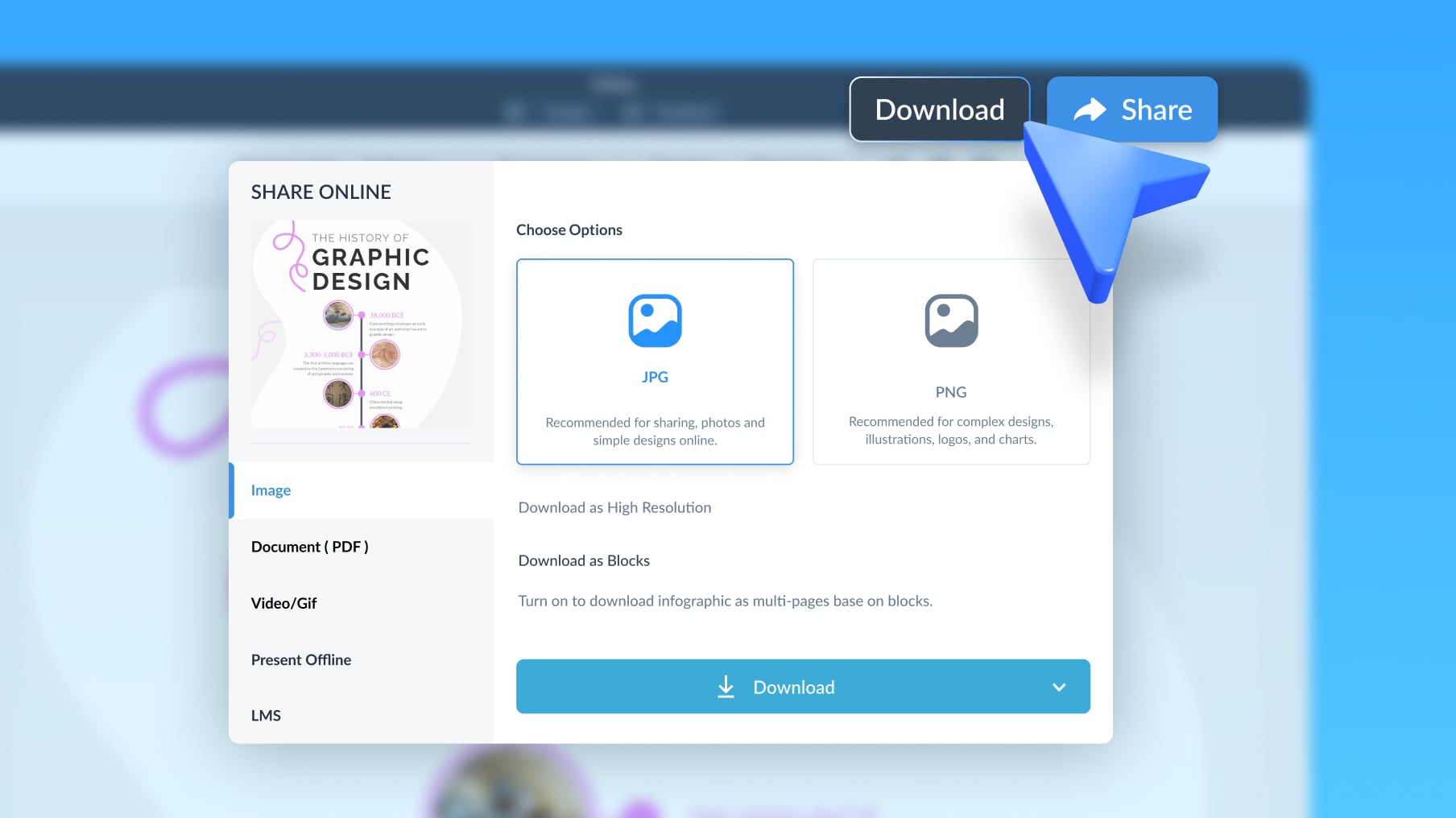
Choose a horizontal or vertical timeline template, customize it with your content and branding, add your dates manually or import data from Google Docs, Google Analytics or Excel, then download or share your finished timeline as an image, PDF, link or embed.
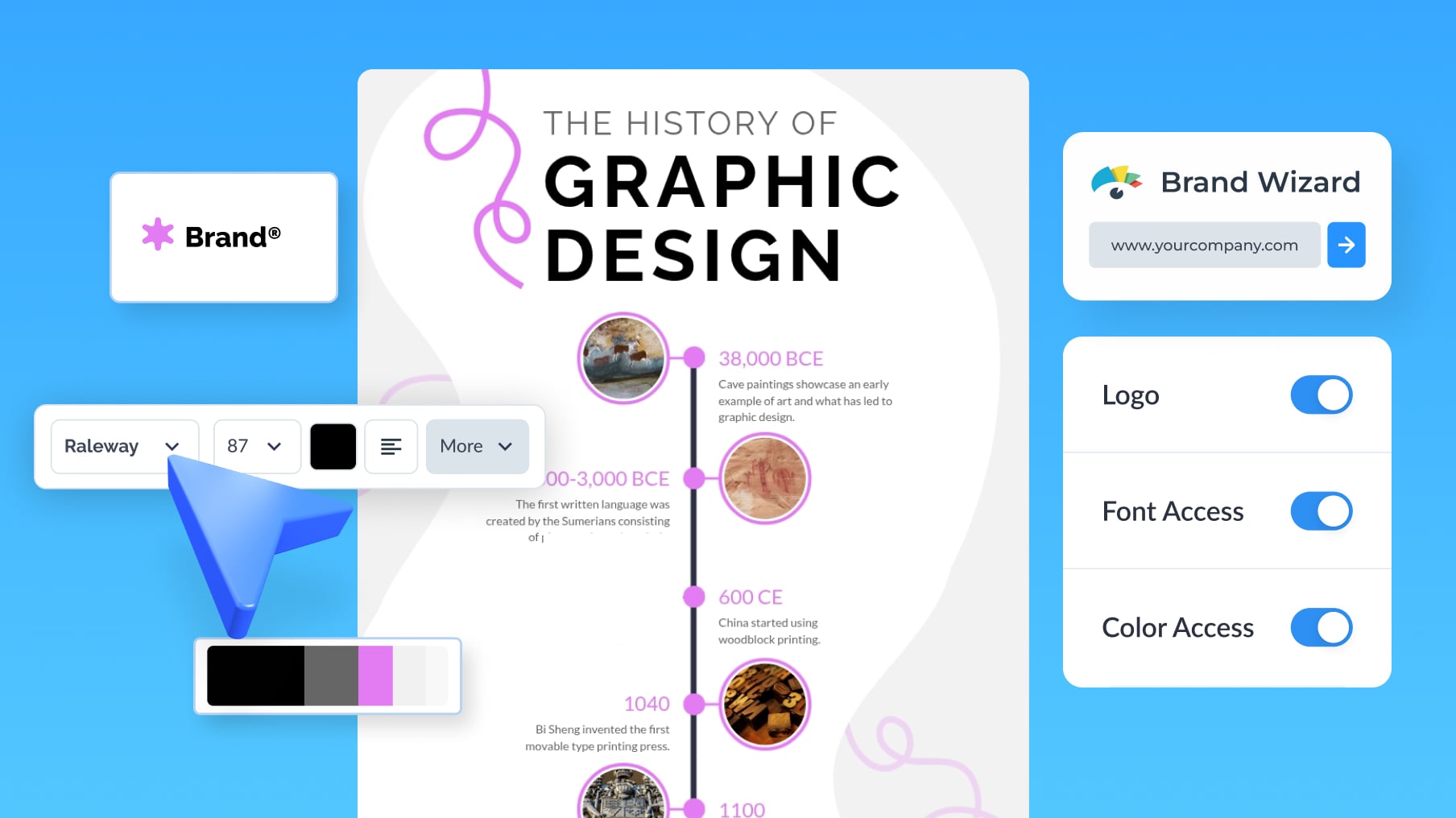
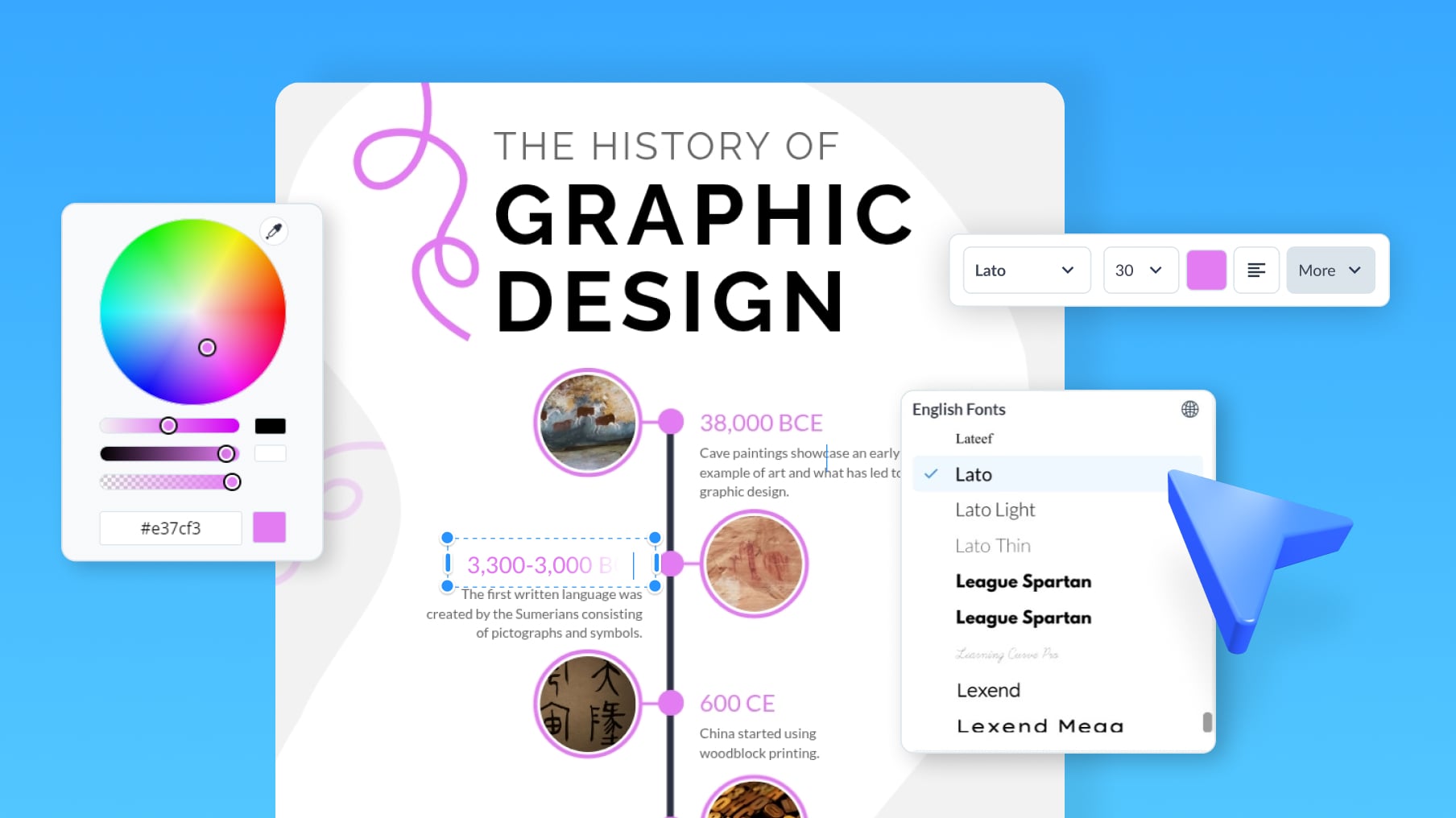
Yes. Every element is editable: colors, fonts, icons, spacing, markers, imagery and layout direction. You can also apply your Brand Kit in one click so the timeline matches your other content.
You can make timelines at no cost on Visme's free plan. Paid plans unlock premium templates, your Brand Kit and additional download formats. See current options on the pricing page.
Yes. Add animation, clickable links, hover effects and embedded media to your timeline, then publish it as a live webpage or embed it on your site so viewers explore it rather than just look at it.
Yes. Apply your saved logos, brand colors and fonts to any timeline in one click so every version stays on brand no matter who on the team builds it. Learn more about the Brand Kit.