New Releases in Visme
We bring our customers new things in Visme regularly to help you create beautiful content without the hassle. Our updates here will give you a recap of new features, product improvements and bug fixes.
See earlier releases
Stay up-to-date on all things Visme: Every two weeks we release new features and inform our users about them through What’s New presentations.
New in Visme
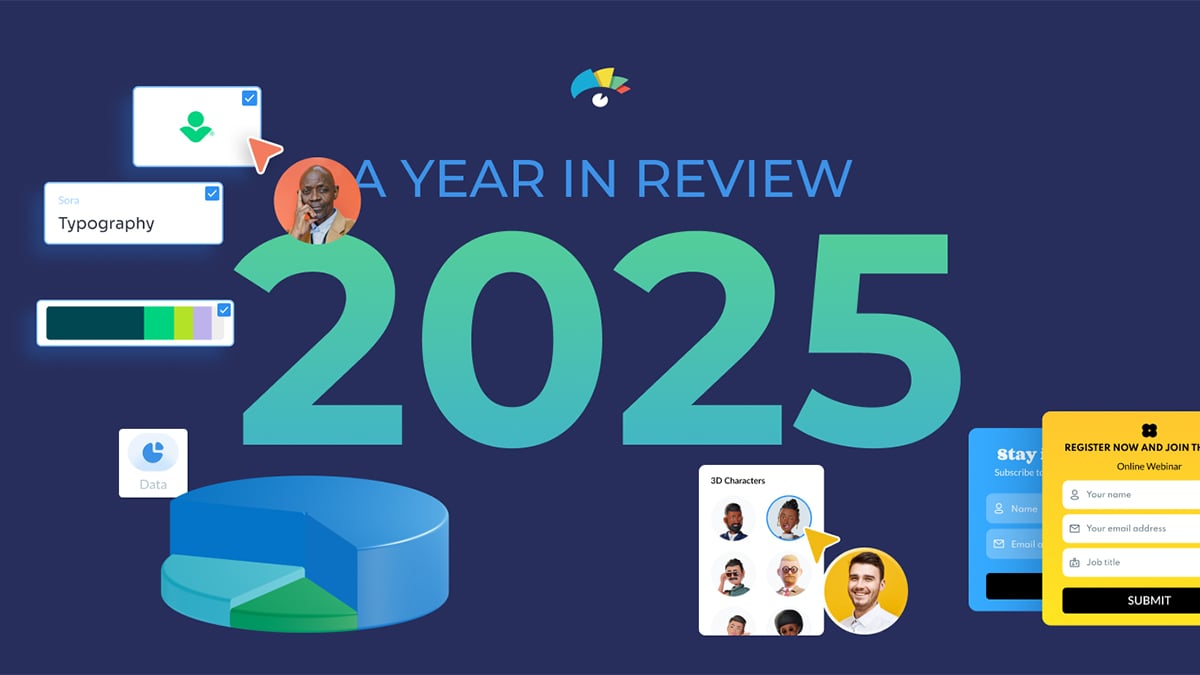
2025 – A year in review
Yet another year has passed in the blink of an eye. As we look back on 2025, we want to thank every one of you for being an essential part of the Visme community. Your ideas, feedback, and creativity continue to shape the platform and inspire what we build next.
New in Visme
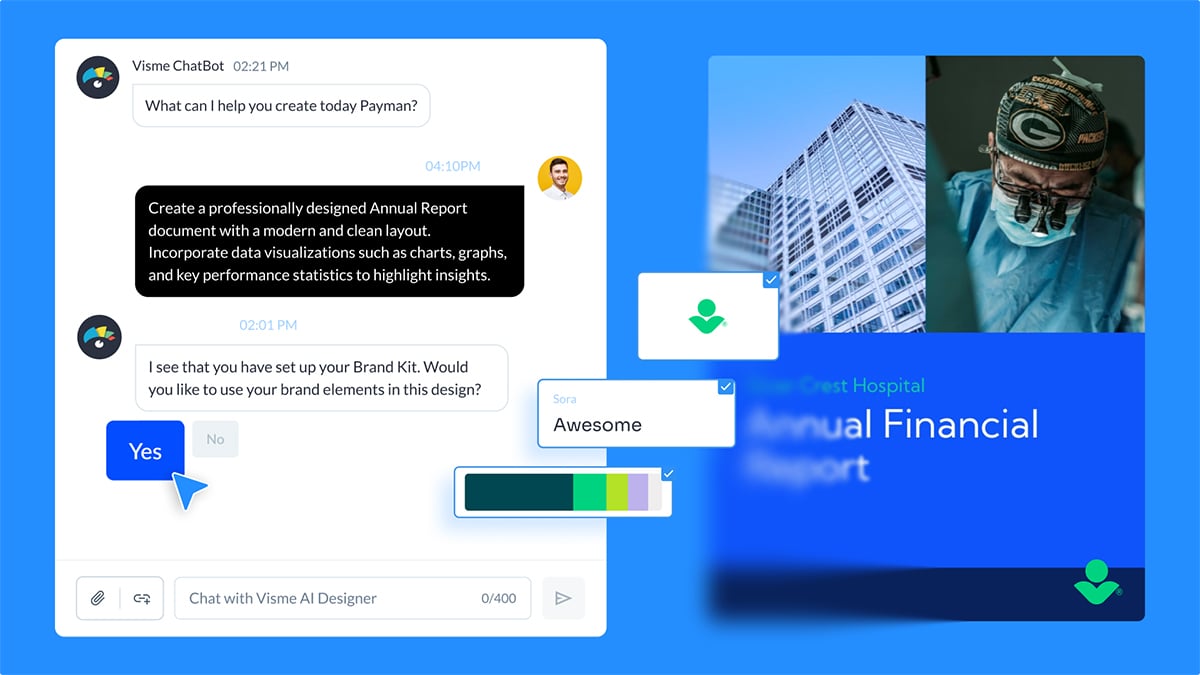
Brand Kit integration in AI Designer, old prompt access for AI audio, and more
In this release, we’ve introduced Brand Kit support in AI Designer, prompt access for AI-generated audio, and several workflow improvements. Click through the presentation or continue reading to find out more.
New in Visme
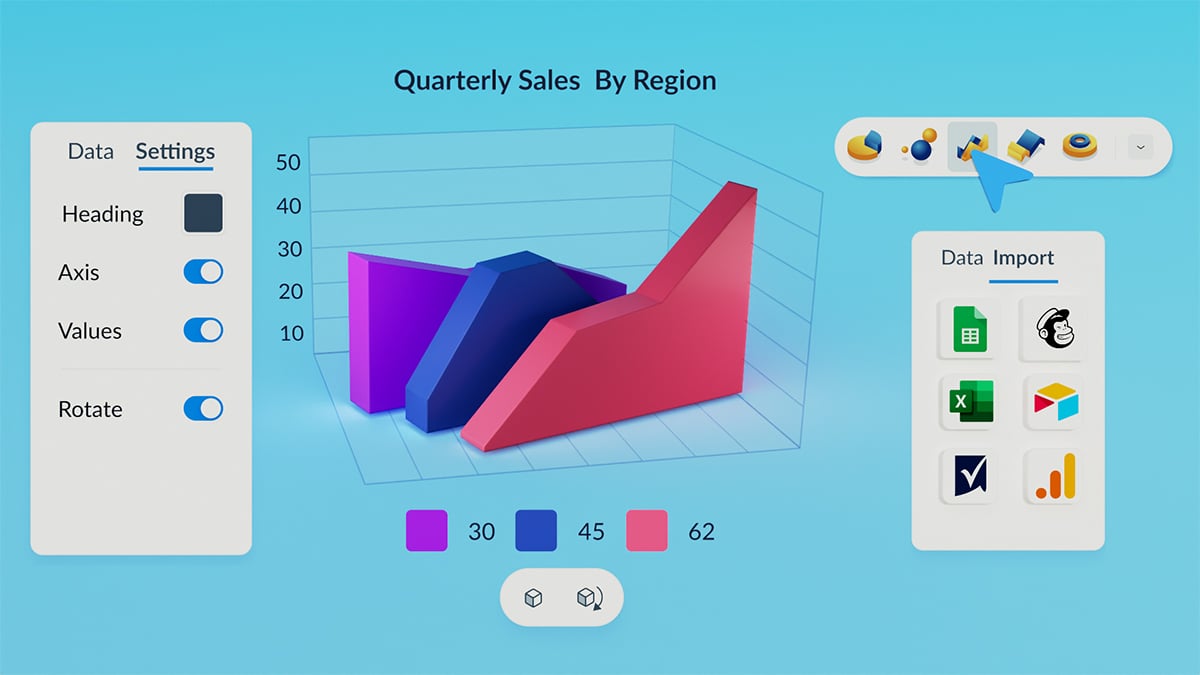
Customizable, interactive 3D charts and graphs & more
Bring your data to life with brand-new 3D charts and graphs, fully customizable, interactive, and rotatable in 360°. This update also includes new privacy controls, an easier way to create new projects within a folder, and more. Click through the presentation or read the update notes below to explore what’s new in Visme.
New in Visme
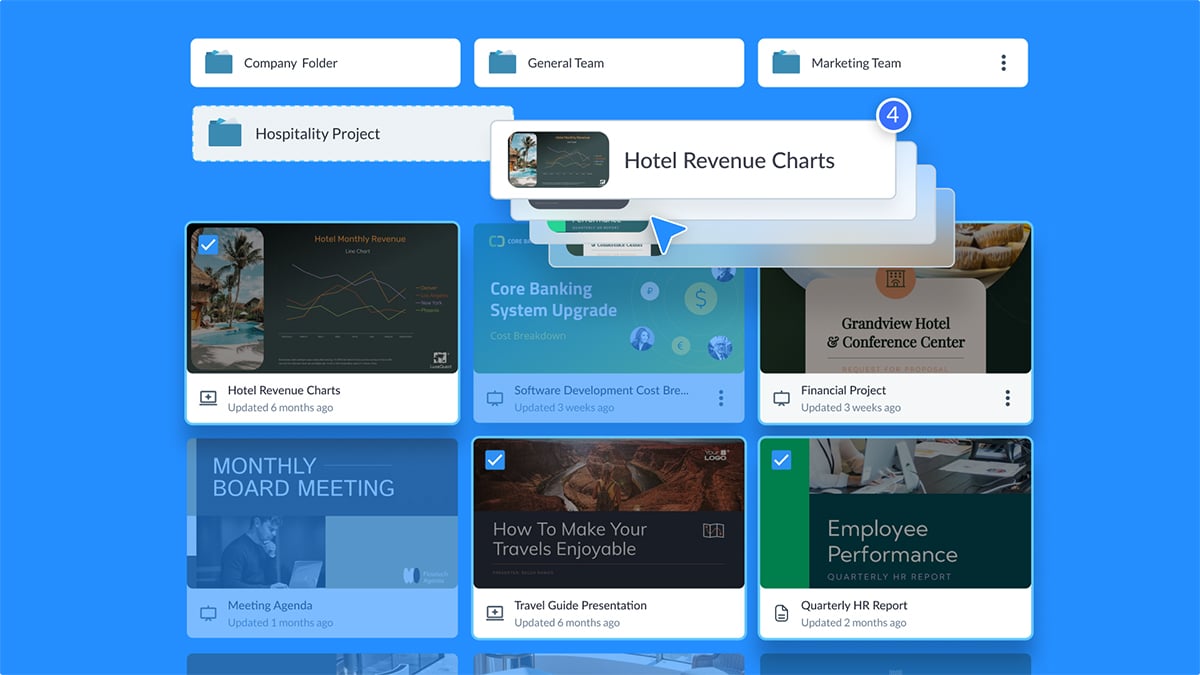
Bulk Drag-and-Drop in My Files, New Hot Key and More
In this release, we introduce several workflow improvements, including the ability to select hidden objects with a hotkey and download specific slides or pages faster. We’ve also added conveniences like a search bar for Branded Templates, auto-detection of corrupted PDFs, and other improvements. Click through the presentation above or continue reading to learn more.
New in Visme
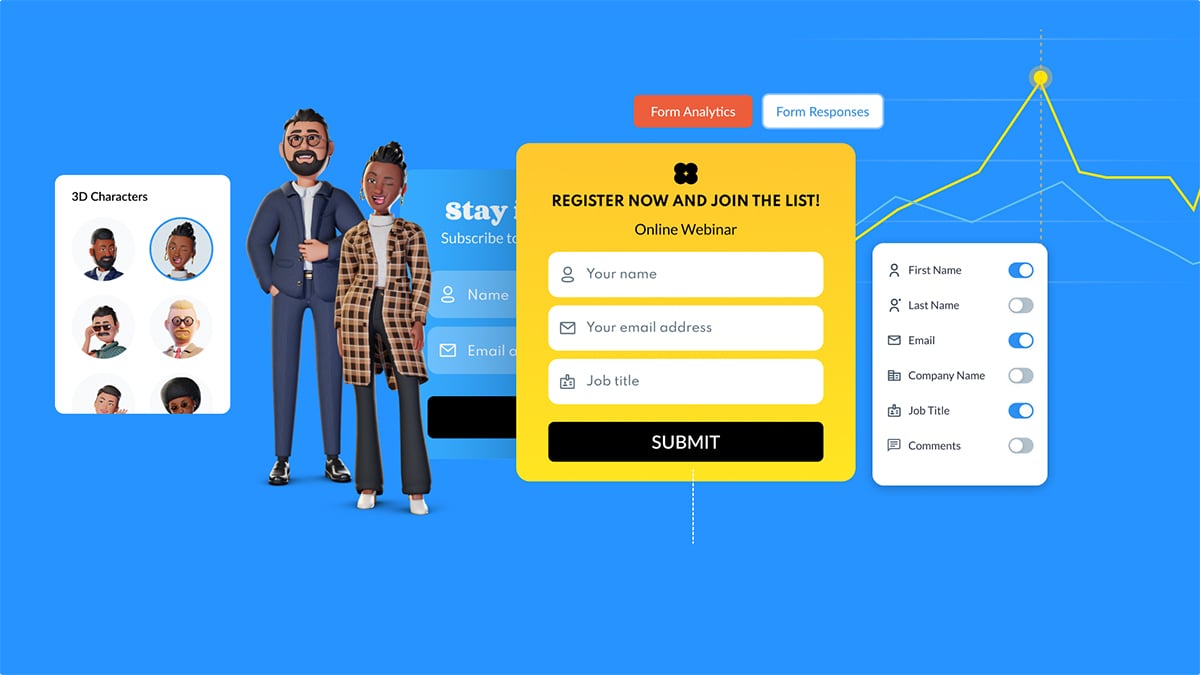
From Dull to Interactive: Introducing Visme Forms
Discover the newest addition to Visme's suite of interactive content creation tools: Visme Forms. Find out what makes Visme Forms different, its key benefits, and how you can start creating interactive, customizable forms to boost engagement and capture more leads. Flip through the presentation or read the recap below.
